What happened when we ran it
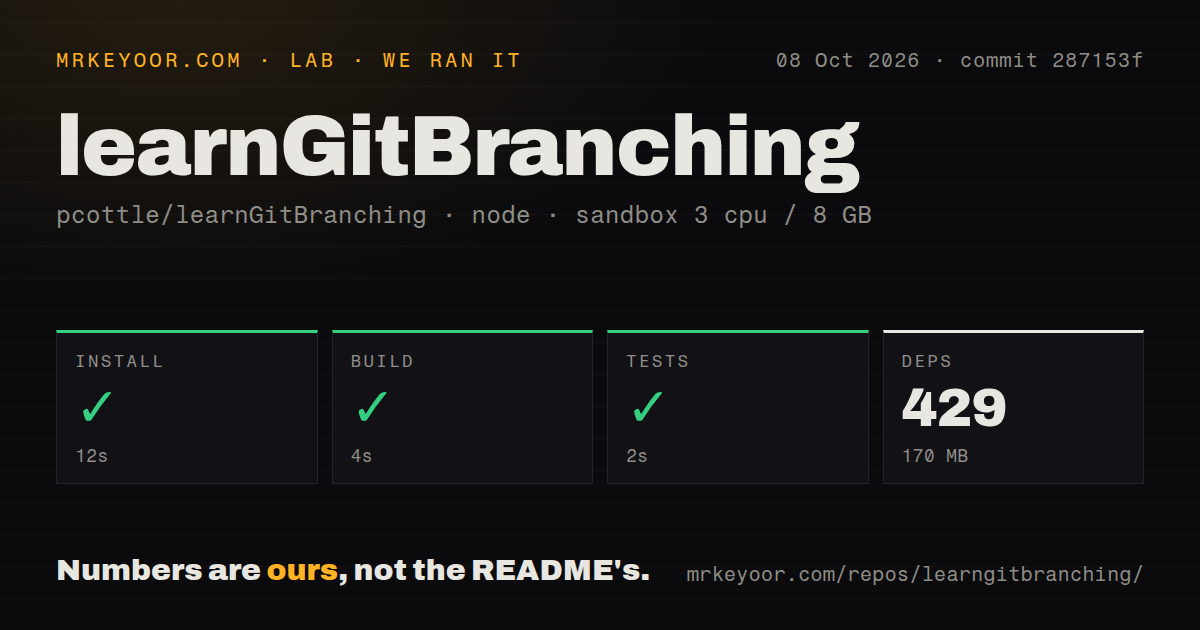
We cloned commit 086c59b and ran it in our unprivileged Debian sandbox with Node 22, 3 CPUs, and 8 GB of RAM. The install pulled 598 packages in 25 seconds and used 120 MB on disk. The build passed in 12 seconds, then the tests passed in 8 seconds. No step needed credentials or an outside service. This measurement setup was a fresh container rather than a developer machine with cached packages.
The 8.7 MB checkout held 186 files and about 85,381 lines of source. Three CI workflow files, a Dockerfile, and a tests directory support the contributor path. We measured a clean result on current Node, despite a frontend stack that spans several tooling eras. That makes the project's own build instructions credible on a current Debian base.
LearnGitBranching animates Git references beside a prompt
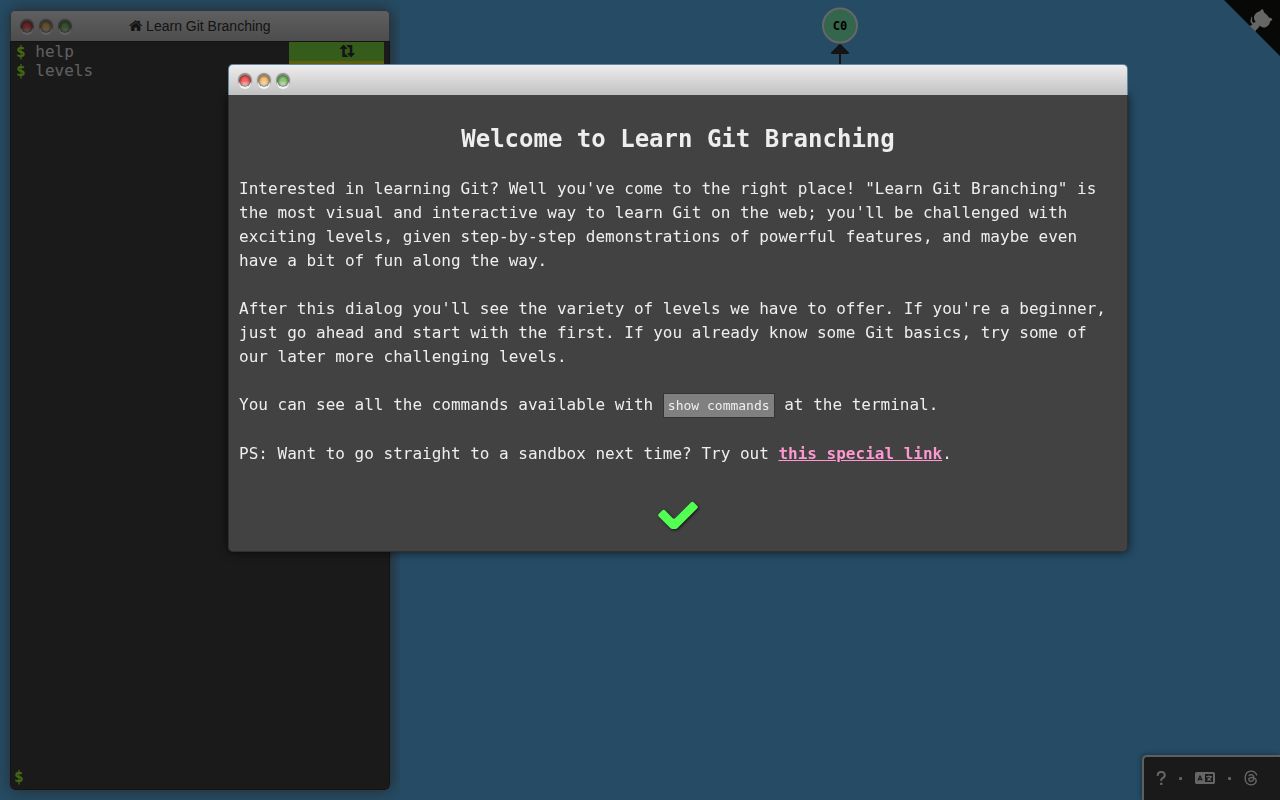
Across those 186 files, the central idea is simple: show the commit graph next to a command line and animate each operation. Branches become movable references, HEAD visibly changes position, and rebase produces new commits. The diagram gives learners the explanation that normal terminal output leaves them to reconstruct. It also makes a wrong prediction visible before the learner turns it into a habit.
Sandbox mode starts with a small repository ready to change. Commit, branch, merge, reset, and cherry-pick commands alter the picture; undo reverses one move and reset restarts a level. The 8-second test result also makes course customization less intimidating for teachers who maintain their own exercises. Students can repeat an operation until the pointer movement makes sense, without cleaning a damaged working tree.
Levels cover local commits, relative references, detached HEAD, rebase, tags, multiple parents, remote branches, fetch, pull, push, and tracking. Git golf records the number of commands in a solution. Command URLs can replay a prepared sequence, while the level builder produces JSON that students can import or load from a gist. Those controls give an instructor a reproducible starting graph instead of a diagram drawn by hand.
Issue 1414 confirms clone runs backward
The 186-file application models selected behavior instead of executing Git. Issue 1414 documents the clearest mismatch: its user-facing clone lessons create a simulated remote from the local repository, opposite to real git clone. A proposed opt-in correction remains open. Teachers should name that shortcut before students practice cloning elsewhere, because the wrong direction changes the mental model of a remote.
A container with 3 CPUs and 8 GB of RAM can prove the app builds and tests, but the graph cannot teach file contents, the index, merge conflicts, ignored paths, hooks, credentials, protected branches, or server errors. Each topic needs a follow-up exercise in a temporary real repository. The simulator is strongest as an explanation before that exercise, not as evidence that someone can recover real work.
Issue 1095 asks for git switch and git restore to replace the curriculum's reliance on git checkout. Issue 1407 reports that one cherry-pick level accepts a graph where bugFix remains on a different commit from the displayed goal. Both are open, so trainers should inspect the graph instead of trusting every success dialog. A correct explanation matters more than the app's completion state.
The hosted site needs no account or backend
Opening the public page is easier than our 25-second local install. The README says the application has no backend database or AJAX requests; production is static HTML, JavaScript, and CSS. A private deployment can use the documented container on port 8080 without an application server or account store. That is a good fit for a classroom network where creating student accounts would add work without improving the lesson.
Progress consequently belongs to one browser. Issue 1361 asks for export, import, or cloud saving and remains open. Learners moving between school computers should record completed levels or finish a section on one device. Custom-level gists share exercises, but they do not synchronize learner history. This limitation is easy to miss because the public site otherwise feels like a complete course rather than a local browser session.
React 17 sits beside jQuery, Gulp, and Vite
Our Node 22 run installed all 598 packages even though the package also combines React 17 with jQuery, Raphael, Browserify, Gulp, and Vite. Yarn is required, and the README separates a fast Gulp build from the full build that runs tests and linting. The age mix did not block our measured path. A large interface rewrite will still cross several generations of frontend tooling, so maintainers should budget for code archaeology.
Deployment is simpler than development. The build emits a root HTML file plus generated CSS and JavaScript, and production builds hash the assets. On our box, that work took 12 seconds and the tests took 8 seconds. Command changes still require care because code can pass while the simulated behavior teaches a misleading rule. The clone issue shows why educational correctness needs review beyond automated tests.
The 2026-08-25 push shows active maintenance
GitHub listed 62 issues and PRs open, including current reports about curriculum behavior. Recent merged work covered Argentine Spanish, right-to-left locales, German and Persian lessons, and project tooling. GitHub returned no latest release, but the dated push and live issue activity are stronger health evidence than a missing release tag for this static site. Changes are reaching the main branch even without conventional release notes.
LearnGitBranching is our first pick for a developer who can repeat commands but cannot explain the graph afterward. Its 25-second install and passing build and tests make classroom customization credible. Follow it with hands-on work in a disposable repository, especially for clone direction, files, conflicts, credentials, and hosting policy. The simulator earns its place by making invisible reference movement understandable, provided nobody mistakes that model for the whole Git experience.