One annotation system for mixed data
Label Studio tackles a common operational problem: labeling projects multiply, then every data type gets its own tool and export process. This project puts audio, text, images, video, and time series behind one configurable interface. It can prepare raw data or refine existing training data, then export annotations in formats intended for model workflows. With 28,203 GitHub stars and an Apache-2.0 license, it is an established open-source option rather than a small experimental utility.
The breadth is the main reason to choose it. A team handling product images today and call audio next quarter can keep a familiar annotation environment instead of replacing the whole workflow. That convenience has a cost: the checked-out repository contained 5,664 files and about 429,148 lines of source, occupying 548.2 MB before installation. This is a substantial application that deserves normal service ownership, upgrade planning, and data governance.
What happened when we ran it
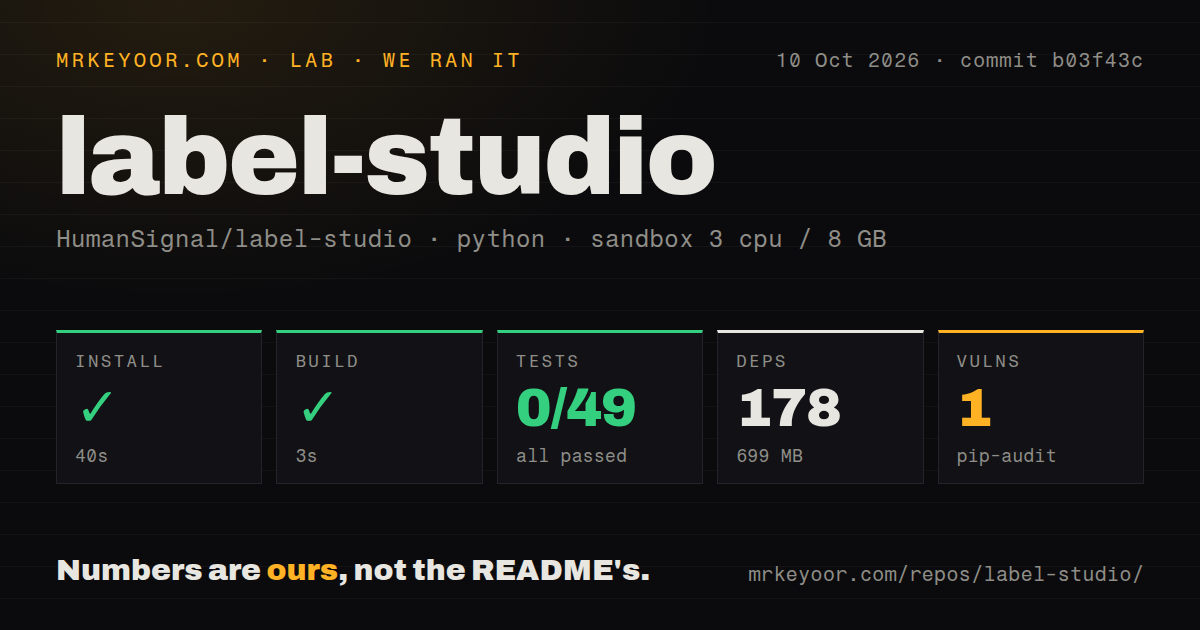
On our box, installation succeeded in 83 seconds. It brought in 177 packages and consumed 696 MB on disk. The build also succeeded, finishing in 6 seconds. Those results show that the project can be installed and built in a fresh environment without a long rescue operation, but they do not prove that the application is correctly configured for every execution path.
The test result is the important warning. Pytest exited after 16 seconds with 0 passed, 0 failed, and 44 collection/setup errors out of 44. The log specifically included a Django ImproperlyConfigured error saying the REST_FRAMEWORK setting was requested before settings were configured. Other errors appeared while collecting user tests for the API, firewall, hotkeys, projects, avatars, Redis activity, and administrative migrations. We will not guess beyond what that log establishes: collection failed before any tests ran.
We ran commit da7e81d in an unprivileged fresh Debian container with 3 CPUs and 8 GB of RAM, using a Python 3.12 Bookworm image and no secrets. Pip-audit also reported 1 known vulnerability. The repository scanner found 53 CI workflow files, a Dockerfile, and Compose configuration, but no top-level tests directory. Test modules clearly exist under application paths, as the failure list shows, so contributors must follow the project's layout and documented Django environment rather than assume a generic pytest command will work.
The documented deployment paths are practical
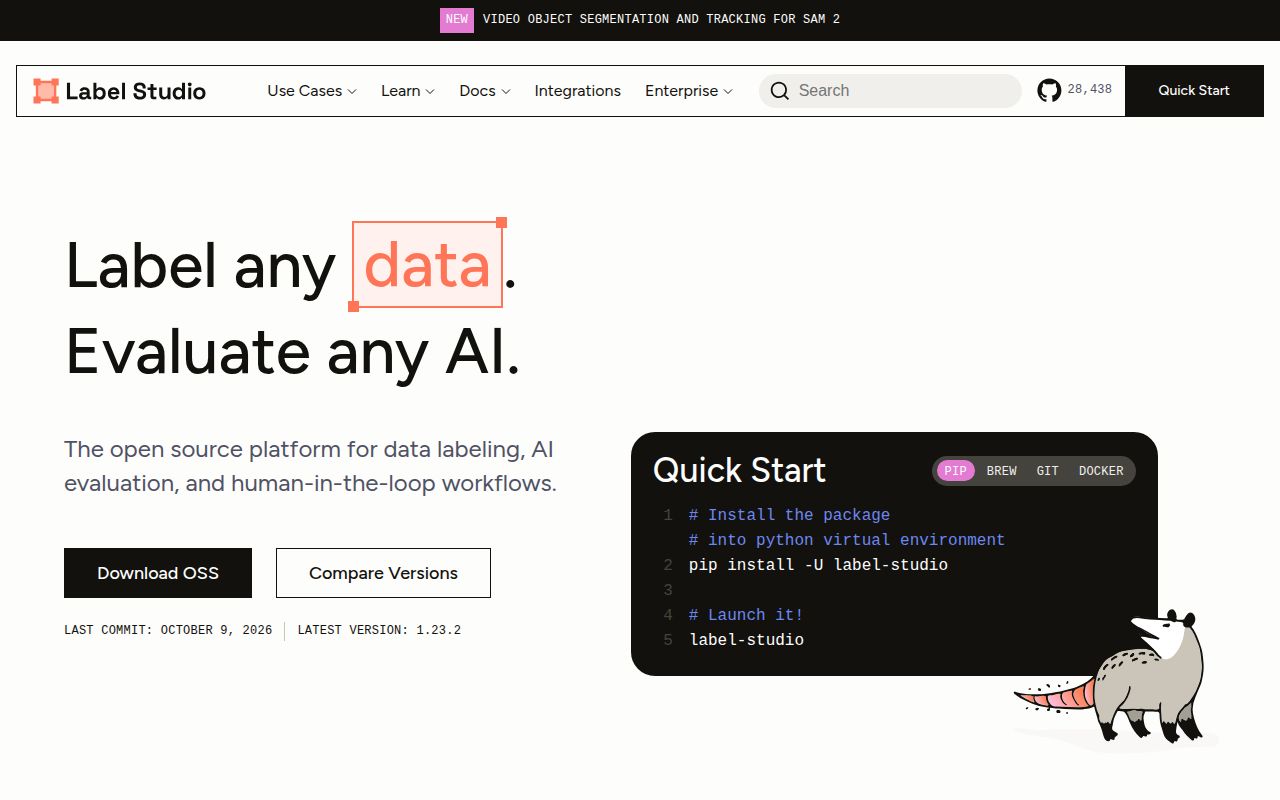
The README gives newcomers several credible ways in. Docker maps port 8080 and persists the SQLite database plus uploads to a local data directory. Pip installation requires Python 3.10 or newer and starts with the label-studio command. For a more production-shaped setup, Compose combines Label Studio with Nginx and PostgreSQL, while an additional Compose file adds MinIO for local S3-style storage. The README also links deployment routes for Heroku, Azure, and Google Cloud.
That range is useful because evaluation and production have different needs. A local Docker volume is understandable for a trial, while Nginx plus PostgreSQL is a more sensible base for multiple users and durable operations. The MinIO option helps teams exercise object-storage behavior before connecting real cloud storage. Still, the production-ready stack should be treated as an architecture starting point, not a completed security review, backup plan, monitoring setup, or capacity decision. Our 44 collection errors reinforce that distinction.
Breadth is the strength, complexity is the tradeoff
Label Studio's clearest advantage is domain coverage. Few teams want separate interfaces for text snippets, audio spans, video frames, images, and time-series segments if one configurable product can handle them. The README also emphasizes custom datasets and export to several model formats, which makes the tool a bridge between raw storage, human annotators, and downstream training code. Version 1.23.0 is the latest tagged release in the supplied data.
Some documentation details deserve caution. The same README that requires Python 3.10 or newer includes a Windows example for Python 3.8 and an lxml 4.5.0 wheel, an obvious consistency problem for readers following instructions literally. Local development also asks users to install Poetry, apply Django migrations, collect static assets, and start the development server. None of that is unreasonable for a large Django application, but it is more involved than the shortest quick-start block suggests.
Active code does not erase the issue backlog
Project activity looks healthy but busy. The repository was pushed on September 4, 2026, one day before this review, so development is plainly active. The latest listed release, 1.23.0, was published on March 13, 2026. That gap alone is not abandonment evidence because current pushes matter too. The harder signal is 937 open issues: adopters should search their database, storage, authentication, and export paths for known problems before committing. Stars measure reach, not response quality.
The 53 CI workflow files suggest considerable automation around a complicated codebase, while the failed generic test collection shows that repository automation and newcomer reproduction are not the same thing. For a production evaluation, pin a release or commit, reproduce the expected Django settings, run the relevant suites against the database you will use, and review the pip-audit finding. A successful 6-second build is encouraging, but it is only one gate.
It belongs between storage and model development
In a real stack, Label Studio should sit after raw data ingestion and before dataset packaging or training. Store source objects durably, send defined tasks to annotators, review the resulting labels, and export versioned datasets downstream. PostgreSQL should hold application state for serious deployments, while object storage handles media. Identity, backups, observability, network controls, and annotation quality processes remain the operator's responsibility even when Compose starts 3 core services for you.
Choose Label Studio when mixed media, configurable projects, and self-hosting matter enough to justify operating a sizeable application. Choose CVAT for a more concentrated image-and-video workflow, doccano for a simpler text-focused job, or Argilla when feedback and iterative curation are the center of the process. Label Studio earns a shortlist spot, but our 44 setup errors mean the buying decision should end with a proof-of-work deployment using your data and infrastructure, not with the README's first command.