The CLI covers manifests, clusters, images, and reports
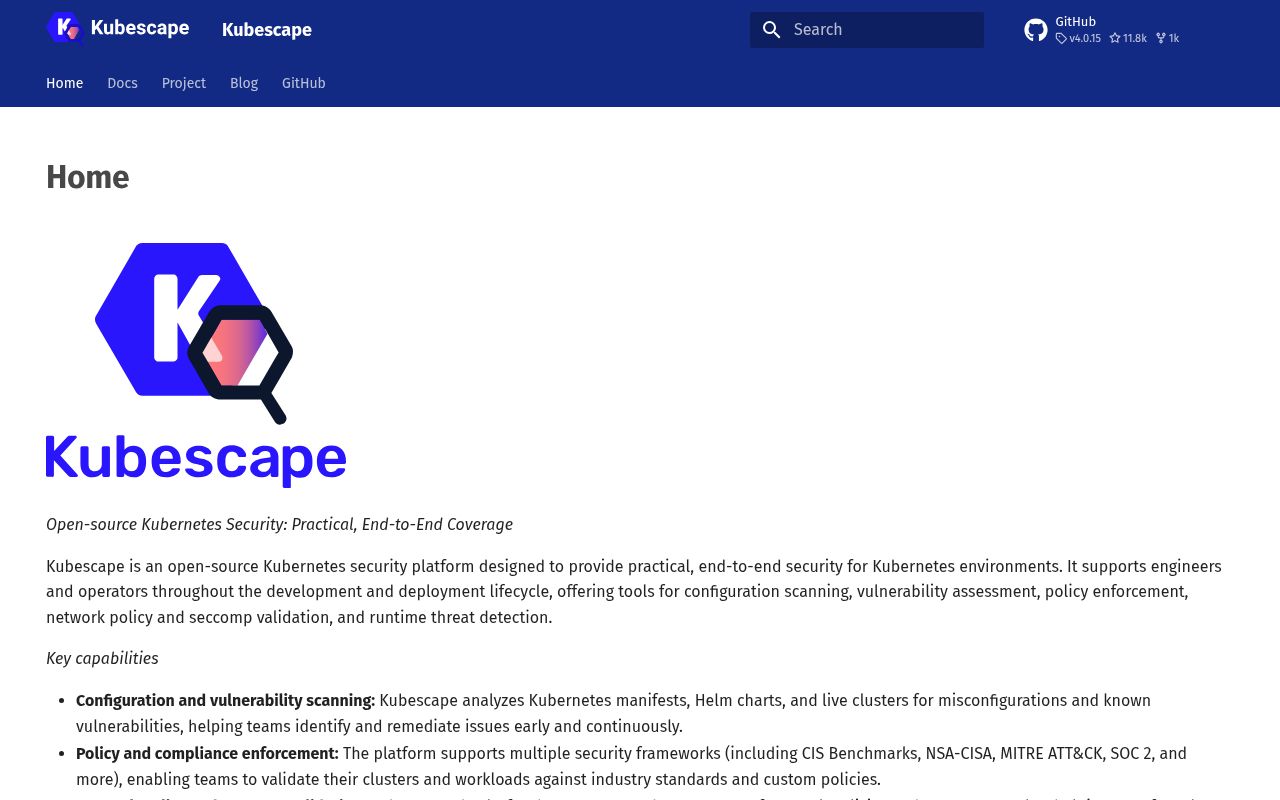
Kubescape can check a YAML directory before deployment, inspect a live Kubernetes cluster, or scan a container image. Policy packs include NSA-CISA guidance, MITRE ATT&CK mappings, and CIS benchmarks. Results can go to the terminal or to JSON, JUnit XML, SARIF, HTML, PDF, and CSV files. That range makes the CLI useful in a developer shell and a CI job without forcing the in-cluster operator on day one.
The commands do more than report. fix can rewrite manifest files, although it has a dry-run mode and can put changed copies in a separate directory. A cluster fix is printed rather than applied, so an operator must explicitly pipe it to kubectl apply. Image patching uses Copacetic and needs a running BuildKit daemon; the README's example starts and invokes those steps with sudo. Each mode deserves its own permissions and review policy.
What happened when we ran it
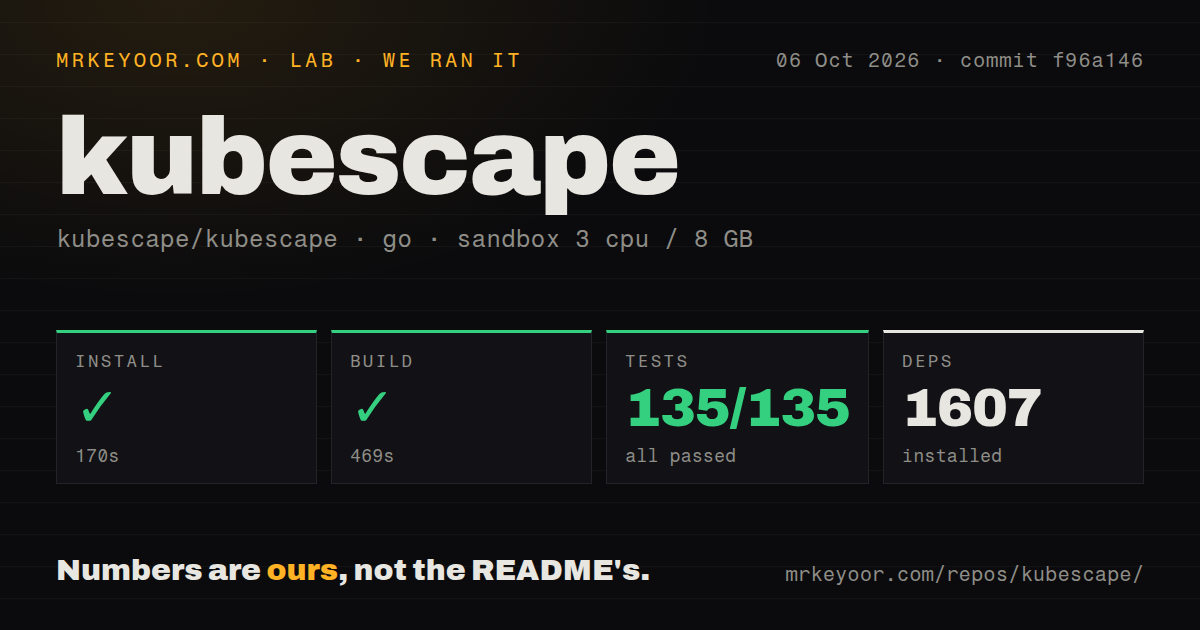
Our sandbox installed commit f96a146 in 170 seconds and added 1,607 packages. Building took another 469 seconds. Go test finished in 407 seconds with 135 passed and 0 failed out of 135. The unprivileged Debian container had 3 CPUs, 8 GB of RAM, Go 1.24, and no secrets. The successful suite is useful evidence for the repository path we ran, not proof that every cluster integration will work.
The checkout itself held 1,755 files, about 263,290 lines of source, and occupied 96.7 MB. We found 5 CI workflow files, no Dockerfile, and no top-level tests directory. A clean 135-test run shows that test code still exists in the Go packages. The 469-second build and 407-second suite also make source work expensive enough to cache carefully in CI rather than rebuilding the entire tool for every policy change.
Manifest scans need less trust than live-cluster scans
Scanning local manifests can run without a Kubernetes credential or Kubescape account. A live scan needs a kubeconfig with access to the resources being assessed. Private image checks may need registry credentials. Reports can reveal object names and other cluster metadata, so --hide pseudonymizes fields, while encrypted JSON reports use KUBESCAPE_MASTER_KEY with a minimum of 16 characters. Those controls should be selected before reports enter CI artifacts.
Helm input needs another precaution. Open issue 4009, filed October 1, 2026, reports that scanning a chart can fetch dependencies and write a charts directory or lockfile changes into the scanned tree. An open pull request addresses vendored dependencies, but it was not merged when we checked. Treat third-party charts as active build input: scan them in a disposable checkout with outbound access controlled, then verify the working tree afterward.
Continuous monitoring adds cluster components and eBPF access
The Helm operator changes Kubescape from an on-demand tool into a cluster service. It watches resources, triggers configuration and image scans, and stores findings in Custom Resources. Runtime visibility adds a node agent using eBPF through Inspektor Gadget. Network observations and behavior profiles become more useful over time, but the installation now touches cluster-wide control paths and nodes rather than one CI container.
The architecture guide names separate pieces for the operator, image vulnerability work, host data, result storage, and the node agent. Prometheus can consume metrics from that deployment. Start with the CLI until continuous findings have an owner and retention plan. Then define which namespaces each component can read, who can inspect the result CRDs, and whether node-level runtime collection is allowed under your cluster policy.
The MCP server reads stored security findings
kubescape mcpserver exposes 5 documented tools for vulnerability manifests, individual CVEs, and configuration scan records. This can help an assistant answer questions about existing Kubescape output. It also makes security findings available through another protocol endpoint. Bind it narrowly, require the same access controls as the underlying reports, and do not assume that natural-language access makes a finding safe to disclose.
The MCP surface is read-oriented in the README, while remediation remains in explicit CLI commands. That separation is good. Keep it. An assistant can summarize a failed control, but a human-reviewed pipeline should decide whether to rewrite a manifest, deploy a Validating Admission Policy, or patch an image. Kubescape's own cluster-fix flow already models that boundary by printing changes for a separate kubectl apply.
v4.0.15 and an October 6 push show active maintenance
GitHub showed 11,769 stars and 51 open issues and pull requests on October 6, 2026. Search split that total into 29 issues and 22 pull requests. The repository was pushed that day, and v4.0.15 had shipped on September 29. The release included changes across scanning, report handling, image support, fleet summaries, MCP tests, and policy evaluation, which also explains why this is much larger than a single-purpose linter.
Kubescape is a strong choice when Kubernetes security posture is the actual job and a team can own the access it receives. Our 135 passing tests support trying the CLI, while the 1,607-package install and long source build argue against casual customization. Run the least privileged mode first. Add automated fixes, image patching, the operator, eBPF collection, or MCP access only after assigning an owner to each new action and data path.