It turns Jira's daily loop into terminal work
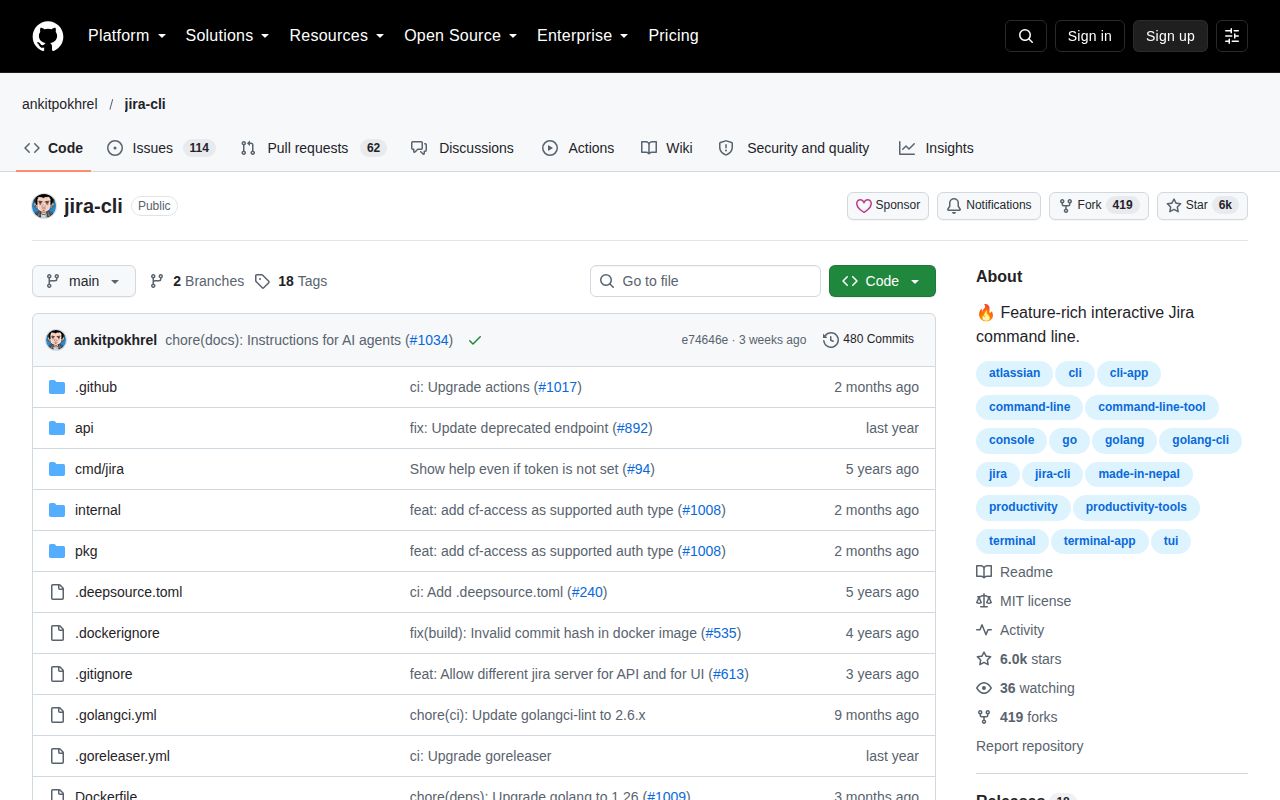
JiraCLI is for the part of Jira that interrupts a developer's flow: opening a browser, finding the right project, waiting through screens, and clicking through routine ticket changes. The project has 5,943 GitHub stars and describes itself as an interactive command-line tool inspired by GitHub CLI. That framing is accurate. It is not promising to administer every corner of Jira; it aims to make frequent issue work faster and easier to navigate.
The useful scope is broader than a read-only search tool. The README lists issue creation, cloning, linking, transitions, and explorers for issues, epics, and sprints. Flags are described as POSIX-compliant, and shell completion is available for Bash and Zsh. A specific configuration can be selected with --config or JIRA_CONFIG_FILE, which makes the tool practical for people moving among 2 or more Jira projects or installations.
What happened when we ran it
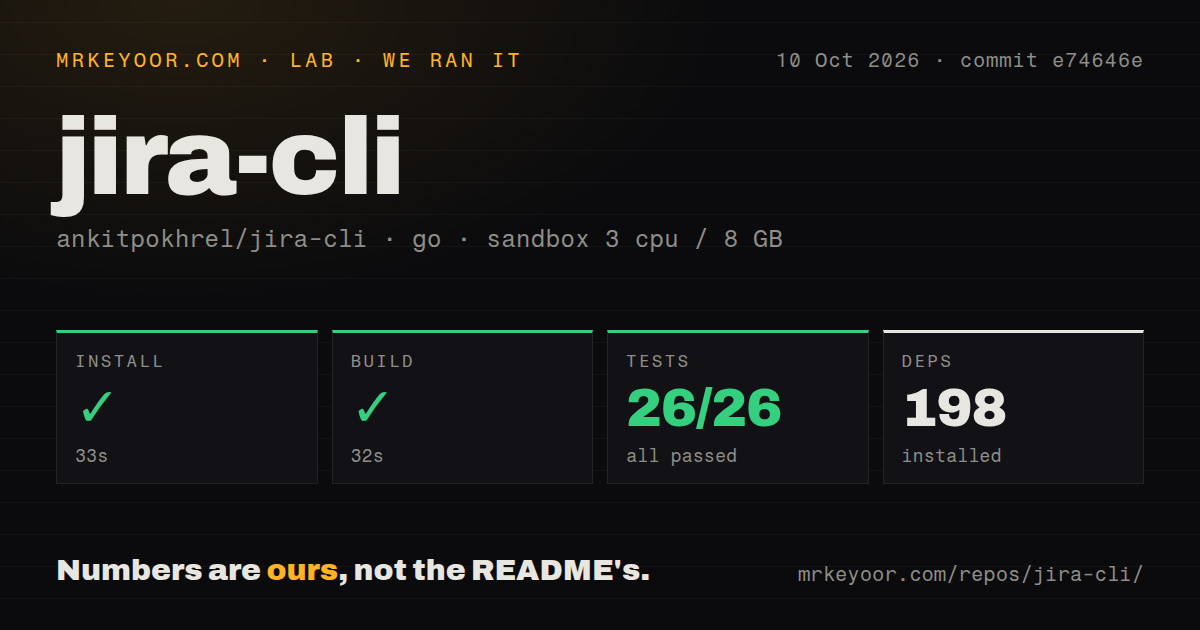
In our run on September 4, 2026, installation succeeded in 32 seconds and brought in 198 Go packages. The source build then completed in 39 seconds. Finally, go test finished in 19 seconds with 26 passed and 0 failed. Those are not performance benchmarks for Jira operations, but they are useful evidence that commit 11ec3f8 can be installed, compiled, and tested cleanly in a fresh environment.
We ran those checks in an unprivileged Debian container with 3 CPUs, 8 GB of RAM, and no secrets. The checkout contained 196 files, roughly 22,924 lines of source, and occupied 55.6 MB. That setup could not prove authentication against a real Jira instance, permission handling, or Cloud versus Server behavior. It did show that the documented Go project is buildable without a mystery manual repair step.
The authentication and project options are genuinely useful
JiraCLI supports Jira Cloud and Jira Server, while Linux, macOS, FreeBSD, and NetBSD are marked supported. Cloud setup uses JIRA_API_TOKEN followed by jira init. On-premises users can choose basic authentication, bearer tokens, or mTLS client certificates. Those 3 authentication paths cover a sensible range from an individual cloud account to a more tightly controlled company deployment.
Multiple configuration files are another strong choice. A consultant, platform engineer, or developer can point each command at a specific file rather than repeatedly reinitializing the client. The packaged binaries lower the barrier for ordinary users, while the documented docker run -it --rm ghcr.io/ankitpokhrel/jira-cli:latest command provides a 1-command trial. Homebrew and Nix are also named as installation routes in the project wiki.
The rough edges matter most outside the common path
The README explicitly calls Windows support partial, so this is not an equally safe recommendation for every workstation fleet. It also warns that Jira Cloud and on-premises behavior can differ. JiraCLI says it helps users avoid the Jira UI "to some extent," which is the right expectation: complex administration, unusual screens, and workflows not exposed by its commands will still send users back to the browser.
Non-English on-premises Jira is the clearest setup hazard. The older Jira API may not return untranslated issue-type names, so issue or epic creation can require manual values for epic.name, epic.link, and issue.types.*.handle. That is documented honestly, but it turns a guided jira init into configuration work. Teams should validate 1 representative create-and-transition workflow before distributing a shared configuration.
Credential handling also deserves care. The README suggests an environment variable, .netrc, or a keychain, and notes that a token may be combined with mTLS. Environment variables placed in shell startup files are convenient, but each team should choose storage that fits its workstation policy. Our no-secrets container did not test any of these 3 credential routes, so the successful build should not be mistaken for an end-to-end Jira connection test.
Recent source activity offsets the older release tag
The latest listed release is v1.7.0 from August 31, 2025, almost a year before the repository's last push on August 19, 2026. That gap does not look like abandonment because the source was updated recently, but it does mean packaged-release users may not receive current source changes promptly. With only 1 latest-release date supplied, there is not enough evidence to claim a regular or irregular release cadence.
The repository has 169 open issues, a meaningful backlog for a focused CLI. Combined with 5,943 stars, that suggests wide interest and a sizable stream of support demands, but issue count alone cannot show response quality. The engineering signals are positive: our checkout had 2 CI workflow files, a Dockerfile, and a Compose file. Tests were present even though there was no top-level tests directory, and all 26 discovered Go tests passed.
It fits beside Jira, scripts, and a developer shell
In a real stack, JiraCLI belongs on developer laptops and in carefully scoped scripts, with Jira remaining the system of record. Interactive explorers suit humans; POSIX-style flags and selectable configuration files make repeatable commands plausible for local helpers. Before using it in automation, confirm that each command's prompts and output behave predictably, then grant the Jira token only the permissions that 1 workflow needs.
The practical verdict is straightforward: use JiraCLI if the browser is friction in a Jira-heavy day and your team is comfortable with terminal tools. Our 32-second install, 39-second build, and 26-of-26 test result remove much of the source-quality uncertainty. Keep the browser for edge cases, test Windows and localized Server setups before rollout, and compare the v1.7.0 binary with current source if recent fixes matter.