A focused App Store downloader
ipatool turns a handful of App Store tasks into shell commands. It searches iPhone, iPad, and Apple TV listings, obtains a license for an app, lists downloadable versions, resolves version metadata, and downloads an encrypted IPA. Text output suits interactive use, while JSON and --non-interactive make the commands usable from scripts.
That focus is useful because the official App Store workflow is built around Apple's clients rather than package retrieval on any desktop operating system. ipatool supports Windows, Linux, and macOS. A researcher can look up a bundle identifier, select an older external version identifier, and save the resulting package to a chosen path without driving a graphical application.
The boundaries matter. Downloaded packages remain encrypted. The account must own the app, and the purchase command obtains a license through the App Store rather than bypassing payment. The FAQ explicitly rejects piracy use. It also says direct installation of these iOS packages on Apple Silicon Macs stopped working after Apple ceased supplying the required macOS-compatible signing data.
What happened when we ran it
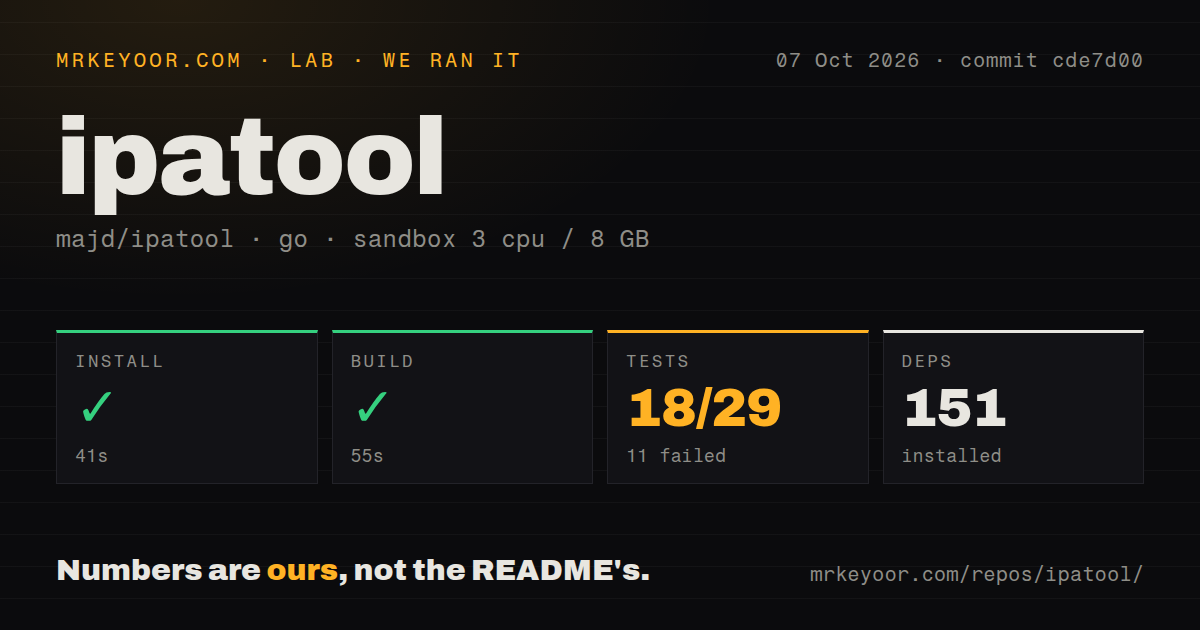
Our lab cloned commit ab79e42 into an unprivileged Debian container with 3 CPUs and 8 GB of RAM. The repository contained 98 files, about 8,303 lines of source, and occupied 1 MB. Dependency installation succeeded in 30 seconds and installed 97 packages. The Go build then succeeded in 46 seconds.
The test run failed after 20 seconds with exit code 1. Four package tests passed and 11 failed out of 15. The log summary marked packages including pkg/appstore, pkg/http, pkg/keychain, pkg/log, and pkg/util/machine as build failures. It showed successful results for pkg/util and pkg/util/operatingsystem, then ended with FAIL. The supplied tail does not contain the underlying compiler messages, so it cannot support a diagnosis.
Five CI workflow files are present. There is no Dockerfile and no tests directory, though Go tests can live beside source files and the README documents go generate followed by go test. A successful binary build alongside failed package tests means the command can compile in our image, while the repository's own verification did not finish cleanly there.
Authentication is the fragile part
The first real command is ipatool auth login. Two-factor authentication users must provide a code, usually generated on an Apple device already signed into the account. The FAQ says app-specific passwords do not work. Credentials are not sent to the project's server; the client stores account information locally and communicates with Apple. Even so, the author cannot guarantee that Apple will leave an account unflagged and recommends a throwaway Apple account. That advice should be treated as an operating requirement for research use.
Recent issue traffic shows why authentication needs supervision. Version 2.3.2 added a fallback to legacy Store authentication, yet issue 522 reports HTTP 403 responses from both native and legacy CommerceKit endpoints on that release and commit. Issue 523 contains a separate 403 report. Other recent threads cover missing 2FA prompts and expired password tokens immediately after login.
These reports do not prove that every account or region fails. They do mean a cron job can break when Apple's private behavior changes even if your binary and network are healthy. Capture JSON errors, keep verbose logs available for diagnosis, and design automation so a failed login stops cleanly instead of retrying credentials indefinitely.
macOS users have a separate usability concern. Issue 517 reports Keychain prompts with an empty item name that repeat for each new process in a bundled GUI scenario. A person running occasional commands can answer a prompt. An application that spawns the CLI for auth checks, version listings, and downloads may present a confusing series of credential dialogs.
Package output needs validation
The download command can acquire a license when needed, select iPhone, iPad, or Apple TV, request a specific external version, and write to a supplied destination. Version listing and metadata commands make historical retrieval more deliberate than simply asking for the latest package. Those are good primitives for archival and compatibility research.
Issue 516 raises a file-format problem for consumers that process ZIP entries as a stream. The report says packages from ipatool can be opened by tools that consult the central directory at the end, while readers using each entry's local header fail. The reproduction reaches a ZIP exception in Java and says streaming readers in other languages are affected too. If your next step unpacks the whole IPA with a conventional archive tool, behavior may differ. If your pipeline reads entries sequentially, test its exact parser before adopting ipatool.
Downloading an IPA also does not make it ready to run elsewhere. Encryption and signing restrictions remain. The tool is most useful as a retrieval component for authorized research, preservation, or inspection workflows that already understand Apple's package format.
Project health and the decision
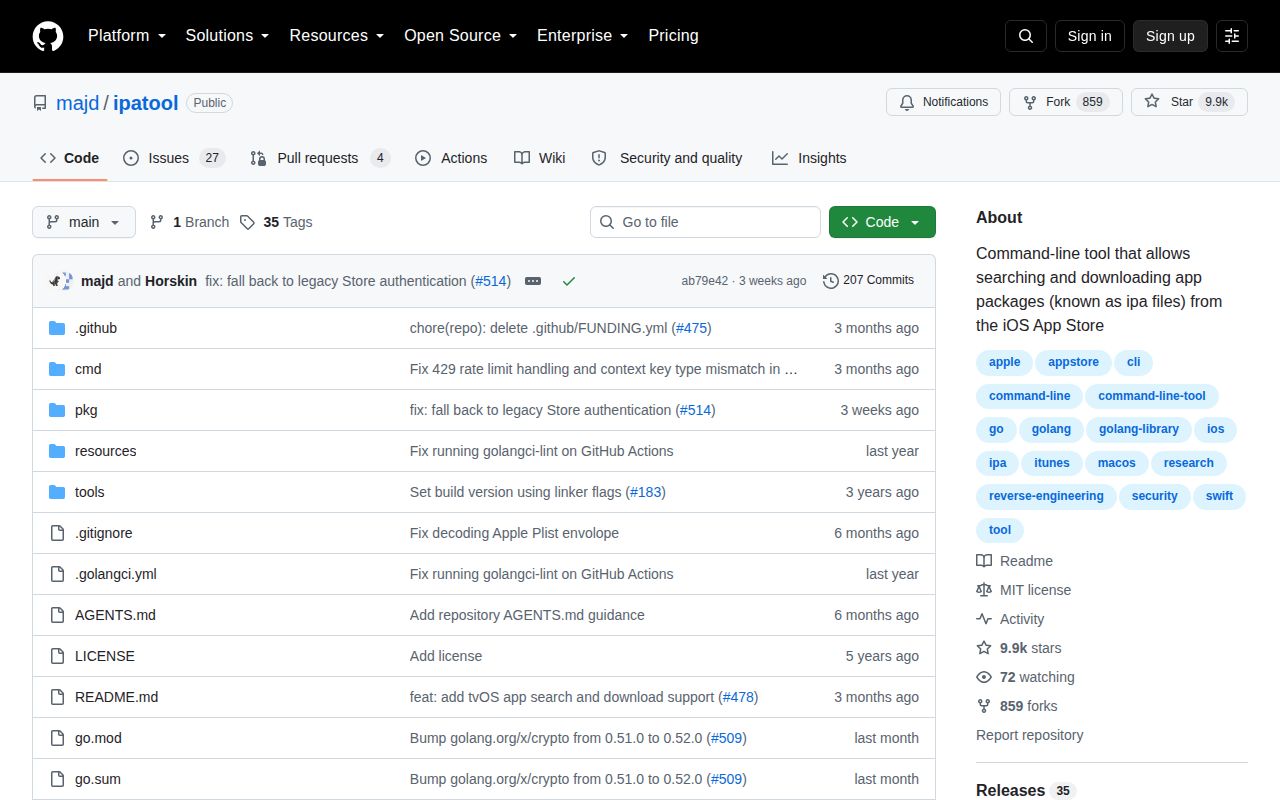
The latest release, version 2.3.2, and the last repository push both arrived on 2026-08-03. Issues were still being updated on 2026-08-23. GitHub.s open count was 31 issues and pull requests combined. Current discussions center on authentication, token refresh, Keychain behavior, and ZIP generation, while an open pull request proposes changes to the package-replication code. The recent release and continuing technical discussion show active maintenance around a moving external dependency.
Documentation covers installation, every top-level command, JSON output, non-interactive use, compilation, and common account questions. It is candid about account risk, licensing, app-specific passwords, and Apple Silicon limits. Operational guidance for retry policy, secret handling in CI, and known response codes is thinner.
Use ipatool when terminal access to owned IPA packages solves a specific research problem and someone can respond when Apple changes authentication. Keep a disposable account, pin the binary, validate downloaded archives with your downstream reader, and fail closed on login errors. Choose Apple Configurator when an Apple-supported device workflow is more important than cross-platform scripting.