InsForge gives coding agents administrative backend tools
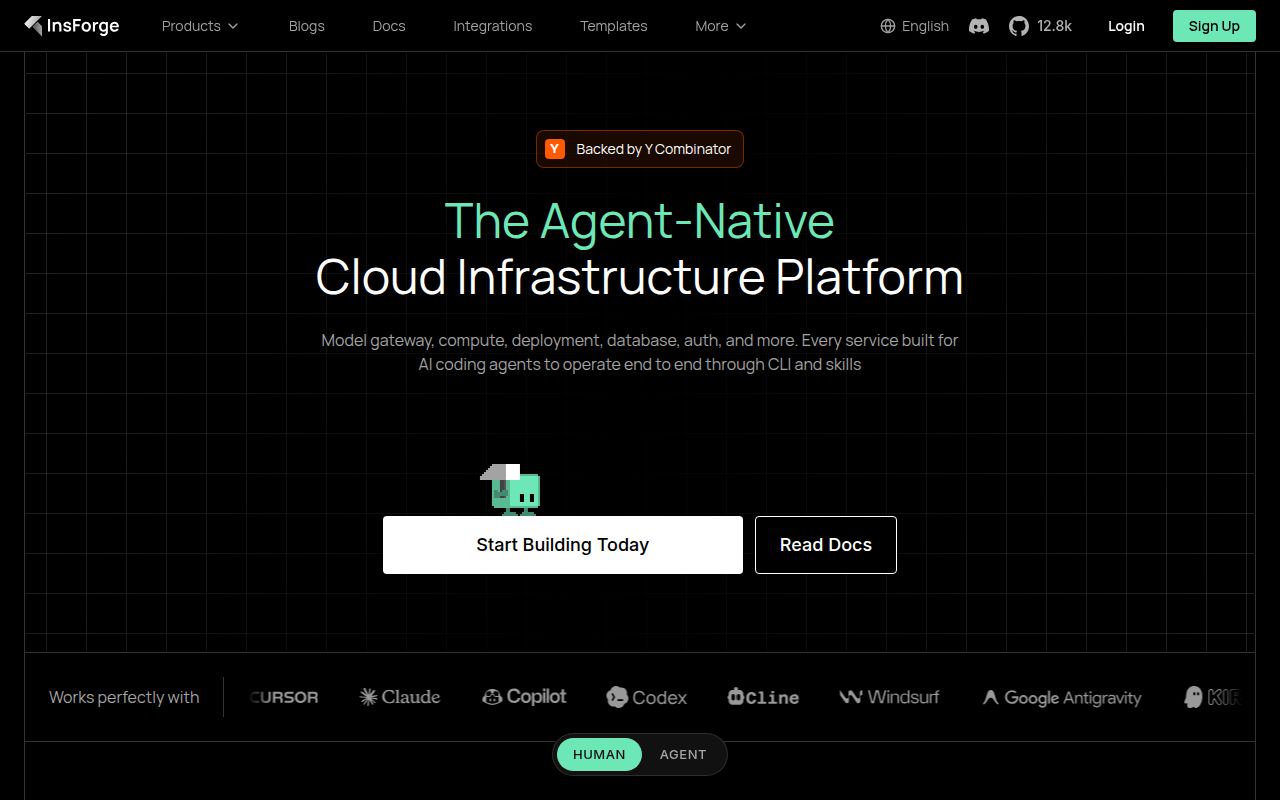
InsForge packages the usual application backend pieces behind one dashboard and API: PostgreSQL data, authentication, object storage, edge functions, static site deployment, and an OpenAI-compatible model gateway. Its distinguishing feature is agent access. The MCP server can read schemas, deployed functions, bucket contents, auth settings, and logs, then make changes such as running migrations or creating infrastructure. Cloud users can also use a CLI with skills.
That control surface is appealing when an agent writes both frontend and backend code. It can inspect the actual schema before generating a query and verify deployed resources after a change. It also concentrates authority. The same connection that helps an agent debug can alter authentication or deploy code. Teams need separate environments, scoped credentials, migration review, and human approval around destructive operations. MCP makes the platform easier to operate programmatically; it does not make every operation safe to delegate.
Self-hosting means four cooperating services
The documented stack runs PostgreSQL, PostgREST, InsForge's Node.js backend and dashboard, and a Deno functions runtime. The general deployment guide sets a 2 GB RAM minimum and recommends 4 GB or more, plus at least 20 GB of storage. A setup script downloads the deployment files and generates JWT, encryption, Postgres, root-admin, and access secrets without starting the services. The operator then checks public URLs and brings up Docker Compose.
Production work continues after the containers start. The guide covers a non-root deploy account, firewall policy, TLS, a reverse proxy, SSH hardening, updates, rollback, and monitoring. Adding a user to the Docker group grants root-equivalent host power, a fact the docs state plainly. Multiple InsForge projects also need unique Compose project names and ports, or a second directory can adopt the first project's containers. That is the kind of exact warning that saves a painful afternoon.
What happened when we ran it
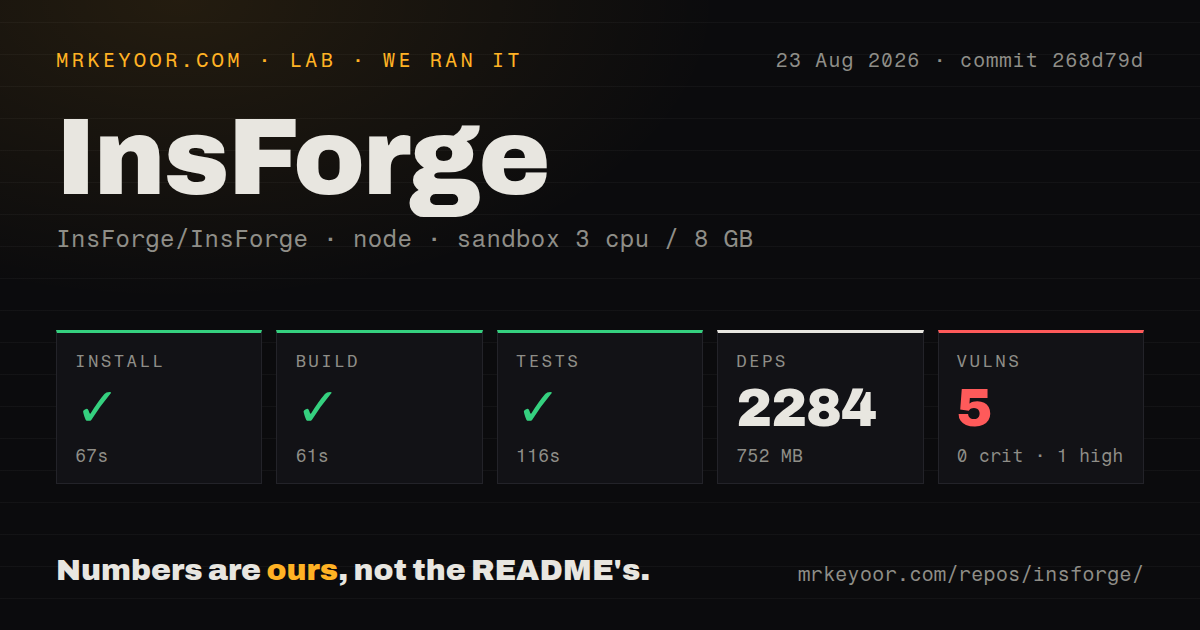
Our sandbox cloned commit 268d79d into an unprivileged Debian container with 3 CPUs and 8 GB of RAM. Npm installed 2,284 packages in 67 seconds and occupied 752 MB. The build succeeded in 61 seconds, and the test step passed in 116 seconds. Npm audit reported 5 known vulnerabilities: 1 high, 3 moderate, and 1 low.
The checkout held 1,837 files, roughly 208,902 lines of source, and 61 MB before dependencies. Our scan found 8 CI workflow files, a Dockerfile, a Compose file, and npm workspaces, but no conventional tests directory. The successful test command shows that tests exist elsewhere in the monorepo. The 752 MB dependency footprint and 2,284 packages are a more useful warning for contributors than the repository size alone.
These results cover repository installation, compilation, and its supplied test command. We did not start the 4-service production stack, migrate a database, exercise auth, store files, invoke Deno functions, or connect an agent through MCP. Passing source checks lowers the cost of a trial, but it does not validate backup recovery, upgrade behavior, or the permissions model an organization chooses.
Backups protect PostgreSQL, not every stored asset
The dashboard can create and restore manual database backups, and self-hosted instances can schedule them from every 6 hours to weekly. Restoring replaces the current database, takes the project offline, discards newer data, and cannot be undone. The important limit sits near the top of the backup guide: uploaded storage files are not included. A usable recovery plan must cover the database, local or S3 object storage, environment secrets, and the deployment configuration together.
Local storage is the default. Optional overlays add MinIO or RustFS, while external S3-compatible services can be configured with endpoint and access credentials. The README warns that bundled object stores ship with default credentials that must be changed before production. These choices affect browser access too: a private endpoint may require proxy mode rather than presigned URLs. Storage is therefore part of network design, not a checkbox after the app launches.
Telemetry is documented and can be disabled
A self-hosted backend sends an instance-start event and a heartbeat about once every 24 hours. The payload includes an installation ID, version, runtime, deployment method, platform details, storage category, configured-feature flags, and which feature families were touched. The policy says it excludes secrets, database contents, schemas, logs, paths, domains, email addresses, and request counts. Setting INSFORGE_TELEMETRY_DISABLED=1 disables it.
The opt-out is straightforward, though teams should decide before first production startup rather than discovering it during an audit. The feature-use list is coarse, but it still constitutes outbound operational metadata. InsForge's direct documentation is a positive signal because administrators can make an informed choice and firewall the endpoint if their policy requires it.
Active development does not make every subsystem settled
Version v2.3.1 shipped on August 12, 2026, and the repository was pushed on August 25. GitHub showed 142 combined issues and pull requests. Current work included fixes for logging, OpenAPI mismatches, and security around outbound jobs and webhooks. An open report described a root-owned pre-2.x log volume causing a boot-time CPU loop, which is particularly relevant to upgrading self-hosters.
The project is moving quickly, but some boundaries are still explicit. Long-running compute is marked private preview. The deployment index lists Kubernetes as coming soon, and warns that cloud-provider walkthroughs can lag the current release. Apache-2.0 licensing is clear, the source checks passed, and the operator docs contain useful detail. InsForge is credible for an evaluated pilot. A team choosing it as the foundation for a production estate should first rehearse upgrade, restore, agent-permission, and storage-failure scenarios.