What happened when we ran it
Our sandbox did not run this project. The repo is C++ with no Dockerfile, and our test runner has no supported C++ ecosystem, so there is no compile, test, or install output to report. We measured nothing beyond that in a sandbox with 3 CPUs and 8g RAM: no build time, no test counts, no completed run. The README implies you can add the imgui*.cpp and imgui*.h files to your existing project in minutes, which is likely true for a C++ programmer with an existing renderer, but our automated review could not verify it. If you need a one-command smoke test, this repo will not give it to you.
What Dear ImGui is
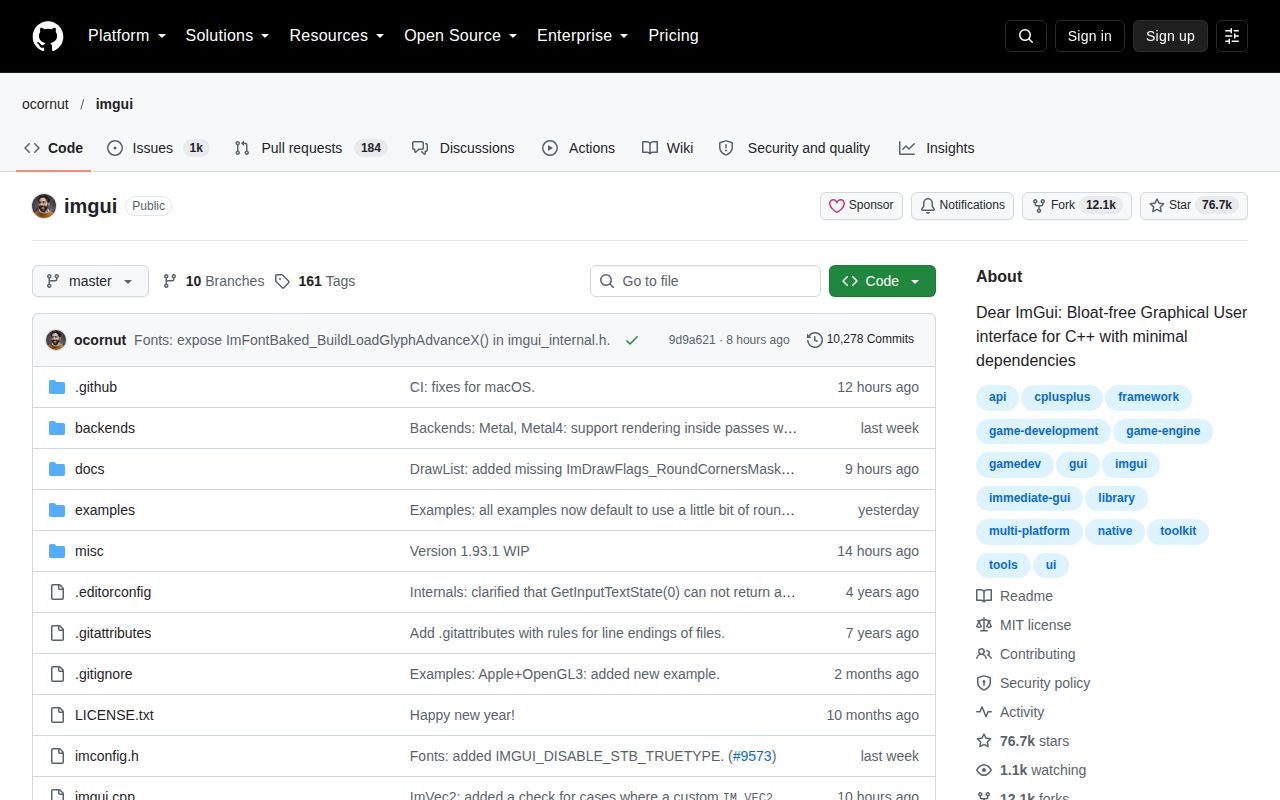
Dear ImGui is a bloat-free immediate-mode GUI library for C++. It outputs optimized vertex buffers that you render inside your 3D-pipeline-enabled application. The core is a handful of platform-agnostic files, and backends for common graphics APIs live in the backends/ folder. Version v1.92.9b shipped on 2026-07-31, and the repository now shows 76,136 stars. That is a lot of trust in a library whose entire pitch is fast iteration for programmers rather than polished end-user UI.
Strengths that show up in the README
The README is unusually direct. It says Dear ImGui favors simplicity and productivity for content creation tools, visualization tools, and debug tools, and it is explicit that full internationalization and accessibility are not supported. That honesty is refreshing and helps you decide early. The API snippets are short: ImGui::Text, Button, InputText, SliderFloat, ColorEdit4, PlotLines. There is no separate UI XML or visual designer. This code-driven style means your UI lives next to the data it edits, and the README argues that minimizes state synchronization and bugs. The library advertises no external dependencies, renderer agnosticism, low draw calls, and efficient memory use. It also links to examples and a wiki with bindings and extensions.
The funding section is another signal. The README asks businesses to support continued development through invoiced contracts and gives a PayPal link for individuals. The project is available under MIT, but the maintainer is clear that support keeps it alive. The quote at the top, about representing state in two separate locations, is not just a joke; it captures the entire philosophy.
Rough edges and honest caveats
The main caveat is right there in the pitch: this is not for average end-user UI. If you need right-to-left text, bidirectional text, text shaping, accessibility, or native OS widget look and feel, Dear ImGui will fight you. It deliberately lacks those features. The C++ requirement is also a wall: the core is C++ only, and although there are community bindings, you should not assume first-class support outside C++. There is no homepage, so documentation lives in the README and wiki, which is fine but means no polished marketing site or searchable API reference beyond the source headers.
Another rough edge is support load. The repo lists 1,227 open issues as of 2026-09-09. That is a lot, and while large projects often have many feature requests and duplicates, potential users should expect that their issue may wait. Finally, our own inability to run the project is not a flaw in the library, but it is a real setup caveat: if you are not already embedded in a C++ project, there is no single command to get a demo running in our environment.
Community health
The signals are strong. Last push was 2026-09-09, one day before this review. The latest release, v1.92.9b, came out 2026-07-31, 41 days before this review. That is a steady cadence for a project that also cuts patch releases. The GitHub star count, 76,111 from the community item we saw, sits among the highest for a C++ GUI library. Open issues at 1,227 could be a triage backlog, but the recent push and release activity show the maintainer is still working. The README badges point to build, static analysis, and a separate test engine repository, suggesting the project has automated testing beyond what we could run.
Where this fits in a real stack
Dear ImGui fits inside an existing renderer or engine, not in front of one. You bring the window, input, and graphics backend, then call ImGui::NewFrame, build widgets each frame, and call ImGui::Render to get draw data. For a C++ game tool, debug overlay, or live-tuning panel, it is the default because it adds almost no build complexity and no external dependencies. For a user-facing settings screen with localization and accessibility, you should use Qt or an HTML/UI middleware instead. The C++20 module note in the README is a small sign that the project keeps up with language changes.