Evaluate a paper bot before choosing a trading runtime
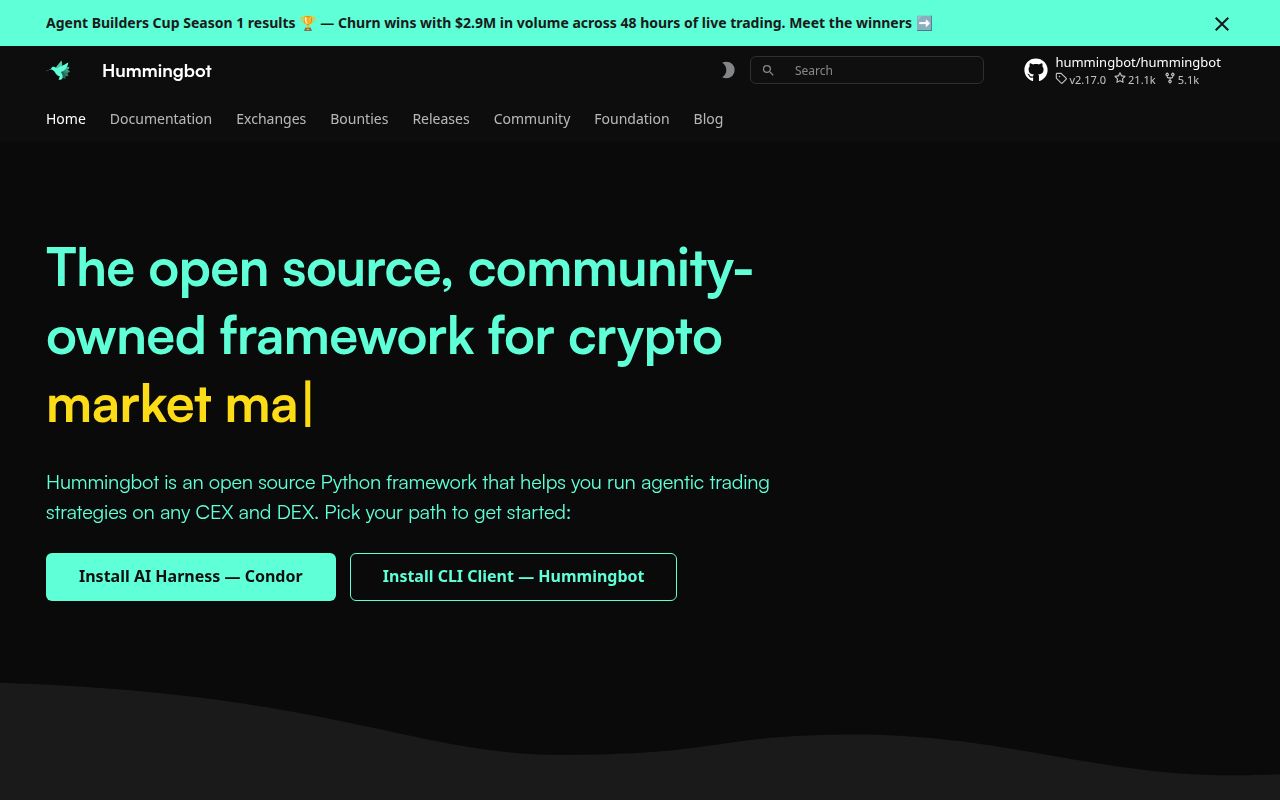
Hummingbot's README offers a paper-trading example that uses live Binance market data without exchange API keys. That is the right entry point for a developer deciding whether to operate this framework. Before evaluating a live strategy, you need to know whether you can configure the client, observe it and stop it predictably.
Hummingbot supplies strategy code and exchange connectors, with both terminal controls and a classic interactive client. Its value is the machinery around a strategy you intend to operate. Our sandbox attempt never established a running bot, so this review recommends an evaluation path rather than treating the documented workflows as demonstrated results.
The distinction is especially useful if you arrive looking for a generic trading bot. The project exposes several ways to organize strategy code. Picking the interface and the deployment arrangement is part of adopting Hummingbot, even before you evaluate an exchange connection.
What happened when we ran it
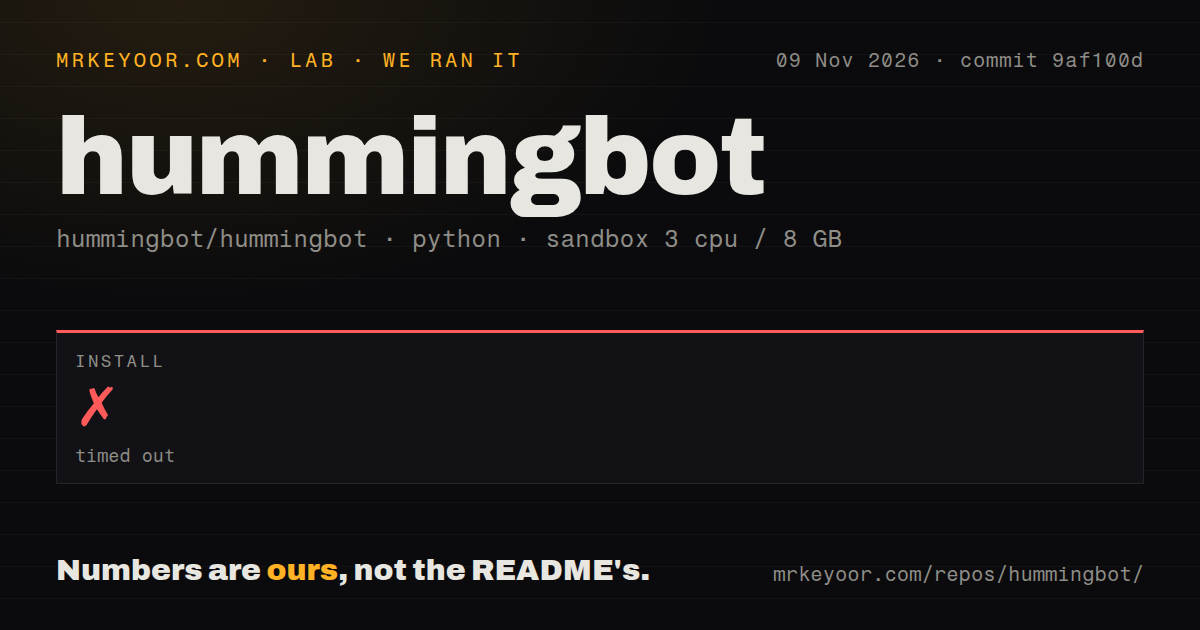
Our Hummingbot installation attempt timed out after 900 seconds at commit 9af100d on November 9, 2026. The supplied record stops there. It gives no build result, test result or dependency total, and it includes no installation log tail identifying the last operation.
We therefore cannot attribute the timeout to a package resolver, compilation, a network request or a particular runtime mismatch. None of those causes is established. The attempt did not finish within the sandbox limit; that is a setup finding, not evidence that the trading client is broken.
The sandbox configuration specified 3 CPUs, 8 GB RAM and image ghcr.io/astral-sh/uv:python3.12-bookworm. An image name does not establish which Python or operating-system version executed the step. It also does not show that the documented Conda environment was reproduced. Comparing an incomplete sandbox attempt with the supported source procedure requires the missing command and toolchain logs.
The checkout scan recorded 1,892 files, approximately 387,622 source lines and 17.4 MB of checked-out files. It found a Dockerfile, a Compose file, a tests directory and two CI workflow files. Those files show where a follow-up evaluation can look. They do not supply a successful deployment result, and this run measures neither exchange behavior nor trading returns.
One hbot installation runs one bot
The CLI guide explicitly limits hbot to one bot per installation. To operate several bots, it directs you to separate installations or containers. Starting another bot in the same installation fails unless you request replacement.
That limit is an early architecture decision for a team. If your intended deployment has several independent strategies, account for the separate runtimes before choosing where their configuration and logs will live. A successful demonstration with one instance would leave that multi-instance arrangement to evaluate.
The guide separates creating a configuration from starting it: create and import load a configuration, while start runs it. It also documents status, logs and history commands, plus a doctor command for checks such as keystore access and stale state. These are useful control surfaces to inspect during a paper trial, without assuming their existence proves successful operation.
Stopping deserves its own acceptance check. The guide describes a graceful stop that cancels orders and a forced stop that kills the process. Establish which behavior your operating procedure invokes. We did not verify cancellation, restart recovery or either stop path.
Source, Docker and Gateway require separate choices
The README requires Anaconda or Miniconda for its source route and also documents Docker Compose. Containers do not remove the interface choice: the default launches the interactive client, while the documented hbot container arrangement changes that behavior.
Credential needs depend on the connector. The README distinguishes centralized-exchange API keys from wallet-based decentralized connections and Gateway middleware for AMM DEX operation. Choose the intended connector path before treating the client alone as the whole deployment. The keyless paper example is useful precisely because it lets you start evaluating controls without supplying live exchange credentials.
For a paper acceptance trial, save the configuration and selected revision, confirm that status and logs describe the intended instance, then stop it and inspect what happened. These are proposed checks. Our installation timeout supplies no evidence that any of them completed.
Recent activity does not establish connector reliability
Repository metadata records a last push on November 9, 2026. The recent issue-and-pull-request feed includes a release-staging pull request and a proposed CI environment fix. These are signs of current development activity, without evidence here of how quickly ordinary user reports get resolved.
Neither that activity nor the presence of exchange connectors establishes that your selected integration works with current exchange behavior. We leave support quality and operational maturity unassessed. The next useful evidence is a running instance on your chosen deployment path, followed by a connector-specific evaluation.
Freqtrade and OctoBot answer different workflow needs
Freqtrade documents backtesting, dry-run operation and control through Telegram or a web UI. Evaluate it if that Python strategy workflow is what you need. Our Hummingbot result establishes no comparative setup or performance advantage for either project.
OctoBot emphasizes graphical strategy configuration. Its current README distinguishes beta node mode from manual-instance features, so check which workflow contains the features you want. For Hummingbot, start with the narrower question our run left open: can your chosen environment operate a paper instance whose state and stop behavior you understand?