Glide suits image lists with an existing Android view layer
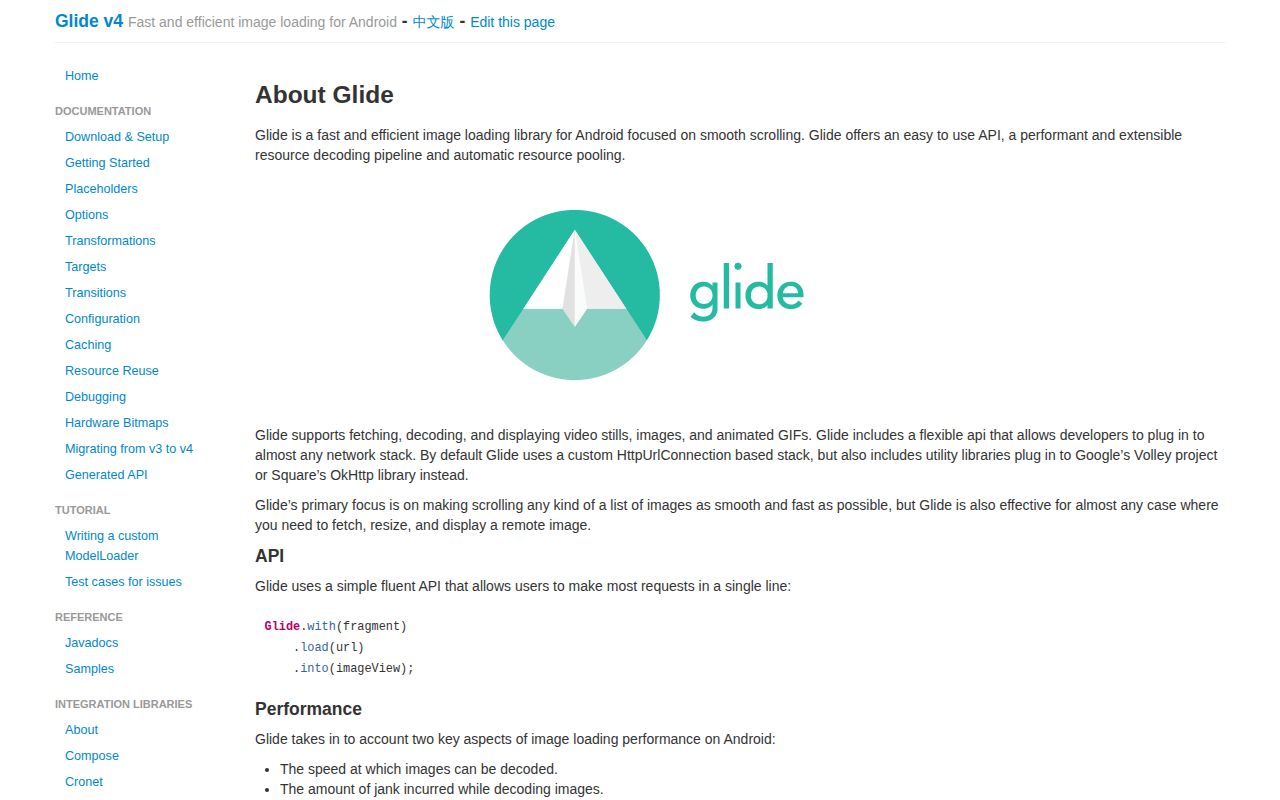
Glide's request API can load a URL into an ImageView, crop it, and show a placeholder while the image arrives. The README's current dependency is 5.0.9. Animated GIFs and video stills use the same library, and optional integrations let you keep OkHttp or Volley. I'd shortlist it for a catalog or message list whose image handling has outgrown scattered download calls. Those are documented capabilities, rather than speed results from our lab. Glide's README shows the request pattern.
The repository behind that short call contained 1,177 files and about 117,987 source lines in our checkout. You don't need to adopt the whole contributor workflow to use a published dependency. You do need a cache policy: Glide's cache-key documentation explains that dimensions, transformations, and request options affect reuse. If two screens request the same URL differently, expecting them to share every cached result will lead you astray. Decide how changed images get fresh identities before caching hides an update.
What happened when we ran it
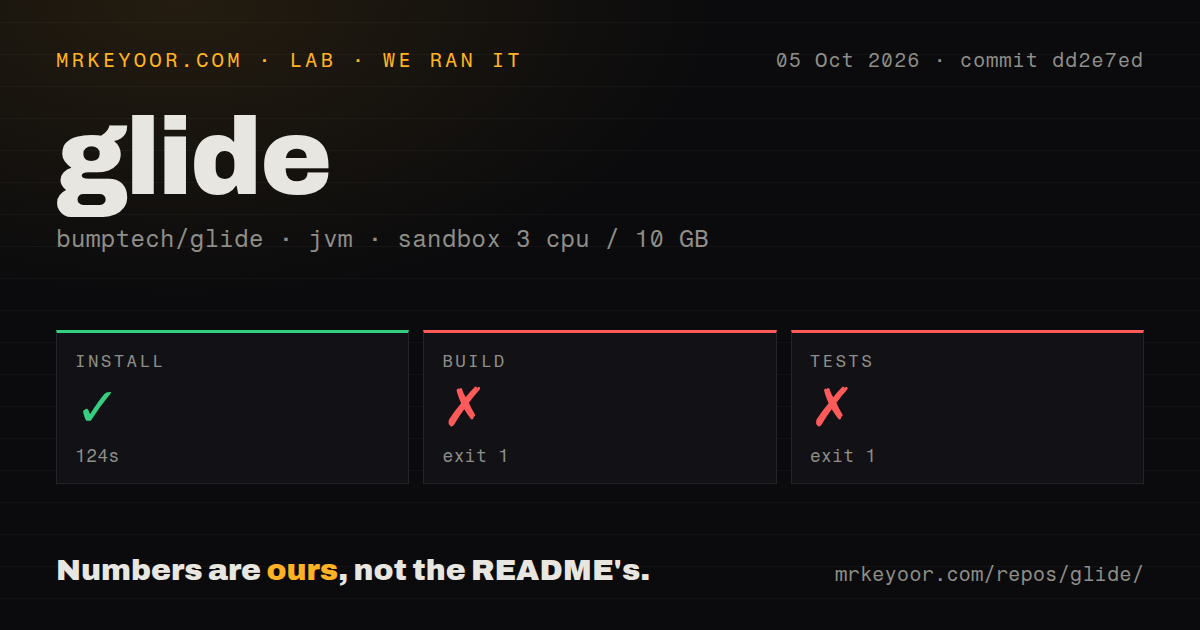
Our run installed Glide at commit dd2e7ed in 124 seconds, then failed its build after 15 seconds and its test step after 21 seconds. Both failing steps exited with code 1. We cloned it on October 5, 2026, into an unprivileged Debian sandbox with 3 CPUs, 10 GB of RAM, the lab-jvm:21 image, and no secrets. The checkout occupied 85.4 MB. These measurements describe repository setup, not frame rates or image-decoding speed.
The build log says Gradle couldn't find a Java installation matching languageVersion=11. Its own footer says BUILD FAILED in 13 seconds; the harness recorded 15 seconds for the step. The test tail ends with a build exception and a 19-second footer, against 21 seconds for the harness step. It supplies no assertion results, so this is a failed test command, not evidence of failing image-loader assertions. Both logs also warn about deprecated features incompatible with Gradle 10. Our scan found 2 CI workflows, no Dockerfile, and no tests directory, a directory-name signal that cannot establish whether test code exists elsewhere.
The source build needs Java 11 and an Android SDK
Glide's download and setup guide states that compiling it requires Java 11. The README's shorter source-build instructions emphasize the Android SDK, ANDROID_HOME, or a local.properties file containing sdk.dir. Together they describe more preparation than cloning and invoking the wrapper. Glide itself needs no hosted account or API key. Public image URLs need network access and Android's INTERNET permission; authentication for private images belongs to your application's request setup.
The 124-second successful install did not establish a usable source-development environment. Our next step stopped at Java selection. That matters if you're evaluating a fork, changing a decoder, or reproducing an upstream problem. For application integration, the README offers a published Gradle dependency instead. Check documentation examples against your chosen release: the README uses 5.0.9 while the setup page still shows 4.14.2, and its compatibility section explicitly discusses v4. I wouldn't infer current platform requirements from those older examples without checking the artifact.
Compose is still documented as beta
Glide's Compose integration page calls the API beta and warns that recent changes are being rolled back. It points to issue 5512's API rollback, which concerns broken Compose behavior, including image sizing and load-state changes. That's a specific reason to hesitate on a new Compose-only app. Existing Glide users may prefer retaining their image pipeline, but a new project should compare Coil's Android and Compose Multiplatform support before choosing.
Our 21-second failed test step cannot settle whether your Compose screen works. The integration guide separately warns that an unbounded width or height can request the original image size and consume excessive memory. Give the composable bounded dimensions or supply an explicit request size. I'd check image replacement, scrolling, and loading placeholders in the intended UI before adopting it. The source-build failure and the documented beta warning are different findings, and neither should disappear behind Glide's reputation with ImageViews.
Huge zoomable images need a tiled viewer
The README explicitly excludes the specialized zooming and panning support needed for huge maps or comic strips. Downsampling an image for display is useful, but it discards the detail a deep-zoom viewer must reveal later. For that job, Subsampling Scale Image View handles large images with subsampling and tiles. It is a specialized viewing component, so compare it for the zoom screen rather than treating it as a replacement for every network thumbnail.
The 10 GB available in our sandbox says nothing about safe bitmap sizes on a phone. Another boundary appears in issue 5700's dynamic-feature placeholder report: a user on Glide 5.0.7 reports that resource-ID placeholders and error images fail inside an on-demand module, while resolving the Drawable first works. The report remained open after an October 12 update. It is a user report about that configuration, not a reproduced defect in our run. Teams using Play Feature Delivery should check that path explicitly.
October activity supports keeping Glide on the shortlist
The last push was October 10, 2026, and GitHub reported 35,012 stars with 670 open issues and PRs on October 13. Recent activity includes dependency-update PRs and updated user reports. That shows continuing repository activity without establishing how quickly maintainers resolve bugs. The latest release, v5.0.9 from July 11, merely corrected version-name punctuation. The release note gives no reason to expect it to resolve the Compose warning or the dynamic-feature report.
I'd keep Glide for an Android app that already uses ImageViews and needs a configurable loading and caching pipeline. Our 15-second build failure makes Java 11 provisioning a prerequisite for anyone maintaining a fork. It doesn't justify replacing a working app integration. For a new Compose project, start the comparison with Coil. For a map that must retain detail while you zoom, start with a tiled viewer. Choose by the screen you need to ship, then verify its loading and failure states on the devices you support.