Fastfetch turns local system facts into terminal output
Fastfetch is a 130,016-line C program for showing operating-system and hardware information next to a text or image logo. It follows the format Neofetch made familiar, but it is under active development and can return selected module data as JSON. The README lists Linux, macOS, Windows 8.1 and newer, Android, 4 BSD families, Haiku, and SunOS. That range makes it useful for a personal shell setup and for support scripts that need the same command shape on several systems.
The default display is only one route through the 1,529-file project. Users can ask for all supported modules, select a smaller set, generate a JSONC configuration, apply bundled presets, or format a module such as GPU by named fields. Logos accept text art and several image paths depending on terminal support. Release 2.67.1 added fixes across macOS, terminal font parsing, light-theme colors, Android version names, Haiku load averages, and Windows locale detection, which shows how platform-specific this job becomes.
Prebuilt packages avoid the C23 source gate
The README supplies package commands for many Linux distributions, Homebrew and MacPorts on macOS, several Windows managers, BSD packages, and Termux on Android. Version availability still varies. It warns that some distribution repositories carry unsupported old releases, and its Debian or Ubuntu guidance names newer distributions for direct package-manager installation. Release archives cover more systems and processor types. For most users, choosing one of those binaries is simpler than reproducing the project's compile-time feature detection.
A source checkout is only 6.8 MB in our measurement, but its compiler requirement is current. The checked CMake file requests CMake 3.21.0 and the C23 language standard, with comments naming GCC 13 and Clang 16 as minimum supported compilers. Linux also requires system headers. Other libraries are more forgiving: when an optional header is absent, the build guide says Fastfetch omits that feature rather than looking for it later. Two source builds can therefore succeed with different detection abilities.
What happened when we ran it
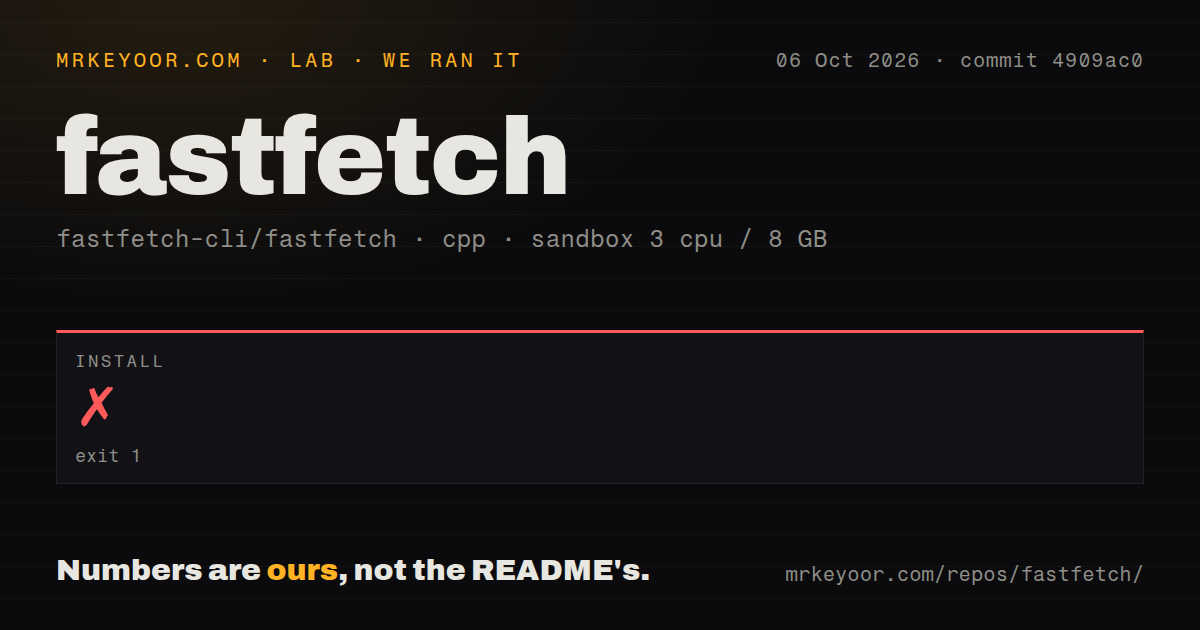
Our sandbox reached CMake configuration and failed the install step after 10 seconds at commit b0ba084. The final error was explicit: Compiler does not support C23. Please use a newer compiler. We used a fresh unprivileged Debian container with 3 CPUs, 8 GB of RAM, no secrets, and the lab-cpp:1 image. The log did not identify the compiler version, so it does not prove which particular compiler package would have made that environment pass.
Before the C23 error, the 10-second log reported pthread threads, link-time optimization, target directories, help JSON minification, and man-page generation. It also printed fatal: No names found, cannot describe anything. CMake then ended with configuration incomplete and pointed to its output and error logs. The supplied measurement contains no later build or test result, so we do not claim either passed. Our repository scan found 20 CI workflow files, a tests directory, and no Dockerfile.
JSONC is flexible, and Command presets can run shell code
Fastfetch can generate a minimal JSONC file and provides an online generator for the full option set. Module-specific help exposes format fields, while --format json gives scripts structured results instead of terminal decoration. The default config path is under ~/.config/fastfetch, but no file is created until requested. That is a sensible default: a first run works without credentials, a daemon, or a setup wizard, and deeper configuration remains optional after the 1-command display.
The Command module changes the trust model. A JSONC preset can contain an arbitrary shell command, and the README warns that a malicious file can damage the system or expose private data. Treat shared presets as executable code, especially if Fastfetch runs on every shell start. The project also says the program does not contact networked systems unless the user or operator asks it to. That promise covers Fastfetch itself, not commands inserted into a 3rd-party preset.
September activity outweighs the 2.67.1 release date
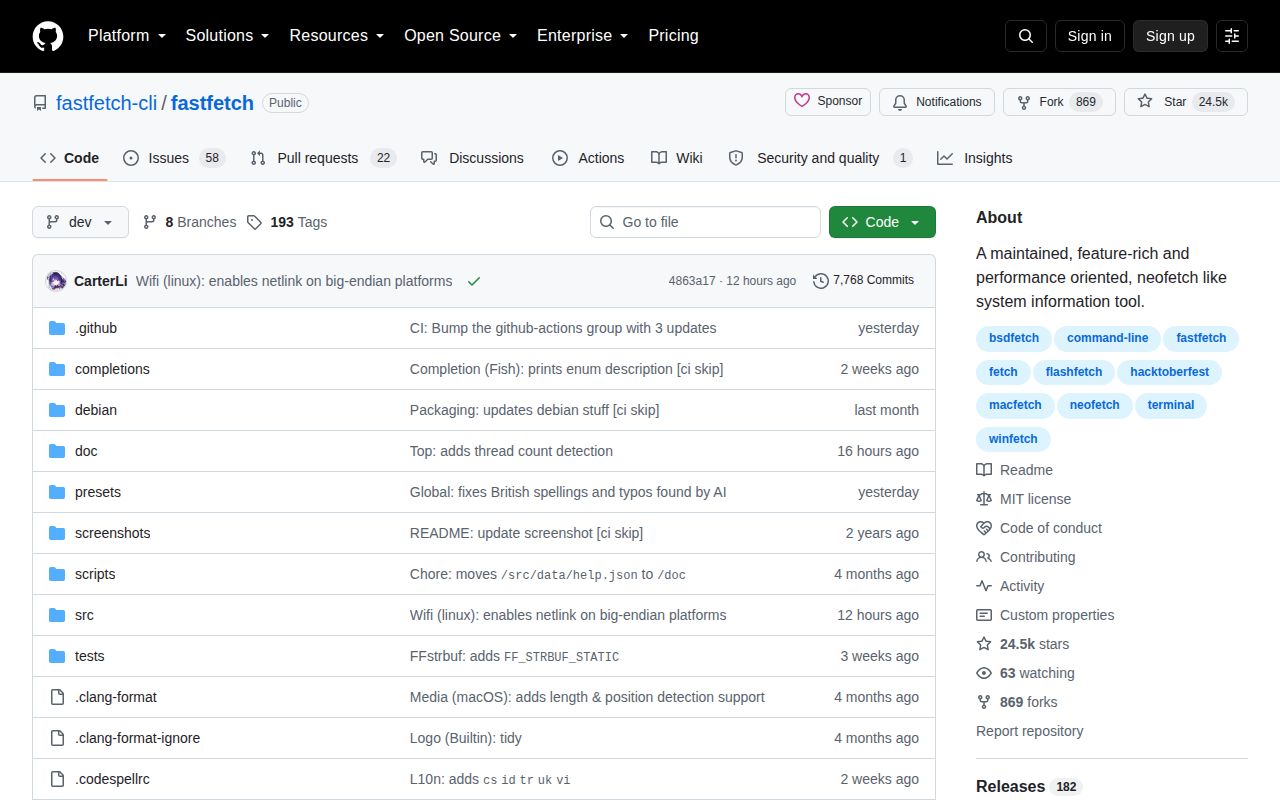
GitHub showed 24,469 stars and a last push on September 1, 2026. Its combined open count was 80, which our API searches split into 58 issues and 22 pull requests. Open work included distribution logos, localization review, and a pull request preparing another release, with updates through August 31. Recent bug closures covered Android desktop-environment reporting, OpenBSD disks, long-line truncation, and a Windows CPU-frequency result. Both maintenance and user reports are moving.
Version 2.67.1 was published on August 14, 2026, about 18 days before that last push. Its release notes pair user-facing fixes with the exact C23 configuration check that stopped our run. The failed lab install is therefore evidence of a raised source-toolchain floor, not evidence that the repository is dormant. Twenty workflow files and same-week issue handling support a high community score, while the open queue shows the ongoing cost of detecting system facts across this many terminals and operating systems.
HyFetch keeps the style; monitoring needs another class of tool
HyFetch is the closer choice when the Neofetch format plus pride palettes is the goal. Archived Neofetch remains relevant for compatibility with an existing Bash 3.2 setup, but it no longer offers the activity Fastfetch showed on September 1. Neither choice turns a fetch command into fleet inventory. Fastfetch reads and prints local facts; it does not provide a central database, agents, alerts, or history. Support teams needing those functions should choose monitoring software instead of stretching a 6.8 MB terminal utility into a service.
For ordinary terminal use, install a current Fastfetch binary and try the default modules before editing JSONC. For source work, check C23 support first; our run lost only 10 seconds, but an unplanned compiler upgrade can be much more disruptive on a controlled build image. Review every borrowed Command entry, verify the modules on the target operating systems, and use JSON output when another program will consume the data. Those boundaries make Fastfetch a good local inspector, not a substitute for remote operations tooling.