Should your web team choose Electron?
Electron gives a web team a desktop framework based on Chromium and Node.js. Choose it for that architecture only after checking the obligations that come with distributing a desktop application. Our source-checkout run cannot tell you how large or responsive your finished app will be.
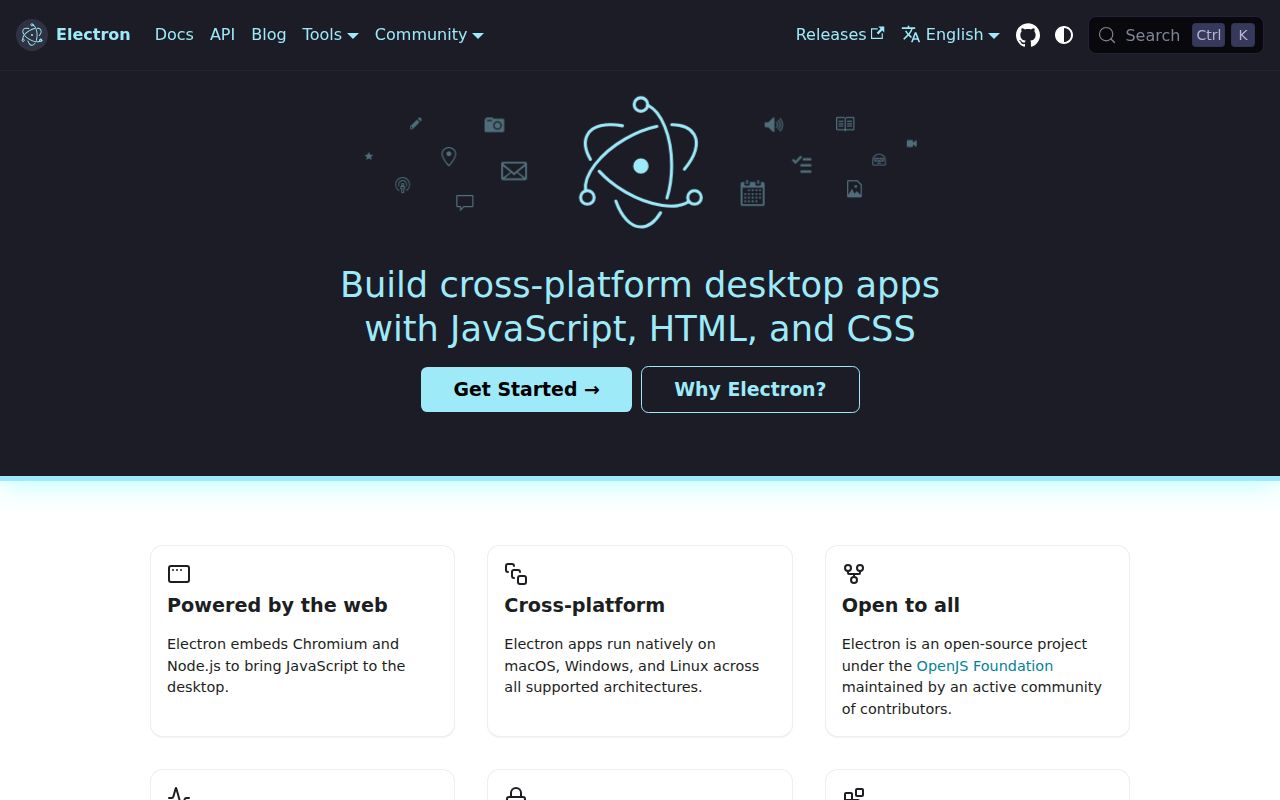
The Electron README documents prebuilt binaries installed through npm as an application development dependency. It also points to Electron Fiddle for building, running and packaging small experiments. That application-development path is different from compiling and testing the Electron framework repository.
What our recorded run established
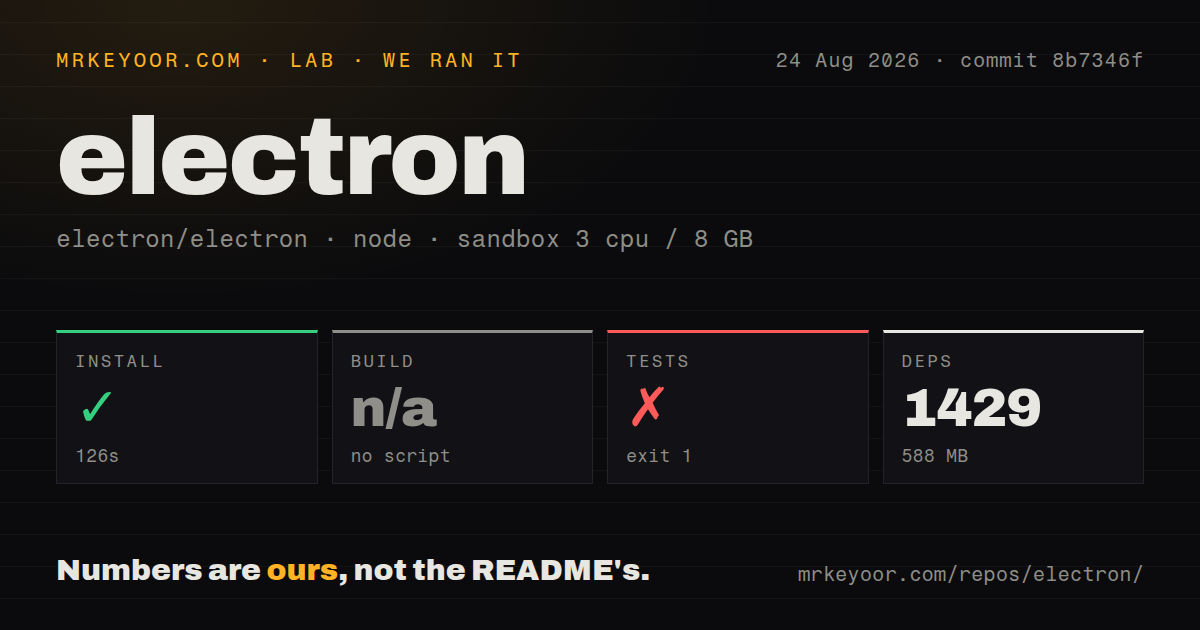
Our stored run began on August 24, 2026, at 21:57:07 UTC against commit 8b7346f58d2ca9aacb6a43d6fc3979c20212604a. The configured sandbox had 3 CPUs, 8 GB of memory and image lab-node:22. The install log identifies Node.js 22.23.2 on Linux x64.
The dependency-install step succeeded in 126.251 seconds. Its summary recorded 1,429 dependency packages and 588 MB. The repository summary recorded 3,123 files, approximately 248,589 source lines and 34.7 MB, plus 52 CI workflow files, a tests directory and a Yarn workspace. The detector reported no Dockerfile or Compose file. These are recorded checkout summaries, not measurements of a distributed application.
The harness skipped its build step with reason no script. This describes the harness's script selection, not the absence of an Electron build system. The installation tail shows a native-addon test fixture compiling successfully; it does not show the Electron framework being compiled or an installed Electron executable being checked.
The test command exited with code 1 after 7.138 seconds. Its runner printed Triggering runners: main, then reported that it could not find Testing, Release, Default or Debug output and suggested ELECTRON_OUT_DIR. It stopped during setup, with no spec count reported. We therefore cannot report a passing or failing product test suite, exhaustive test coverage or application reliability from this run.
No application launch, installer, runtime memory workload or security audit result is recorded. The 588 MB dependency figure is not an Electron installer size, an application's minimum footprint or a memory measurement.
Security is part of the application design
The security guide warns that arbitrary untrusted content poses a severe security risk. It explicitly says not to load and execute remote code with Node.js integration enabled.
For applications displaying remote content, the guide calls for disabling Node integration, enabling context isolation and process sandboxing, handling permission requests, restricting navigation, defining a Content Security Policy and validating IPC senders. It also warns against exposing Electron APIs directly to untrusted web content through preload scripts.
These are documented responsibilities, not security findings from our sandbox. A successful dependency install gives no assurance that an application's preload or IPC design follows them.
Check the v44 platform boundary
The supplied v44.0.0 release notes require macOS 13 or later and remove Windows ia32 and Linux armv7l builds. Published platforms are x64 and arm64. The notes also list Chromium 152.0.7977.54, Node v24.18.1 and V8 15.2, remove renderer access to the clipboard module and remove specified legacy login-item fields.
Those release details are separate source evidence. They do not mean our August 24 checkout run built or tested the v44.0.0 release. Before adopting or upgrading Electron, check your users' operating systems and your app's use of changed APIs.
Packaging needs its own evaluation
Electron's packaging guide recommends Electron Forge and explains manual packaging and rebranding. Its updates guide describes automatic-update options. Neither process was exercised in our run.
A useful next step is to package a representative app, test it on the operating systems you intend to support, and measure the download size, startup behavior and memory use that matter to your users. If you need a separate release-tool guide, the existing electron-builder page addresses that narrower task.
Tauri and Neutralinojs offer relevant architectural comparisons. Tauri documents a Rust backend and system webviews. Neutralinojs says it avoids bundling Chromium and uses the operating system's browser library. Evaluate those differences against your requirements; the supplied evidence contains no comparative performance measurements.
How to read the scores
These are editorial ratings of the supplied evidence, not benchmark results. For each category, 1 means substantial documented obstacles, 2 means limited evidence, 3 means a documented path with material unverified work, 4 means detailed supporting documentation or release evidence, and 5 requires corroborating practical validation across the relevant scope. Missing evidence limits a rating without proving poor product quality.
Setup receives 3 because prebuilt installation is documented, while our framework run did not reach a compiled binary or runnable suite. Documentation receives 4 because the supplied installation, security, packaging and updates extracts explain concrete procedures. Community receives 2 because the README identifies contribution and help channels, but the supplied primary extracts do not establish response times or adoption. Maturity receives 4 for explicit platform boundaries and detailed release changes, with application reliability still unmeasured.