drawDB turns a relational schema into an editable canvas
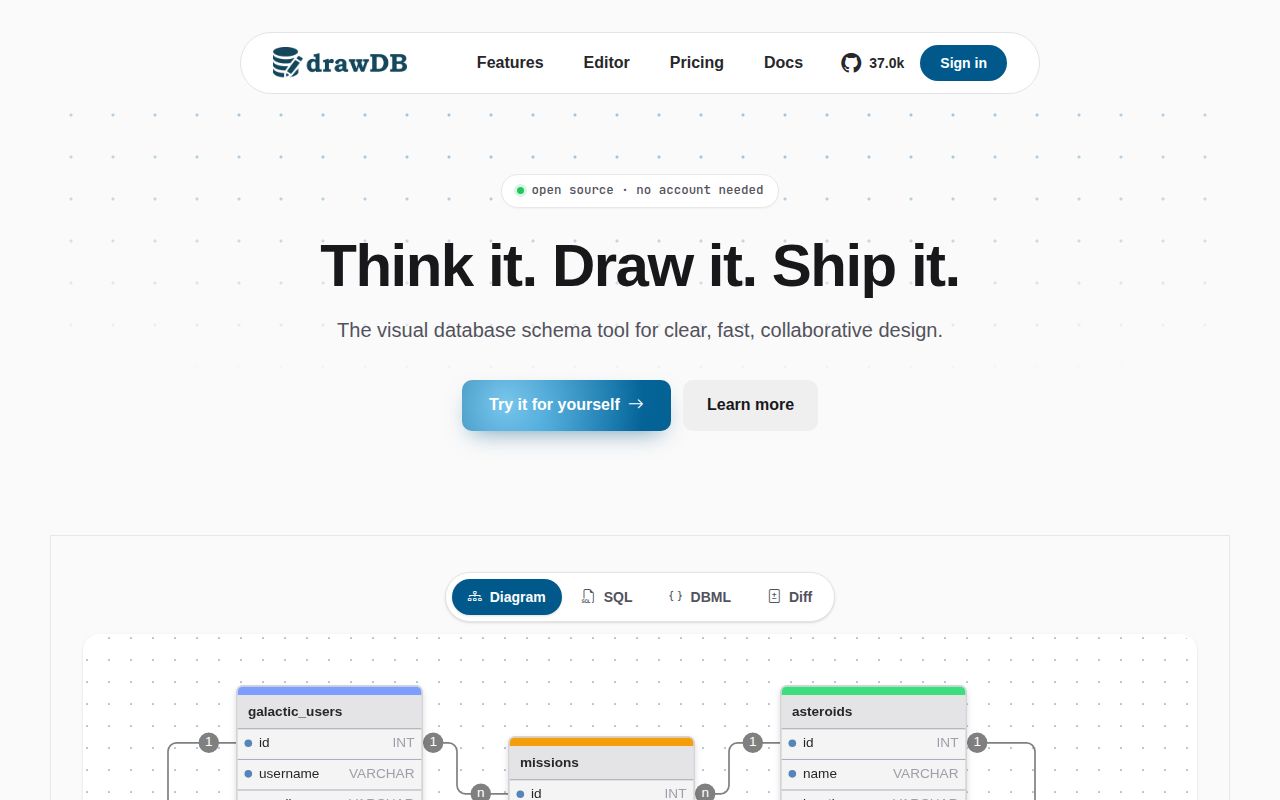
drawDB is an entity-relationship diagram editor that runs in a browser. Users create tables and links visually, import SQL, export SQL, and generate migrations. The public app does not require an account, which makes it easy to sketch a schema during a design discussion or inspect a SQL file without registering for another service. The project can also be built and hosted internally.
Its strongest use is communication. A diagram exposes cardinality, foreign keys, and crowded table responsibilities faster than reading a long migration directory. Export then gives a developer a starting script. That last word matters: a visual editor sits between several SQL dialects, and details such as defaults, nullable columns, views, functions, indexes, and vendor extensions can be altered or omitted. Generated output still needs database review.
Local editing is simple, while sharing is a second deployment
The README gives a standard development path: clone the repository, run npm install, and start the development server. A production build uses the same install followed by npm run build. Docker users can build the included image and publish port 3000 to the container's port 80. A compose file is also present in the repository.
That is enough for a local or single-user editor. Sharing diagrams is optional and uses drawdb-io/drawdb-server, plus environment variables described by .env.sample. Teams evaluating collaboration should include that backend in the trial because the frontend alone does not provide the full shared workflow. They will also need to choose storage, authentication, backups, and an upgrade process for the server rather than assuming the static editor covers them.
What happened when we ran it
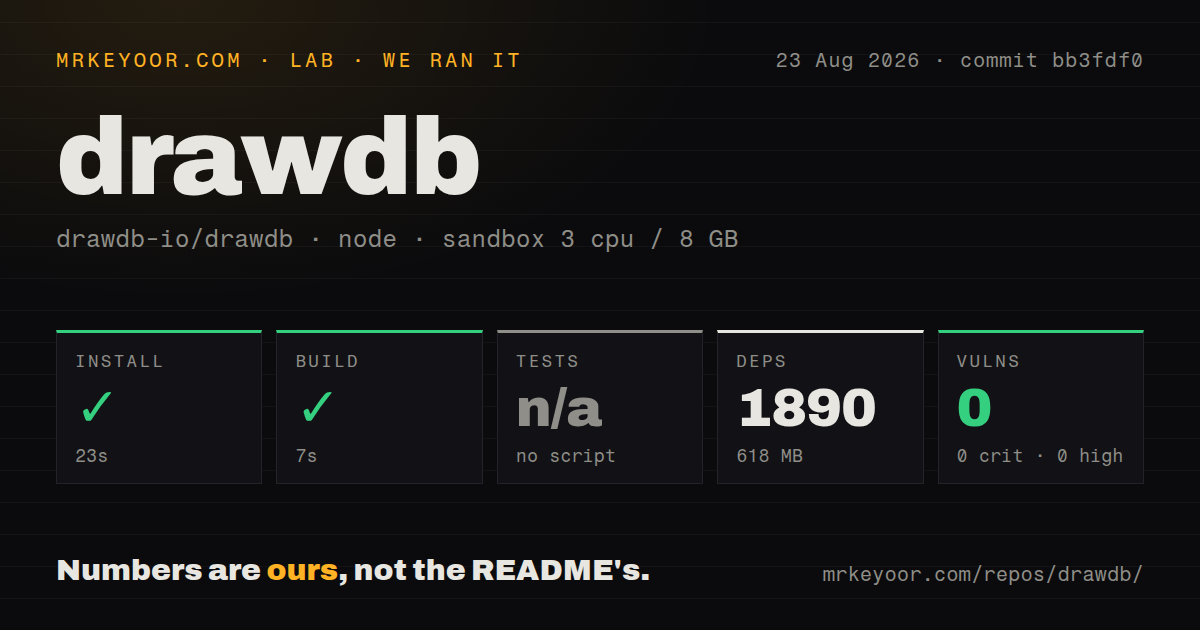
Our sandbox cloned commit bb3fdf0 and installed it in 23 seconds. npm pulled 1,890 packages and used 618 MB on disk. The production build succeeded in 7 seconds. There was no test script or target, so the test step was skipped. npm audit reported 0 known vulnerabilities across the installed dependency set.
The repository before installation was much smaller: 281 files, about 43,359 lines of source, and 3.1 MB checked out. It contained 2 CI workflows, a Dockerfile, and a compose file, but no tests directory. The successful build proves the measured revision compiles in a fresh Node 22 Debian container. It does not exercise canvas behavior, browser compatibility, SQL import, migration generation, or the separate sharing server.
A 618 MB install is a noticeable maintenance cost for a browser editor, even though the security audit was clean in our run. Teams vendoring it should use the lockfile, cache dependencies in CI, and repeat the production build and audit when updating. The lack of a test target puts more weight on manual checks of the particular database dialects the team uses.
Current fixes show where SQL round trips can break
Recent work is unusually specific and useful for judging risk. Pull requests in August 2026 addressed PostgreSQL regex checks, nested function defaults, CREATE TABLE LIKE, implicit foreign-key references, plain-text defaults ending in parentheses, and importing a real pg_dump file. Another fix covered MSSQL scripts, while one change deliberately skipped unsupported PostgreSQL views during import.
This activity shows maintainers working on real parser edges. It also demonstrates why an imported diagram should not become an unquestioned migration. Before adoption, assemble a small fixture from your actual schema with quoted identifiers, defaults, constraints, indexes, and any views or functions you rely on. Import it, export it, and compare the result semantically. Our build could not answer that database-specific question.
Canvas behavior has its own open work. Horizontal-wheel panning and relationship-label alignment had fixes under review, and viewport virtualization for large diagrams was still a pull request. A team with hundreds of tables should test its largest schema in the target browsers instead of judging responsiveness from a small demo screenshot.
Active maintenance matters more than the missing release tag
The repository was pushed on 2026-08-24. GitHub showed 240 open issues and pull requests combined, with active import, export, and interface work through August 25. GitHub returned no latest release, so health cannot be judged by tag freshness. The current push and issue activity indicate an active project, while the absence of releases makes commit pinning important for self-hosters.
AGPL 3.0 is the other operational decision. It permits use and modification, but a company exposing a changed version over a network should have counsel or a knowledgeable maintainer review the source-sharing obligations. This is materially different from dropping an MIT-licensed component into a closed internal product.
Use the diagram as a reviewed design artifact
drawDB is easy to recommend for a developer who wants an account-free canvas and is comfortable checking SQL. It is pleasant to deploy as a static editor, and the optional server leaves collaboration out of the simple path. The active parser fixes are a sign of useful maintenance and a warning against blind export.
Choose Azimutt when navigating a huge existing schema is the main job, ChartDB when its import and sharing workflow is a closer match, or SchemaSpy when documentation should be regenerated from a live database. drawDB is best at the editable middle: sketch, discuss, export, then let database tooling and code review decide what reaches production.