A focused live log viewer, not a logging platform
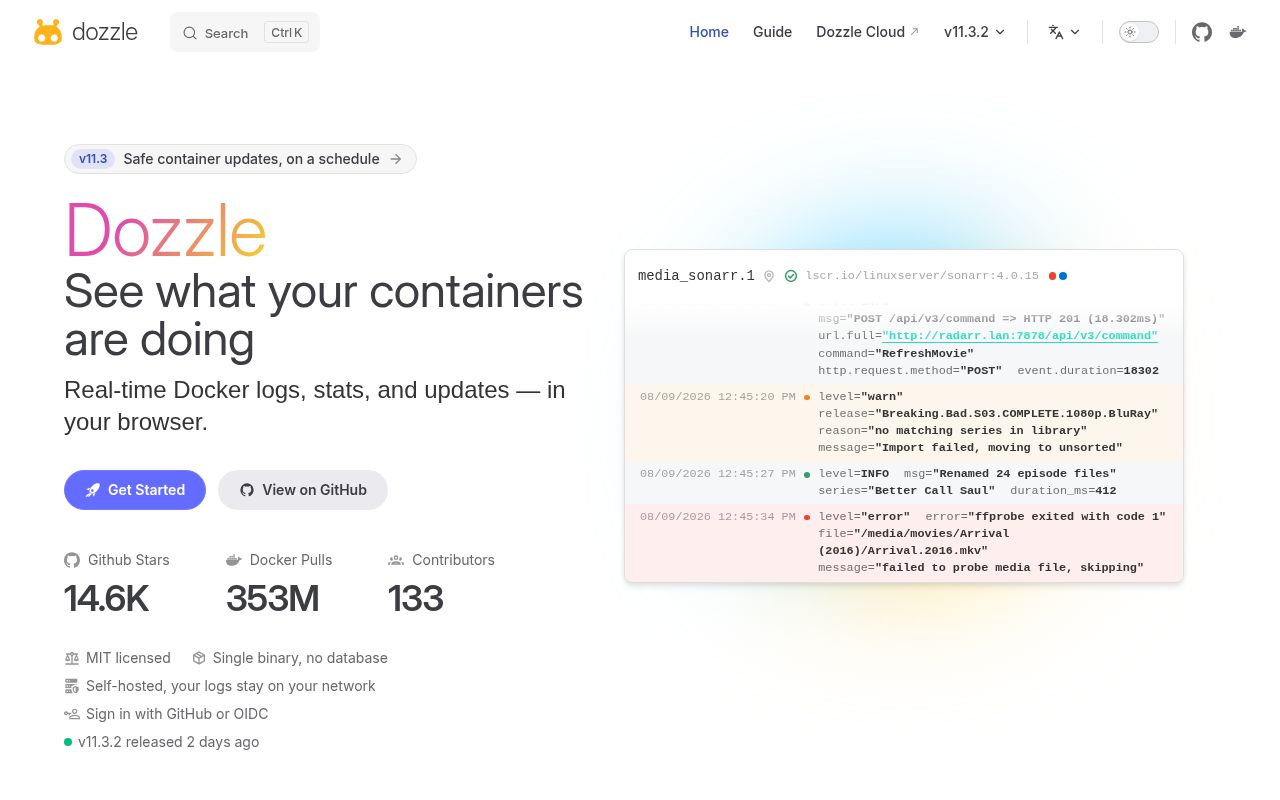
Dozzle solves one familiar operational annoyance: getting a useful view of container output without living in a terminal. Its 14,298 GitHub stars make sense because the pitch is immediately understandable. Run a small web application, point it at Docker, and get live logs, container search, split-screen viewing, resource statistics, and dark mode. The crucial boundary is equally clear: Dozzle does not retain log files, so it is a viewer for what is happening now, not a database for reconstructing what happened last week.
That narrowness is a strength when a full observability stack would be excessive. Dozzle requires Docker Engine 19.03 or newer and negotiates the API automatically, with API 1.40 listed as the floor. The simplest launch mounts /var/run/docker.sock, publishes port 8080, and uses a persistent data volume. There are also documented paths for Docker Compose, Swarm, remote Docker hosts, agent mode, Colima, and Podman. This is enough range for homelabs, development machines, and modest production estates without pretending every environment is identical.
What happened when we ran it
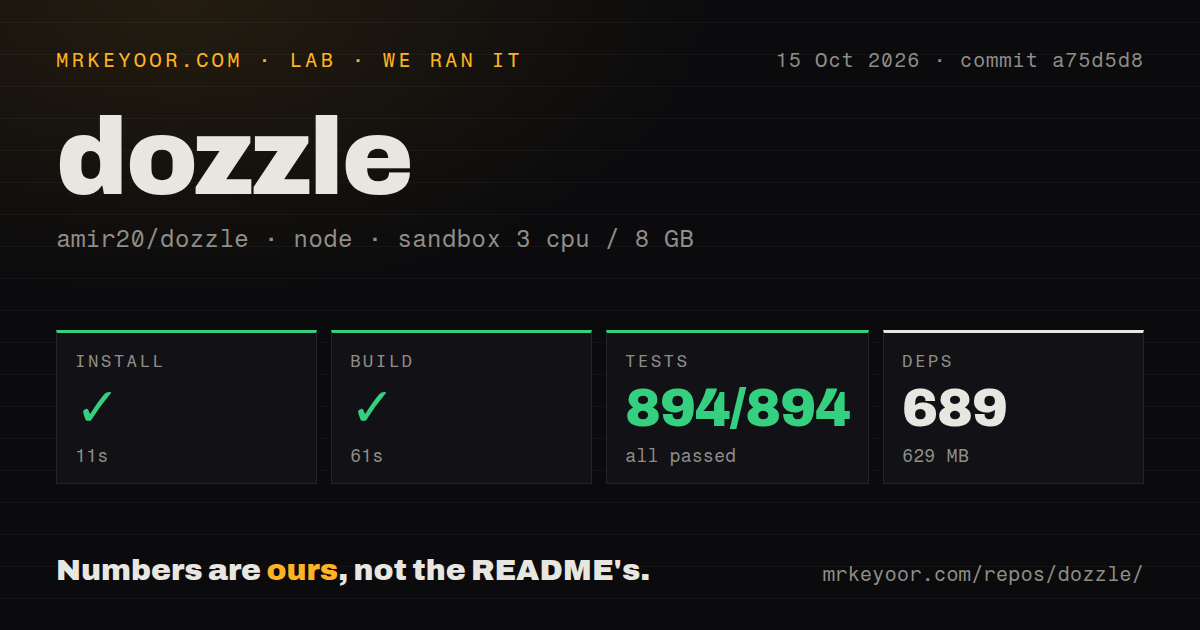
Our run used commit d9463cb in a fresh unprivileged sandbox with 3 CPUs and 8 GB of RAM. Installing the pnpm workspace succeeded in 22 seconds, bringing in 650 packages and occupying 566 MB on disk. The build then succeeded in 19 seconds. Vitest finished in 30 seconds with 281 passed and 0 failed out of 281. Those results are reassuring because they cover a repository of 1,105 files and about 67,044 lines of source, rather than only a tiny single-binary sample.
The source checkout measured 30.1 MB, and the repository contains 8 CI workflow files, a Dockerfile, a Compose file, and monorepo workspace configuration. There is no top-level tests directory, but that is not evidence of missing coverage because the discovered Vitest suite ran all 281 cases successfully. The largest practical contrast is between development and deployment: installing the source tree cost 566 MB on our box, while the README describes the normal compressed image as roughly 7 MB. Most users should consume the image instead of building locally.
The useful features are practical rather than decorative
Dozzle gets the daily details right. Fuzzy search helps locate a container when names are long or generated, while regex and SQL log queries offer more precision when simple text matching is not enough. Split screen lets an operator compare multiple live streams, and the CPU and memory view adds immediate context when an error coincides with a resource spike. Version 10.10.0 also includes multi-user authentication and forward-proxy authorization, which makes the interface more plausible for a team than an unprotected local dashboard.
Its deployment options address real topology changes. Swarm mode can run as a global service, while agent mode listens on port 7007 and brings several Docker hosts into one view. Images are published through both Docker Hub and GitHub Container Registry, with exact, minor, major, Alpine, pull-request, and development tags. The README sensibly advises pinning production deployments instead of using latest or master. Scratch-based images keep the normal artifact around 7 MB compressed, and Alpine variants exist for setups that genuinely need a shell.
The Docker socket and missing history are the real tradeoffs
The biggest limitation is intentional but serious: once output has passed, Dozzle cannot search it offline. A crash overnight, an intermittent error from 2 days ago, or evidence from a deleted container belongs in a retained logging system such as Loki, not here. There is also no claim of alerting or incident correlation. Dozzle therefore complements monitoring and log storage; it does not replace either. Teams should decide this before an outage rather than discover the boundary while looking for vanished evidence.
Mounting the Docker socket is convenient, but it is a sensitive trust decision because that socket exposes a powerful control surface. Authentication helps protect the web entrance, yet operators still need careful network exposure, access controls, and a considered proxy configuration around port 8080. The project also collects anonymous configuration analytics through Google Analytics unless --no-analytics is set. That is disclosed and opt-out, but privacy-sensitive installations should make the choice explicitly instead of accepting a default they did not review.
Scratch images bring another operational wrinkle: there is no shell inside the default container. That is excellent for size, but awkward for environments that inject shell wrappers, which is why the Alpine tags exist. Podman needs more setup as well, including its remote socket and a fabricated engine ID to avoid host lookup errors. None of this undermines the quick Docker path, but it means the 1-command story is most accurate for a conventional Docker host, not every compatible runtime.
Current maintenance signals are unusually strong
The project was pushed today, released v10.10.0 yesterday, and has only 5 open issues at the supplied snapshot. Combined with 14,298 stars and 8 CI workflows, those are strong signs of active maintenance and broad adoption. A low issue count alone cannot prove response quality, and this snapshot does not show issue resolution times, but the recent push and release matter more than popularity by itself. Nothing in the provided evidence suggests a project coasting on an old reputation.
It belongs beside retained logs, close to the operators
In a real stack, Dozzle fits as the fast human interface for live diagnosis. Put v10.10.0 behind an authenticated gateway, restrict network reach, and pin the image tag. Keep Loki or another retained store for historical investigations, metrics tooling for trends, and alerting for detection. That division of labor preserves Dozzle's appeal: a roughly 7 MB live viewer can remain quick and legible because it is not also trying to become a full logging platform. For small Docker estates, that focus is exactly why it is worth deploying.