DevDocs searches reference indexes, not the whole web
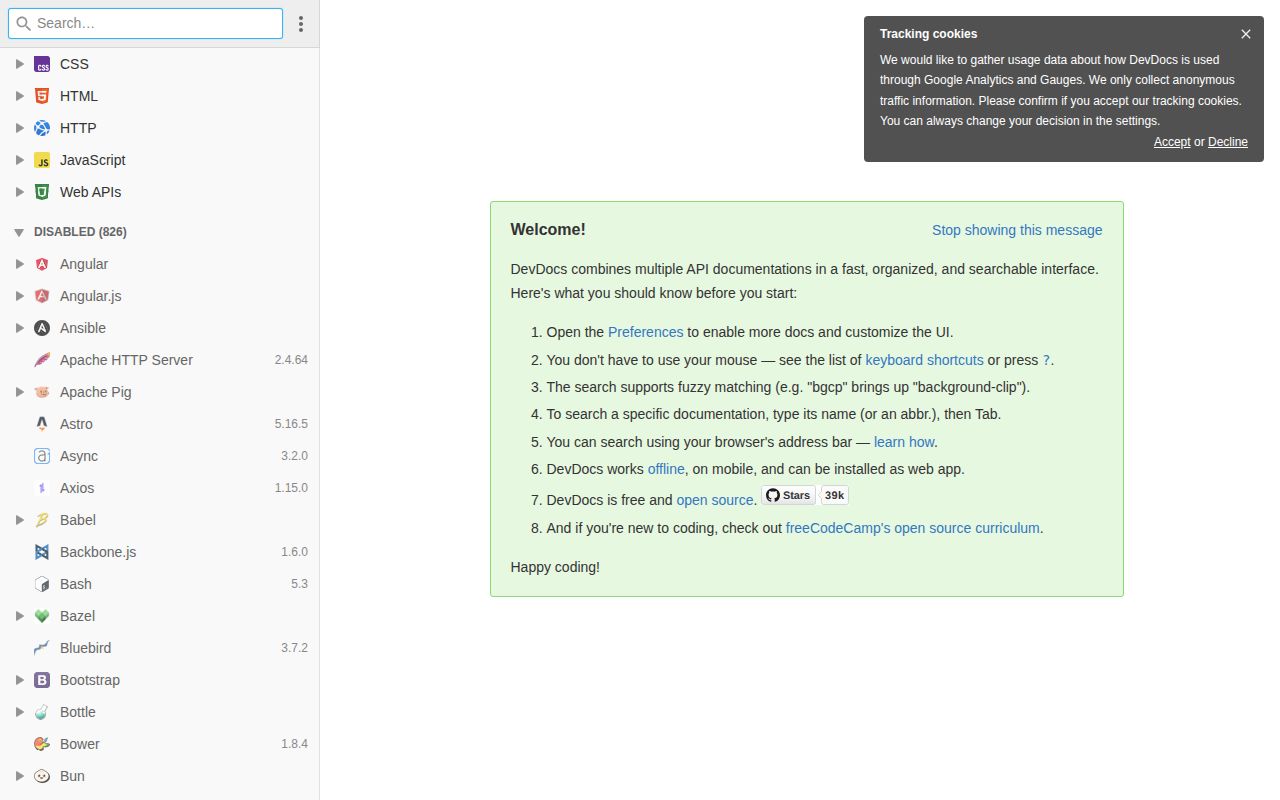
DevDocs searches documentation metadata in the browser, with an algorithm designed to stay fast across 100,000 records. The interface normalizes many documentation sites into one layout, then adds instant search, keyboard navigation, a dark theme, and offline access. That is a focused answer to a common interruption: remembering which vendor site owns a method, finding its version selector, and relearning its navigation before getting back to code.
The app is intentionally narrower than a programming search engine. Its README excludes tutorials and guides, and the scraper keeps only content that can be identified by a short, obvious metadata string. In the 2026-09-02 snapshot our lab received, the browser loaded normalized HTML fragments rather than embedding original pages with their scripts and styles. DevDocs is best at answering "what arguments does this API accept?" It is a poor place to learn why an architecture works.
Ruby 4.0.6 or Docker is required for self-hosting
Ruby 4.0.6, Bundler, libcurl, and an ExecJS-compatible JavaScript runtime are required for the manual route. The documented easy path is a published container exposed on port 9292. Standard and Alpine images are available, and the project says it rebuilds them monthly with current documentation. Linux users need Node.js for ExecJS. After the gems are installed, a separate Thor command downloads the pre-generated default manuals before Rack starts the server.
commit 77abbf2 was the exact checkout assigned to our sandbox, which had 3 CPUs and 8 GB of RAM. We could confirm from the project files that a Dockerfile exists, but the lab could not exercise the Ruby toolchain. That distinction matters here because the one-command container route may be easy while native gem compilation behaves differently. We have no measured dependency count, disk footprint, build time, or passing test total to hide behind.
What happened when we ran it
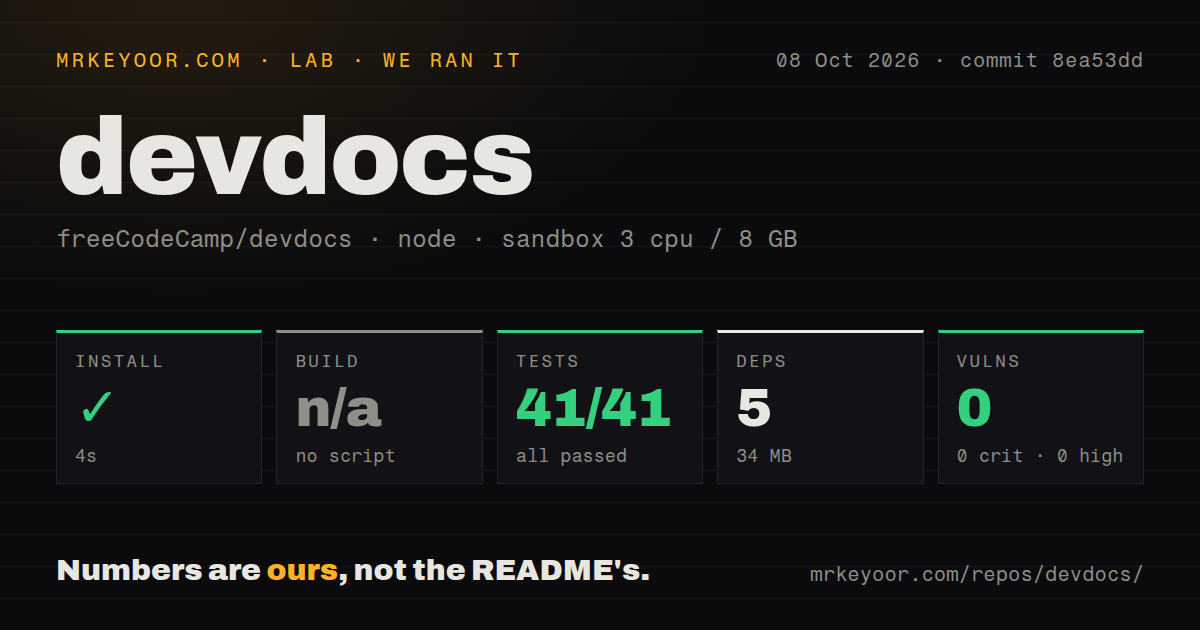
Our 2026-09-02 sandbox did not run DevDocs because its automation had no supported Ruby ecosystem. The assigned checkout was commit 77abbf2 in a fresh, unprivileged Debian container with no secrets. A Dockerfile was present, but the harness did not build or start it. We therefore recorded no install, build, test, vulnerability, or timing result, and readers should not interpret the documented quick start as a result from our box.
The 3-CPU and 8 GB limits never became runtime constraints because execution never began. This also means our run says nothing about the first-request asset compilation, the size of downloading every manual, scraper reliability, search speed, or offline behavior. Those are open questions for a trial on the host you plan to use. A sensible acceptance check would cover container startup, a chosen doc download, browser search, and a disconnected reload, but we did not perform those checks.
Offline copies remain subject to browser storage rules
DevDocs uses a service worker and browser storage to make selected manuals available offline. The browser requirements still list Safari 11.1+, Edge 17+, and iOS 11.3+, which shows that the client expects modern storage and DOM APIs rather than supporting every old corporate browser. Users choose which manuals to retain, a useful control when a full reference library would consume unnecessary local space.
Offline does not mean portable or permanent. In open issue 1209, a user found that copied portable-browser data was unavailable on an air-gapped machine. Issue 2656, opened in 2026, asks DevDocs to request persistent browser storage so downloaded manuals are less exposed to eviction. Our 2026-09-02 sandbox evidence cannot settle either behavior because it never launched a browser. Anyone depending on offline access should test the exact browser profile and storage policy.
Code and documentation freshness are separate jobs
The September 2026 report counted 48 minor-version and 81 major-version documentation sets behind upstream. The README says there is no automatic code-update mechanism beyond pulling the main branch. Installed manuals have their own docs:download --installed command, while an image built from the supplied Dockerfile downloads all available documentation and compiles assets. This split is understandable because the app and its scraped content change at different rates. A self-hoster therefore has two freshness checks instead of one.
The September 2026 documentation report also listed 5 sets it could not check. Those counts do not say every page is wrong, and some version comparisons in the report are plainly awkward. They do show why a team should verify the few manuals it depends on instead of assuming a large catalog moves in lockstep. commit 77abbf2 itself updated the Flow documentation. Pinning an image without updating its manuals can leave the interface healthy while the answers age.
September commits continue while maintainers are wanted
GitHub showed 39,409 stars, 217 open issues and pull requests, and a last push on September 2, 2026. Recent activity included documentation reports, dependency automation, new scraper work, and fixes. The latest-release endpoint returned no published GitHub release, so health is better judged from commits and issue handling here. The combined open count is not a bug count, and the same current queue contains automated pull requests.
The README also says the project is searching for maintainers. That 2026 request deserves more weight than the star total because keeping scrapers accurate is recurring editorial work as upstream sites change. DevDocs remains a useful hosted reference browser and a credible self-hosted option for teams willing to watch their chosen manuals. The unverified setup is the dividing line: use the public service first, then test the Ruby or container path before making an offline workflow depend on it.