Live mode gives you a preview to capture with OBS
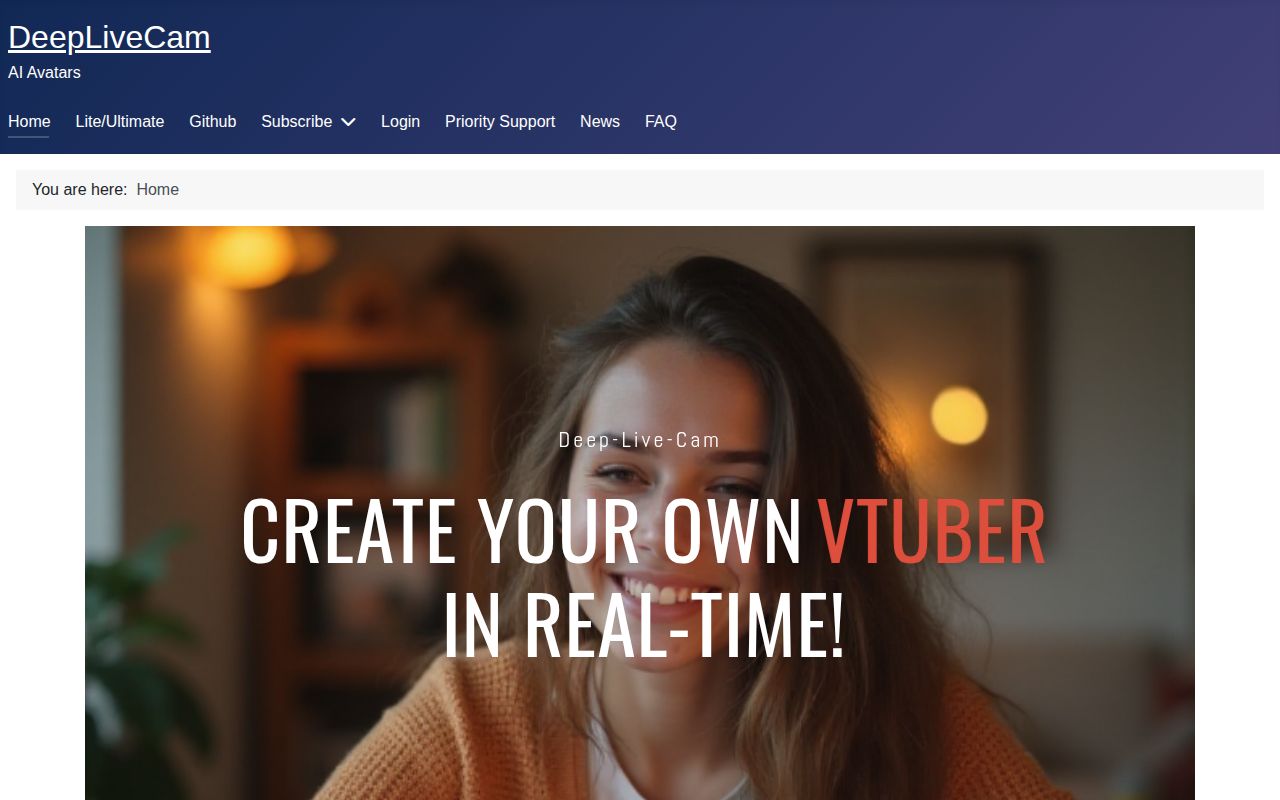
Select a source portrait, choose your camera, and press Live: Deep-Live-Cam opens a face-swapped preview that the README tells you to capture with OBS or similar software. That last step matters if you're expecting it to appear directly in a video-call app. Recorded image and video processing is also available. Mouth Mask preserves your original mouth, while Face Mapping assigns different replacement faces to multiple people.
The local approach puts the processing stack on your machine. Our checkout occupied 67.7 MB, but installation expanded the environment to 1,888 MB. That's a reasonable commitment for a computer-vision workstation and a poor fit for someone expecting a lightweight webcam accessory. I'd consider it for consented experiments where you can inspect the result and stop the session when something looks wrong.
What happened when we ran it
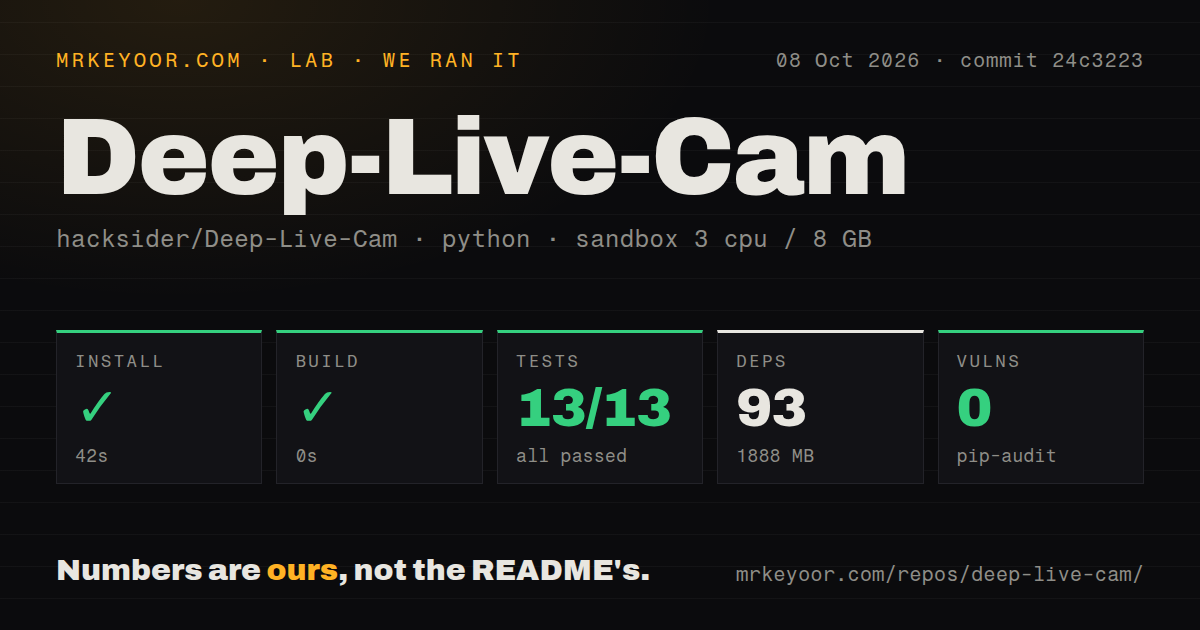
Our sandbox installed Deep-Live-Cam commit 24c3223 in 42 seconds, adding 93 packages and occupying 1,888 MB. The build step succeeded with a recorded duration of 0 seconds. Our measurement setup on October 8, 2026, was an unprivileged Debian container using the ghcr.io/astral-sh/uv:python3.12-bookworm image, with 3 CPUs, 8 GB of RAM, and no secrets. These measurements establish that the repository's setup and check commands completed in that environment.
In our run, pytest passed all 13 tests in 1 second, with 0 failures, and pip-audit reported 0 known vulnerabilities. The checkout contained 74 files and about 8,791 source lines, with 2 CI workflow files, a tests directory, and no Dockerfile. The supplied measurements contain no camera, output-quality, or frame-rate result. A passing suite is useful evidence about the checked code paths, but it doesn't establish how a live performance will behave.
Manual setup still needs FFmpeg and separate face models
The README explicitly warns beginners away from manual installation. You need FFmpeg and a Python environment, plus gfpgan-1024.onnx and inswapper_128_fp16.onnx placed in the models directory. Windows instructions also call for Visual Studio runtimes. The documented local workflow doesn't ask for a hosted API credential. You still need to obtain the model assets before a successful package installation becomes a working media application.
Python 3.12 worked in our sandbox, while the current instructions recommend Python 3.14 and support 3.11 through 3.14. Acceleration adds platform choices: CUDA on Nvidia, CoreML on Apple hardware, DirectML on Windows, or OpenVINO on Intel. The OpenVINO section even supplies a version-pairing table. Follow the route for your actual hardware and preserve that environment. Our 42-second install supplies no evidence about GPU compatibility or acceleration speed.
The latest Ultimate release is a separate website download
The September 7 release, 2.7.5-Ultimate, advertises Face Fader, Favorites, a Library, and a Face Picker, then directs readers to the project's website. Its release notes say it is available exclusively there. Meanwhile, the repository README still heads the source project as 2.1.6. Those labels make it especially easy to mistake a prebuilt-product announcement for a description of the checkout.
Our 93-package installation belongs to commit 24c3223, so it cannot validate the separately distributed Ultimate build. Treat the website's convenience claims and exclusive features as a separate purchase decision. The three-click demonstration describes operating an already working application. It doesn't describe the source installation, and our successful package run doesn't show that every feature advertised for Ultimate exists in the open checkout.
The CLI is unmaintained, and live-mode failures have open reports
The source README explicitly labels its command-line arguments unmaintained. That's enough for me to pass if unattended batch processing is the main requirement. Live users have another concrete concern: issue 1895 reports a camera preview showing the original face despite apparently successful logs. It remained open after a September update. That report describes a user's experience, not a failure reproduced by our lab.
An open Windows live-mode pull request describes a deadlock when Live is clicked again during model loading and proposes disabling repeated activation. A proposed fix is not a shipped guarantee. Our 13 passing tests don't resolve that report. Before depending on this app for a show, try the actual camera and accelerator, change source portraits, and verify that stopping and restarting the preview works.
Model terms can stop a commercial deployment
The repository uses AGPL-3.0, while its credits warn that the supplied InsightFace models are for non-commercial research. InsightFace's model policy separately distinguishes code permission from model permission and provides licensing contacts. A business should settle permission for its chosen weights before building a client-facing workflow around them. Downloadable source alone doesn't answer whether those models fit the intended commercial use.
Pip-audit's 0 known vulnerabilities in our installed environment says nothing about model permissions. Nor does it certify the output as safe to share. The project's own policy asks users to obtain consent for a real person's face and label shared results as deepfakes. Those conditions are part of adopting this particular app. A performer who needs an undisclosed substitution should walk away before spending time on drivers.
October changes show maintenance alongside unresolved reports
GitHub recorded a push on October 10, 2026, with 97,091 stars and 45 open issues and PRs when checked. The open list split into 19 issues and 26 PRs. October contributions address live-preview shutdown and CoreML caching, while the unchanged-preview report remains open. This is ongoing maintenance with unresolved user problems. The September Ultimate release date alone would tell you much less about source health.
Our 13-test result makes Deep-Live-Cam worth trying for supervised experiments, with hardware rehearsal still required. For automation, I'd start by comparing FaceFusion's batch and job commands. DeepFaceLive is another Windows-focused live option, though its repository is archived. If you choose Deep-Live-Cam, make your first rehearsal a complete session through OBS, including shutdown, using the same camera and models you'll use in front of an audience.