The command log makes a failed browser flow inspectable
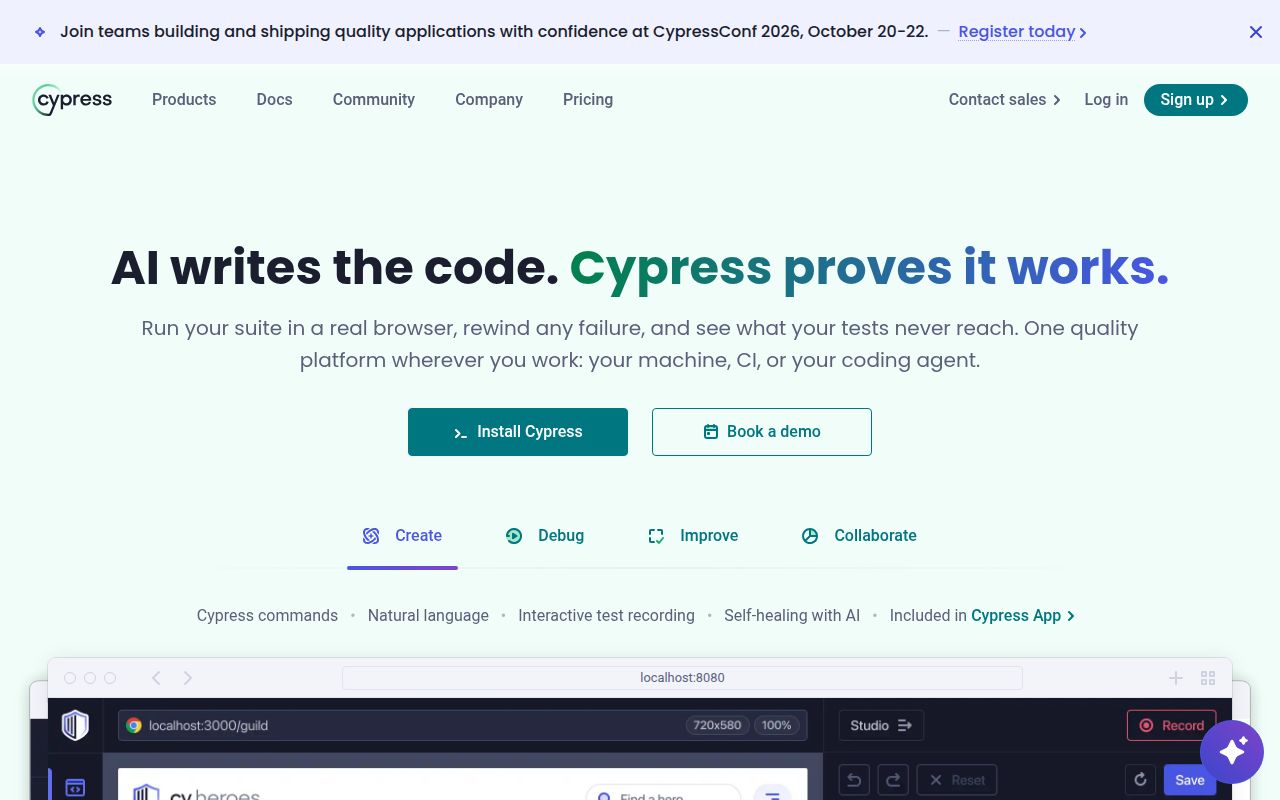
When a checkout button fails, Cypress lets you inspect the command that clicked it and the page snapshot attached to that command. Its open mode puts the application beside a command log, with console details available when you select an entry. That is the reason I'd consider it for a frontend team: the person fixing the failure can see the sequence that produced it.
There is a substantial project behind that interface. Our source checkout contained 7,150 files and roughly 623,684 lines of source. The user-facing programming model also deserves attention: linked queries and assertions retry together, while non-query commands execute once. The retry guide explains that distinction. You need to understand it before treating every command as an ordinary JavaScript call or adding fixed waits whenever the page responds slowly.
What happened when we ran it
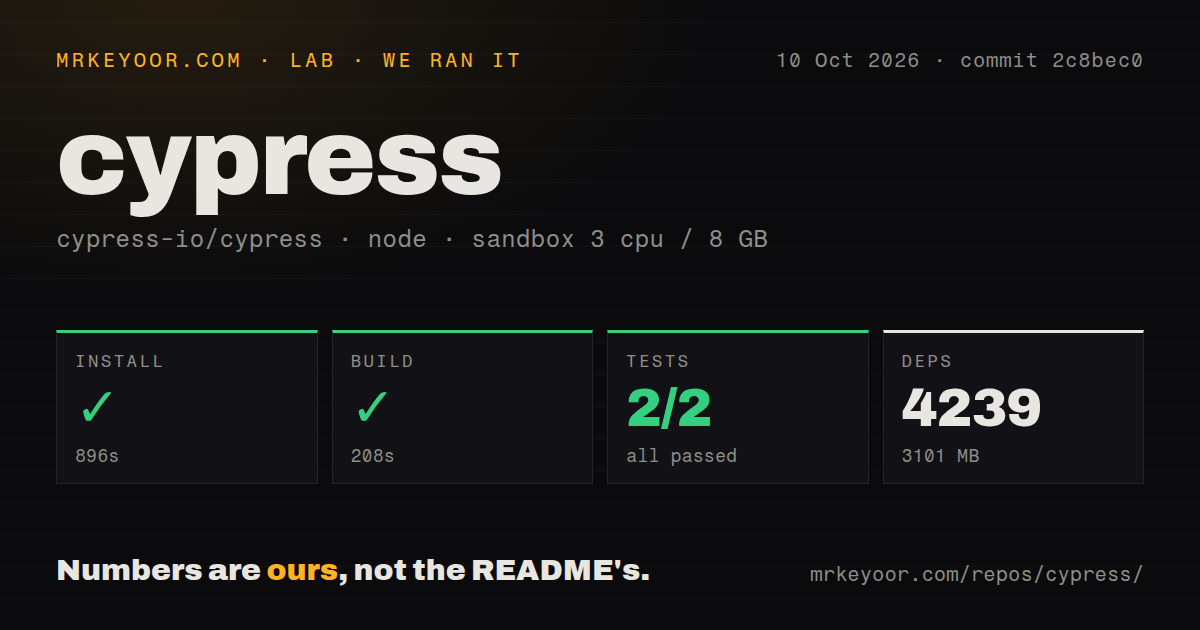
Our run installed 4,239 packages in 896 seconds and occupied 3,101 MB, then completed the build in 208 seconds. We cloned commit 2c8bec0 on October 10, 2026, into a fresh Debian sandbox with 3 CPUs and 8 GB of RAM, using lab-node:22. The container was unprivileged and had no secrets. These measurements cover the source repository, with Yarn workspaces, rather than a consumer application's Cypress dependency.
The test step exited with code 1 after 63 seconds. One Vitest summary in the log tail reports 4 failed tests and 994 passed, across 2 failed files and 50 passed files. It also reports 2 failed snapshots. A separate summary reports 7 passing, 1 pending, and 5 failing. The excerpt does not name the failed cases or show their underlying error messages, so it cannot establish why they failed.
Another Vitest summary shows 26 files passing and 1,565 tests passing. The harness's short summary lists 2 passed and 0 failed, but that narrower result cannot override the failed command and the failures visible in its tail. These are separate summaries, not a justified combined total. The checkout occupied 92.6 MB before installation. Its scan found 12 CI workflow files and a compose file, but no Dockerfile or tests directory. The log itself plainly contains tests.
The package quick start differs from the source monorepo
The 896-second installation is a contributor cost measured on this checkout. The README directs application developers to add the published package as a development dependency. Its contributor guide explains the workspace repository separately. Comparing those paths matters: our 3,101 MB result does not tell you how much disk space an ordinary application installation will consume. We did not measure that path.
For an application, budget for a running site, repeatable test data, and configuration that points Cypress at the right environment. Ordinary local operation does not require Cypress Cloud recording. If you want hosted run history, the Cloud setup guide requires a linked project and record key. The installation guide also documents a separate binary download and Linux libraries, including GTK and Xvfb. A package manager that blocks lifecycle scripts needs explicit handling.
Simultaneous browser sessions and native apps are poor fits
Cypress's trade-offs guide says it cannot control multiple open browsers simultaneously. It points to a Puppeteer plugin for multiple tabs, which is a different requirement. If your acceptance scenario needs an administrator and a customer independently using the same service, decide whether a workaround preserves the behavior you care about. I'd choose a runner with independent browser sessions before restructuring that scenario around Cypress.
A successful 208-second source build does not remove those product boundaries. The same guide excludes native mobile events and identifies web indexing and performance testing as poor uses. Device gestures or general web automation call for another tool. This distinction matters more than our failed suite when choosing a runner: a green upstream checkout would still leave those requirements outside its documented scope.
WebKit support still requires an experimental setting
The browser guide labels WebKit support experimental and requires an opt-in plus a separate browser package. It also documents additional Linux requirements. Teams whose release decision depends on Safari behavior should evaluate that route explicitly before adopting Cypress across the organization. Chromium coverage alone cannot answer whether a WebKit-specific interaction works, and our sandbox results contain no browser compatibility measurement.
For multi-user web scenarios, Playwright documents independent browser contexts within a single scenario. For browser and native mobile automation, WebdriverIO supports WebDriver and Appium. Those are the alternatives I'd shortlist. Our 4,239-package source install supplies no comparative speed evidence for either one. Choose by the interaction you need to exercise, then assess how easy its failures are for your team to diagnose.
October activity shows maintenance alongside unresolved reports
The repository was pushed on October 11, 2026, and the latest release was v16.1.1, published September 29. GitHub listed 51,046 stars and 1,126 open issues and PRs. Recent issue activity includes report 35026, updated October 10, describing a browser hang when synchronous XHR targets the /__cypress/ namespace. That is a specific user report, not an explanation for our sandbox failures. The release notes include command typing fixes.
I'd trial Cypress on a checkout or account-editing flow where a developer benefits from command snapshots. Keep the 63-second failed source-suite result in view if you plan to contribute or maintain a fork. For application adoption, deliberately break an assertion in your own flow and have the next person diagnose it. Whether they can explain that failure is a better reason to keep Cypress than its star count.