Five web jobs share one Rust service
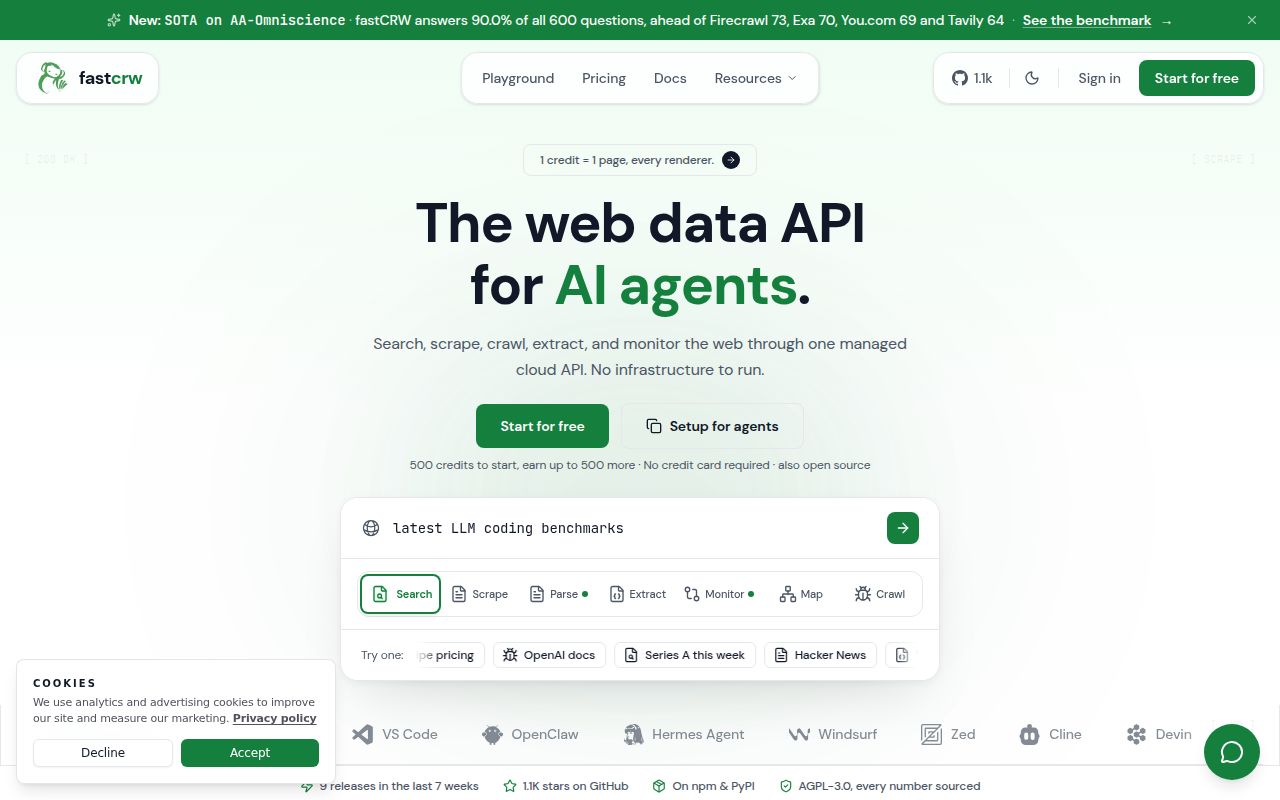
fastCRW puts 5 jobs behind one engine: scrape, crawl, map, search, and structured extraction. A single page can return markdown, HTML, links, screenshots, or schema-shaped JSON. Site jobs can discover URLs or follow a bounded crawl. Applications can use REST, Python, TypeScript, or the command line, and a compatibility path gives Firecrawl users a practical way to test the service without first replacing every call.
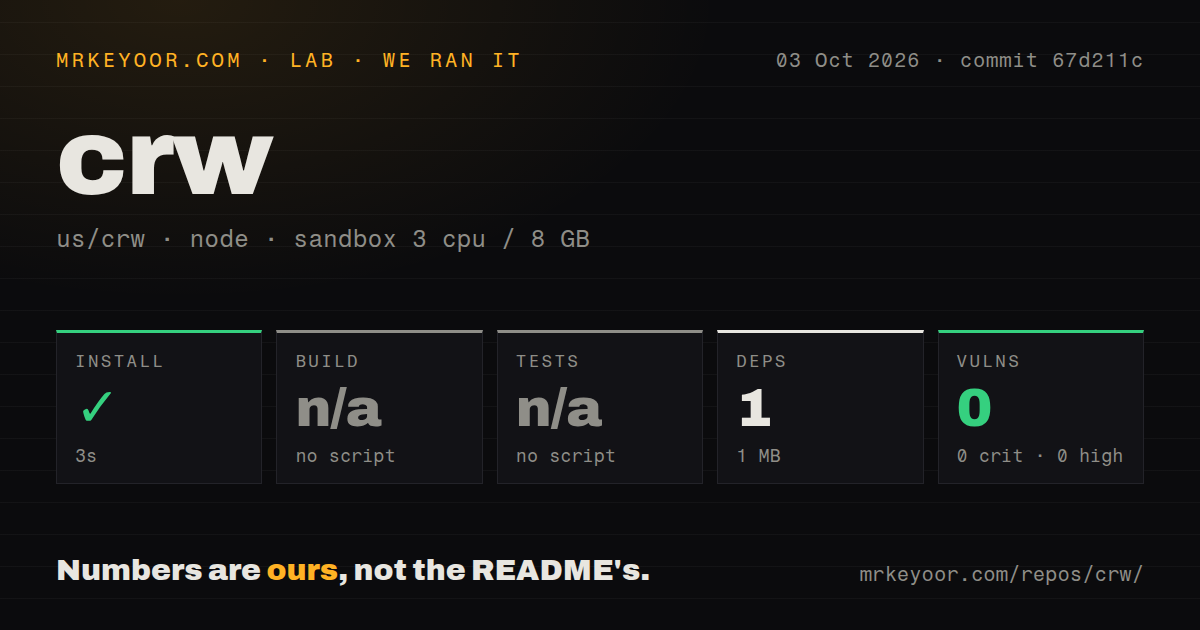
The measured checkout was not a small wrapper. commit 4d4d9fc contained 797 files, about 111,403 source lines, and 14.8 MB before installation. Most of that code is Rust spread across crawler, renderer, extraction, search, server, CLI, and MCP crates. The root npm package contained 1 dependency, marked, which explains why our Node install looked tiny beside the product it sits within.
Two deployment modes expose different capabilities
The 2 deployment modes divide responsibility differently. The managed API supplies hosted search, JavaScript rendering, proxies, billing, and scaling. Local mode keeps requests and private-network access under your control, but the README assigns renderer choice, search, authentication, proxy policy, and capacity to the operator. It also warns that response shapes and capabilities can differ. The capabilities endpoint should be part of checks when code moves between the two.
A one-command installer covers macOS and Linux on Intel and ARM. Cloud users can pass a key during installation, while local users can scrape a URL without an account. The repository also has a Dockerfile and Compose file. Those paths sit outside the 1 MB npm environment we measured, and our run did not start a browser, server, container, proxy, or search backend.
What happened when we ran it
Our sandbox ran the repository's npm path at commit 4d4d9fc in a fresh unprivileged Debian container with 3 CPUs, 8 GB of RAM, Node 22, and no secrets. Installation succeeded in 11 seconds, added 1 package, and used 1 MB on disk. Npm audit reported 0 known vulnerabilities across critical, high, moderate, and low severities. This result covers the root Node dependency surface, not the Rust crates or a completed fastCRW deployment.
The lab skipped the build because the npm manifest had no build script or target. It skipped tests for the same reason. The checkout did include a tests directory and 18 CI workflow files, while the Makefile points contributors to Cargo format, lint, build, and test commands. None of those ran in our 3-CPU, 8 GB Node 22 container, so we have no measured claim about Rust compilation, crawler correctness, or browser cleanup.
One installer reaches 6 agent tools
The README names 6 detected clients: Claude Code, Cursor, Codex, Gemini CLI, OpenCode, and Windsurf. Setup can register the MCP server and install a CRW skill, while storing a cloud key in one CRW config file instead of copying it into every agent. That is useful for research tasks because the same tool surface can search, fetch, crawl, and extract without pasting raw pages into a conversation by hand.
Tool compatibility crossed a release boundary on September 23. Issue #578 showed that the script tool's valid Draft 2020-12 boolean schema caused llama.cpp to reject the whole chat request with HTTP 500. The maintainer reproduced it, merged an object schema in commit 9043cd7, and reported a 200 response from llama-server b11118. Latest release v0.36.0 predates that fix, so users of tagged artifacts should verify the schema before enabling all 6 client paths.
AGPL covers the engine, while both SDKs are MIT
The engine and MCP server use AGPL-3.0. The Python and TypeScript SDKs use MIT, and the README supplies an address for embedding-license discussions. That split is friendly to clients that merely call the service, but it deserves legal review before a company modifies, distributes, or embeds the server inside a proprietary product. Decide where the service boundary sits before application code depends on it.
Proxy behavior also needs deliberate configuration. Issue #570 confirms separate controls for direct HTTP retries, the JavaScript renderer ladder, and search. The maintainer describes one escalation attempt after specific block signals rather than spending proxy bandwidth on every request. This design saves proxy traffic, though it means a 1-package npm install tells you nothing about success on the protected sites, regions, and browser paths that make scraping difficult.
September maintenance is active, with 10 open items
GitHub recorded a source push on September 23, 2026, and release v0.36.0 arrived on September 19. The release cached repeat scrapes, changed crawl handling around robots files, corrected local MCP routing, and fixed SDK sitemap results. The repository had 1,067 stars and 10 open issues and pull requests combined when fetched. The response and merged fix on issue #578 add better evidence of attention than the star count alone.
The remaining decision belongs to your URL list. Our run installed 1 Node package in 11 seconds, then skipped both build and tests. Before adopting fastCRW, compile the Rust workspace, run its Cargo and container checks, and compare local and managed responses on your own JavaScript pages, PDFs, regional sites, and blocked domains. A clean markdown page from a public example cannot answer those questions.