What happened when we ran it
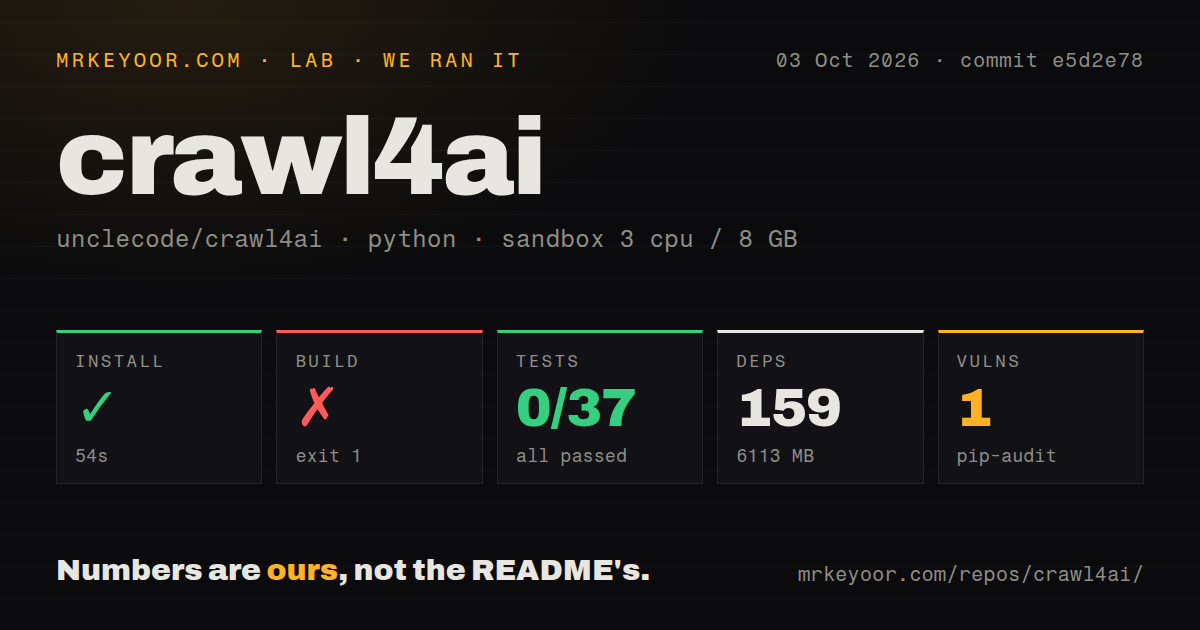
Our sandbox installed commit e5d2e78 in 54 seconds. Our measurement setup was an unprivileged Debian container with 3 CPUs, 8 GB of RAM, the ghcr.io/astral-sh/uv:python3.12-bookworm image, and no secrets. The checkout contained 943 files, about 172,124 lines of source, and occupied 29.1 MB. Installation added 159 Python packages and expanded the environment to 6,113 MB. That step succeeded. The configured build did not: it exited 1 after 2 seconds. The end of its log shows SyntaxWarnings for invalid escape sequences in three documentation examples, but it does not show the terminating error. We cannot honestly name the cause from that tail.
Pytest failed with exit 3 after 32 seconds. Its overall report recorded 0 passed, 0 failed, 1 skipped, and 37 collection or setup errors out of 37. The last error came from tests/test_cloud_bugs_batch.py, which called sys.exit(1) during import and triggered an internal pytest error. A separate summary line inside the log says 84 passed and 2 failed out of 86 tests. Treat them as intermediate results inside a command that never completed cleanly. Pip-audit also found 1 known vulnerability; the supplied result gives no package or severity.
The 6,113 MB environment buys unusually deep browser control
Crawl4AI v0.9.4 supports Chromium, Firefox, and WebKit. It can preserve sessions, use saved browser profiles, execute JavaScript, wait for elements, scroll lazy pages, rotate authenticated proxies, and connect to remote browsers through Chrome DevTools Protocol. A run can return Markdown, raw HTML, links, media, screenshots, or PDFs. For a JavaScript storefront or an authenticated research portal, that is a useful amount of control in one Python interface.
The extraction layer is sensibly split. CSS, XPath, and regular-expression schemas can produce structured data without a model call. Markdown filters can prune boilerplate or rank sections against a query. An LLM strategy is available when the page refuses to fit a stable schema, but it requires a provider configuration and adds runtime work outside the 54-second install we measured. Keeping deterministic extraction available is important because repeatable page layouts rarely need a model in the loop.
Static pages rarely justify 159 installed packages
Our 6,113 MB environment is hard to justify when a site sends useful HTML without client-side rendering. Trafilatura targets that narrower job. Scrapy makes more sense when you want spiders, scheduling, item pipelines, and crawling policy but do not need browser-first Markdown. Crawl4AI earns its larger footprint when a plain HTTP client cannot reach the state or content your application needs.
The repository does offer several ways in: Python, a crwl command, and a Docker server on port 11235. The README's Python quick start is short, but contributors meet a different scale. Our 29.1 MB checkout grew past 6 GB after installation, and the source build plus complete test command both failed. Pin the package and browser versions, cache the browser download, and repeat the exact crawl fixtures your service depends on before an upgrade.
Self-hosting keeps proxies and bot walls on your side
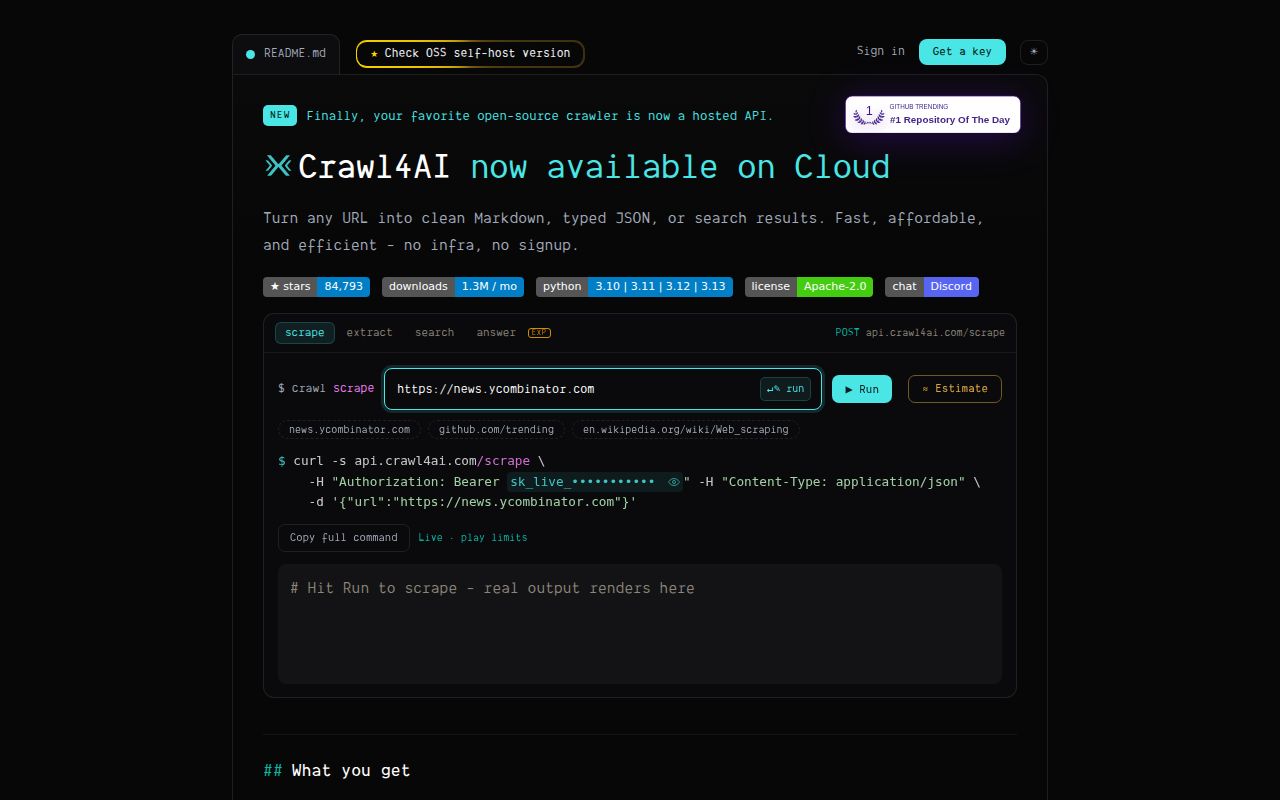
Crawl4AI v0.9.4 reserves web search and experimental answers for the hosted service. With the Python library or your own Docker server, you run the browsers and manage proxies, cookies, sessions, and site-specific settings. The hosted service handles those browser operations for you, so self-hosting the crawler does not reproduce the entire paid product.
The Docker path needs an API token before it is useful beyond the container. The documented command exposes port 11235, allocates 1 GB of shared memory, and passes CRAWL4AI_API_TOKEN. Model-assisted extraction needs an LLM provider or the cloud extraction endpoint; ordinary Markdown and schema extraction do not. That separation lets a team keep routine crawls local without sending every page to a model, but operating the browser pool remains their job.
Deep crawling in v0.9.4 needs guardrails outside the library
Crawl4AI v0.9.4 has 2 open reports that matter when crawl limits control cost or safety. Issue 2308 says the Docker API has rejected request-supplied deep-crawl strategies since v0.9.0. An open pull request on October 5 proposed an operator opt-in. Issue 2338 reports that BFSDeepCrawlStrategy(max_pages=50) returned 193 pages because sibling pages could overfill the next-level queue. A separate fix was open the same day.
These reports also show maintainers engaging with specific defects. GitHub recorded a push on October 5, 2026, v0.9.4 had shipped on September 23, and the repository had 84,793 stars plus 233 combined open issues and pull requests when checked. Those dates establish active maintenance. They do not prove every boundary is settled. If a page cap protects money, time, or a target site, enforce it in the caller as well and verify the returned count.
Use it when the browser is part of the problem
Crawl4AI is strongest when extraction starts after login, scrolling, script execution, or multi-page navigation. Its outputs are already shaped for retrieval and agent code, and the deterministic paths keep a model optional. Those benefits are concrete. So are the costs: 159 packages, 6,113 MB on disk, a failed build, 37 collection or setup errors, and one known audit finding in our sandbox.
For browser-heavy Python work, a pinned pilot is warranted. Test the exact sites, soak the Docker workers, cap work outside the crawler, and compare raw output with the filtered Markdown before trusting it downstream. For static news pages or documentation, start smaller. The easiest dependency to operate is still the browser you never had to launch.