It brings an IDE-shaped layer to Vim and Neovim
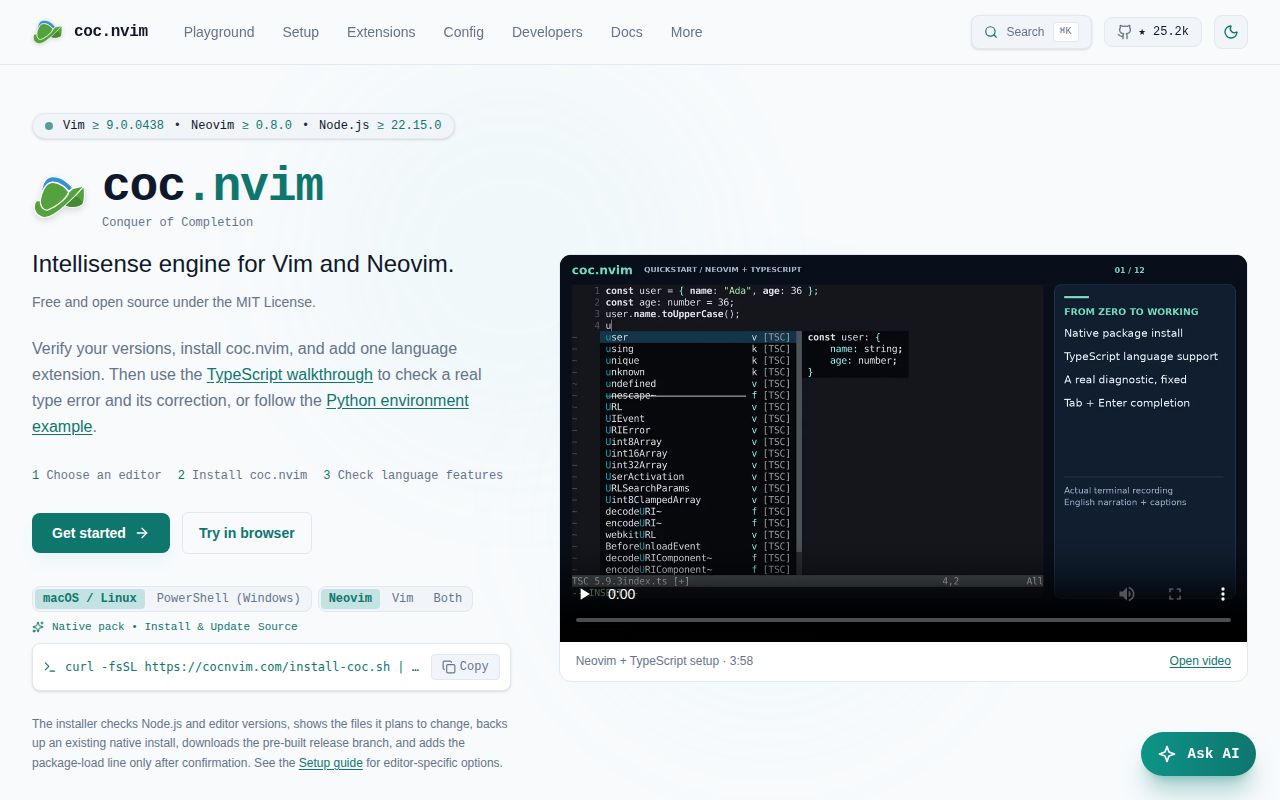
coc.nvim is for people who like the speed and habits of Vim or Neovim but do not want to assemble every modern coding feature separately. The project describes itself as an IntelliSense engine, and its stated scope is broad: completion, diagnostics, navigation, refactoring, and extension support. A Node.js service supplies that machinery to both editors.
The pitch has clearly lasted. The repository snapshot lists 25,164 stars, uses TypeScript, and carries the permissive MIT license. It dates back to 2018 according to the supplied community item, so this is an established tool rather than a newly announced experiment.
What happened when we ran it
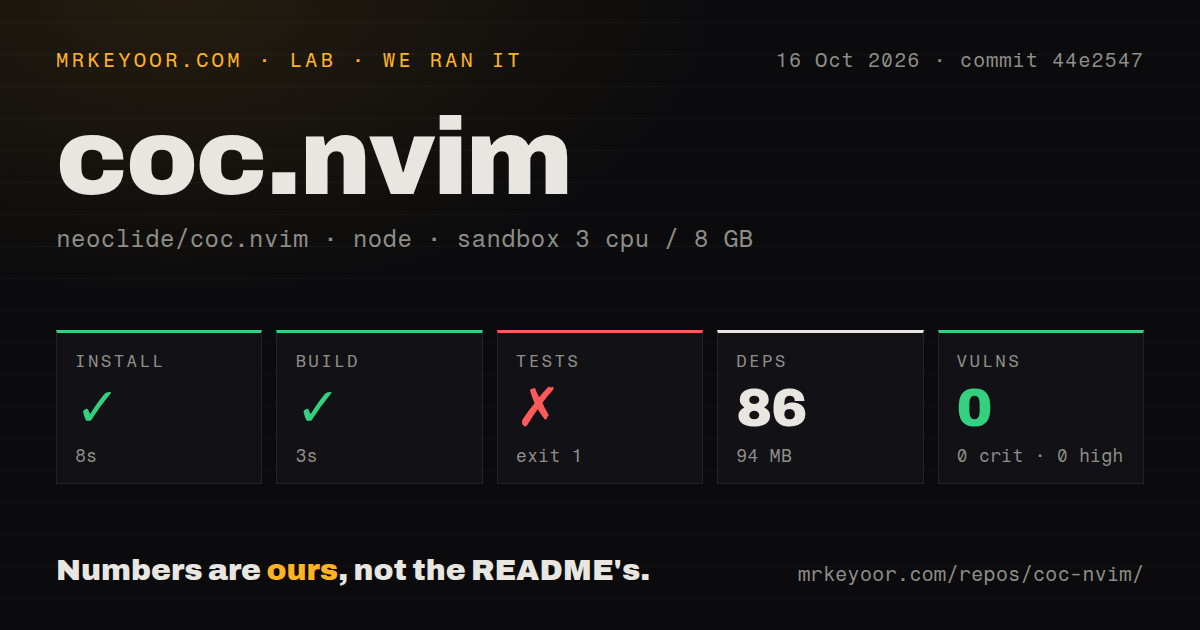
Our run began well. In a fresh, unprivileged container with 3 CPUs and 8 GB of RAM, installation completed in 15 seconds. npm installed 86 packages, and the resulting dependency footprint was 94 MB on disk. The repository itself contained 576 files, about 156,314 lines of source, and occupied 6.7 MB when checked out. The build then completed successfully in 6 seconds, which is a concrete sign that the checked-out commit could be compiled in the measured environment.
The test step did not pass. It exited with code 1 after 17 seconds, and the final error reported that editor worker 6 had exited with code 1. The summary named four failing filesystem cases: resolving a root while considering the root path, resolving from parent folders, and two find-up cases covering one filename and multiple filenames. The log identified Node.js v24.19.0. We cannot responsibly claim why those cases failed because the supplied output does not establish a cause.
Security scanning produced a cleaner result: npm audit reported 0 known vulnerabilities across critical, high, moderate, and low severities. We also found 3 CI workflow files, no Dockerfile, and no top-level tests directory, although the failure paths show unit tests under src/tests. Those signals describe repository structure, not product quality by themselves. The practical conclusion from our box is narrower: dependency installation and compilation worked, while the repository's own test command did not finish cleanly.
The broad feature set is the main reason to choose it
The strongest case for coc.nvim is consolidation. Its README promises completion, diagnostics, navigation, refactoring, and extensions rather than asking users to choose unrelated plugins for each job. Supporting both Vim and Neovim also matters for people who share configuration ideas across the 2 editors or have not moved entirely to Neovim. The Node.js service is a cost, but it gives the project a clear architecture for delivering a large set of editor features.
The project also presents a focused identity. The one-line promise, making Vim or Neovim as smart as VS Code, tells readers what outcome it targets without burying them in implementation language. A dedicated homepage provides the installation path, while the repository advertises CI and coverage services and names an MIT license.
The rough edges start with verification and setup ownership
The failed test run is the clearest reservation because it limits what we can verify at commit 6985351. A successful 6-second build says the source compiles; it does not cancel a test process that exited 1. The named failures all concern filesystem lookup behavior, which is meaningful for an editor service that must locate files and project roots. There may be an environment-specific explanation, but the evidence supplied here does not prove one, so prospective maintainers should reproduce the suite in their intended Node.js environment before making changes.
The README excerpt is also thinner than the product's scope. Its quick start sends readers to cocnvim.com instead of showing the minimum commands and editor configuration inline. That is not necessarily bad documentation, but it makes the website part of the setup dependency. The 94 MB installed footprint and requirement for a Node.js service may be immaterial on a development workstation, yet they will matter to users who chose Vim for an intentionally small toolchain. There is no Dockerfile to define a reference container environment.
Activity looks current even though the release tag is old
The latest listed release is v0.0.82 from July 31, 2022, which makes the tagged release cadence look quiet. That date should not be mistaken for abandonment. The last push was September 9, 2026, only 1 day before our review date, and the repository had just 7 open issues in the supplied snapshot. Recent code activity and low visible issue volume together are stronger health signals than the old tag alone.
Adoption is another positive signal: more than 25,000 stars gives coc.nvim a much larger audience than a niche personal configuration. Stars do not prove support quality, and the supplied data does not show response times or how quickly issues are closed. Still, active pushing, a small open-issue count, 3 CI workflows, sponsors listed in the README, and years of history make the community picture healthy enough to inspire confidence, with the test result remaining the main check against an automatic endorsement.
It fits as the editor intelligence layer, not the whole development stack
In a real setup, coc.nvim sits inside Vim or Neovim and depends on Node.js beside the editor. It should be treated as the code-intelligence layer that connects completion, diagnostics, navigation, refactoring, and extensions. It does not replace the compiler, package manager, source control, CI service, or deployment tooling around a project. Teams standardizing dotfiles should pin their chosen revision or release and run the same test command in their supported environment before rolling changes to every developer.
For Neovim users starting from zero, the closest strategic choice is its built-in LSP ecosystem, commonly configured through neovim/nvim-lspconfig. Vim users can compare prabirshrestha/vim-lsp, while developers primarily seeking asynchronous linting and fixing can consider dense-analysis/ale. coc.nvim is the better fit when its all-in-one, VS Code-like editing model is the goal. It is a less convincing fit when minimizing runtimes matters more than having one integrated system.