The maintainer directs working users to other harnesses
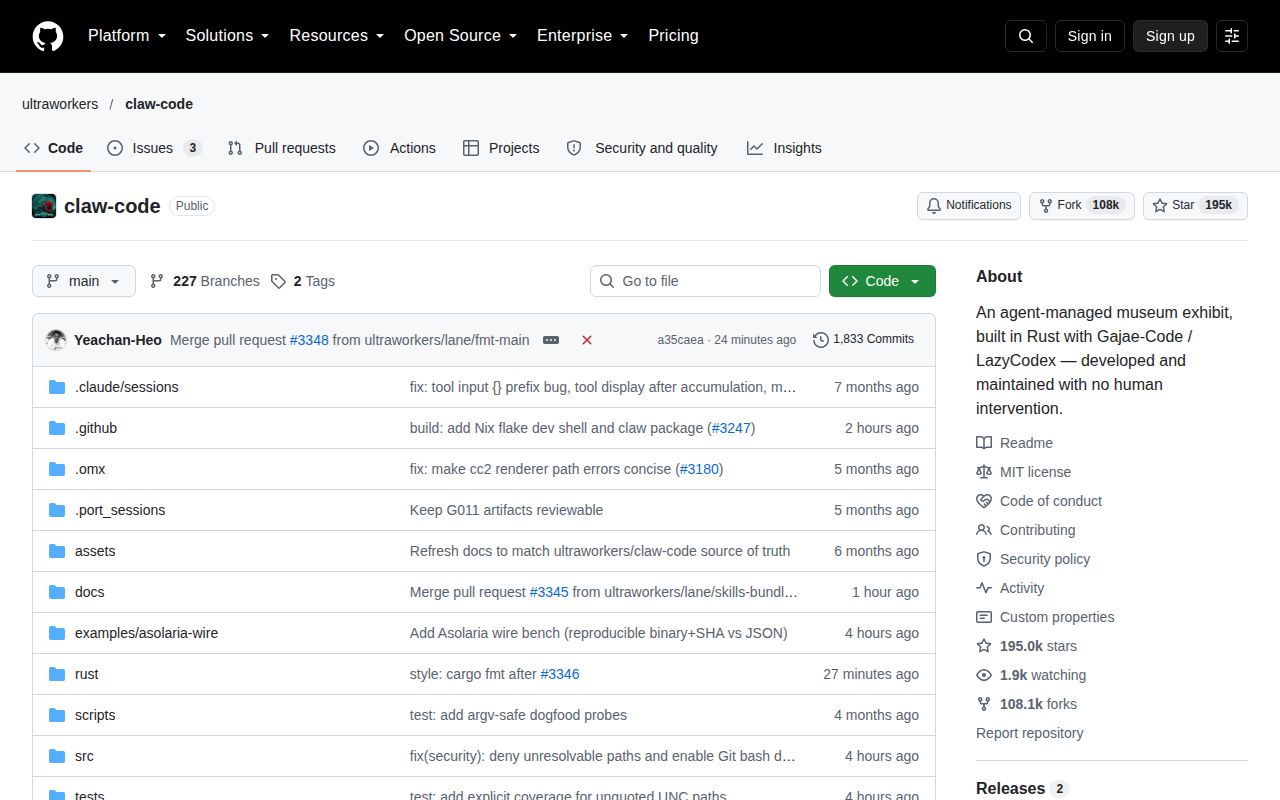
Before giving Claw Code permission to edit a project, read the warning near the top of its README. The maintainer describes this Rust coding-agent repository as an agent-managed exhibit and directs people doing actual work toward LazyCodex or Gajae-Code. That changes the adoption decision. There is substantial implementation here, but the owner's stated purpose gives us little reason to choose it as a default daily coding assistant.
Our checkout contained 414 files, roughly 126,643 lines of source, and occupied 13.9 MB. The canonical runtime lives under rust/, while the Python workspace supplies reference material and audit helpers. The native claw CLI connects a model to local tools and persistent sessions. It's worth inspecting if you're studying how a coding agent handles permissions, provider routing, or recoverable conversation state, particularly when you want to change those mechanisms yourself.
What happened when we ran it
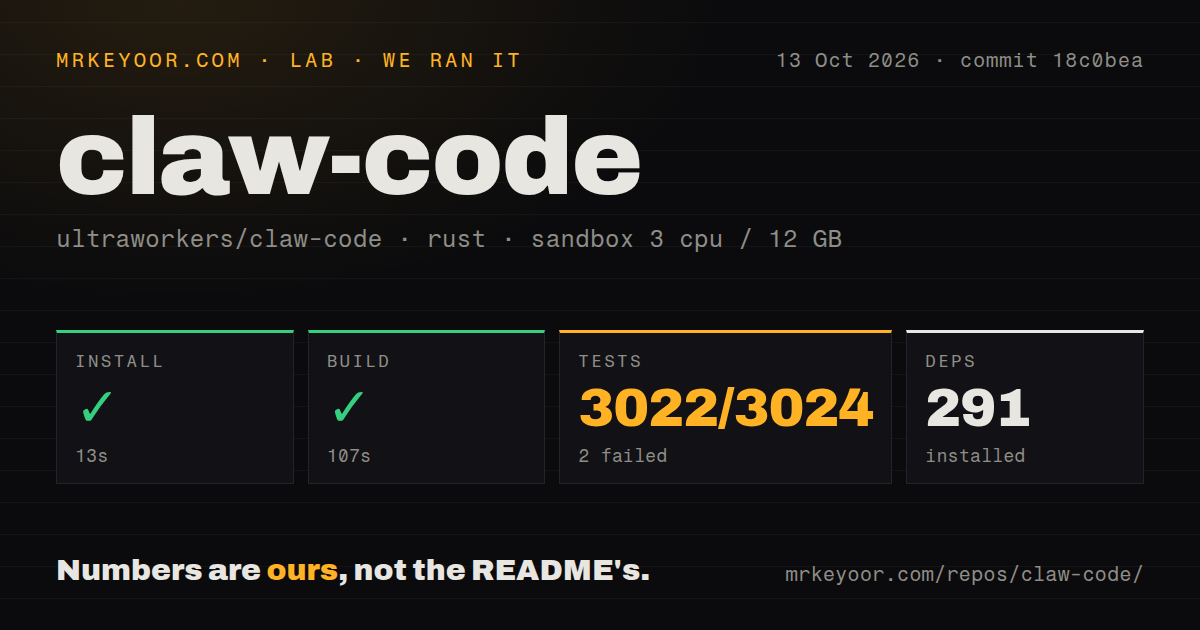
Our sandbox installed commit 18c0bea in 13 seconds, adding 291 packages, and built the Rust project in 107 seconds. We ran it on October 13, 2026, with 3 CPUs, 12 GB of RAM, and the lab-rust:1 image. The Debian container had no secrets and no elevated privileges. The successful build establishes that this checkout compiled on that path, without establishing anything about live model access.
Cargo test failed with exit code 101 after 122 seconds. The supplied aggregate reports 3,022 passed and 2 failed out of 3,024 tests. The tail shows several successful groups, then a failed group with 112 passed and 1 failed. Its final instruction is to rerun with -p tools --lib. That locates a failing group in the tools package, but the excerpt supplies neither the failed test name nor its assertion. The tail exposes only 1 of the 2 aggregate failures. We cannot identify the other failure or explain either cause from this evidence. Calling them missing system packages, timing problems, or environment-dependent tests would go beyond the log. Our scan found 3 CI workflow files, a tests directory, and no Dockerfile. The overall result is a successful compile followed by an incomplete reliability case, even with thousands of passing tests.
The published crate name can install the wrong program
The README's installation warning says cargo install claw-code retrieves a deprecated stub rather than the claw executable. It directs users of this repository to the source build under rust/. The named upstream package installs a different binary, so treating those package names as interchangeable will waste time. Follow the checkout-specific commands and confirm which executable you're invoking before configuring credentials.
Our 291-package installation was the source route, not proof that any registry package supplies this runtime. After compilation, the binary remains in the workspace's target directory unless you explicitly install it or adjust your path. Windows uses claw.exe, and the README supports PowerShell directly. You don't need to add WSL merely to follow a Bash-shaped example. The usage guide's doctor command is the recommended configuration check after locating the binary.
Credentials and tool-call compatibility depend on the provider
The usage guide documents direct API keys and bearer-token configuration. The top-level README specifically says Claude subscription login is unsupported. Local OpenAI-compatible servers are another route, with provider addresses and exact model identifiers controlling dispatch. That's useful for experimenting with your own backend, provided you understand that a chat response and a working coding tool loop are different acceptance checks.
The 107-second build doesn't include downloading model weights, starting a model server, or authenticating a paid account. The local-provider guide warns that ordinary prompt checks can succeed while tool workflows fail on incompatible response shapes. If your intended use is local code editing, check a file read and an approved edit through your actual server. A correct-looking paragraph from the model is insufficient evidence.
Permissions and session controls are the useful parts to inspect
The Rust documentation lists file reading, writing, editing, and shell tools, alongside session persistence, project instructions, hooks, and MCP lifecycle commands. The usage guide describes a default workspace-write mode and a read-only mode, with broader operations requiring additional permission. These controls make the repository interesting to an engineer evaluating agent behavior. We would begin with inspection on a disposable checkout before permitting edits to work that matters.
The 3,022 passing tests support a narrower claim than safe unattended operation. The parity document distinguishes implemented local tools from registry-backed approximations and incomplete external-runtime integrations. Its team and cron descriptions stop short of a background scheduler or worker fleet. Use those qualifications when reading feature tables: a command appearing in the interface does not establish the complete service you might expect behind it.
The ACP command reports status rather than serving Zed
The README explicitly says there is no ACP/Zed daemon or JSON-RPC entrypoint. In particular, claw acp serve is a discoverability alias that returns status successfully. A zero exit code from that command therefore cannot demonstrate an editor transport. Developers choosing an agent for Zed integration should walk away for now, rather than building an adoption plan around a command name whose implementation has a documented boundary.
Our 122-second test run also leaves unresolved work for anyone demanding a green suite before adoption. The last push was October 13, 2026, and release v0.1.4 shipped that day. Recent pull requests address provider configuration and formatting, while open SDK transport and session-lifecycle issues show work still being tracked. GitHub listed 194,960 stars. This is active development, but popularity doesn't change the maintainer's warning about the repository's purpose.
For work inside an existing Codex setup, investigate LazyCodex, which focuses on planning and execution inside that client. Gajae-Code provides another harness with subscription login, though its README calls it experimental and beta-stage. Both are the Claw maintainer's recommended starting points. Choose Claw itself when the runtime is what you want to study or modify. Before promoting that experiment into daily work, resolve the 2 failures from the measured checkout.