Career Ops filters jobs before it writes applications
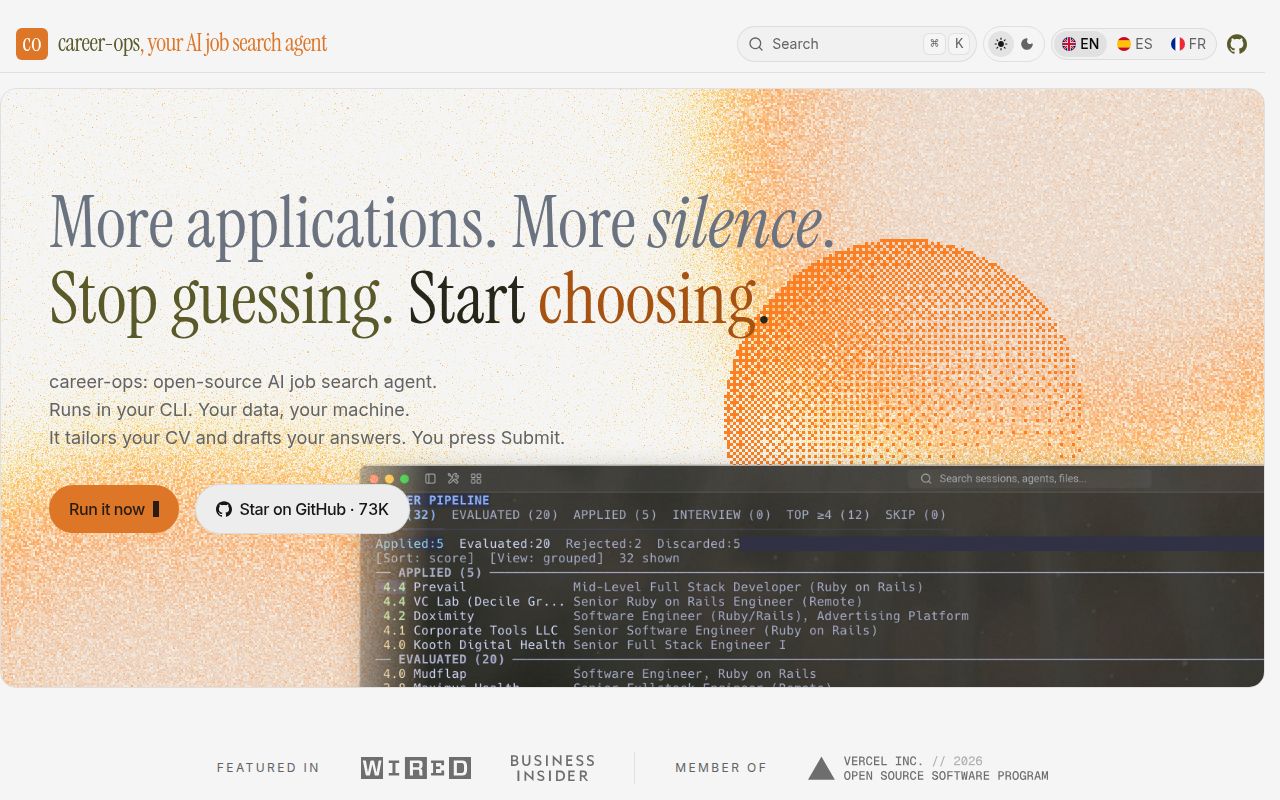
Career Ops takes a job URL or pasted description and produces an A-to-H evaluation against your own CV. Its global score runs from 1 to 5, and the default advice is to skip roles below 4.0. A candidate can override that recommendation. The point is to spend less effort on weak fits, then generate a tailored CV, cover letter, application answers, research notes, and tracker entry for the roles that survive.
What happened when we ran it
Our sandbox cloned commit fe289aa into an unprivileged Debian container with 3 CPUs, 8 GB of RAM, no secrets, and the lab-node:22 image. The checkout contained 1,634 files, about 276,321 lines of source, and occupied 48.2 MB. We found 25 CI workflow files, a Dockerfile, a Compose file, and a tests directory.
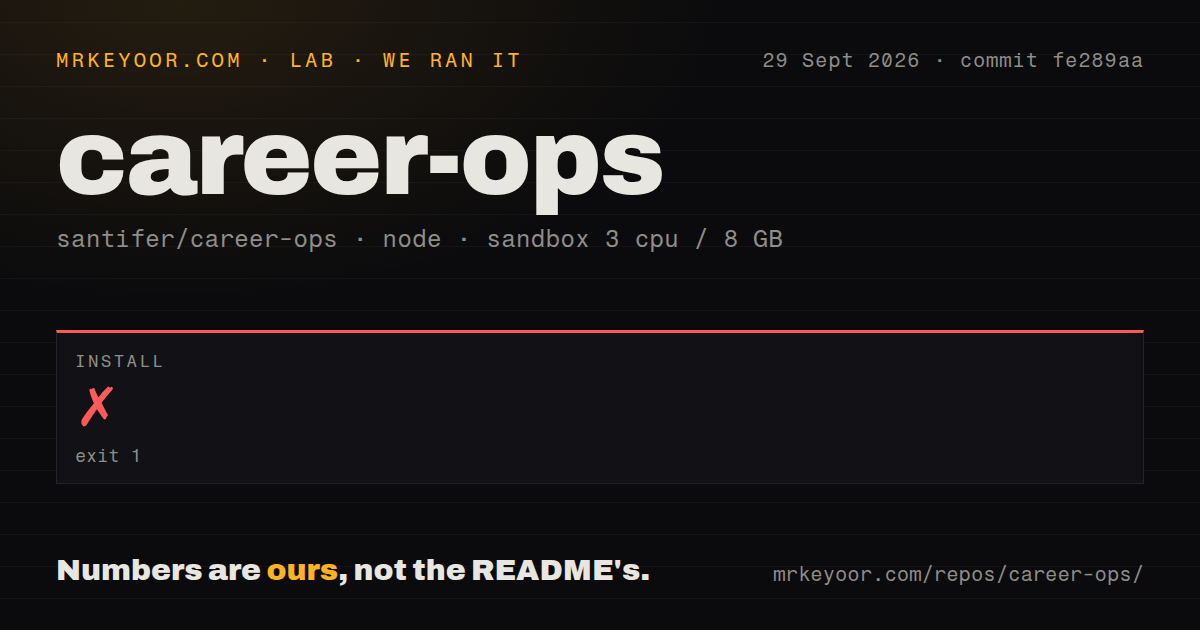
The npm install failed after 113 seconds with exit code 1. During the Chromium step, the log said, You are running Node.js 18.20.8, followed by Playwright's requirement for Node.js 20 or higher. The install command attempted the same Playwright Chromium operation again and received the same message. npm then reported that the postinstall command had failed.
The container label and the child command disagree about the Node runtime. The supplied output does not explain that disagreement, so we will not assign a cause. The practical result is plain: commit fe289aa did not finish installing in our run. There is no build result or test result to report after that failure, and the presence of a tests directory does not change it.
Node.js 18 failed while Playwright demanded Node.js 20
The setup guide lists Node.js 18 or newer as the project baseline and calls out Node 20 only for the Gemini CLI integration. Our log shows the general npm install reaching Playwright under Node 18.20.8 and stopping. Until the documented floor and the install path agree, use Node 20 or newer for a first trial and run the project's doctor command before adding personal data.
A new user also needs git and one supported AI coding CLI. First-run chat asks for a CV, profile details, target roles, and scanner choices. PDF generation depends on a Chromium browser managed through Playwright. Model access varies by runner: it may use a subscription login, OAuth token, API key, or local OpenAI-compatible endpoint. Go 1.21 or newer is optional for the terminal dashboard.
You keep the final submit click
The README draws a firm boundary around outward actions. Career Ops can draft application text, prepare form fields, find a contact, and write an email, but it does not send the email or submit the application. The user reviews the material and presses Submit. That makes it a poor fit for people chasing application volume and a better fit for someone who wants an opinionated filter with editable evidence.
CV checks still miss title drift and some rewrites
Career Ops blocks some generated PDFs when numbers or facts cannot be traced to the candidate's sources. Its own FAQ states that the check does not yet cover job titles or judge every rewording. Open issue #2677 asks for a warning when a tailored CV changes a past title. Open issue #1411 proposes a fail-closed faithfulness check for broader drift. Both remained open when we reviewed the project.
That gap matters because the output is designed to be sent to employers. Rephrasing a duty for a listing can be reasonable. changing a historical title or inventing scope can create a background-check problem. Read the source CV beside every tailored version. Do the same for application answers and outreach drafts. The software's human approval step works only when the human compares claims, rather than checking whether the PDF merely looks finished.
The scanner can collapse distinct listings with matching titles
Open issue #4612, filed on September 29, 2026, documents a deduplication path that can keep only the first listing when one employer has the same role title and location on separate requisitions. It also covers translated versions of the same requisition. The proposed fix uses requisition identifiers and language fields that some job-board APIs already return. Until that lands, a scan can omit a viable posting without leaving a tracker row.
Portal scanning depends on systems Career Ops does not control. The --verify option can launch Playwright after an API scan to check whether new postings remain live, and v1.34.0 added more liveness checks through public APIs. Those checks reduce stale results without guaranteeing a complete set. Keep the high-value employer boards you care about visible outside the tool, and follow each portal's terms when automating requests or form preparation.
September 30 activity comes with a 535-item queue
GitHub showed 73,100 stars and 535 open issues and pull requests on September 30, 2026. Search results separated that total into 296 issues and 239 pull requests. The repository was pushed that day, and both queues had same-day updates. Those dates show active maintenance. The queue size says buyers should pin a release and check the issues touching CV accuracy, scanning, and their chosen CLI before updating.
Release v1.34.0 arrived on September 24 with 112 pull requests from 63 people, including 43 first-time contributors. It changed update prompts to follow published releases by default, added scanner sources, and revised liveness handling. That is healthy contribution activity, though it also means behavior is moving quickly. A personal job-search workspace should update on your schedule, after backing up its local data and reviewing the diff.
The 113-second failure sets the trial conditions
Career Ops is worth a controlled trial for a technical candidate who wants fewer, better-researched applications and accepts the final-review work. Start on Node 20 or newer, use one real listing, and compare every generated claim with cv.md before sending anything. Our install failure rules out a clean recommendation for commit fe289aa under the measured setup.