A Brewfile records your tools, not a frozen environment
Run brew bundle with an outdated package already installed and Homebrew can upgrade it. Its Bundle documentation says Brewfiles describe the software you want, while lock files for pinning versions aren't supported. That makes a Brewfile useful for preparing a laptop. It also gives you a clear reason to choose something else when a development environment must reproduce yesterday's exact package versions on a new machine.
Our 17.2 MB checkout covered the Homebrew repository, but the measured project was its Python Library/Homebrew/formula-analytics/ component. The main package manager is written in Ruby. Keep that distinction in mind when judging the numbers below: successful analytics setup does not establish how quickly Homebrew installs tools, how cask upgrades behave, or whether your operating system is supported.
What happened when we ran it
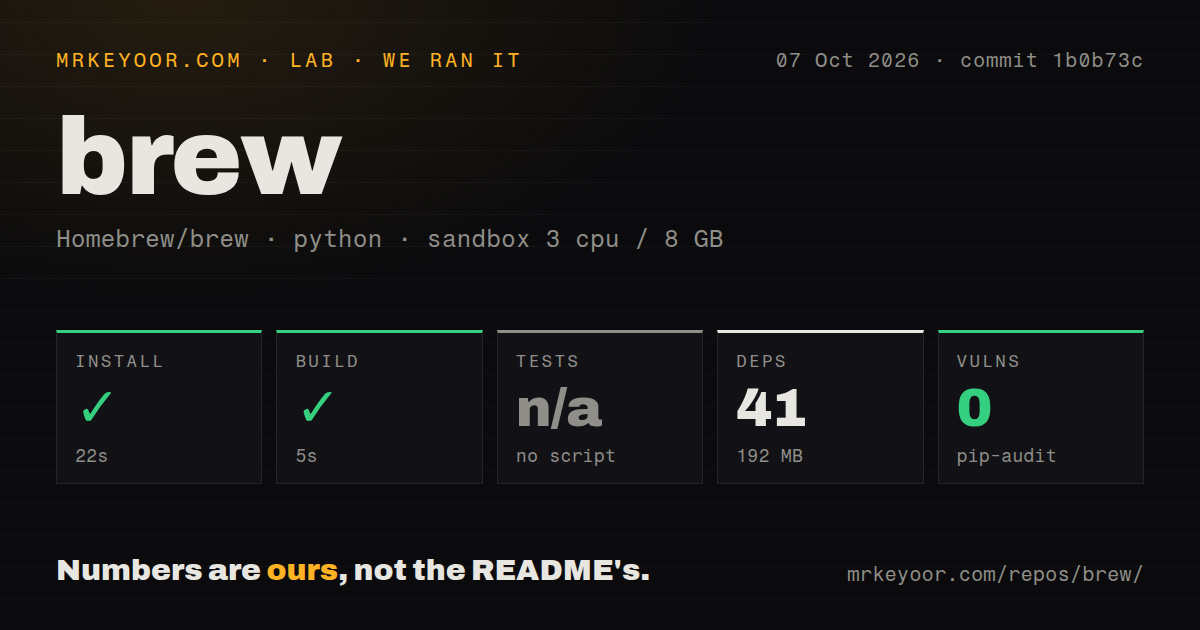
Our Homebrew formula-analytics run installed 41 packages in 22 seconds, used 192 MB on disk, and built successfully in 5 seconds. We cloned commit 1b0b73c on October 7, 2026. The unprivileged Debian container had 3 CPUs and 8 GB RAM, used the ghcr.io/astral-sh/uv:python3.12-bookworm image, and contained no secrets.
Tests were skipped because our measured path had no test script or target. Pip-audit reported 0 known vulnerabilities for that environment. Neither result establishes the correctness or security of everything the brew command can install. The repository scan found 2,831 files, roughly 325,989 source lines, and 24 CI workflow files, with no Dockerfile or dedicated tests directory. These are scan findings, separate from a complete validation of the Ruby package manager.
Formulae and casks cover different software
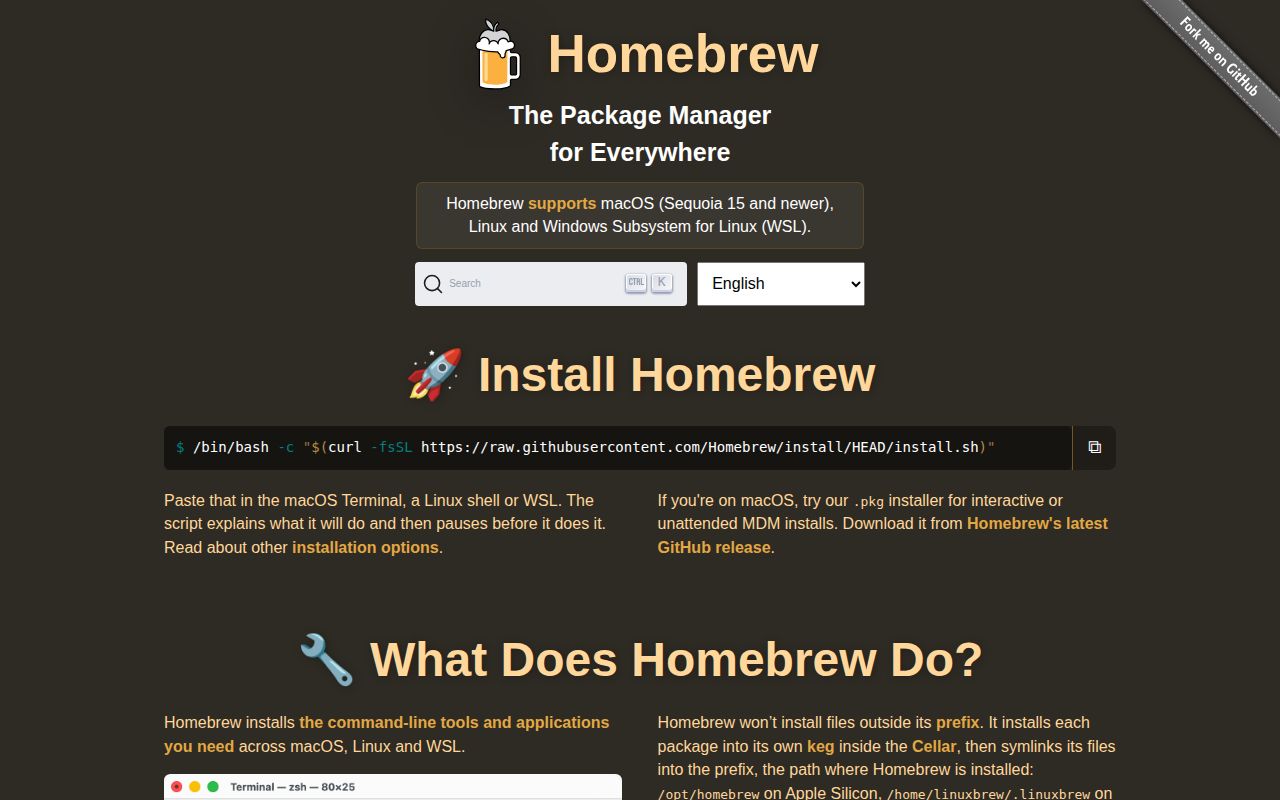
Homebrew calls its package recipes formulae and its macOS application definitions casks. The project homepage shows both command-line software and applications, while the README points to searchable package metadata. This suits workstations mixing command-line tools and desktop apps. You can record the desired selection in a Brewfile rather than remembering which tools you added while fixing individual projects.
The 192 MB we measured belongs to analytics setup, so don't use it as a workstation storage estimate. Installed software, downloaded archives, and package-specific data add their own costs. For day-to-day use, the README recommends brew update and reading brew doctor before requesting help. I'd follow that advice before changing a troublesome installation. The diagnostics give you concrete configuration warnings to investigate.
Platform support matters more than the installer shortcut
The installation guide specifies /opt/homebrew for Apple Silicon and /home/linuxbrew/.linuxbrew for Linux. Routine formula operations run as the owning account after initial provisioning, though some casks and services need elevated privileges. On Linux, the platform guide also requires a working system compiler and standard development tools. Public package use doesn't need the private analytics database credentials used by repository reporting scripts.
Our 3-CPU Debian sandbox cannot settle support for your Mac or Linux workstation. The support tiers now classify Intel macOS as Tier 3, with reduced support and no new Intel bottles. They also classify multiple accounts independently modifying one installation as unsupported. That's enough for me to steer an Intel Mac owner toward checking MacPorts first, and to reject a casually shared writable Homebrew prefix on a multiuser server.
Pinning doesn't isolate a package from dependency upgrades
The FAQ's version policy says Homebrew doesn't support arbitrary combinations of formula versions. An install or upgrade can therefore update dependencies and apparently unrelated packages. brew pin prevents ordinary upgrades of a chosen package, but a pinned dependency may still need an upgrade when another formula requires it. This is a reasonable policy for current workstation software. It's awkward when your application depends on holding an entire toolchain unchanged.
The 5-second analytics build tells us nothing about recovering a workstation after an unwanted upgrade. Bundle's --no-upgrade setting skips upgrades but doesn't add version locking. Choose Nix when reproducible package environments justify learning its configuration model. MacPorts is another macOS package ecosystem worth comparing, especially on hardware Homebrew no longer prioritizes. For native Windows command-line tools, Scoop is a closer fit than adopting WSL just to get the brew command.
Analytics has an explicit off switch
Homebrew's analytics policy says it displays a notice before enabling anonymous aggregate reporting to InfluxDB. Package events can include package names, selected options, CPU architecture, and operating-system information. Disable reporting with brew analytics off, or set HOMEBREW_NO_ANALYTICS=1 for environments that prohibit it. I'd make that choice during workstation provisioning, then inspect the setting with brew analytics state rather than relying on a remembered installer response.
Our 41-package environment belonged to the reporting component, whose Python project file declares Python 3.13 or newer. Its database query script reads HOMEBREW_INFLUXDB_TOKEN from the environment. Building that component without secrets didn't establish that private queries work. Ordinary users can read the public aggregate reports linked in the README without operating this reporting code. The distinction keeps an internal maintenance utility from becoming an imagined requirement for package installation.
October activity shows the package manager is maintained
The last push was October 13, 2026, and release 7.0.9 shipped on October 8. GitHub listed 49,999 stars and 6 open issues and PRs. Recent activity included package-information and cask-permission work, with a brew info issue closed alongside its fix. These dates and the issue feed support an active-maintenance judgment. A small combined queue doesn't prove that every package in separate formula and cask repositories works.
I'd use Homebrew for current tools on a supported workstation, while treating our 22-second analytics install as a narrow repository finding. Before adopting a shared Brewfile, decide whether you want the named software or exact historical versions. If exact versions are required, choose an environment manager that records them. If current packages are acceptable, inspect your platform tier, assign one installation owner, and review upgrade behavior before making the Brewfile your onboarding instructions.