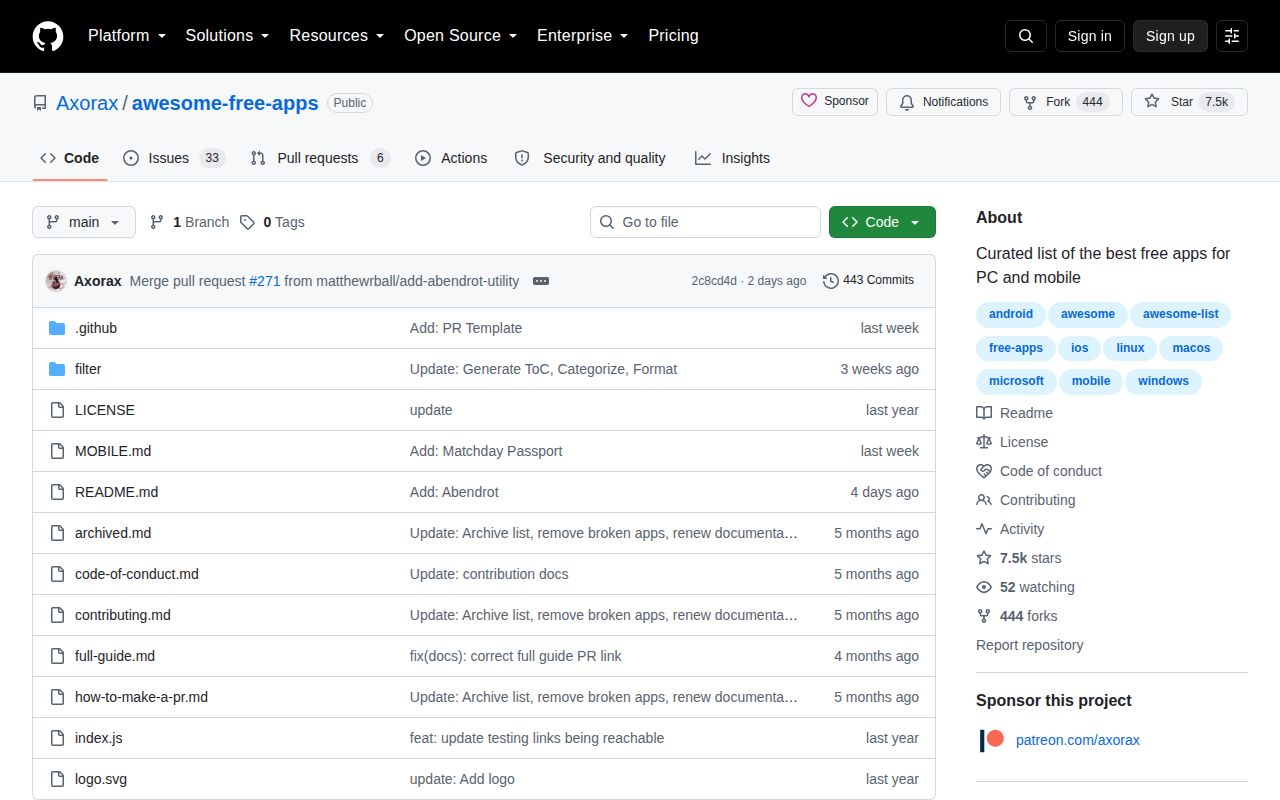
A catalog that solves the first half of the search
Awesome Free Apps is exactly what its title promises: a long, categorized list of desktop and mobile applications that can be used without paying upfront. The desktop catalog spans audio, browsers, communication, archives, customization, data management, developer tools, documents, games, graphics, security, video, VPNs, and utilities. A separate mobile file handles Android and iOS.
Each entry stays compact. A link and one sentence explain the basic job, then icons indicate Windows, macOS, Linux, mobile platforms, open-source availability, and a maintainer recommendation. That format is fast to scan. Someone looking for a Windows archive manager or a cross-platform audio editor can see several candidates without opening twenty search results full of affiliate pages.
The list is most useful before you have a shortlist. It answers, “What exists in this category and runs on my system?” It usually does not answer, “Which one has the privacy policy, free-tier limits, accessibility, update record, and workflow I need?” That second question remains the reader's work.
Filters make the huge README manageable
The project provides dedicated desktop views for Windows, macOS, Linux, open-source software, and recommended picks. Mobile has Android, iOS, open-source, and recommended variants. These files are generated from the same source lists by inspecting the platform and status icons, which avoids maintaining multiple catalogs by hand.
That simple design is a strength. There is no web application, account, search index, or build process between a reader and the data. GitHub's page search plus the category table of contents is often enough. Links go to project sites or repositories, so the list does not become another download mirror whose binaries must be trusted.
The open-source distinction is particularly important because “free app” is broader here than free software. Chrome, Discord, Slack, Microsoft Teams, and other proprietary products sit beside projects whose code is available. The green marker is the signal, and a separate filter removes much of the ambiguity. Readers who care about software freedom should start there rather than assuming the whole catalog follows one licensing standard.
Recommended stars need more caution. The legend says those apps are recommended “by us,” but the README does not publish a testing method, comparison rubric, review date, or explanation beside each star. Treat the mark as a curator's useful nudge, not a Wirecutter-style verdict.
Curation is lightweight by design
Contribution rules are short and approachable. Add desktop software to README.md or mobile software to MOBILE.md, place it at the bottom of the relevant category, write a concise description, and use the established icons. Contributors must not edit the generated table of contents or filter directory. A separate guide helps people who do not already know how to make a pull request.
The repository's JavaScript supports this workflow. It rebuilds platform and status filters, generates tables of contents, counts links, and can call curl to check whether listed URLs respond. This is helpful maintenance automation, but it is not an editorial verification system. A server can return a successful response after a product is sold, pricing changes, downloads disappear, or a domain is repurposed. The checker does not inspect license terms, installers, trackers, free-tier restrictions, or ownership.
The issue tracker shows the consequence. One open report from July 29, 2026 says the domain for the listed Station app had been acquired and was serving an illegal gambling site. The report remained open on August 20. That is not evidence that the whole catalog is unsafe. It is evidence that outbound-link directories age continuously and that reachability alone cannot establish identity. For security tools, password managers, VPNs, remote-access clients, and system customizers, verify the publisher and download path independently.
Broad participation, limited editorial depth
The repository was created in October 2024, had more than 7,400 stars, and was pushed on August 16, 2026. GitHub listed 40 open issues and pull requests, while the contributor endpoint returned 90 accounts. Recent submissions cover macOS utilities, metadata cleaners, PDF tools, and other apps, so the catalog is still receiving fresh candidates. There are no tagged GitHub releases, which is normal for a Markdown directory but removes an easy way to cite stable snapshots.
Maintenance capacity is the larger concern. An open issue asks for people to help solve issues and keep the list current. The main maintainer has made far more contributions than anyone else, even though several community members have meaningfully helped. A catalog with hundreds of external products needs ongoing link checks and judgment calls; growth makes that job harder rather than easier.
Submission quality also varies. Some pull requests clearly disclose that the submitter maintains the suggested app and document link checks. Other issues are little more than promotional copy or a URL. Maintainer review is therefore the value-producing step. Inclusion proves that an entry survived this project's process, not that its privacy, security, or economics received a full audit.
The right way to use it
Start with the operating-system filter, then narrow to open-source entries if source access matters. Open three or four candidates. For each, confirm the current pricing page, license, supported OS versions, release activity, publisher identity, data handling, and official download channel. Search its issue tracker for the feature you cannot live without. For sensitive software, verify signatures or package provenance and prefer well-established distribution sources.
The catalog itself is licensed under CC BY-NC-SA 4.0, despite GitHub showing an unrecognized license identifier in repository facts. Attribution and share-alike conditions apply, and commercial reuse is restricted. Readers can browse freely, but anyone republishing the data should read the actual license rather than infer permission from the word “awesome.”
Awesome Free Apps earns a bookmark because it makes broad discovery pleasant and costs nothing to use. Its restraint is also its limitation. One-line entries are leads, not reviews, and external links are moving targets. Use the list to escape a blank search box, not to outsource the final decision.