A five-step roadmap leads into a much larger directory
The README starts with a beginner path: learn Python, cover Pandas and related libraries, practice on a simple project, study the necessary math, then move into machine learning. It then expands into courses, tools, media, communities, competitions, datasets, and other lists. It is useful for discovery, though it cannot tell a learner which single resource deserves the next 20 hours.
Breadth is the attraction. Someone who remembers only that a dataset portal, R community, interview guide, or visualization package exists may find it quickly by scanning the table of contents. The 2026 additions include agent tools and newer datasets alongside long-standing course and library links. A beginner syllabus and professional toolbox share one long Markdown page.
The repository organizes resources rather than teaching them
Entries usually consist of a linked name and one short description. The repository does not host a shared set of notebooks, assignments, assessments, or datasets for its roadmap. The title promises data science as a field; the artifact delivers a map of other people's material.
That distinction matters most at the start. The 5-step roadmap names sensible subjects but gives no completion criteria or way to compare two listed courses. A college page and a free tutorial can sit near one another without a common review of cost, prerequisites, depth, or current availability. Teachers can still use the list to collect optional readings, while self-taught beginners will need a structured course to decide what to do on Monday morning.
What happened when we ran it
commit 8d45d03 had no supported software ecosystem for the lab to execute. GitHub reports the repository language as null, and the supplied measurement record found no Dockerfile. There are therefore no install, build, test, dependency, timing, or vulnerability results to interpret. Treating the README as an application would create fake technical evidence rather than help a reader decide.
The content itself is the product. You can read it on GitHub, clone it for offline Markdown viewing, or install the separate Academic CLI through the 2-command Homebrew snippet shown near the top. That optional command is not a build path for this repository. Nearly every learning resource and tool still requires a network request to a different operator, with terms and setup outside this project's control.
Link checking is manual, so old destinations remain a reader problem
The repository has 1 GitHub Actions workflow named "Check Markdown links." Its YAML listens only for workflow_dispatch, which means a person must start it. The contribution checklist asks submitters to verify links or explain why an automated checker needs an ignore rule. This catches some mechanical failures, but a URL returning success can still lead to old teaching, a changed price, thin marketing copy, or a project that no longer fits its description.
The contribution guide prefers official documentation, original repositories, and publisher pages. It also asks for short descriptions without superlatives, correct placement, and HTTPS links where available. Those are good housekeeping rules for a shared bookmark file. They are not evidence that a course was completed, a dataset was audited, or a tool was compared with its peers, so readers should open the primary source before committing time or data.
Closed-source submissions come with a $1 monthly tip request
The pull request template requires contributors to declare a license type and their relationship to the listed project. Fully open-source submissions have no stated tip, while a service or closed-source submission is asked for $1 per month or $12 per year through the maintainer's sponsor link. The disclosure is visible and specific, but it gives readers a reason to distinguish community references from commercial submissions when judging the list.
The README also has a sponsor banner and a section labeled "Book Deals (Affiliated)." Neither makes the rest of the directory useless. It does mean this is not an ad-free syllabus assembled under one academic review method. The safest way to use it is as a lead generator: identify a candidate, then inspect authorship, price, update date, sample lessons, privacy terms, and independent discussion somewhere else.
The MIT license covers the list, not every destination
Awesome Data Science is published under MIT, which permits reuse of the repository's own material under that license's conditions. A linked book, course, dataset, model, image, or software package keeps its own terms. The pull request template asks for license details, yet many older README entries predate that template or link to ordinary commercial pages. Anyone building a curriculum or company catalog from this file has to preserve that distinction.
The narrower alternatives make different tradeoffs. Microsoft's Data Science for Beginners advertises 10 weeks and 20 lessons. OSSU Data Science arranges university-level study into a curriculum. Data Science IPython Notebooks prioritizes executable examples, while Awesome Public Datasets drops the courses and media to focus on data sources. Each sacrifices some of this list's range in exchange for a clearer job.
A September push and four open pull requests show active curation
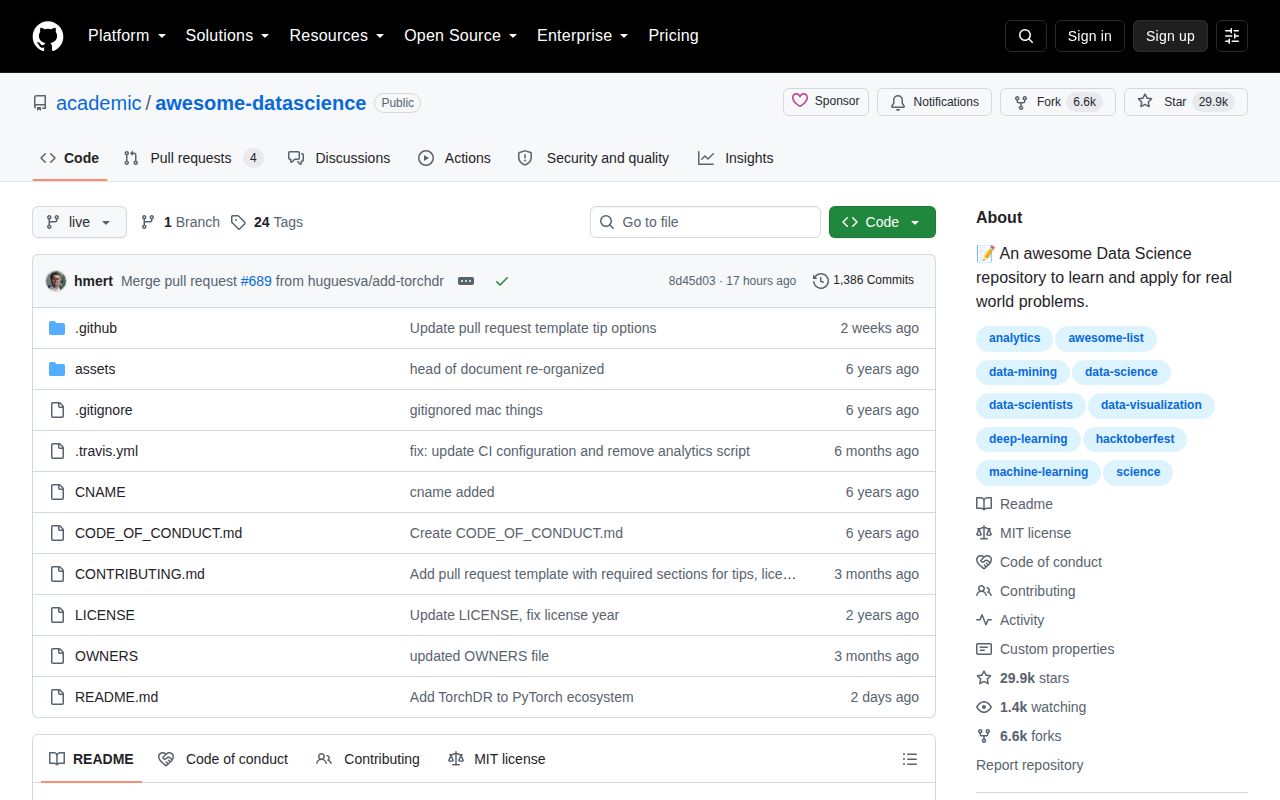
GitHub recorded 29,949 stars and a push on 2026-09-08. The 4 open issues and pull requests reported by the repository API were all pull requests when inspected, with no open issue among them. Recent merged changes added TorchDR, datasets, a video resource, and other tools, while release v2026.08.10.1 included a link-protocol fix and several new entries. The list is active even though its latest release is older than its latest commit.
Awesome Data Science works best for a practitioner who can skim aggressively and verify a promising link in minutes. It is less dependable as a beginner's only plan because the page combines material with different ages, prices, licenses, and teaching assumptions. The current contribution pace keeps the directory growing; the manual link workflow and paid-submission path make independent judgment part of using it.