It replaces a launcher, clipboard manager, and AI shortcut layer
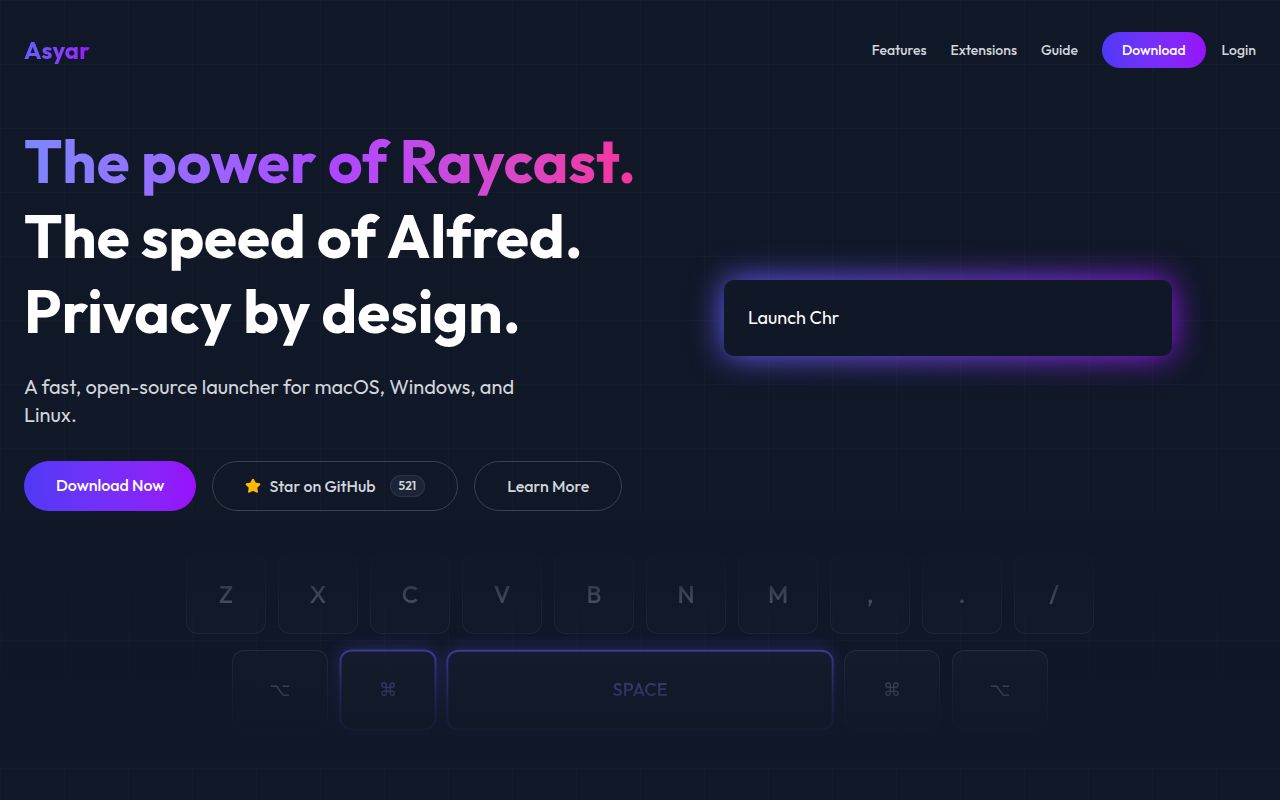
Asyar is a desktop command bar built around Rust, Tauri, and Svelte 5. Search covers applications and files, while built-in commands handle calculations, clipboard history, snippets, scripts, window layouts, and URLs. Extensions add more commands through a TypeScript SDK. The same interface can host AI conversations, silent text transforms, and MCP tools. That breadth is the reason to consider it, and the main reason some people should avoid it.
The app targets macOS, Windows, and Linux rather than treating Linux as an afterthought. Its README lists support for application indexing, file search, clipboard history, backup and restore, and 17 window layouts across the three platforms. Linux has a sharp boundary: the support matrix covers X11, and the project says global input-heavy features such as snippet expansion do not work on Wayland. Wayland users must bind a desktop shortcut to the asyar command just to summon the launcher.
AI can use local models, hosted providers, and MCP tools
Agents can connect to OpenAI, Anthropic, Google, OpenRouter, Ollama, or an OpenAI-compatible endpoint. Asyar supplies 8 built-in tool types covering calculator work, clipboard access, files, shell execution, web fetching, and launcher search. MCP configuration can be imported from Claude Desktop, Cursor, Cline, Continue, and Zed. Write and execution tools trigger permission prompts on first use.
Silent agents are the distinctive workflow. A hotkey can send selected text, clipboard contents, or an argument to a model, then replace the selection, paste at the cursor, copy the answer, or show a small status message. That is useful for repeated edits, but it grants the launcher meaningful access to desktop input and output. The privacy controls therefore matter as much as the model list.
Asyar says it stores data locally, disables telemetry by default, filters clipboard items marked private by the operating system, and deny-lists common password managers. Known token patterns are redacted before storage and before AI provider requests. Sensitive local fields use AES-256-GCM with a master key in the operating system keychain. On Linux systems without Secret Service, the documented fallback is a mode-0600 file plus an in-app warning.
What happened when we ran it
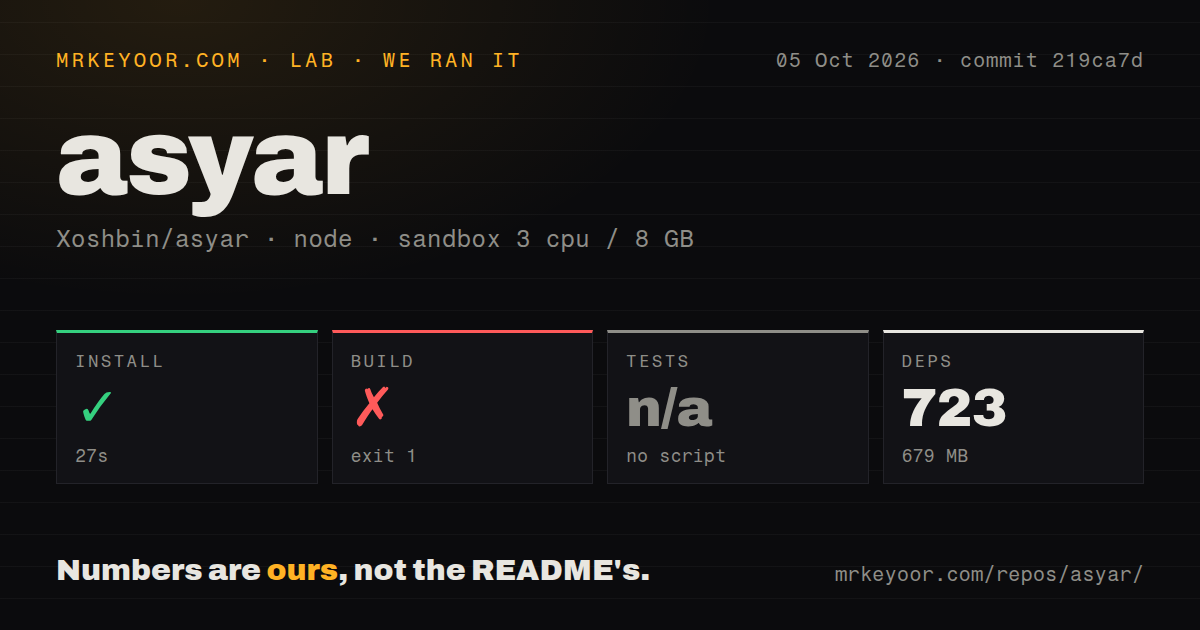
Our sandbox installed 719 pnpm packages in 21 seconds and used 672 MB on disk. The checkout at commit a80dd42 contained 1,871 files, about 292,811 lines of source, and 42.2 MB before dependencies. The monorepo had 4 CI workflow files, no Dockerfile, and no tests directory. No test script or target was available, so we did not invent a substitute test command.
The build failed with exit code 1 after 9 seconds. TypeScript compiled the SDK and its CLI successfully. The next extension-builder JavaScript step stopped with a direct message: no bun executable was on PATH, and no local platform-specific Bun binary existed under src-tauri/binaries. The log advised installing Bun or placing the binary manually. That is the complete finding; the log does not establish why the expected runtime was absent.
This matters because the contributor instructions present node setup.mjs as the full development setup. Elsewhere, the README explains that Asyar no longer bundles Bun, uv, or Claude at build time and downloads them on demand for certain runtime features after user consent. Our 9-second failure shows that the source build path still needs Bun available at the point the extension builder is compiled.
The extension system is capable, with a large trust boundary
Extension authors get a CLI for scaffolding, development, building, and publishing. Commands can declare schedules between 60 and 86,400 seconds, publish live subtitle updates into search results, expose actions at the extension or command level, and accept deep links. An in-app AI builder can scaffold and verify an extension using the user's Anthropic key. The README says extensions run in isolated iframes, while permission manifests control sensitive capabilities.
Isolation does not make every extension harmless. The launcher itself supports shell execution, clipboard reads and writes, file access, scheduled work, and text replacement in other applications. Anyone deploying Asyar in a managed workplace should examine extension permissions and provider settings instead of treating it as a simple application finder. Optional encrypted sync also introduces a recovery phrase and passphrase-loss risk that the documentation explicitly leaves with the user.
Open issues show provider and Linux compatibility edges
GitHub recorded 523 stars, 5 combined open issues and pull requests, and a push on August 26, 2026. No latest GitHub release was returned by the API, even though the README points users to Releases for installers. The same-day push and issue updates show active work; the small combined count is not a count of confirmed bugs.
Issue 684 reports that a custom OpenAI-compatible provider rejected an Asyar request because the selected model did not accept the temperature field. Compatibility labels do not guarantee identical model parameters, so test the exact endpoint and model you intend to use. Issue 435 reports a WebKit process abort on Kubuntu 26.04 with an EGL error when launching the AppImage. One report does not define all Linux support, but it gives affected users a specific failure to check before migrating their daily launcher.
Choose it for breadth, after testing your desktop path
Asyar makes the most sense for someone who wants scripts, files, clipboard actions, extensions, and AI behind one keyboard shortcut. The source is GPL-3.0 for the core application, while the SDK and extension tools use MIT licensing. That split is clearly documented and relevant to anyone redistributing modified builds or creating extensions.
The 672 MB dependency footprint is manageable for desktop development, yet the failed build prevents a clean recommendation to contributors today. End users have easier installer paths, but Wayland limits, WebKit behavior, provider quirks, and extension permissions deserve a trial on the actual machine. If those checks pass, Asyar offers far more than application search. If they do not, a narrower launcher will be easier to trust and maintain.