It treats generated CAD as editable engineering work
Amagine3D is an unusually concrete attempt to apply an agent to physical-product design. Instead of stopping at a picture or a disposable mesh, it accepts a product description, reference images, and key dimensions, then creates an enclosure and assembly structures around internal components. The output includes Python and build123d source, which matters because generated geometry can be inspected, versioned, and changed after the initial result. Its current focus is parametric CAD for enclosures, not every mechanical-design problem.
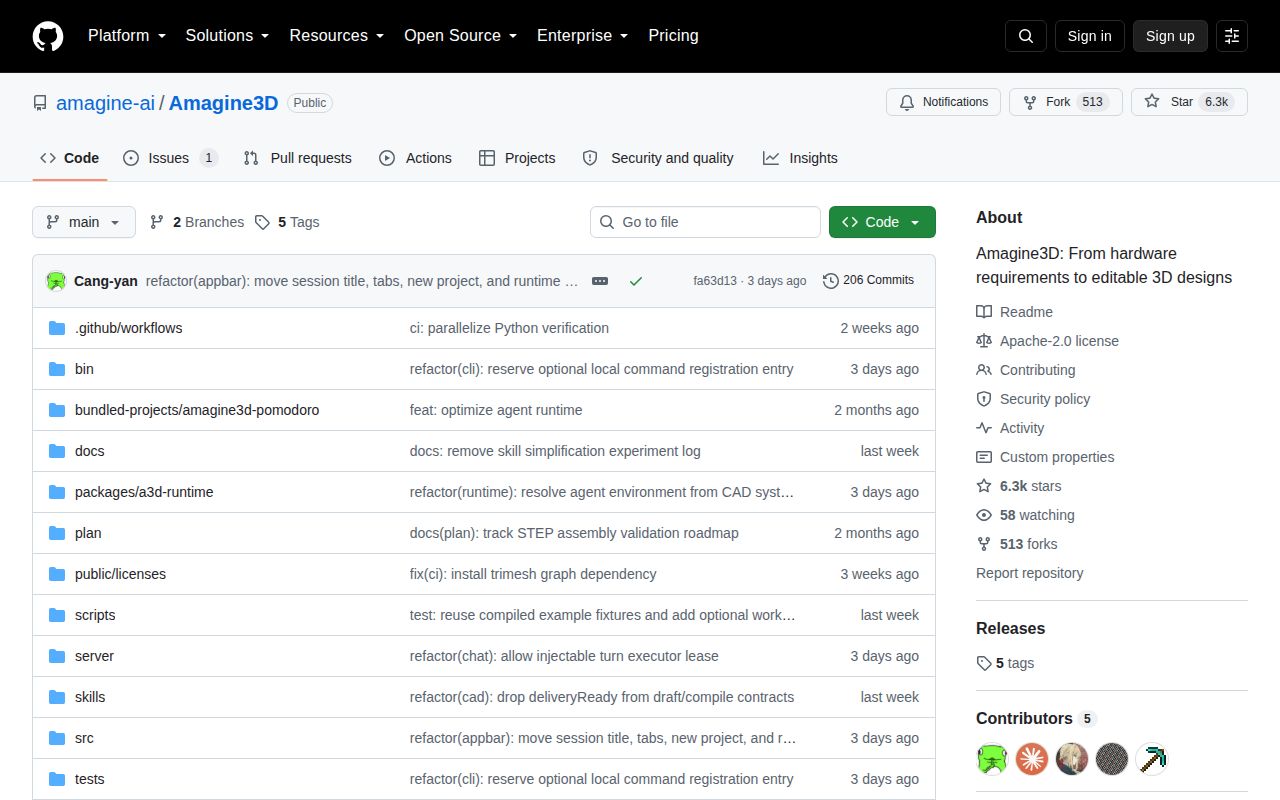
The repository was created on August 19, 2026, and had 556 stars when reviewed. That rapid attention fits the pitch: hardware teams often lose time translating sketches and component measurements into printable housings. Amagine3D tries to compress that loop while preserving the artifacts an engineer actually needs. It can export STEP and STL for single-color designs, plus color-aware 3MF and separate STL files for multiple color regions.
Our run built cleanly but the tests did not
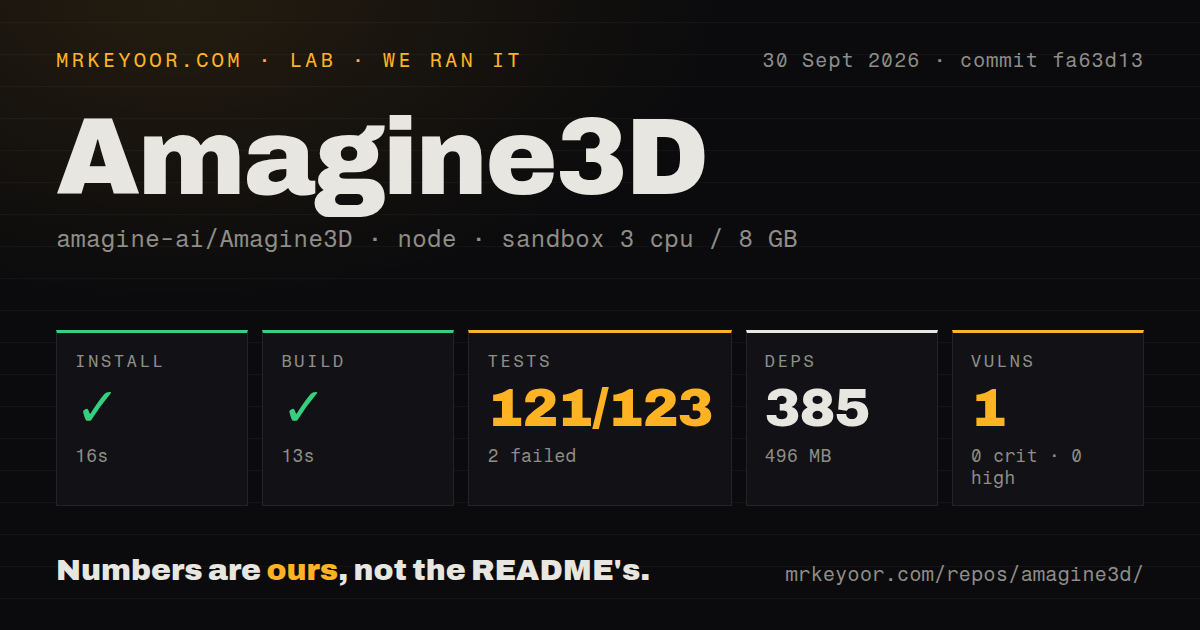
We cloned commit 7d8653f into a fresh, unprivileged Debian container with 3 CPUs and 8 GB of RAM. The npm install succeeded in 20 seconds, adding 370 packages and consuming 329 MB on disk. The checkout itself contained 187 files, about 14,683 lines of source, and occupied 15.9 MB. The production build then succeeded in 14 seconds, which makes the codebase approachable enough to evaluate without a long compilation detour.
The test step was the clear warning. It exited with code 1 after 10 seconds: 27 tests passed and 5 failed out of 32. The final log showed four bare "test failed" errors, but it did not provide enough evidence to identify a cause, so we will not speculate. Several later checks still passed, including session-scoped image persistence and requirements around visual validation, preview reading, and repair instructions. Two geometry-related tests shown in the tail were skipped.
Security hygiene looked better in this narrow snapshot. npm audit found 0 known vulnerabilities across the installed dependency tree, with 0 critical, high, moderate, or low findings. The repository includes a tests directory and 1 CI workflow, but no Dockerfile. Those signals are useful, yet a successful build plus a failing test command means the practical starting point is "inspect before trusting," not "clone and ship."
The feedback loop is the strongest design choice
The most persuasive part is the distinction between candidate geometry and an accepted design state. The agent builds a real model in a browser geometry runtime, reads measured dimensions, runs checks, and can revise the candidate before committing it as a new version. According to the README, checks cover connectivity, interference, motion paths, and exported files. Preserving the previous accepted result when a candidate introduces a problem is a sensible safety boundary for iterative design.
Its BUSY Bar example makes that abstraction tangible. Amagine3D arranged a display area, top controls, internal component space, and a multipart enclosure, then retained appearance and assembly dimensions as editable parameters. For rigid hinges or sliding covers, the system can examine collision and operating clearance along a defined path. After generation, changing a key dimension can write back to source and rebuild geometry without another model call. That is a better ownership model than handing users an opaque 3D asset.
The public implementation is earlier than the architecture
The README is candid that source code remains the primary design state and tasks currently move through predefined stages. The richer world-model idea, where parts and spatial relationships are continuously represented and locally modified, is described as the next stage. Buyers should judge the available parametric CAD workflow, not the future architecture. There is also only 1 showcased case study, so the evidence does not establish how consistently the system handles different enclosure shapes, assemblies, or difficult reference images.
The repository has no listed release, and a tagged version would make adoption and rollback easier. Its 4 open issues are a low absolute count, but the project is only days old, so that number says little about support quality. The healthier signal is the last push on August 25, 2026, the same day as this review. Combined with the fresh creation date, that indicates active development, not maturity or proven maintenance.
It belongs inside a supervised prototyping stack
In a real workflow, Amagine3D fits after requirements gathering and component measurement, and before engineering review, slicer preparation, or manufacturing handoff. Keep its generated Python in version control, preserve STEP or 3MF artifacts alongside the accepted revision, and require a human to verify mounting points, wall thickness, thermal paths, tolerances, and motion. The agent's checks can catch defined geometric problems, but the supplied evidence does not support treating them as certification or physical validation.
For teams already comfortable with Node.js 20.19+, Python CAD, and build123d, this can be a useful experimental layer over familiar engineering artifacts. For a team that simply needs deterministic scripted CAD, build123d or CadQuery removes the agent's uncertainty. FreeCAD is the stronger choice for broad manual modeling, while OpenSCAD remains attractive for simpler source-defined parts. Amagine3D earns attention because it keeps the source editable and measures actual geometry, but the failed 5 of 32 tests make supervised evaluation the responsible next step.