A successful install leaves model execution unanswered
AirLLM installed in 74 seconds in our sandbox. Whether your checkpoint produces useful responses within your storage and time limits remains unmeasured.
The Python library's documented approach loads model weights in parts to reduce the amount kept in GPU memory. Its README says the original checkpoint is saved layer by layer before inference. Package installation does not exercise that preparation or establish generation speed. We did not reproduce the project's hardware claims.
This review updates the existing AirLLM assessment. It separates the package results from the checkpoint trial still needed before adoption.
What happened when we ran it
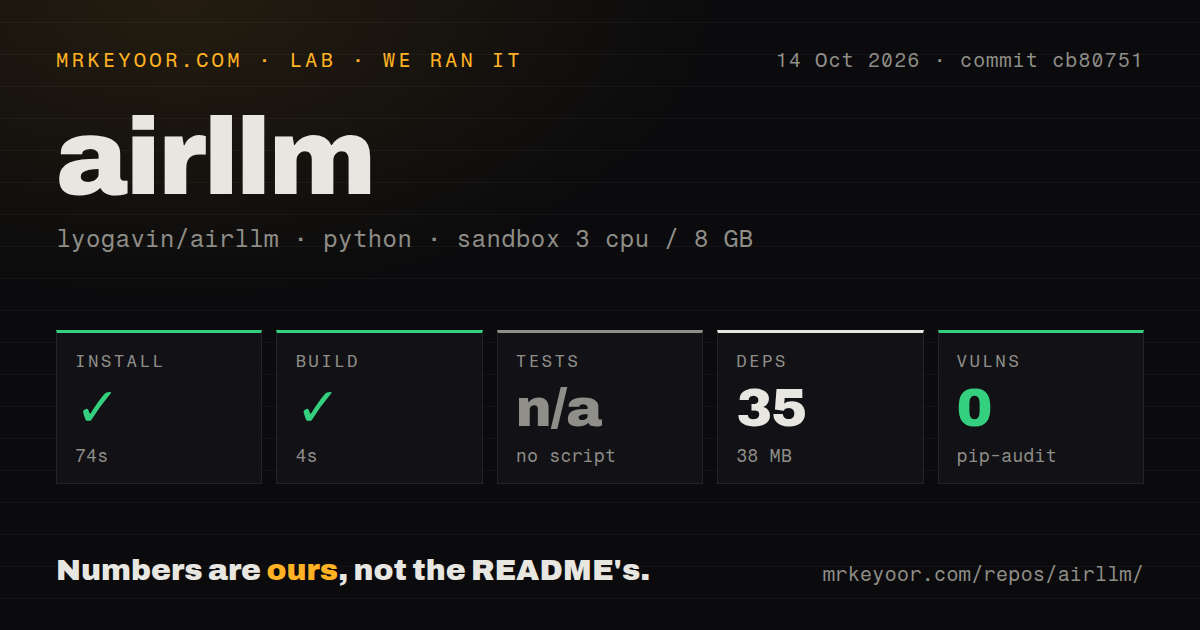
Our run at commit cb80751 installed AirLLM in 74 seconds and built it in 4 seconds on October 14, 2026. Installation recorded 35 dependencies and 38 MB on disk. The checkout contained 101 files, about 9,910 lines of source, and occupied 10.8 MB.
The harness recorded zero pip-audit findings and audit.packages=0. No coverage logs were supplied. The zero-findings entry therefore does not establish that the 35 recorded dependencies received a completed vulnerability assessment.
Tests were skipped because the harness found no test script or target. The scan recorded 2 CI workflow files, no Dockerfile, and no tests directory in that checkout. These observations describe what the harness found; they do not establish that the project has no testing elsewhere.
The recorded sandbox configuration specified 3 CPUs and 8 GB RAM, with image label ghcr.io/astral-sh/uv:python3.12-bookworm. That label does not establish actual runtime or operating-system versions. We did not measure checkpoint preparation, generation, GPU memory use, or training. The 38 MB installed footprint excludes the unmeasured storage needed for a model trial.
Checkpoint preparation needs its own storage plan
The README states: "During inference, the original model will first be decomposed and saved layer-wise." Choose a cache location with room for that preparation before downloading weights.
The supplied quick start passes a model identifier to AutoModel.from_pretrained, tokenizes a prompt, calls generate, and decodes the result. It also accepts a local checkpoint path. These are documentation-only examples; we did not execute the inference calls.
The documented layer_shards_saving_path option chooses where to save the split model. The delete_original option removes downloaded originals while retaining the transformed model. Check whether another application needs those originals before enabling deletion. For gated checkpoints, the README documents hf_token; installing the package does not grant access to the weights.
The README identifies disk loading as the main bottleneck in its explanation of optional weight compression. That is the project's explanation, not a speed measurement from our sandbox. Measure initial preparation separately from later generation and monitor cache growth during both.
Platform and dependency guidance is checkpoint-specific
The supplied README limits the Mac path to Apple Silicon with MLX and torch, and to Llama-style models. It names LlamaForCausalLM and MistralForCausalLM and says other architectures raise an error before downloading. The general support list therefore does not establish Mac compatibility for every listed model.
The README also says Kimi K3 remote code requires Transformers 4.56.x and does not load on 5.x. Flash-Next requires a Transformers build containing the in-tree qwen4_exp implementation. These are documented requirements, not environments exercised in our run. Choose the checkpoint and its dependencies together before assembling an environment.
The supplied README describes current guidance. It is not pinned implementation proof for tested commit cb80751, so this review does not treat its model list or examples as verified behavior of that checkout.
A release is separate from the tested checkout
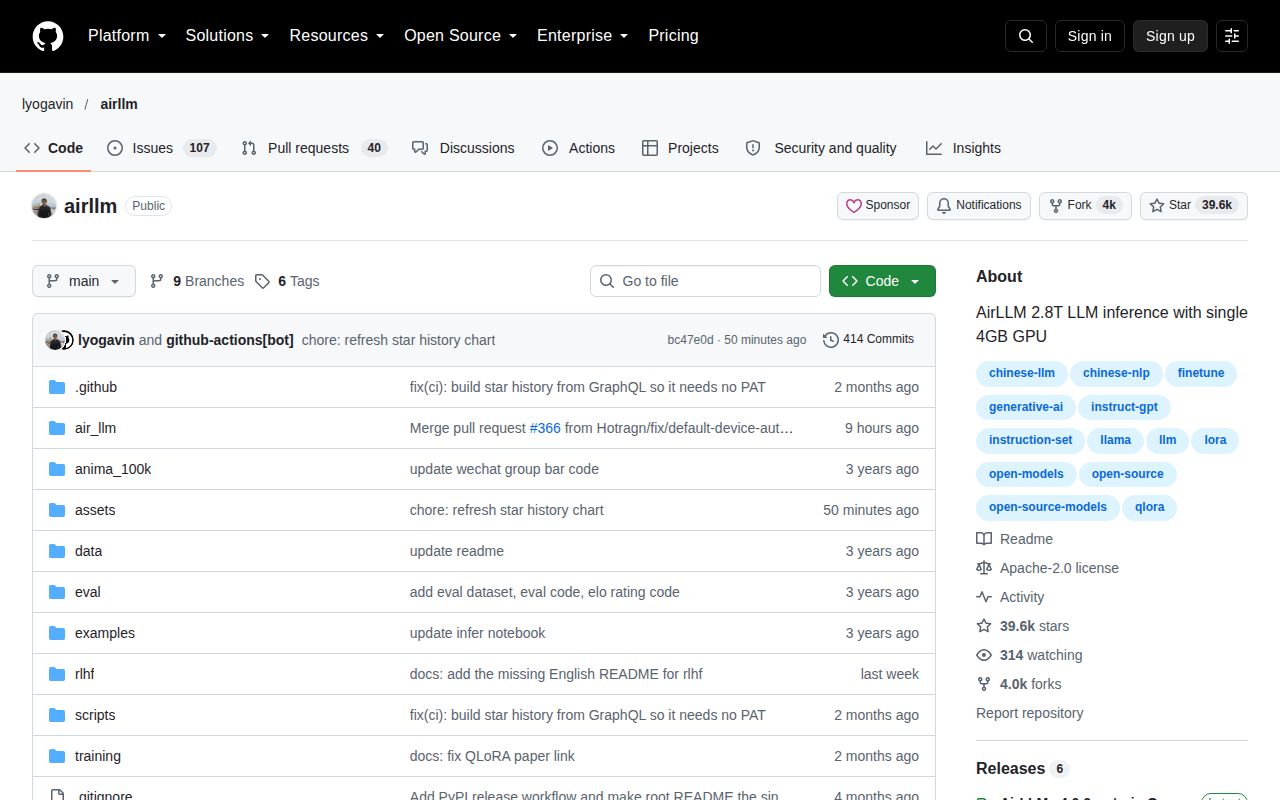
AirLLM's release page identifies v4.0.0, published September 5, 2026. Our October sandbox used commit cb80751. The package measurements belong to that checkout, not to a separate test of the release tag.
The release establishes publication, without establishing support turnaround or model-level reliability. Product scores remain N/A because checkpoint setup, example correctness, support quality, and generation were not assessed sufficiently for numerical ratings.
Choose an interface, then run a checkpoint trial
llama.cpp documents CPU+GPU hybrid inference. Evaluate it when that execution approach suits the trial you want to run. Ollama has a REST API for running and managing models. Evaluate it when your application needs an existing model-management API. We did not benchmark either alternative.
For AirLLM, select one documented architecture and record the exact checkpoint, AirLLM revision, and dependency versions used in your trial. Track conversion success, storage consumption, output correctness, and complete response time. Compare output with a reference runtime using the same prompt. Those results can support an adoption decision that the package build alone cannot.