Passing 74 tests does not qualify your wireless card
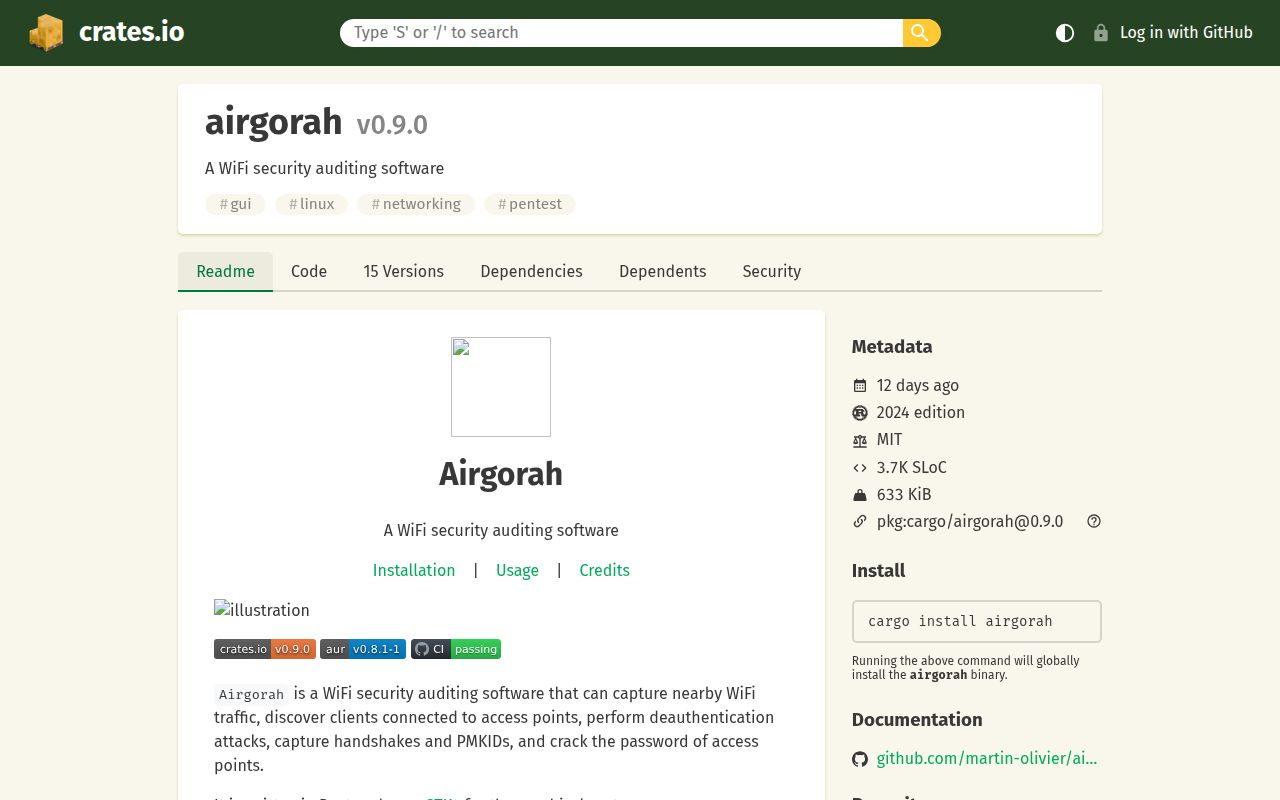
Airgorah passed 74 tests in our sandbox, but choosing it still starts with the wireless adapter. The application gives Linux users a GTK4 desktop interface for inspecting nearby access points and connected clients, capturing authentication material, and checking passwords against it. That is a useful arrangement for a technician working on an authorized network: you can keep the radio, network list, and capture workflow in the same application instead of coordinating several terminal windows.
The project README requires a card that supports monitor mode and packet injection. A laptop having WiFi does not establish either capability. Airgorah belongs on the shortlist for someone who already understands their adapter and wants a graphical workflow. A developer expecting an ordinary desktop download to turn any laptop into an auditing station should settle the hardware question before spending time on the interface.
What happened when we ran it
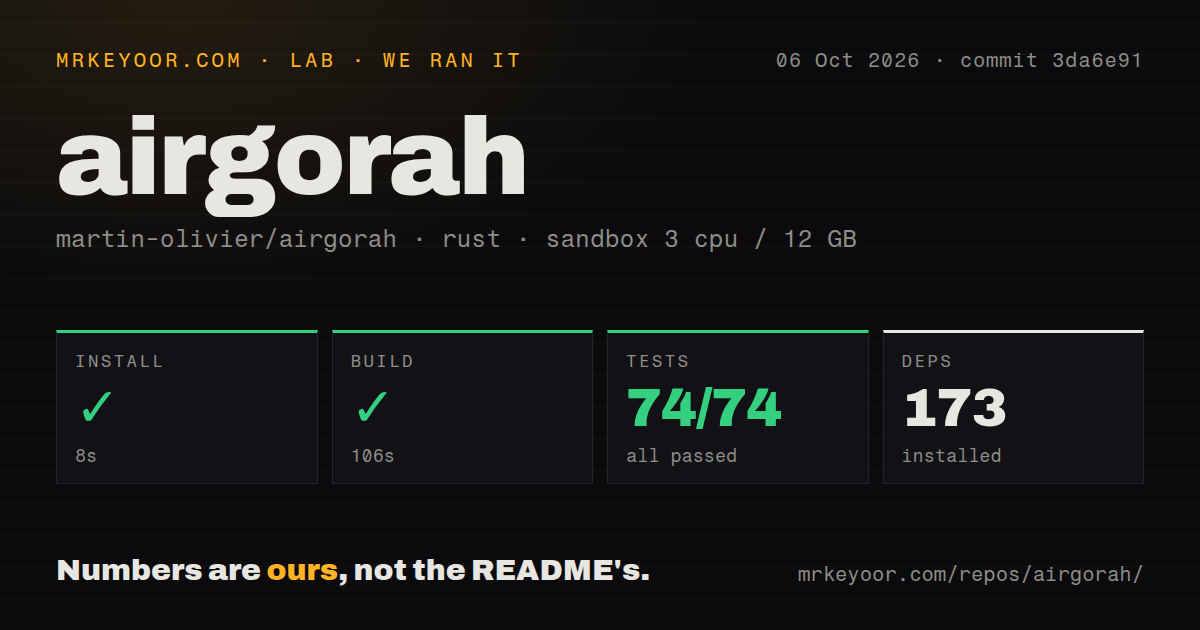
Our run installed Airgorah in 8 seconds, adding 173 packages, then completed the build in 106 seconds. Cargo test passed all 74 tests in 18 seconds, with no failures. We ran commit 3da6e91 on October 6, 2026, in a fresh Debian sandbox with 3 CPUs, 12 GB of RAM, and the lab-rust:1 image. The container was unprivileged and contained no secrets. Those are clean results for the repository steps we measured.
The checkout contained 64 files, roughly 8,247 source lines, and occupied 3.6 MB. Our scan found one CI workflow and a Dockerfile, with no separate tests directory. The successful cargo result matters more than that directory name. These measurements establish that this snapshot cleared the available checks in our environment. They do not establish successful radio capture, working packet injection, or password recovery on a particular adapter. None of those outcomes appears in the supplied lab record.
Linux privileges remain part of the desktop experience
The 106-second build gets you past compilation, while the documented runtime requires a Linux desktop and access to suitable wireless hardware. The GUI runs as your normal user under X11 or Wayland. Privileged operations go through a separate airgorah-agent process launched through polkit, which asks for authentication. That division is preferable to asking you to run the entire graphical application with elevated privileges, though the agent still deserves the same scrutiny as any software controlling network interfaces.
There is no hosted service credential in the documented local workflow. Physical access to the adapter and local authorization matter instead. If your normal internet connection uses the same radio, think through how you will stay connected during an audit. The usage wiki describes changing interface mode and optionally stopping the network manager. Those actions are consequential on a workstation you also use for meetings or remote administration. I would use a separate adapter and check that ordinary networking returns after a session.
The current release has outgrown parts of its wiki
Release v0.9.0, published September 26, 2026, added PMKID detection and cracking support and removed the aircrack-ng suite and mergecap requirements. PMKIDs provide another kind of authentication material the application can work with. For a reader comparing old tutorials with current Airgorah, that release is the useful reference: a guide describing every operation as a wrapper around the old external tools is describing an earlier design.
The installation wiki lists packages for Debian, RedHat, and Arch families, with x86_64 and aarch64 support, but its download examples still name an older release. The usage wiki also refers to airodump-ng output and aireplay-ng as a backend. Treat those pages as navigation help and cross-check release notes before copying their assumptions. The lab's 173-package install succeeded, but it does not certify that every older packaging example matches today's release.
Empty-scan reports deserve a hardware trial
Airgorah's 18-second successful test step did not answer the problem reported in issue 244. Opened October 11, the report says scans frequently show a blank network list, with networks appearing only occasionally. It gives too little diagnostic evidence to identify the cause. A recommendation should preserve that uncertainty: there is a current report about the central scanning workflow, rather than proof that a particular driver or GUI component is broken.
Another open report, issue 197, describes an Intel AX201 finding networks after boot and then finding none after subsequent launches. It concerns version 0.8.1-1, and its reporter also reproduced the empty result outside Airgorah. That makes it useful evidence for checking your own hardware, not evidence of a confirmed current Airgorah defect. Anyone who needs unattended, repeatable capture should insist on repeated sessions with their intended adapter before committing to this desktop workflow.
Recent maintenance makes Airgorah worth a limited trial
GitHub recorded the last push on October 14, 2026, and listed 4,233 stars alongside 8 open issues and PRs. Recent activity included merged dependency updates, while scanning reports remained open. Together with September's feature release, those dates support calling the project maintained. They do not tell you how quickly your adapter problem will be diagnosed. The MIT license is straightforward for reuse, but operational confidence still has to come from the machine you intend to use.
Choose Aircrack-ng when you prefer command-line auditing tools you can invoke individually, or Kismet when wireless detection and monitoring are the main job. Airgorah earns a trial if you want its Linux GUI and can supply compatible hardware. Keep our 74 passing tests in perspective: before relying on it for an appointment, verify that your adapter can discover your authorized network, finish a session, and discover it again after restarting the application.