AI Usage Bar can put several AI accounts in one status display. Whether it belongs on your machine depends on the provider credentials it needs and the frontend you use. A successful local build answers only part of that decision.
What the project documents
The README describes an Omarchy Quattro panel, Waybar widget and tabbed TUI, plus GNOME Shell, KDE Plasma 6 and macOS/Windows tray integrations. It also lists an experimental Linux Mint GTK frontend. These are documented capabilities, not desktop experiences verified in our sandbox.
The displays cover different kinds of figures: subscription percentages, reset times, prepaid balances and spend. Treat those labels separately. A balance without an allowance is not automatically a percentage quota, and a provider may omit a window rather than report zero usage.
The README says the TUI refreshes every 60 seconds, network failures retain previous data, and the shared cache backs off for five minutes after HTTP 429. It explicitly gives Nous Research a separate fetch path. Stale values can help you choose which assistant to open next, but they need to remain visibly distinguishable from fresh readings.
What our recorded run establishes
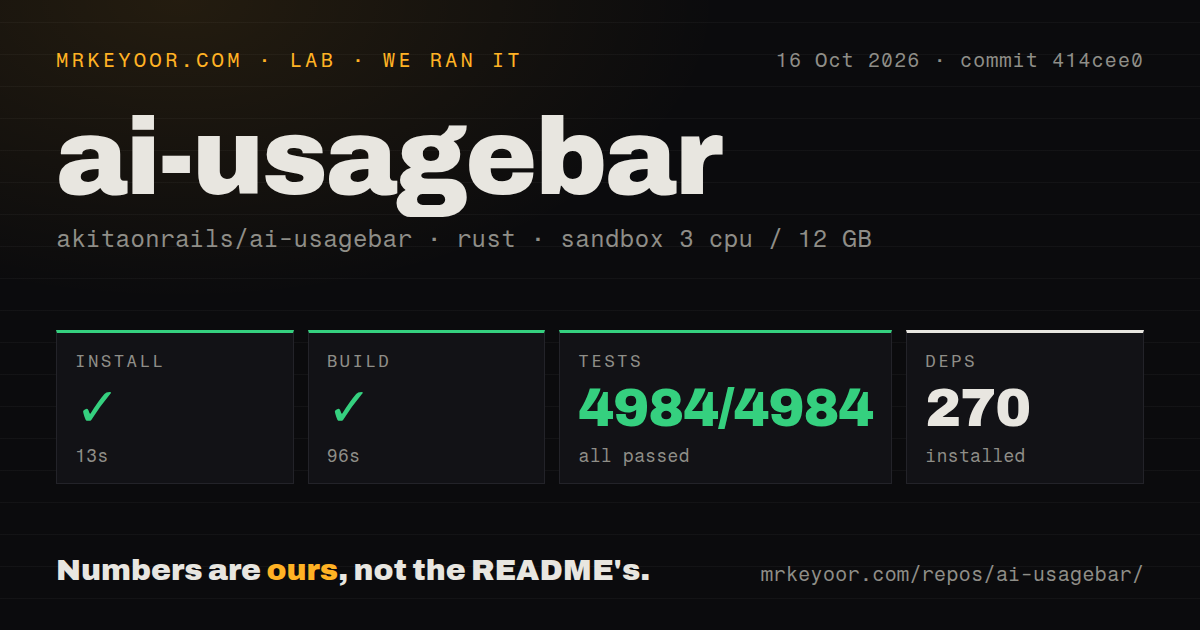
Our stored run began on October 16, 2026 at 02:45:49.265 UTC, using commit 414cee0a4cc8ec8a378698a808fe3f3b9da2eff7. The build log identifies ai-usagebar v1.38.1. The sandbox configuration records 3 CPUs, 12 GB of RAM and image lab-rust:1; that image label does not establish the runtime toolchain version.
| Recorded step | Observation | Limit |
|---|---|---|
| Dependency step | Exit 0 in 12.940 seconds; tail lists downloaded crates | Does not prove CLI installation |
| Build | Exit 0 in 96.237 seconds; dev profile | Does not verify release packaging or desktop behavior |
| cargo test | Exit 0 in 97.350 seconds | Replayed summaries prevent a verified exhaustive count |
The stored aggregate contains 4,984 passed, 0 failed and 4,984 total across a parser-reported 20 suites. Those are historical parser outputs, not verified counts of distinct tests: identical summaries occur before and after the replay marker. We therefore do not use the aggregate as evidence of test breadth. The raw live-test section reports 16 ignored tests, including provider API tests. Ignored tests are not failures, and their presence does not establish live compatibility.
The checkout measurement was 547 files, about 158,339 source lines and 23 MB, with 270 dependencies recorded. It also recorded two CI workflow files and a tests directory. None of these figures measures application speed, memory consumption, credential safety or accuracy against provider dashboards. No security audit result or measured user workload was supplied.
Credentials are part of the setup decision
The README says Claude and Codex reuse OAuth credentials from their official CLIs. Copilot obtains its token through the fixed gh auth token command, with an optional explicit environment override. Other integrations use API keys, existing app credentials, local databases or local services. This reduces repeated sign-ins while giving another application access to account credentials.
For inline keys, the README recommends config.toml at mode 600 and says environment variables take precedence. These are project instructions and implementation descriptions, not findings from an independent security assessment. Review the paths for the providers you intend to enable, particularly on a managed workstation.
Platform installation also has separate parts. The Omarchy plugin does not bundle the executable, so installing only the plugin leaves the widget without its backend. Waybar is Wayland-only. The Windows guide requires recent Windows 10 or Windows 11 with WebView2. It specifies Node.js 20+ for building the tray's web UI and explains that a build without Node can still link with a placeholder page. A successful link alone therefore does not establish a usable Windows popover.
Provider contracts and custom-provider limits
The endpoint guide identifies Claude and Codex usage routes as undocumented and Copilot's route as private. Other entries use documented APIs, so stability should be assessed per integration. Opt-in live tests can help detect response changes, but our recorded cargo test run did not execute its live-test section. Use provider billing and usage pages when reconciling consequential account figures.
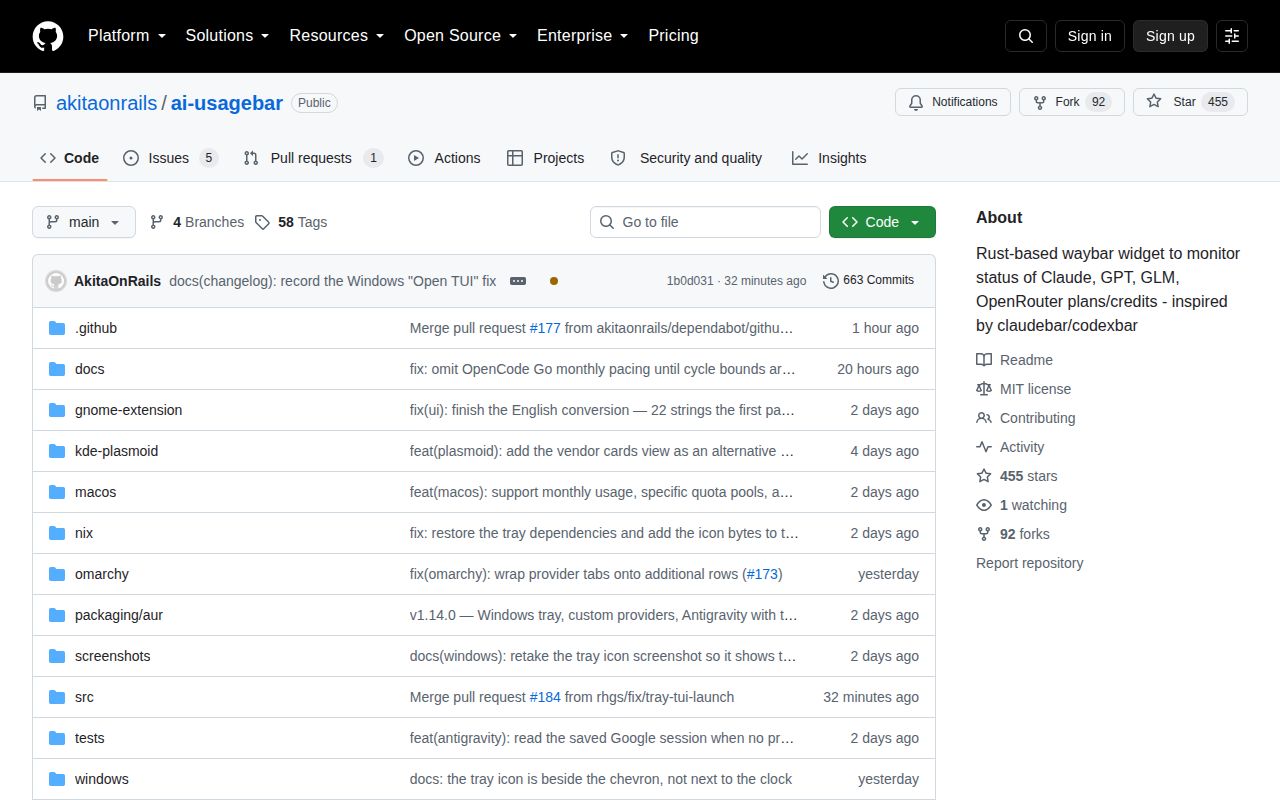
Release v1.14.0 introduced custom JSON providers and local provider detection. That release is historical context, separate from the v1.38.1 build identified in our run. The supplied README still limits custom providers to static tokens, GET requests and no scripting. Custom entries can appear in the TUI, usage --json and frontends consuming that report; they are excluded from the Waybar widget's --vendor list, TUI Settings overlay, [ui] primary and vendors catalog.
Antigravity issue 169 is closed, not open. The maintainer reported it fixed in b0bf49d on September 10, 2026 by detecting the project's own cached OAuth token. The comment preserves a narrower first-run limitation: before any fetch has persisted a token, there is no cache token to discover. That source describes a detection tradeoff, not a failure of the closed-app quota-fetch path. Our run did not exercise either path.
Choosing a first trial
Enable one provider you already use, confirm which account and window the display represents, and compare the reading with its official usage page. Then check the frontend's stale and error states before relying on it during work. Our evidence supports trying the documented workflow; it does not establish accuracy for every provider or a saving in time or money.
For a Claude-only Waybar or Omarchy setup, claudebar's README describes a Bash implementation using curl, jq and GNU date. CodexBar documents a macOS 14+ menu bar app, a Linux desktop app and a macOS/Linux CLI. These are relevant alternatives by interface and scope; we did not benchmark them or establish a quality ranking.
How to read the scores
These are editorial evidence ratings, not benchmark results. Setup considers the observed build and remaining configuration; docs considers the supplied instructions and stated limits; community considers evidence of maintenance and support; maturity considers observed execution and unresolved compatibility limits. The scale is 1 for insufficient usable evidence, 2 for limited evidence, 3 for a supported but incomplete assessment, 4 for strong evidence within the stated scope and 5 for unusually complete evidence. Missing adoption or platform evidence does not earn a high score.