zod-validation-error review
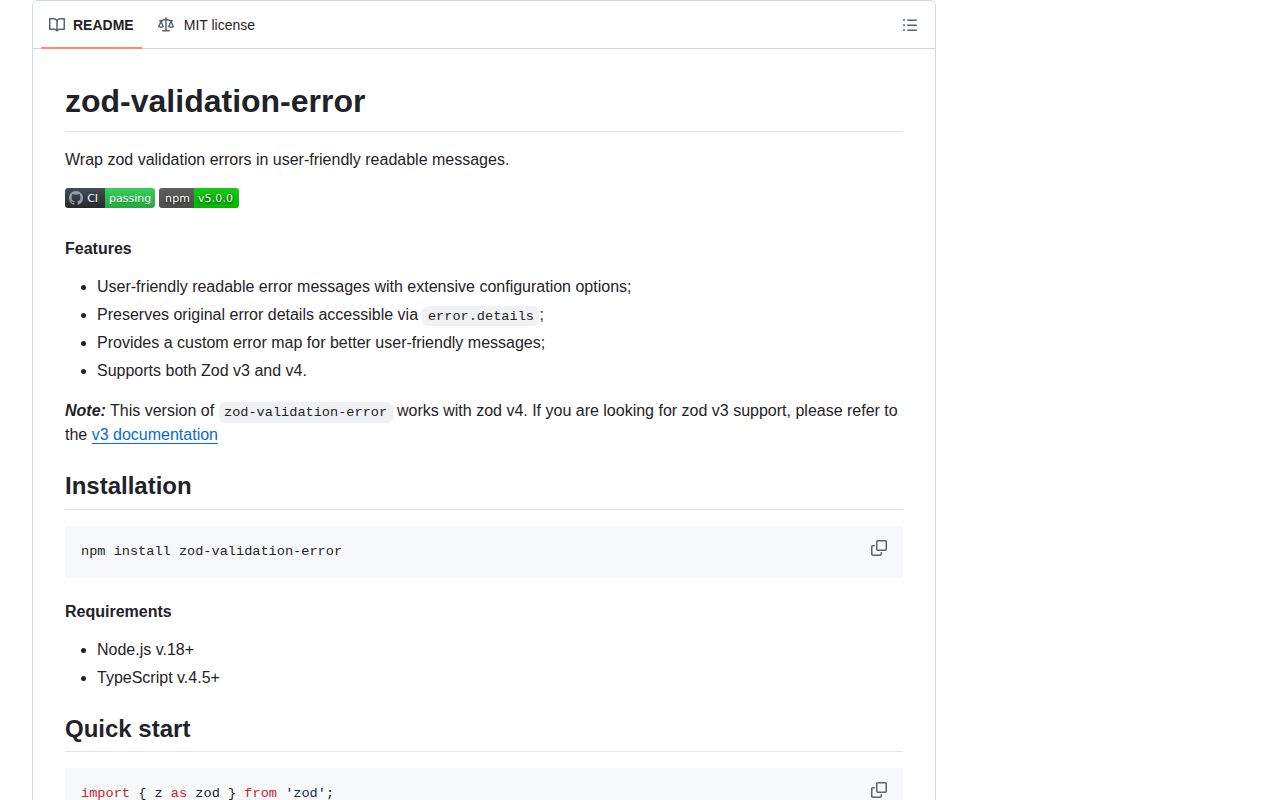
zod-validation-error 5.0.0 converts Zod issues into a ValidationError with one readable message and keeps the original issue list in details. It includes converters for unknown errors and individual issues, a configurable Zod error map, a combined-message builder, and strict or shape-based guards. Version 5 rewrites issue text into a consistent expected and received form and adds reportInput control for received values. The normal version 5 entry and README target Zod 4, with separate guidance for Zod 3.
zod-validation-error 5.0.0 installed in 0.9 seconds and added 3.7 KB gzipped in our browser build on top of its Zod peer. Install it for configurable one-line API or CLI errors and cross-copy guards; try Zod 4's built-in formatters first for forms or simple readable output.
We installed it
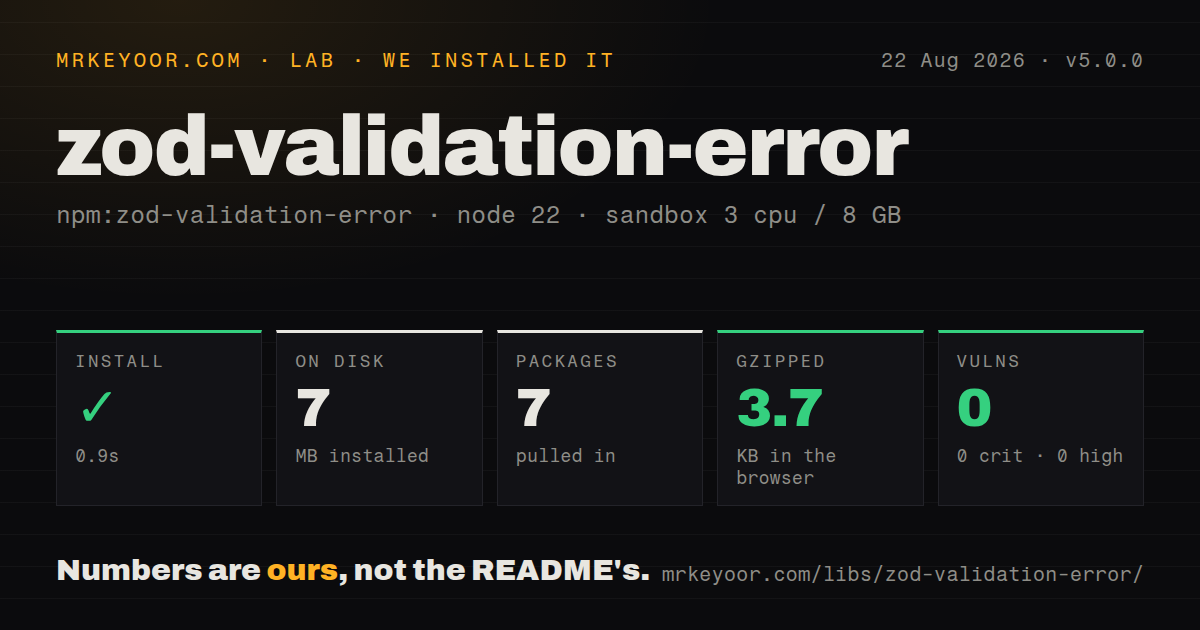
| Install | ✓ · 0.9s | 7 packages on disk · 7 MB |
| Import | ✓ | ESM import works · require() works · CommonJS package with exports map |
| Browser | 3.7 KB | gzipped (11.9 KB minified), bundled with esbuild |
| Types | ✓ | TypeScript types bundled |
| Known vulns | 0 | 0 critical · 0 high · 0 moderate · 0 low (npm audit) |
Answers from our run
Does zod-validation-error install cleanly?
Yes. In a fresh container with an empty cache, npm install zod-validation-error finished in 0.9s, leaving 7 packages and 7 MB on disk. npm audit reported no known vulnerabilities.
How much does zod-validation-error add to a browser bundle?
3.7 KB gzipped (11.9 KB minified) when the whole package is bundled for the browser with esbuild. Importing only part of it is usually smaller.
Does zod-validation-error work with both ESM and CommonJS?
Yes. Both import 'zod-validation-error' and require('zod-validation-error') worked in Node 22 in our run. The package is published as CommonJS with an exports map.
Does zod-validation-error include TypeScript types?
Yes, type declarations ship inside the package, so no @types install is needed.
zod-validation-error or zod: which should you use?
zod: Use Zod 4 alone when its pretty, flat, or tree error output is enough. zod-validation-error 5.0.0 installed in 0.9 seconds and added 3.7 KB gzipped in our browser build on top of its Zod peer.
When should you not use zod-validation-error?
Zod 4 prettifyError, treeifyError, or flattenError already produces the text or field shape the interface needs
Use it if
- An API or CLI needs one readable validation sentence while logs keep structured issue codes and paths
- A shared boundary needs a ValidationError class plus a guard that works across duplicate package copies
- Messages need consistent issue caps, prefixes, paths, separators, value lists, or number and date formatting
- A functional error pipeline benefits from the curried toValidationError converter
- Zod 4 prettifyError, treeifyError, or flattenError already produces the text or field shape the interface needs
- A form renders errors beside fields; one joined sentence loses the nested shape preserved by a resolver or treeifyError
- Complete localization is required; separators and Intl formatting do not translate every Zod issue sentence
- Zod 3 and Zod 4 coexist without controlled entry points; version 5 documentation targets Zod 4 and splits version 3 guidance
- The application already owns error responses and needs only a short string; this package adds a peer relationship and 3.7 KB gzipped in our browser check
Setup reality
We installed zod-validation-error 5.0.0 in a fresh Node 22 sandbox in 0.9 seconds. The environment ended with 7 packages and 7 MB on disk, while npm audit reported 0 known vulnerabilities. The package declares 0 direct dependencies and 1 peer dependency and occupies 284 KB unpacked. Node 18 or newer is required. Bundled TypeScript declarations were present.
The package is CommonJS with an exports map, and require() plus ESM import both worked. Our full esbuild import measured 11.9 KB minified and 3.7 KB gzipped. Install Zod yourself because it is a peer; the accepted range is Zod 3.25 or Zod 4. The version 5 README uses Zod 4 APIs and sends version 3 users to a separate document. Keeping one Zod major avoids ambiguous error shapes and config calls.
No credentials or configuration file are required. createErrorMap controls the wording of each issue, received input, allowed values, unknown keys, and Intl formatting. createMessageBuilder controls how issues are joined, limited, prefixed, titled, and annotated with paths. Per-call options affect one conversion, while z.config with a custom error map changes Zod behavior process-wide, including schemas in other modules.
Version 5 intentionally changes text, so exact snapshots and clients comparing messages must be updated. Review reportInput before exposing errors because received values may contain secrets or personal data. isValidationError relies on instanceof and can fail across multiple installed copies; isValidationErrorLike checks the shape and works better across package boundaries. Handle details structurally rather than parsing the combined sentence.
Patterns
Convert an unknown caught value format-caught-error
import { fromError } from 'zod-validation-error';
try { schema.parse(input); } catch (error) {
  const readable = fromError(error, { reportInput: false });
  throw readable;
}
fromError accepts unknown; use fromZodError after code has already narrowed the value to ZodError.
Format a failed safeParse result format-safe-parse
const result = schema.safeParse(input);
if (!result.success) {
  const error = fromZodError(result.error, { reportInput: false });
  return { status: 400, message: error.message };
}
safeParse keeps validation in normal control flow and supplies fromZodError with the precise type.
Set global Zod 4 issue wording install-error-map
import { z } from 'zod';
import { createErrorMap } from 'zod-validation-error';
z.config({ customError: createErrorMap({ reportInput: false }) });
z.config changes process-wide behavior for every schema that uses the global Zod configuration.
Cap and join reported issues limit-message
const error = fromError(caught, { maxIssuesInMessage: 3, issueSeparator: ' | ', prefix: undefined, includePath: true, reportInput: false });Message options shape the combined sentence; error-map options shape each underlying issue.
Share one API message policy reuse-builder
const buildApiMessage = createMessageBuilder({ maxIssuesInMessage: 5, prefix: undefined, includePath: true, forceTitleCase: false });
const error = fromError(caught, { messageBuilder: buildApiMessage, reportInput: false });
A shared builder aligns handlers, while reportInput still needs an explicit privacy decision.
Recognize errors across module copies classify-validation-error
if (isValidationErrorLike(error)) {
  return response.status(400).json({ message: error.message });
}
throw error;
The Like guard checks shape across prototypes; isValidationError uses instanceof and is stricter.
Keep structured issues for logs inspect-details
const error = fromError(caught, { reportInput: false });
logger.warn({ message: error.message, issues: error.details.map(issue => ({ code: issue.code, path: issue.path.join('.') })) });
details retains Zod issues; omit input values unless the logging policy explicitly permits them.
Compare Zod 4's own error formats use-zod-builtins
const result = schema.safeParse(input);
if (!result.success) {
  console.log(z.prettifyError(result.error));
  console.log(z.flattenError(result.error));
  console.log(z.treeifyError(result.error));
}
prettifyError returns text, while flattenError and treeifyError preserve shapes suited to field-level interfaces.
Alternatives
| Package | Registry | Pick it when |
|---|---|---|
| zod | npm | Use Zod 4 alone when its pretty, flat, or tree error output is enough |
| zod-i18n-map | npm | Use it when translated Zod issue messages backed by i18next are required |
| @hookform/resolvers | npm | Use it when errors must remain attached to React Hook Form fields |
More utils guides
lru-cache · type-fest · ajv · zod · p-limit · find-up · the whole shelf →
How this guide is made: grounded in the library's documentation, release notes, changelog, and issue history, on a fixed rubric — not a hands-on install of every release. The 50 most-downloaded entries are additionally install-verified in clean containers. Corrections: contact the desk.