@xterm/xterm review
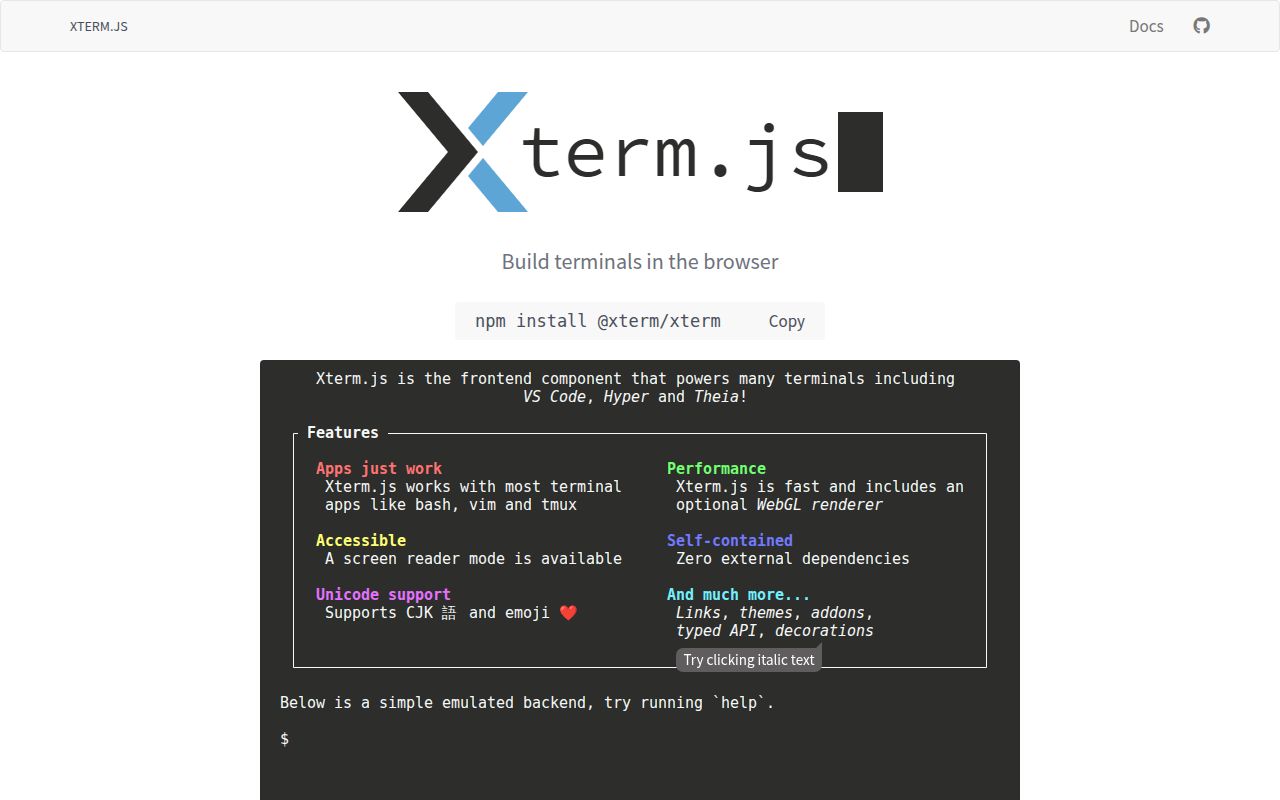
Our @xterm/xterm 6.0.0 browser build measured 336.2 KB minified and 85.4 KB gzipped. It is a browser terminal emulator that parses control sequences, maintains screen and scrollback buffers, renders cells, and reports keyboard, mouse, selection, and resize events. It does not start bash, SSH, or a container. Version 6 added ESM output, synchronized output, OSC 52 support, Shadow DOM support in the WebGL renderer, and a new viewport; it also removed the canvas renderer and several deprecated options.
@xterm/xterm 6.0.0 installed as 1 package and 7 MB in 2.1 seconds on our box, with a measured 85.4 KB gzipped browser build and 0 audit findings. Choose it for serious browser terminal emulation only when your backend already owns the PTY, access control, resizing, transport, and session lifecycle.
We installed it
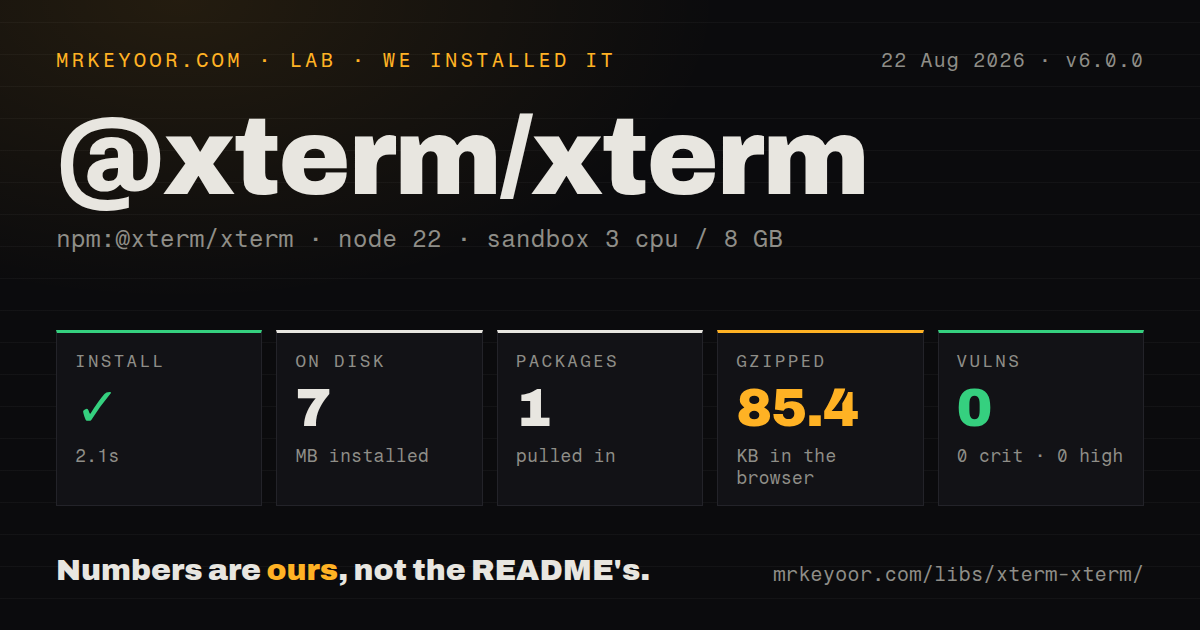
| Install | ✓ · 2.1s | 1 package on disk · 7 MB |
| Import | ✓ | ESM import works · require() works · CommonJS package |
| Browser | 85.4 KB | gzipped (336.2 KB minified), bundled with esbuild |
| Types | ✓ | TypeScript types bundled |
| Known vulns | 0 | 0 critical · 0 high · 0 moderate · 0 low (npm audit) |
Answers from our run
Does @xterm/xterm install cleanly?
Yes. In a fresh container with an empty cache, npm install @xterm/xterm finished in 2 seconds, leaving 1 package and 7 MB on disk. npm audit reported no known vulnerabilities.
How much does @xterm/xterm add to a browser bundle?
85.4 KB gzipped (336.2 KB minified) when the whole package is bundled for the browser with esbuild. Importing only part of it is usually smaller.
Does @xterm/xterm work with both ESM and CommonJS?
Yes. Both import '@xterm/xterm' and require('@xterm/xterm') worked in Node 22 in our run. The package is published as CommonJS.
Does @xterm/xterm include TypeScript types?
Yes, type declarations ship inside the package, so no @types install is needed.
@xterm/xterm or @xterm/headless: which should you use?
@xterm/headless: Choose it to parse and retain terminal state in Node.js without browser rendering. @xterm/xterm 6.0.0 installed as 1 package and 7 MB in 2.1 seconds on our box, with a measured 85.4 KB gzipped browser build and 0 audit findings.
When should you not use @xterm/xterm?
You expect the package to launch a shell: the README says it must be connected to a process through a separate PTY layer such as node-pty
Use it if
- You are building an IDE terminal, SSH console, container exec panel, serial console, or VT-aware log view in a browser
- Your backend already owns a pseudoterminal and needs a mature screen model for curses programs, mouse reporting, IME, and Unicode
- You need optional official addons for fitting, WebSocket attachment, search, serialization, WebGL, links, images, or clipboard access
- You need the same terminal engine used by VS Code, JupyterLab, Hyper, Portainer, Proxmox, and other developer tools
- You expect the package to launch a shell: the README says it must be connected to a process through a separate PTY layer such as node-pty
- Your code runs without a DOM and only needs parsing or retained terminal state: @xterm/headless is the package intended for Node.js
- You support fixed or old browser versions: the stated policy covers the latest Chrome, Edge, Firefox, and Safari releases
- You need search, fit, WebGL, links, images, clipboard, or serialization without more dependencies: each capability is a separate addon
- You rely on version 5 canvas rendering, windowsMode, fastScrollModifier, the old overviewRulerWidth location, or the Alt-to-Ctrl arrow mapping: version 6 changed or removed each one
Setup reality
We installed @xterm/xterm 6.0.0 in 2.1 seconds. It left 1 package and 7 MB on disk, with 0 direct dependencies, 0 peer dependencies, and 0 audit findings. The package is 6,256 KB unpacked under MIT. Its size comes from the terminal engine, CSS, typings, and builds rather than a dependency tree. There is no native compilation or credential step.
Import @xterm/xterm/css/xterm.css and give the host element real dimensions before calling open. A hidden or zero-size container produces bad geometry. Most resizable layouts also install @xterm/addon-fit, call fit after fonts and layout settle, and send the resulting rows and columns to the backend PTY. Fitting only the browser leaves vim, tmux, and other full-screen programs at stale dimensions.
Version 6.0.0 is a CommonJS package without an exports map, with a separate ESM file and bundled TypeScript declarations. Both require() and ESM import worked in our sandbox. The browser-side terminal needs no credentials. The server must authenticate the session, own the PTY, enforce authorization, relay bytes, resize the process, limit resources, and decide what happens on disconnect or reconnect. A WebSocket supplies transport, not those controls.
Create Terminal after the DOM node exists, which makes React and SSR integrations client-only lifecycle work. Dispose event subscriptions, addons, ResizeObserver instances, socket handlers, and the terminal on unmount. Version 6 uses the DOM renderer by default and offers WebGL as an addon; handle WebGL setup failure and context loss. Addons should match the core major. Test IME, mobile keyboards, screen readers, font loading, selection, copy shortcuts, resize loops, and reconnect behavior on target browsers.
Patterns
Open a sized terminal host open-browser-terminal
import { Terminal } from '@xterm/xterm';
import '@xterm/xterm/css/xterm.css';

const host = document.querySelector<HTMLDivElement>('#terminal')!;
const term = new Terminal({ cursorBlink: true });
term.open(host);
term.write('Ready\r\n');
The stylesheet and a non-zero host size are required; carriage return plus newline starts the next line at column 0.
Relay terminal input and process output relay-websocket-bytes
const socket = new WebSocket('wss://example.com/terminal/session-123');
socket.binaryType = 'arraybuffer';

const input = term.onData((data) => {
  if (socket.readyState === WebSocket.OPEN) socket.send(data);
});

socket.addEventListener('message', (event) => {
  term.write(typeof event.data === 'string' ? event.data : new Uint8Array(event.data));
});
The server must authenticate this session and connect it to an authorized PTY; preserve byte encoding across the transport.
Attach an existing WebSocket load-attach-addon
import { AttachAddon } from '@xterm/addon-attach';

const socket = new WebSocket('wss://example.com/terminal/session-123');
const attach = new AttachAddon(socket);
term.loadAddon(attach);
Install @xterm/addon-attach separately; it relays messages and does not implement authentication, reconnection, or server process cleanup.
Refit after container changes fit-terminal-container
import { FitAddon } from '@xterm/addon-fit';

const fit = new FitAddon();
term.loadAddon(fit);
term.open(host);
fit.fit();

const observer = new ResizeObserver(() => fit.fit());
observer.observe(host);
Wait until the host is visible and fonts have settled, then disconnect the observer during teardown.
Propagate rows and columns to the process resize-server-pty
const resize = term.onResize(({ cols, rows }) => {
  if (socket.readyState === WebSocket.OPEN) {
    socket.send(JSON.stringify({ type: 'resize', cols, rows }));
  }
});
The backend has to apply these dimensions to its PTY or full-screen terminal programs keep the old geometry.
Open detected HTTPS links safely detect-safe-web-links
import { WebLinksAddon } from '@xterm/addon-web-links';

const links = new WebLinksAddon((event, uri) => {
  event.preventDefault();
  const url = new URL(uri);
  if (url.protocol === 'https:') window.open(url, '_blank', 'noopener,noreferrer');
});
term.loadAddon(links);
Terminal output is untrusted input, so allow expected protocols before opening a detected string.
Find text in retained scrollback search-terminal-scrollback
import { SearchAddon } from '@xterm/addon-search';

const search = new SearchAddon();
term.loadAddon(search);
const found = search.findNext('error', { caseSensitive: false, wholeWord: true });
Search covers the terminal buffer; process output that has fallen outside scrollback is unavailable.
Use WebGL with DOM fallback enable-webgl-fallback
import { WebglAddon } from '@xterm/addon-webgl';

const webgl = new WebglAddon();
webgl.onContextLoss(() => webgl.dispose());
try {
  term.loadAddon(webgl);
} catch {
  webgl.dispose();
}
Version 6 removed the canvas renderer; disposing a failed WebGL addon leaves the built-in DOM renderer active.
Configure a terminal as a log viewer show-read-only-logs
const term = new Terminal({
  disableStdin: true,
  convertEol: true,
  scrollback: 5000,
});
term.open(host);
term.write(logChunk);
convertEol moves the cursor to column 0 after a line feed, which suits plain logs and can change intentional terminal positioning.
Enable screen-reader output and contrast checks configure-terminal-accessibility
const term = new Terminal({
  screenReaderMode: true,
  minimumContrastRatio: 4.5,
  theme: { background: '#111827', foreground: '#f9fafb', cursor: '#fbbf24' },
});
Screen-reader mode costs rendering work, so test announcements and keyboard flow with the assistive technology you support.
Copy a selection without swallowing Ctrl+C reserve-copy-shortcut
term.attachCustomKeyEventHandler((event) => {
  const copy = (event.ctrlKey || event.metaKey) && event.key.toLowerCase() === 'c';
  if (copy && term.hasSelection()) {
    navigator.clipboard.writeText(term.getSelection());
    return false;
  }
  return true;
});
Returning false blocks xterm.js handling; when there is no selection, Ctrl+C should still reach the process as an interrupt.
Release browser and transport resources dispose-terminal-resources
function closeTerminal() {
  observer.disconnect();
  input.dispose();
  resize.dispose();
  attach.dispose();
  socket.close(1000, 'terminal closed');
  term.dispose();
}
The server may also need an explicit message to release its PTY because closing a socket does not define process lifetime.
Alternatives
| Package | Registry | Pick it when |
|---|---|---|
| @xterm/headless | npm | Choose it to parse and retain terminal state in Node.js without browser rendering. |
| jquery.terminal | npm | Choose it for a prompt and command interpreter UI that does not need full PTY emulation. |
| hterm-umdjs | npm | Choose it when Chromium hterm behavior or a UMD distribution is a fixed requirement. |
| terminal-kit | npm | Choose it to build an interactive program for a real Node.js TTY instead of a browser terminal. |
More web frontend guides
postcss · react · react-dom · tailwindcss · clsx · htmlparser2 · the whole shelf →
How this guide is made: grounded in the library's documentation, release notes, changelog, and issue history, on a fixed rubric — not a hands-on install of every release. The 50 most-downloaded entries are additionally install-verified in clean containers. Corrections: contact the desk.