python-multipart review
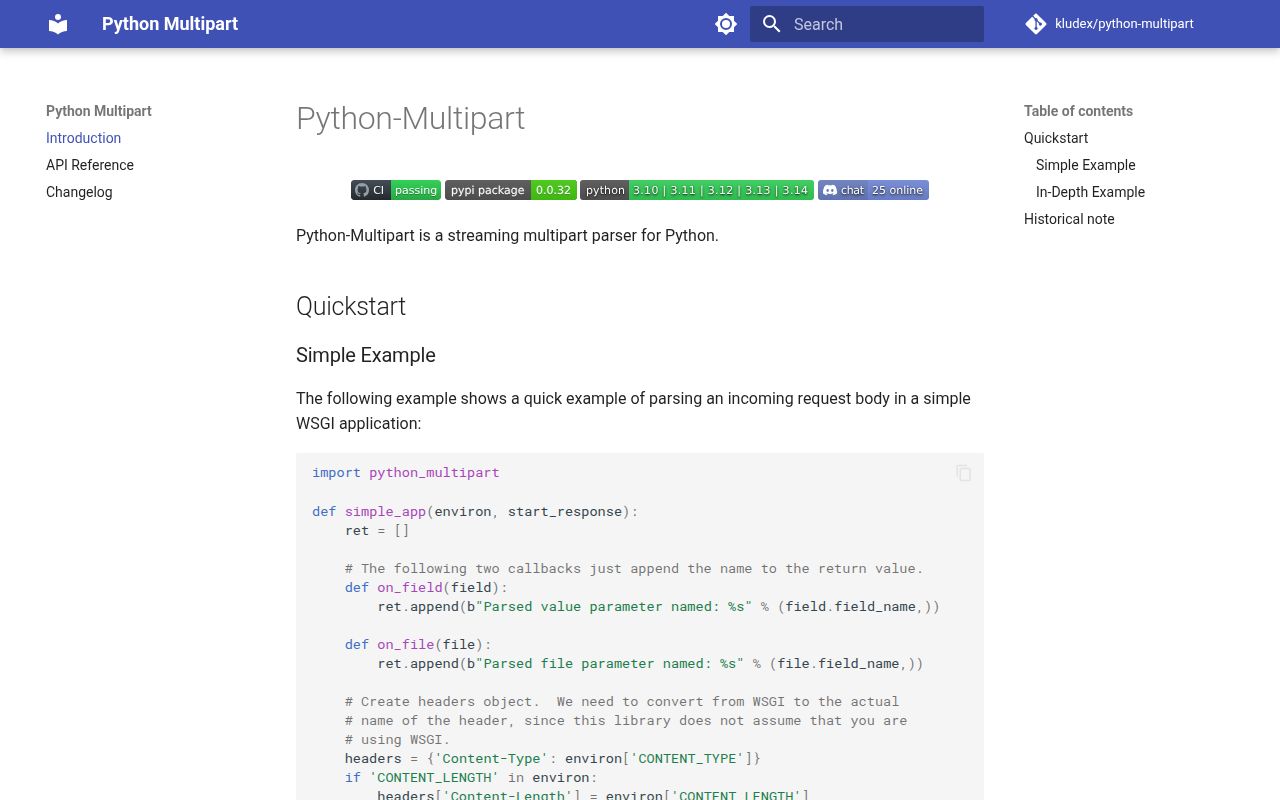
Our Python 3.12 sandbox installed python-multipart 0.0.32 as one pure-Python package and import multipart worked. It incrementally parses multipart/form-data, urlencoded forms and raw octet streams, calling handlers as headers, field bytes and file bytes arrive. Frameworks such as Starlette use it beneath form and upload APIs, while lower-level callers can feed MultipartParser chunks directly. Version 0.0.32 replaces a per-byte partial-boundary scan with an rfind lookbehind, a focused change in how split boundaries are found across chunks.
python-multipart 0.0.32 installed in 0.2 seconds as one 1 MB package and imported in 0.17 seconds in our sandbox, with no known vulnerabilities from pip-audit. Install it when an ASGI framework requests it or callbacks must process uploads incrementally; request limits and file acceptance still belong to the server and application.
We installed it
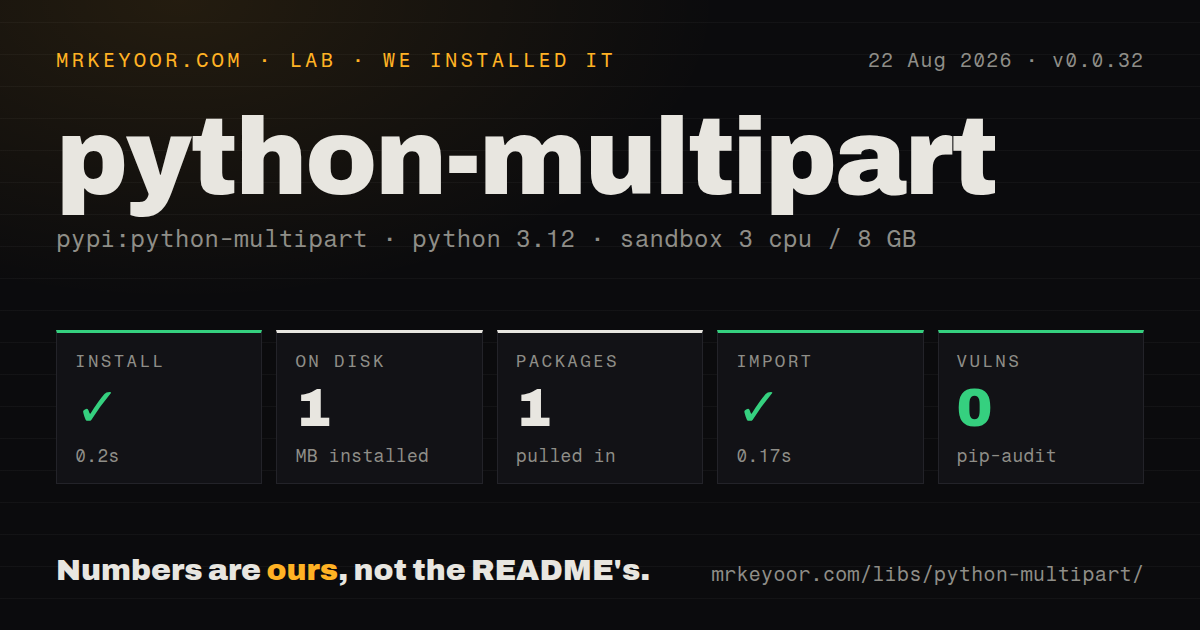
| Install | ✓ · 0.2s | 1 package on disk · 1 MB |
| Import | ✓ | import multipart in 0.17s · pure Python · py.typed · requires Python >=3.10 |
| Known vulns | 0 | (pip-audit) |
Answers from our run
Does python-multipart install cleanly?
Yes. In a fresh container with an empty cache, pip install python-multipart finished in 0.2s, leaving 1 package and 1 MB on disk. pip-audit reported no known vulnerabilities.
What does python-multipart need to run?
Python >=3.10, and nothing compiled: it is pure Python. In our run import multipart succeeded in 0.17s, and the package ships py.typed for type checkers.
python-multipart or multipart: which should you use?
multipart: Choose the unrelated project only when its API is already an intentional dependency, and never install both distributions together. python-multipart 0.0.32 installed in 0.2 seconds as one 1 MB package and imported in 0.17 seconds in our sandbox, with no known vulnerabilities from pip-audit.
When should you not use python-multipart?
Django or Werkzeug already parses the request in your stack; adding a second multipart implementation creates no useful layer
Use it if
- A FastAPI or Starlette route uses Form, File, UploadFile or request.form() and the framework asks for this dependency
- You are implementing HTTP plumbing and need to feed request chunks into callbacks without buffering the complete body
- A test or replay tool must parse a stored multipart request with the same parser used by an ASGI application
- You need one callback-oriented parser for multipart, urlencoded and application/octet-stream request bodies
- Django or Werkzeug already parses the request in your stack; adding a second multipart implementation creates no useful layer
- You want a dict-returning application API with validation; the native interfaces use byte callbacks and File or Field objects
- You need CSRF checks, content policy, virus scanning or authorization; this package recognizes wire syntax and does not implement those controls
- Your application cannot enforce request, part and file limits before or while parsing; streaming prevents one big buffer but does not make unlimited uploads safe
- You can only support Python 3.9 or older; version 0.0.32 requires Python 3.10 or newer
Setup reality
Our fresh Python 3.12 sandbox installed python-multipart 0.0.32 in 0.2 seconds. One package occupied 1 MB, and import multipart completed in 0.17 seconds. pip-audit reported zero known vulnerabilities. The package declares zero direct dependencies, requires Python 3.10 or newer, is pure Python and includes py.typed. PyPI labels the license Apache Software License. No compiler, service, credential or configuration file was needed.
The distribution name and import name differ: install python-multipart, while framework detection and older examples may import multipart. PyPI also has a separate project named multipart. Do not install both in one environment because import resolution can select the wrong code. In FastAPI and Starlette application code, you normally import framework types and let the framework call the parser; a missing installation is reported when a form route is created or used.
Direct callers must parse Content-Type and preserve its boundary. MultipartParser expects the boundary value, then bytes supplied through write(), followed by finalize(). Callback slices point into the buffer passed to the callback, so copy data that must outlive the call. Header names, field names and values arrive as bytes at this layer. Decode with an explicit error policy only after the surrounding Content-Type and application rules decide the encoding.
Streaming controls peak buffering only if callbacks also stream. Joining every on_part_data slice or calling UploadFile.read() without a size still accumulates the upload in memory. Enforce a total request limit at the server, limit part count and field size in the framework, sanitize the client filename, and write accepted files to a controlled directory. finalize() is required to detect truncated endings. Version 0.0.32 changes boundary scanning, so chunk-split regression tests are worth keeping in any custom integration.
Patterns
Receive a form field and upload install-for-fastapi
$ pip install python-multipart

# app.py
from fastapi import FastAPI, File, Form, UploadFile

app = FastAPI()

@app.post("/upload")
async def upload(file: UploadFile = File(...), note: str = Form("")):
    data = await file.read()
    return {"filename": file.filename, "size": len(data), "note": note}
FastAPI calls python-multipart behind these parameter types. read() without a size loads the complete file, so stream large uploads instead.
Parse a WSGI-style body stream parse-form-helper
from python_multipart import parse_form

fields, files = [], []

headers = {"Content-Type": content_type_header, "Content-Length": str(length)}
parse_form(headers, body_stream, fields.append, files.append)

for f in fields:
    print(f.field_name, f.value)
for f in files:
    print(f.file_name, f.size)
Content-Type must include the boundary. Field names, values and upload names are bytes at this API layer.
Feed request chunks into MultipartParser streaming-parser-callbacks
from python_multipart import MultipartParser

parts = []

callbacks = {
    "on_part_data": lambda data, start, end: parts.append(data[start:end]),
    "on_part_end": lambda: parts.append(b"--END--"),
}
parser = MultipartParser(boundary, callbacks)

for chunk in iter_request_chunks():
    parser.write(chunk)
parser.finalize()
Copy data[start:end] when retaining it after the callback. Call finalize() after the final request chunk.
Read a multipart boundary parameter parse-content-type-header
from python_multipart import multipart

ctype, params = multipart.parse_options_header(
    "multipart/form-data; boundary=----WebKitFormBoundaryX"
)
boundary = params[b"boundary"]
parse_options_header returns byte values. Reject the request when the multipart boundary parameter is absent.
Set temporary upload storage spill-large-files-to-disk
from python_multipart import create_form_parser

config = {
    "UPLOAD_DIR": "/var/uploads/tmp",
    "MAX_MEMORY_FILE_SIZE": 256 * 1024,  # bytes kept in RAM per file
    "UPLOAD_KEEP_FILENAME": True,
    "UPLOAD_KEEP_EXTENSIONS": True,
}

def on_file(f):
    print("stored at", f.actual_file_name, "in_memory:", f.in_memory)

parser = create_form_parser(headers, None, on_file, config=config)
for chunk in body_chunks:
    parser.write(chunk)
parser.finalize()
Use create_form_parser for storage configuration. Keep the upload directory outside publicly served paths and clean abandoned temporary files.
Read a completed File callback read-parsed-file
def on_file(f):
    f.file_object.seek(0)
    content = f.file_object.read()
    name = (f.file_name or b"unnamed").decode("utf-8", "replace")
    save(name, content)
Rewind the file object before reading. Decode file_name for display only and generate your own storage path.
Parse an urlencoded body incrementally parse-querystring
from python_multipart import QuerystringParser

pairs = []
callbacks = {
    "on_field_name": lambda d, s, e: pairs.append([d[s:e], b""]),
    "on_field_data": lambda d, s, e: pairs.__setitem__(-1, [pairs[-1][0], pairs[-1][1] + d[s:e]]),
}
parser = QuerystringParser(callbacks)
parser.write(b"a=1&b=hello")
parser.finalize()
This parser emits byte slices. Apply percent decoding and character decoding according to your form policy.
Consume an octet-stream body octet-stream-upload
from python_multipart import OctetStreamParser

received = []
parser = OctetStreamParser(callbacks={
    "on_data": lambda d, s, e: received.append(d[s:e]),
})
for chunk in body_chunks:
    parser.write(chunk)
parser.finalize()
The media type carries raw bytes only. Any filename or domain metadata needs a separately validated header or route value.
Read a Starlette UploadFile starlette-form-usage
from starlette.applications import Starlette
from starlette.routing import Route
from starlette.responses import JSONResponse

async def handler(request):
    form = await request.form()  # requires python-multipart installed
    upload = form["file"]
    return JSONResponse({"name": upload.filename, "type": upload.content_type})

app = Starlette(routes=[Route("/u", handler, methods=["POST"])])
Use Starlette's request.form() limits for part count and field size. Treat upload.filename as untrusted display metadata.
Apply Starlette form limits limit-starlette-form
async with request.form(
    max_files=20,
    max_fields=100,
    max_part_size=2 * 1024 * 1024,
) as form:
    upload = form['file']
Framework limits sit above python-multipart. Also enforce the reverse proxy or ASGI server's total request-size policy.
Copy an UploadFile in bounded chunks stream-upload-to-disk
from pathlib import Path

target = Path('/srv/uploads') / generated_name
with target.open('wb') as output:
    while chunk := await upload.read(1024 * 1024):
        output.write(chunk)
Generate target names server-side and stop when your accepted byte limit is crossed. The client filename must not choose the path.
Finalize after the request stream ends finalize-parser
parser = MultipartParser(boundary, callbacks)
try:
    for chunk in body_chunks:
        parser.write(chunk)
finally:
    parser.finalize()
finalize() completes parser state and surfaces an incomplete final boundary. Do not call it after an application-level abort that intentionally rejects the body.
Alternatives
| Package | Registry | Pick it when |
|---|---|---|
| multipart | PyPI | Choose the unrelated project only when its API is already an intentional dependency, and never install both distributions together |
| werkzeug | PyPI | Choose its request and form parser when a Flask or WSGI stack already depends on Werkzeug |
| django | PyPI | Use Django's built-in upload handlers when the request already flows through Django |
More web backend guides
ws · urllib3 · requests · undici · anyio · express · the whole shelf →
How this guide is made: grounded in the library's documentation, release notes, changelog, and issue history, on a fixed rubric — not a hands-on install of every release. The 50 most-downloaded entries are additionally install-verified in clean containers. Corrections: contact the desk.