requests review
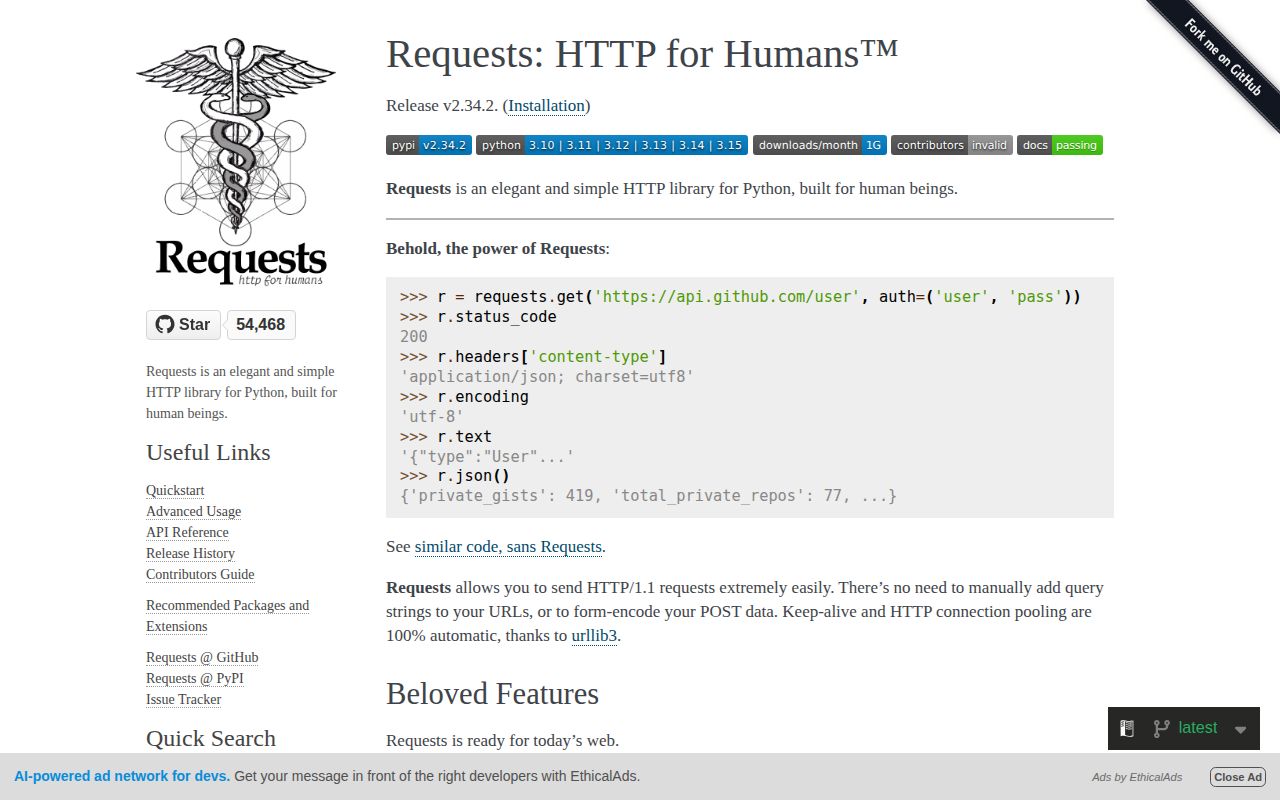
Requests 2.34.2 is a synchronous HTTP/1.1 client built on urllib3. Top-level helpers send one request, while Session persists cookies, headers, authentication, adapters, and pooled connections across calls. The API covers parameters, JSON and form bodies, multipart uploads, proxies, TLS verification, streamed responses, and response decoding. Version 2.34 introduced bundled type information; 2.34.2 narrows a typing regression by changing header input back to Mapping. Runtime behavior still has two deliberate sharp edges: no default timeout and no exception for 4xx or 5xx until raise_for_status() is called.
Requests 2.34.2 installed as five packages totaling 3 MB in 0.2 seconds and imported in 0.32 seconds with zero audit findings in our sandbox. It remains a sound synchronous HTTP choice if every call gets a timeout and status check; use HTTPX for async or HTTP/2.
We installed it
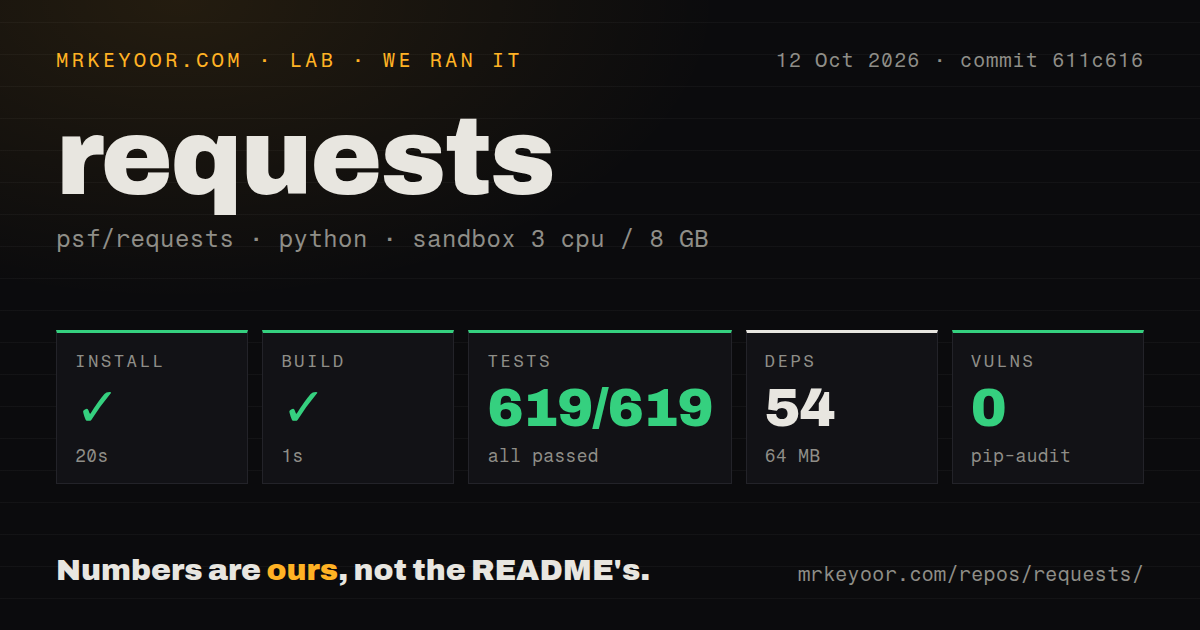
| Install | ✓ · 0.2s | 5 packages on disk · 3 MB |
| Import | ✓ | import requests in 0.32s · pure Python · py.typed · requires Python >=3.10 |
| Known vulns | 0 | (pip-audit) |
Answers from our run
Does requests install cleanly?
Yes. In a fresh container with an empty cache, pip install requests finished in 0.2s, leaving 5 packages and 3 MB on disk. pip-audit reported no known vulnerabilities.
What does requests need to run?
Python >=3.10, and nothing compiled: it is pure Python. In our run import requests succeeded in 0.32s, and the package ships py.typed for type checkers.
requests or httpx: which should you use?
httpx: Use it for matching sync and async clients, default timeouts, HTTP/2, or ASGI test transports. Requests 2.34.2 installed as five packages totaling 3 MB in 0.2 seconds and imported in 0.32 seconds with zero audit findings in our sandbox.
When should you not use requests?
Calls run inside an asyncio event loop; Requests has no native async transport and will block that thread
Discussed on
Use it if
- A synchronous script or worker needs a widely understood HTTP client API
- Several calls to one service should share cookies, headers, and pooled connections through Session
- An SDK or authentication plugin already exposes Requests adapters, exceptions, or prepared requests
- One client must handle multipart uploads, proxies, custom CA files, and streamed downloads
- Calls run inside an asyncio event loop; Requests has no native async transport and will block that thread
- The organization requires client-wide default deadlines; Requests waits without a timeout unless each call or wrapper supplies one
- HTTP/2 is a protocol requirement; the normal Requests adapter is HTTP/1.1 based
- A reusable library should let callers choose their HTTP stack instead of imposing a synchronous global dependency
- Tests need an in-process ASGI transport or the application expects browser fetch semantics
Setup reality
Our install of Requests 2.34.2 finished in 0.2 seconds on Python 3.12. Five packages occupied 3 MB, and import requests succeeded in 0.32 seconds. The distribution declares 6 direct dependency entries, requires Python >=3.10, is pure Python, ships py.typed, and uses Apache-2.0. pip-audit found zero known vulnerabilities.
Every call needs an explicit timeout. One float limits connect and read inactivity; it is not a total deadline covering DNS, redirects, retries, and the full body. A tuple separates connect and read values. Add an outer deadline when the whole operation must finish within a fixed wall-clock budget. Requests needs no config file, but proxy, netrc, and CA environment settings can change traffic when Session.trust_env remains enabled.
Use a Session context for repeated traffic and close it. Sessions carry mutable cookies, headers, auth, proxies, and mounted adapters, so one process-wide instance is a poor boundary between users or concurrent mutation. Leave certificate verification enabled and point verify at a specific CA bundle when system trust is insufficient. Client certificates and service credentials belong in secret storage, not source code.
A 404 or 500 remains a normal Response until raise_for_status() runs. With stream=True, consume the body or close the response so its connection returns to the pool. Retries come from urllib3 Retry mounted on HTTPAdapter. Set allowed methods, status codes, Retry-After handling, and a total limit deliberately; retrying a write can repeat an external side effect.
Patterns
Reject an error response before decoding JSON get-json
import requests

r = requests.get("https://api.example.com/items", timeout=10)
r.raise_for_status()
data = r.json()
r.json() can decode an error document. raise_for_status() is the separate check that turns 4xx and 5xx responses into HTTPError.
POST a Python object as JSON post-json
import requests

r = requests.post(
    "https://api.example.com/items",
    json={"name": "widget", "qty": 3},
    timeout=10,
)
The json parameter serializes the value and sets the content type. Call raise_for_status() if an unsuccessful response should interrupt the workflow.
Budget connection and read inactivity set-timeout
import requests

# (connect timeout, read timeout)
r = requests.get("https://api.example.com/slow", timeout=(3.05, 27))
The tuple limits connection setup and gaps while reading. It does not cap total time across redirects, retries, and a slowly arriving body.
Keep auth and connection pools in a Session reuse-session
import requests

s = requests.Session()
s.headers.update({"Authorization": "Bearer TOKEN"})

for page in range(1, 6):
    r = s.get("https://api.example.com/items", params={"page": page}, timeout=10)
    r.raise_for_status()
Close the Session after the loop. Mutable headers and cookies make one shared Session a poor isolation boundary for unrelated callers.
Mount a retry policy on HTTPS retry-with-backoff
import requests
from requests.adapters import HTTPAdapter
from urllib3.util.retry import Retry

s = requests.Session()
retry = Retry(
    total=3,
    backoff_factor=0.5,
    status_forcelist=[429, 500, 502, 503, 504],
)
s.mount("https://", HTTPAdapter(max_retries=retry))

r = s.get("https://api.example.com/data", timeout=10)
Review allowed_methods before extending this policy to writes. A repeated POST may create the same external action twice.
Copy a streamed response to disk stream-download
import requests

with requests.get(url, stream=True, timeout=30) as r:
    r.raise_for_status()
    with open("file.zip", "wb") as f:
        for chunk in r.iter_content(chunk_size=8192):
            f.write(chunk)
The response context closes the connection on every exit path. Check status before an error page is written as file.zip.
Send a multipart PDF upload upload-file
import requests

with open("report.pdf", "rb") as f:
    r = requests.post(
        "https://api.example.com/upload",
        files={"file": ("report.pdf", f, "application/pdf")},
        timeout=60,
    )
The file handle must remain open until post() returns. The timeout should reflect expected upload stalls, not disable deadlines.
Separate HTTP status from network errors handle-errors
import requests

try:
    r = requests.get("https://api.example.com/items", timeout=10)
    r.raise_for_status()
except requests.exceptions.HTTPError as e:
    print("bad status:", e.response.status_code)
except requests.exceptions.ConnectionError:
    print("network problem")
except requests.exceptions.Timeout:
    print("timed out")
HTTPError carries the server Response. ConnectionError and Timeout can occur before any response exists.
Alternatives
| Package | Registry | Pick it when |
|---|---|---|
| httpx | PyPI | Use it for matching sync and async clients, default timeouts, HTTP/2, or ASGI test transports. |
| aiohttp | PyPI | Use it for asyncio concurrency or when one package should provide both client and server pieces. |
| urllib3 | PyPI | Use it when connection pools, retries, and transport policy should be controlled below the Requests layer. |
More web backend guides
ws · urllib3 · undici · anyio · express · httpx · the whole shelf →
How this guide is made: grounded in the library's documentation, release notes, changelog, and issue history, on a fixed rubric — not a hands-on install of every release. The 50 most-downloaded entries are additionally install-verified in clean containers. Corrections: contact the desk.