lexical review
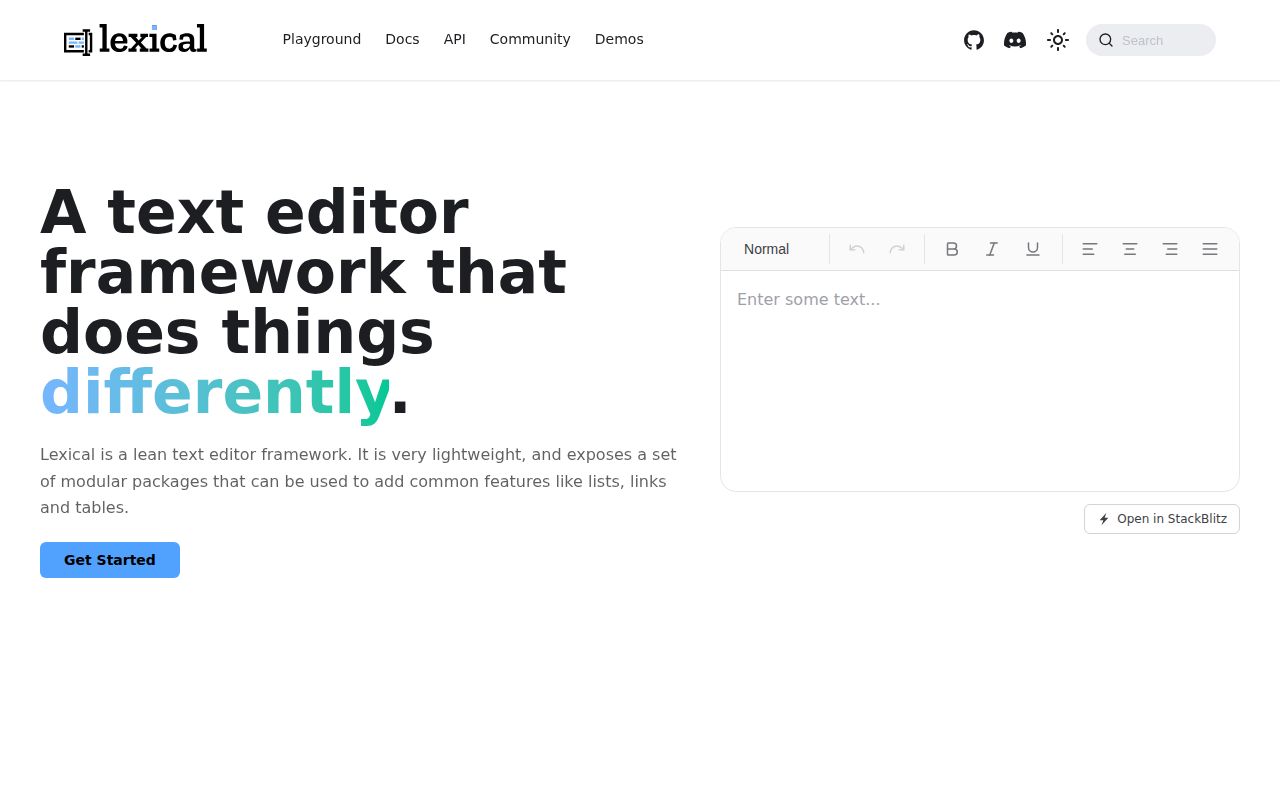
Lexical 0.49.0 is Meta's state engine for building text editors, not a finished rich-text widget. The core owns immutable editor state, selection, commands, transforms, nodes, and DOM reconciliation. React bindings, history, lists, links, tables, Markdown, HTML, and Yjs support come from separate `@lexical` packages. This release completes the built-in node move to `$config()`, changes command typing, and adds table behavior alongside selection, HTML, Markdown, and compiled-build fixes.
Lexical 0.49.0 installed in 2.5 seconds and its core alone measured 58.3 KB gzipped in our sandbox, before the React and feature packages a real editor normally needs. Choose it for a custom editor product with migration capacity, not for a ready-made field or a quiet pre-1.0 API.
We installed it
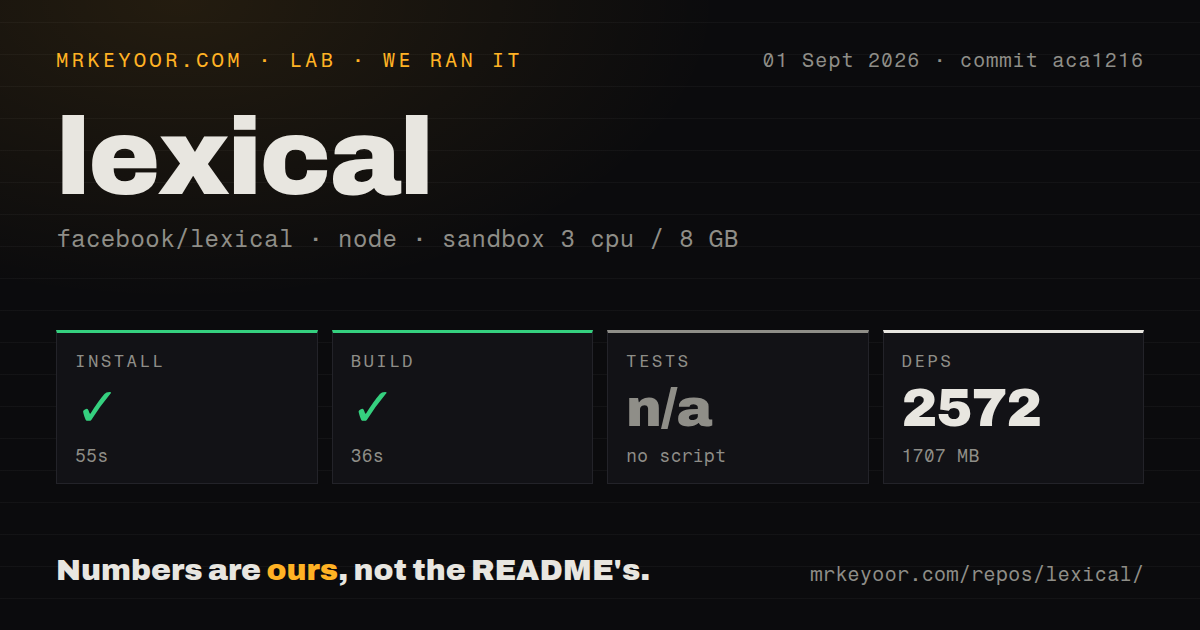
| Install | ✓ · 2.5s | 2 packages on disk · 4 MB |
| Import | ✓ | ESM import works · require() works · CommonJS package with exports map |
| Browser | 58.3 KB | gzipped (182.2 KB minified), bundled with esbuild |
| Types | ✓ | TypeScript types bundled |
| Known vulns | 0 | 0 critical · 0 high · 0 moderate · 0 low (npm audit) |
Answers from our run
Does lexical install cleanly?
Yes. In a fresh container with an empty cache, npm install lexical finished in 3 seconds, leaving 2 packages and 4 MB on disk. npm audit reported no known vulnerabilities.
How much does lexical add to a browser bundle?
58.3 KB gzipped (182.2 KB minified) when the whole package is bundled for the browser with esbuild. Importing only part of it is usually smaller.
Does lexical work with both ESM and CommonJS?
Yes. Both import 'lexical' and require('lexical') worked in Node 22 in our run. The package is published as CommonJS with an exports map.
Does lexical include TypeScript types?
Yes, type declarations ship inside the package, so no @types install is needed.
lexical or @tiptap/core: which should you use?
@tiptap/core: Use it for a ProseMirror-based headless editor with starter kits and a broad extension catalog. Lexical 0.49.0 installed in 2.5 seconds and its core alone measured 58.3 KB gzipped in our sandbox, before the React and feature packages a real editor normally needs.
When should you not use lexical?
You need a drop-in rich-text field. Lexical supplies the engine, while toolbar controls, styling, persistence, validation, and most editing behavior remain application work.
Use it if
- You are building an editor product whose nodes, selection rules, commands, toolbar, and output format need application-specific behavior.
- A framework-neutral editing engine is useful now, with official React integration available without making React the core data model.
- Structured JSON state and custom nodes are a better fit than treating mutable `contenteditable` HTML as the document source.
- Tables, Markdown, HTML conversion, history, or Yjs collaboration can come from coordinated first-party packages pinned to one version.
- You need a drop-in rich-text field. Lexical supplies the engine, while toolbar controls, styling, persistence, validation, and most editing behavior remain application work.
- Routine breaking changes are unacceptable. Version 0.49.0 is pre-1.0 and removes static methods from built-in nodes while tightening command payload types.
- A basic input has a strict bundle ceiling. Our core-only browser build was 182.2 KB minified and 58.3 KB gzipped before React, history, rich-text, list, link, or table packages.
- Your browser floor is below Chrome 86, Edge 86, Firefox 115, or Safari 15. The current README lists those minimum supported versions.
- Stored documents must stay editor-neutral without migration work. Lexical JSON records registered node types and versions, including contracts defined by your custom nodes.
Setup reality
We installed Lexical 0.49.0 in 2.5 seconds in a fresh Node 22 container. npm left 2 packages and 4 MB on disk. The core package is 3,476 KB unpacked, has 1 direct dependency and 1 peer dependency, bundles TypeScript declarations, and produced 0 audit findings. Both require() and ESM import worked. Our browser build measured 182.2 KB minified and 58.3 KB gzipped.
A React editor needs more than the core. Install matching 0.49.0 releases of @lexical/react and the feature packages you import, commonly rich text or plain text plus history. The core declares TypeScript >=5.2 as its peer. Every editor needs a namespace, error callback, registered node classes, theme CSS, and a client-side root element. LexicalComposer handles attachment in React; server rendering can cover surrounding markup but cannot attach contenteditable.
State access has strict contexts. Read immutable snapshots through editorState.read(). Create or mutate nodes inside editor.update() or a command listener; dollar-prefixed helpers depend on an active Lexical context. Update listeners can fire for each edit, so debounce remote saves and inspect tags to avoid persisting history playback, imports, or collaboration echoes as new user changes. Keep every cleanup function returned by a registration call because remounts otherwise accumulate commands and transforms.
Release 0.49.0 ports built-in nodes to $config() and removes several static methods from those classes. It also makes LexicalCommand<T> payloads invariant and changes redundant generic call sites. Persist editorState.toJSON() rather than live nodes, register custom classes before parsing saved state, and write migrations before changing their serialized shape. Accessibility claims do not cover the toolbar you build; label controls and test focus, keyboard commands, screen readers, and read-only behavior in your own composition.
Patterns
Mount a framework-neutral editor create-editor
import { createEditor } from 'lexical';

const editor = createEditor({
  namespace: 'CommentEditor',
  nodes: [],
  onError(error) { console.error(error); },
});

const rootElement = document.getElementById('editor');
rootElement.contentEditable = 'true';
editor.setRootElement(rootElement);
The core does not create or style the root. `@lexical/react` supplies composer and content-editable components for the same attachment job.
Insert a paragraph into an update insert-initial-content
import { $createParagraphNode, $createTextNode, $getRoot } from 'lexical';

editor.update(() => {
  const paragraph = $createParagraphNode();
  paragraph.append($createTextNode('Start writing...'));
  $getRoot().append(paragraph);
});
Dollar-prefixed node helpers require a writable Lexical context. Calling them outside `editor.update()` or an equivalent callback throws.
Read plain text from a snapshot read-plain-text
const text = editor.getEditorState().read(() => {
  return $getRoot().getTextContent();
});

console.log(text);
An EditorState is immutable. The read callback sees one consistent version and does not permit node mutation.
Queue persistence after state changes listen-for-updates
const removeListener = editor.registerUpdateListener(({ editorState, tags }) => {
  const text = editorState.read(() => $getRoot().getTextContent());
  queueSave({ json: editorState.toJSON(), text, tags: [...tags] });
});

removeListener();
The callback may run on every edit. Debounce network writes, filter your own update tags, and call the returned cleanup during teardown.
Store Lexical JSON serialize-state
const payload = JSON.stringify(editor.getEditorState().toJSON());
await saveDocument(payload);
The JSON includes node type and version data. Treat it as an editor-owned format and retain migrations for custom node changes.
Parse previously stored state restore-state
const serialized = await loadDocument();
const nextState = editor.parseEditorState(serialized);
editor.setEditorState(nextState);
Every custom node class must be registered before parsing. Missing or incompatible node definitions can prevent faithful document restoration.
Toggle bold for a range selection format-selection
import { $getSelection, $isRangeSelection } from 'lexical';

editor.update(() => {
  const selection = $getSelection();
  if ($isRangeSelection(selection)) selection.formatText('bold');
});
A selection can be null or another selection class. Toolbar state must check for a range instead of assuming selected text exists.
Handle a typed application command register-command
import { COMMAND_PRIORITY_EDITOR, createCommand } from 'lexical';

const INSERT_MENTION_COMMAND = createCommand<string>('INSERT_MENTION_COMMAND');
const unregister = editor.registerCommand(
  INSERT_MENTION_COMMAND,
  (username) => {
    const selection = $getSelection();
    if ($isRangeSelection(selection)) selection.insertText(`@${username}`);
    return true;
  },
  COMMAND_PRIORITY_EDITOR,
);
editor.dispatchCommand(INSERT_MENTION_COMMAND, 'ada');
Returning true prevents lower-priority handlers from receiving the command. Version 0.49.0 makes command payload typing invariant.
Normalize text with a guarded transform transform-text-nodes
import { TextNode } from 'lexical';

const removeTransform = editor.registerNodeTransform(TextNode, (node) => {
  const text = node.getTextContent();
  if (text.includes('  ')) node.setTextContent(text.replaceAll('  ', ' '));
});
Transforms repeat until state settles. Write only when content must change, or the transform can keep scheduling itself.
Toggle editing and toolbar visibility make-read-only
editor.setEditable(false);

const removeEditableListener = editor.registerEditableListener((editable) => {
  toolbar.hidden = !editable;
});

editor.setEditable(true);
Read-only mode changes editor interaction; it does not authorize access. Enforce permissions and validate submitted content on the server.
Mark a programmatic document import tag-an-update
editor.update(
  () => {
    $getRoot().clear();
    $getRoot().append($createParagraphNode().append($createTextNode('Imported')));
  },
  { tag: 'document-import' },
);
Listeners receive update tags. Use an application tag to keep imports or remote sync from being mistaken for a fresh user edit.
Remove registrations and detach the root teardown-editor
removeListener();
unregister();
removeTransform();
removeEditableListener();
editor.setRootElement(null);
Registration methods return cleanup functions. Calling all 4 prevents listeners, commands, and transforms from multiplying after component remounts.
Alternatives
| Package | Registry | Pick it when |
|---|---|---|
| @tiptap/core | npm | Use it for a ProseMirror-based headless editor with starter kits and a broad extension catalog. |
| prosemirror-state | npm | Use the lower-level ProseMirror modules when schema constraints and its mature plugin ecosystem are the priority. |
| slate | npm | Use it for a React-centered model when the team already knows Slate elements, leaves, and operations. |
More web frontend guides
postcss · react · react-dom · tailwindcss · clsx · htmlparser2 · the whole shelf →
How this guide is made: grounded in the library's documentation, release notes, changelog, and issue history, on a fixed rubric — not a hands-on install of every release. The 50 most-downloaded entries are additionally install-verified in clean containers. Corrections: contact the desk.