fzf review
fzf is a JavaScript implementation of the original terminal finder's matching and ranking algorithm. Construct it with strings or objects plus a selector, then find() returns ordered entries with scores, match ranges, and a Set of character positions for highlighting. It can run basic or extended query syntax and has a timer-chunked AsyncFzf class. It does not provide a terminal program, search input, dropdown, keyboard behavior, or list virtualization. Version 0.5.2 only fixes declaration discovery for TypeScript projects using node16, nodenext, or bundler module resolution. Our install confirmed that both require() and ESM import work.
fzf 0.5.2 installed in 0.5 seconds with 0 dependencies and measured 6.1 KB gzipped in our browser build, making it a sensible matcher for a custom command palette. Pick Fuse.js for weighted fields or a Worker-based design when large searches cannot run on the UI thread.
We installed it
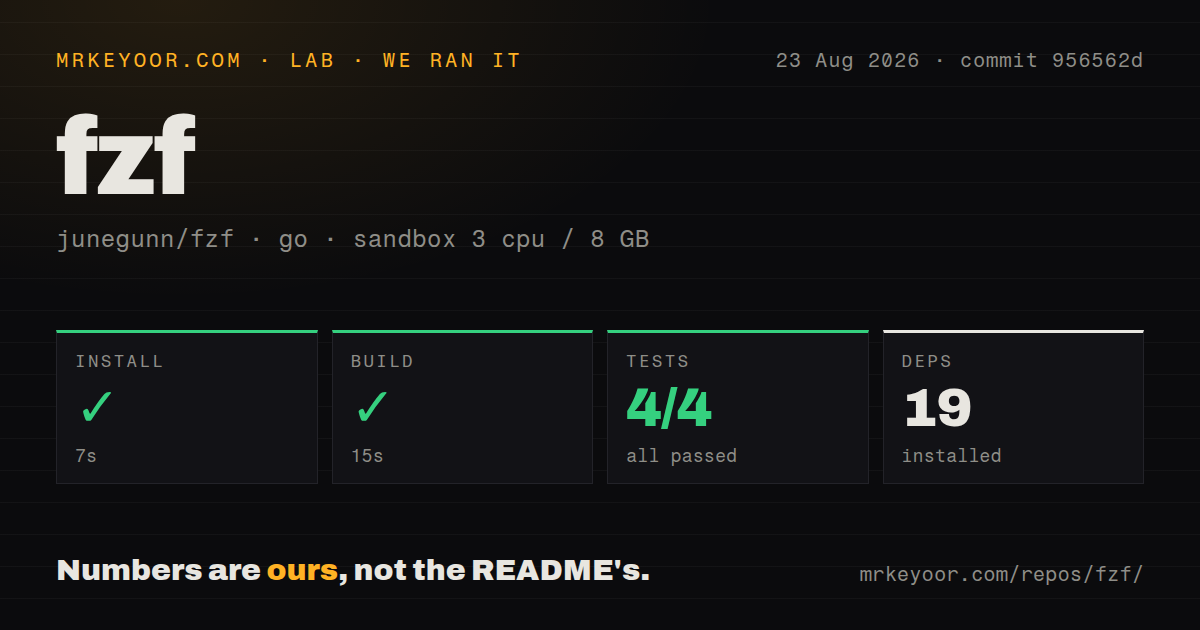
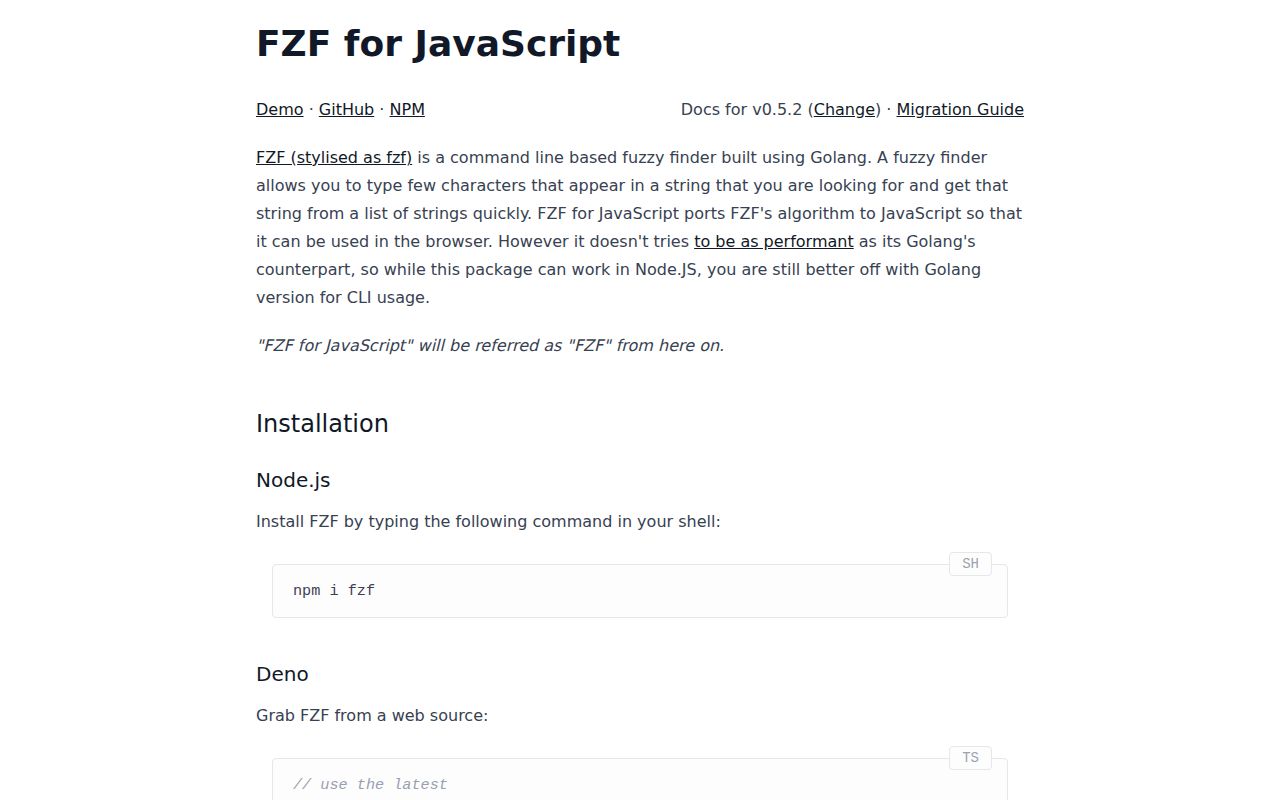
| Install | ✓ · 0.5s | 1 package on disk · 1 MB |
| Import | ✓ | ESM import works · require() works · ESM package with exports map |
| Browser | 6.1 KB | gzipped (15.1 KB minified), bundled with esbuild |
| Types | ✓ | TypeScript types bundled |
| Known vulns | 0 | 0 critical · 0 high · 0 moderate · 0 low (npm audit) |
Answers from our run
Does fzf install cleanly?
Yes. In a fresh container with an empty cache, npm install fzf finished in 0.5s, leaving 1 package and 1 MB on disk. npm audit reported no known vulnerabilities.
How much does fzf add to a browser bundle?
6.1 KB gzipped (15.1 KB minified) when the whole package is bundled for the browser with esbuild. Importing only part of it is usually smaller.
Does fzf work with both ESM and CommonJS?
Yes. Both import 'fzf' and require('fzf') worked in Node 22 in our run. The package is published as ESM with an exports map.
Does fzf include TypeScript types?
Yes, type declarations ship inside the package, so no @types install is needed.
fzf or fuse.js: which should you use?
fuse.js: Use it for weighted object keys, thresholds, and edit-distance-oriented fuzzy search. fzf 0.5.2 installed in 0.5 seconds with 0 dependencies and measured 6.1 KB gzipped in our browser build, making it a sensible matcher for a custom command palette.
When should you not use fzf?
You want the interactive fzf terminal application; this npm package ports its matcher for JavaScript and has no CLI
Use it if
- A browser command palette needs fzf-style subsequence ranking and exact highlight positions
- The searchable array is stable and can be preprocessed once per data change
- Smart-case matching, diacritic normalization, and custom score tie-breakers fit the product
- The team wants an algorithm package and plans to build the accessible interface itself
- You want the interactive fzf terminal application; this npm package ports its matcher for JavaScript and has no CLI
- Items change in place between searches; the constructor stores normalized representations and the docs require a new instance after list changes
- Search needs misspelling distance, weighted object fields, token indexes, or full-text operators; one selector string is the searchable document
- Matching must leave the UI thread; AsyncFzf yields between chunks but never starts a Web Worker
- A stable 1.x compatibility promise is mandatory; 0.5.2 is still pre-1.0 and older minor releases changed option names and result fields
- You expect an accessible command-palette component; focus, keyboard commands, ARIA roles, selection, virtualization, and rendering remain application work
Setup reality
Our clean install of fzf 0.5.2 took 0.5 seconds on Node 22 and left 1 package using 1 MB. npm audit returned 0 known vulnerabilities. The package is 132 KB unpacked, declares 0 direct dependencies and 0 peers, and includes TypeScript types. It is marked as ESM and has an exports map, while require() and ESM import both passed. Our complete browser import measured 15.1 KB minified and 6.1 KB gzipped.
No credentials, styles, DOM nodes, or config files come with it. Fzf preprocesses the full list when constructed by running the selector and normalizing characters. Memoize that instance while the array is unchanged. If an item label or selector-visible field changes, construct another finder; mutating the source array does not refresh the internal records. The selector combines object fields into one string, so it cannot give a title twice the weight of an email or return field-specific match positions.
find() scans on the caller's thread, and the default v2 matcher trades more computation for better highlight locations. The docs suggest v1 for short early queries if typing stalls. AsyncFzf divides work into chunks of 1,000 items and schedules those chunks with timers. A newer query cancels the earlier promise by rejecting it with the string search cancelled. Catch that exact value to prevent unhandled rejections, but use a Worker of your own when matching must leave the main thread.
Basic fuzzy matching is the default. Operators for prefix, suffix, exact terms, inverse terms, and OR require extendedMatch or asyncExtendedMatch. An empty query returns leading input items with score 0 and no positions, bounded only when limit is finite. Normalization is enabled and casing is smart by default, so an uppercase query changes case behavior. Version 0.5.2 fixes types under 3 TypeScript module-resolution modes; it does not change ranking or cancellation semantics.
Patterns
Rank a list of strings search-strings
import { Fzf } from 'fzf'

const languages = ['go', 'javascript', 'python', 'rust', 'kotlin', 'elixir', 'lisp']
const finder = new Fzf(languages)
const matches = finder.find('li')
console.log(matches.map(({ item }) => item))
Construct the 0.5.2 finder once for a stable array. Rebuilding it for every keystroke repeats normalization of every item.
Select the searchable object label search-objects
const commands = [
  { id: 'open', label: 'Open file' },
  { id: 'close', label: 'Close editor' },
]
const finder = new Fzf(commands, {
  selector: (command) => command.label,
})
const command = finder.find('opf')[0]?.item
TypeScript requires a selector for non-string items. Each result keeps the original object in its item property.
Search several fields as one target combine-fields
const finder = new Fzf(users, {
  selector: (user) => `${user.name} ${user.email} ${user.team}`,
  limit: 20,
})

const results = finder.find('ada platform')
The concatenation is one string with one score. fzf 0.5.2 cannot weight name above email or report which field matched.
Choose case and accent handling set-case-mode
const forgiving = new Fzf(names, {
  casing: 'case-insensitive',
  normalize: true,
})
const literal = new Fzf(names, {
  casing: 'case-sensitive',
  normalize: false,
})
Version 0.5 defaults to smart-case plus normalization. An uppercase query switches smart-case matching to case-sensitive.
Render matching characters safely highlight-positions
function Highlight({ text, positions }) {
  return Array.from(text.normalize()).map((char, index) =>
    positions.has(index)
      ? <mark key={index}>{char}</mark>
      : <span key={index}>{char}</span>
  )
}

const entry = finder.find(query)[0]
const node = entry && <Highlight text={entry.item} positions={entry.positions} />
positions is a Set in 0.5.x. React children keep list text out of an HTML injection path.
Bound the result array limit-results
const finder = new Fzf(items, { limit: 32 })
const visible = query ? finder.find(query) : []
The default limit is Infinity. Setting 32 reduces rendering work, though the matcher still considers the input collection.
Prefer early and short equal-score matches break-ties
import { Fzf, byLengthAsc, byStartAsc } from 'fzf'

const finder = new Fzf(items, {
  tiebreakers: [byStartAsc, byLengthAsc],
})
Tie-breakers are evaluated from left to right only after equal scores. With sort false, they are not used.
Filter while keeping source order preserve-order
const finder = new Fzf(recentCommands, {
  sort: false,
  limit: 20,
})
const matches = finder.find(query)
sort false leaves matches in their input order, which is useful when the array already expresses recency or priority.
Favor matches near a filename prefer-path-end
const files = [
  'src/components/composite-input.ts',
  'src/components/portal.ts',
]
const finder = new Fzf(files, { forward: false })
const matches = finder.find('comp')
forward false prefers a later matching occurrence. It does not reverse either the query or the target text.
Turn on fzf query operators use-extended-syntax
import { Fzf, extendedMatch } from 'fzf'

const finder = new Fzf(files, { match: extendedMatch })
const results = finder.find("^src 'test !fixture .js$")
Prefix, exact, inverse, suffix, and OR syntax only works with extendedMatch. basicMatch reads those characters as query content.
Use v1 for early keystrokes switch-algorithm
const accurate = new Fzf(items)
const fast = new Fzf(items, { fuzzy: 'v1' })

function search(query) {
  return query.length <= 3 ? fast.find(query) : accurate.find(query)
}
v2 is the default because it finds better highlight positions. The documentation suggests v1 when short queries cause visible input delay.
Catch a superseded async search handle-async-cancellation
import { AsyncFzf } from 'fzf'

const finder = new AsyncFzf(items, { limit: 50 })
async function search(query) {
  try {
    return await finder.find(query)
  } catch (error) {
    if (error === 'search cancelled') return []
    throw error
  }
}
A new call rejects the previous one with the string search cancelled. AsyncFzf uses 1,000-item timer chunks on the same thread.
Alternatives
| Package | Registry | Pick it when |
|---|---|---|
| fuse.js | npm | Use it for weighted object keys, thresholds, and edit-distance-oriented fuzzy search |
| fuzzysort | npm | Use it when prepared targets and browser matching speed outweigh fidelity to fzf ranking |
| fast-fuzzy | npm | Use it for a smaller general similarity API with configurable scoring |
| match-sorter | npm | Use it when predictable ranking tiers fit a filtered UI better than fzf scoring |
More utils guides
lru-cache · type-fest · ajv · zod · p-limit · find-up · the whole shelf →
How this guide is made: grounded in the library's documentation, release notes, changelog, and issue history, on a fixed rubric — not a hands-on install of every release. The 50 most-downloaded entries are additionally install-verified in clean containers. Corrections: contact the desk.