canvas-confetti review
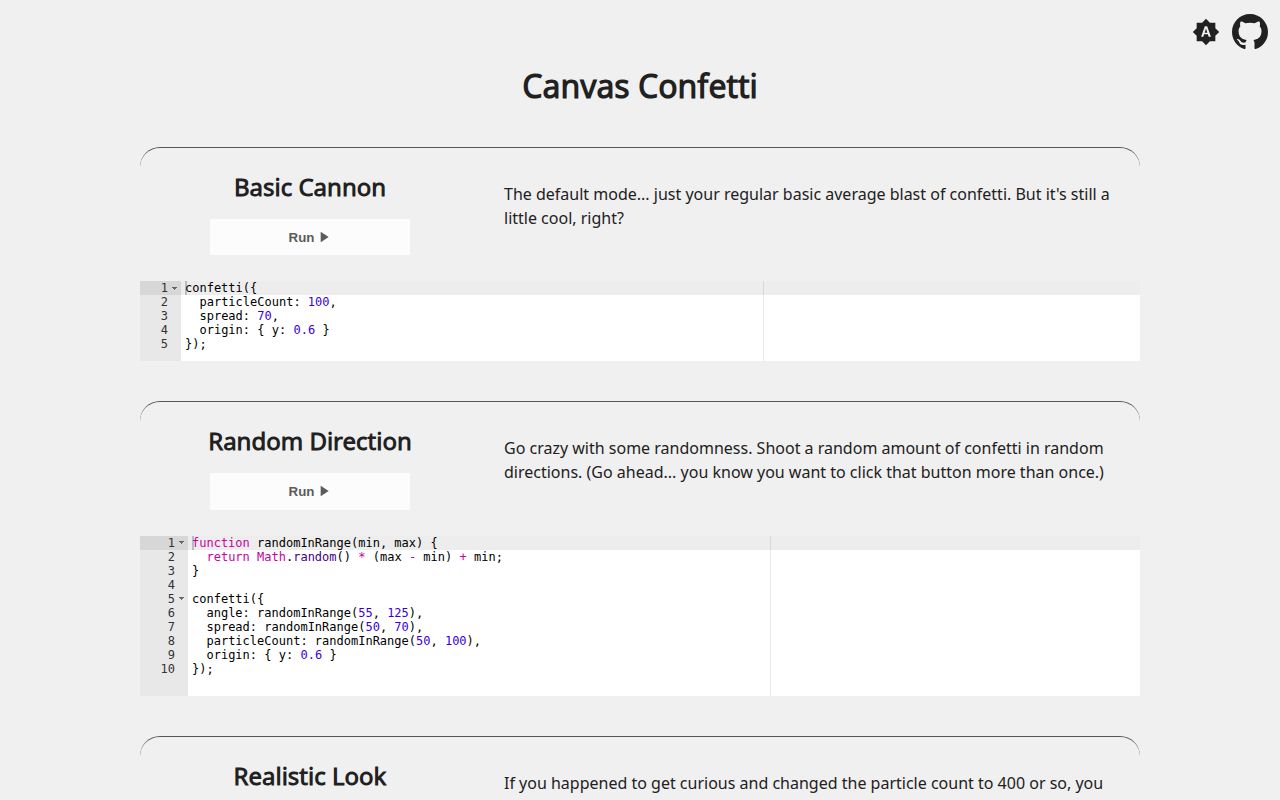
canvas-confetti draws temporary particle bursts in a browser canvas, with controls for origin, direction, spread, velocity, gravity, lifetime, color, and shape. It can use its own full-page canvas or one supplied by the application. The 1.9.4 release fixes an OffscreenCanvas capability check that could throw when the global existed but bitmap drawing did not work. In our package check, the browser import came to 10.6 KB minified and 4.3 KB gzipped, while the installed package had no direct dependencies and no TypeScript declarations.
Our canvas-confetti 1.9.4 install took 0.8 seconds, occupied 1 MB, and produced a 4.3 KB gzipped browser import with no audit findings. Install it for a finite browser celebration; choose a particle engine for persistent scenes, and set reduced-motion behavior before release.
We installed it
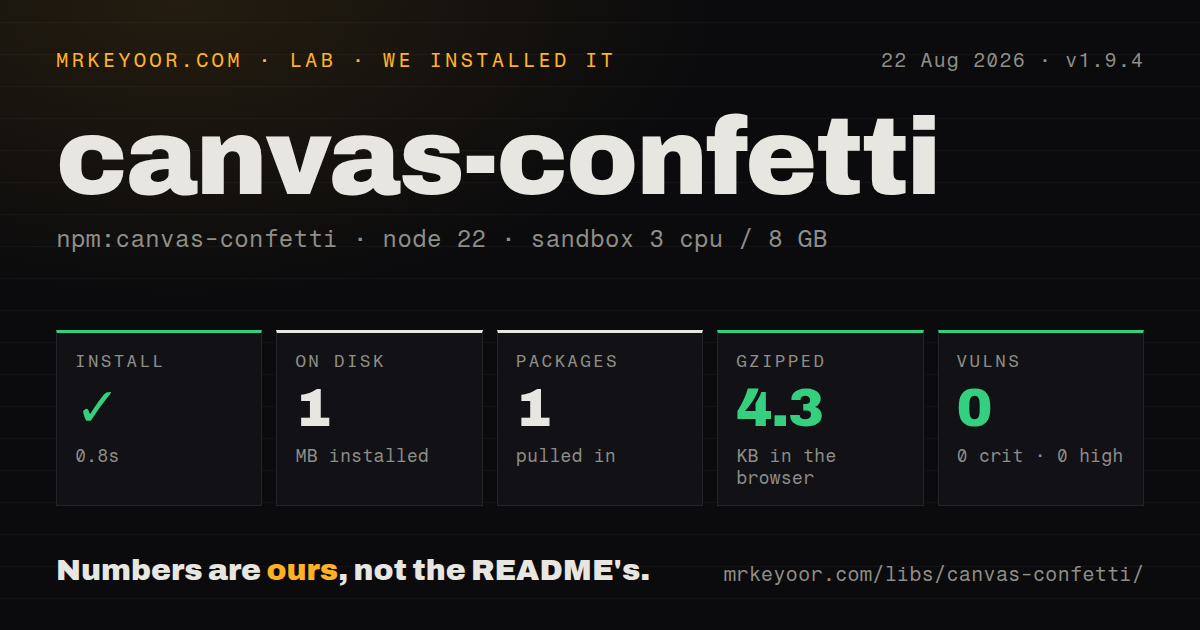
| Install | ✓ · 0.8s | 1 package on disk · 1 MB |
| Import | ✓ | ESM import works · require() works · CommonJS package |
| Browser | 4.3 KB | gzipped (10.6 KB minified), bundled with esbuild |
| Types | — | no TypeScript types found |
| Known vulns | 0 | 0 critical · 0 high · 0 moderate · 0 low (npm audit) |
Answers from our run
Does canvas-confetti install cleanly?
Yes. In a fresh container with an empty cache, npm install canvas-confetti finished in 0.8s, leaving 1 package and 1 MB on disk. npm audit reported no known vulnerabilities.
How much does canvas-confetti add to a browser bundle?
4.3 KB gzipped (10.6 KB minified) when the whole package is bundled for the browser with esbuild. Importing only part of it is usually smaller.
Does canvas-confetti work with both ESM and CommonJS?
Yes. Both import 'canvas-confetti' and require('canvas-confetti') worked in Node 22 in our run. The package is published as CommonJS.
Does canvas-confetti include TypeScript types?
No type declarations were found in our install, so TypeScript users need their own declarations.
canvas-confetti or js-confetti: which should you use?
js-confetti: Use it when a class-based API and emoji confetti cover the whole job. Our canvas-confetti 1.9.4 install took 0.8 seconds, occupied 1 MB, and produced a 4.3 KB gzipped browser import with no audit findings.
When should you not use canvas-confetti?
The animation must run during server rendering or inside Node; the project describes canvas-confetti as a client component and says it will not run in Node
Use it if
- A purchase, signup, achievement, or game event needs a short browser-only celebration with a programmable origin and palette
- You need emoji or single-color SVG path particles but do not need a general particle engine
- The effect should run on a dedicated canvas, with an optional worker path for browsers that support canvas transfer
- The interface still communicates success when motion is disabled and you will set disableForReducedMotion explicitly
- The animation must run during server rendering or inside Node; the project describes canvas-confetti as a client component and says it will not run in Node
- You need persistent emitters, particle collisions, sprite animation, or scene controls; this API is centered on finite bursts
- Another feature must keep using the same canvas after worker mode starts; useWorker transfers that canvas away from the main thread
- Your custom shape needs outlines or several fill colors; shapeFromPath fills one path with one color and requires Path2D
- Product policy forbids celebratory motion outright; reduced-motion suppression exists, but its default is false in version 1.9.4
Setup reality
We installed canvas-confetti 1.9.4 in a clean Node 22 container in 0.8 seconds. The result was one package and 1 MB on disk. It declares zero direct dependencies and zero peer dependencies, and npm audit found zero known vulnerabilities. The package is 120 KB unpacked, CommonJS, and has no exports map. Both require() and ESM import loaded it. We found no TypeScript declarations. Our esbuild check measured 10.6 KB minified and 4.3 KB gzipped.
The successful module load does not make this a server-side library. Its README calls it a client component and says it does not run in Node, so call it from a browser event or client effect. With the default function, the package creates and reuses a page canvas. A custom canvas needs correct bitmap dimensions as well as CSS dimensions; resize: true lets the library keep those dimensions in sync. Keep the function returned by confetti.create() instead of recreating it for each burst.
Motion preferences require an explicit choice in 1.9.4. Set disableForReducedMotion: true, then make the underlying status change or message work without particles. Calls that overlap add particles to the current canvas and share its completion promise. reset() clears the animation and resolves that promise immediately, so application code must record cancellation separately if the distinction matters. Particle count and ticks both add browser work, even when calls share one animation loop.
Worker mode has a sharp ownership rule: once useWorker transfers a custom canvas, main-thread code must stop reading or drawing on it. Text shapes are rasterized when shapeFromText runs, so wait for a web font before creating them and pass the same scalar at creation and launch. SVG shapes depend on Path2D. The README also advises caching the computed path matrix and regenerating it after upgrading the package.
Patterns
Launch one accessible burst fire-basic-burst
import confetti from 'canvas-confetti';

await confetti({ particleCount: 80, spread: 65, disableForReducedMotion: true });
With reduced motion enabled at the OS level, disableForReducedMotion makes this call resolve without drawing; the success state must remain visible.
Aim a burst at a control launch-from-button
const box = button.getBoundingClientRect();
confetti({ origin: { x: (box.left + box.width / 2) / innerWidth, y: (box.top + box.height / 2) / innerHeight }, disableForReducedMotion: true });
origin uses viewport fractions from 0 to 1, so recalculate the button rectangle after scrolling or layout changes.
Fire from both sides shoot-side-cannons
const base = { particleCount: 45, spread: 55, disableForReducedMotion: true };
confetti({ ...base, angle: 60, origin: { x: 0, y: 0.65 } });
confetti({ ...base, angle: 120, origin: { x: 1, y: 0.65 } });
Two calls made before completion add particles to the same default canvas and return the same completion promise.
Choose a palette and built-in shape set-colors-and-shapes
confetti({ particleCount: 100, colors: ['#0f766e', '#f59e0b', '#ffffff'], shapes: ['star'], scalar: 0.9, disableForReducedMotion: true });Version 1.9.4 recognizes square, circle, and star; repeating a name in shapes changes its share of the mix.
Bind an instance to one canvas use-custom-canvas
const canvas = document.querySelector('#reward-canvas');
const reward = confetti.create(canvas, { resize: true, disableForReducedMotion: true });
reward({ particleCount: 70, spread: 90 });
Call confetti.create() once for this element and retain the returned function; resize: true updates its bitmap dimensions.
Move rendering to a worker render-with-worker
const reward = confetti.create(canvas, { resize: true, useWorker: true, disableForReducedMotion: true });
reward({ particleCount: 120, spread: 110 });
A successful worker transfer gives ownership of this canvas to the worker, and later main-thread access can throw.
Build a particle from an SVG path create-svg-shape
const triangle = confetti.shapeFromPath({ path: 'M0 10 L5 0 L10 10z' });
confetti({ shapes: [triangle], disableForReducedMotion: true });
shapeFromPath needs Path2D and fills the supplied path with one color; reuse its matrix instead of computing it during every celebration.
Rasterize an emoji at launch scale create-emoji-shape
const scalar = 2;
const trophy = confetti.shapeFromText({ text: '🏆', scalar });
confetti({ shapes: [trophy], scalar, disableForReducedMotion: true });
shapeFromText captures a bitmap once; the same scalar at creation and launch avoids enlarging a lower-resolution image.
Wait for a web font wait-for-font
await document.fonts.load('700 24px Reward');
const word = confetti.shapeFromText({ text: 'WIN', fontFamily: 'Reward', color: '#7c3aed', scalar: 2 });
document.fonts.load() must finish before shapeFromText() if the captured glyph should use that font rather than a fallback.
Cap a repeating effect at two seconds run-bounded-loop
const endAt = performance.now() + 2000;
function tick(now) {
  confetti({ particleCount: 4, origin: { x: Math.random(), y: 0.7 }, disableForReducedMotion: true });
  if (now < endAt) requestAnimationFrame(tick);
}
requestAnimationFrame(tick);
The 2,000 ms deadline bounds repeated canvas work; particleCount and ticks still affect CPU and battery use.
Clear particles early cancel-animation
const completion = confetti({ particleCount: 200 });
function cancel() { confetti.reset(); }
await completion;
reset() resolves the current promise instead of rejecting it, so store a separate cancellation flag when later logic needs the reason.
Import only in the browser defer-browser-import
async function celebrateInBrowser() {
  if (typeof window === 'undefined') return;
  const { default: confetti } = await import('canvas-confetti');
  await confetti({ disableForReducedMotion: true });
}
The README says the package does not run in Node; invoke this helper from client code after window exists.
Alternatives
| Package | Registry | Pick it when |
|---|---|---|
| js-confetti | npm | Use it when a class-based API and emoji confetti cover the whole job |
| party-js | npm | Use it when you need reusable particle emitters and effects other than confetti |
| @tsparticles/confetti | npm | Use it when tsParticles is already in the application or its larger option set is needed |
More web frontend guides
postcss · react · react-dom · tailwindcss · clsx · htmlparser2 · the whole shelf →
How this guide is made: grounded in the library's documentation, release notes, changelog, and issue history, on a fixed rubric — not a hands-on install of every release. The 50 most-downloaded entries are additionally install-verified in clean containers. Corrections: contact the desk.