autoprefixer review
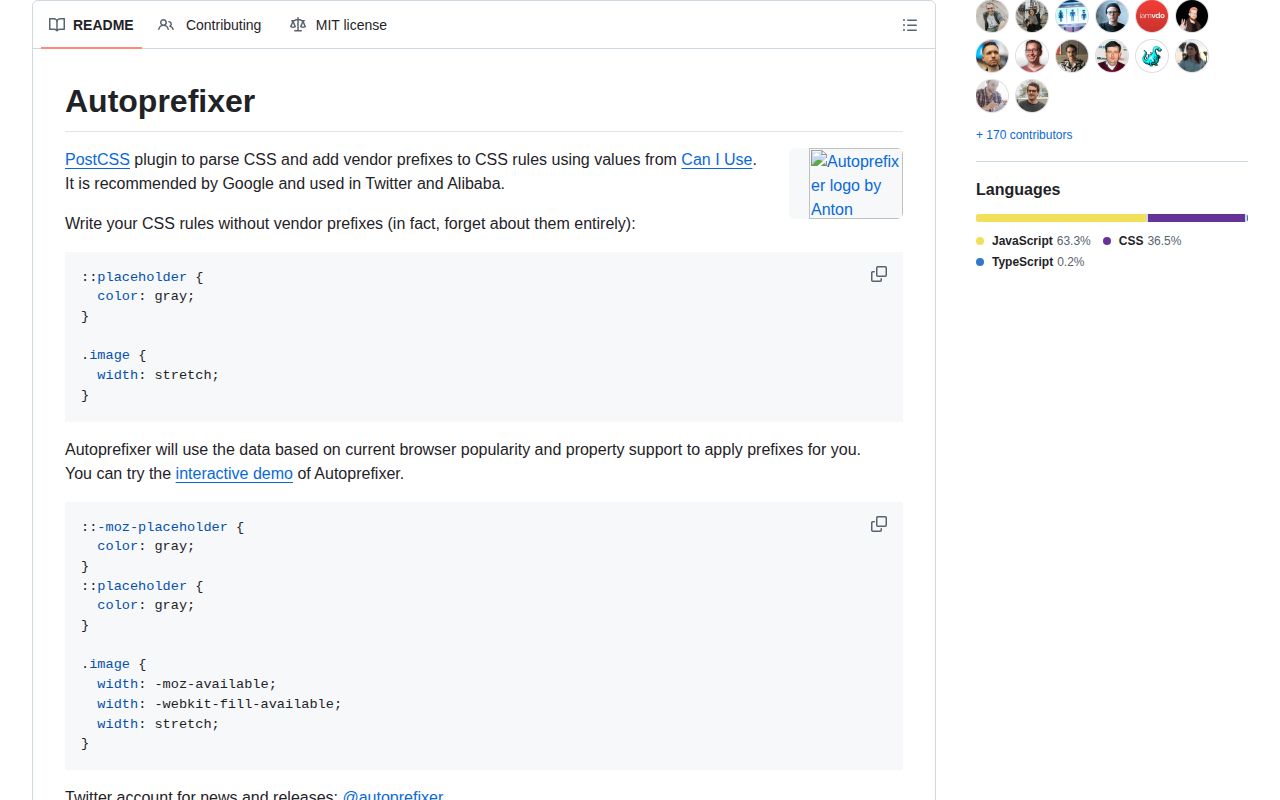
Autoprefixer 10.5.4 is a PostCSS plugin that rewrites CSS according to your Browserslist targets and current Can I Use data. It adds vendor-prefixed declarations that those browsers need and removes prefixes that have become obsolete. The 10.5 line added mask-position-x and mask-position-y handling, while 10.5.4 fixes a case that duplicated prefixed rules. It does not implement missing CSS features, and the 97.7 KB gzipped browser bundle we measured is another reason to run it during builds rather than in application code.
Autoprefixer 10.5.4 installed in 1.2 seconds with 17 packages, used 7 MB, and returned 0 audit findings in our sandbox; it is an easy build dependency when Browserslist still selects prefixed CSS. Do not add it beside another prefixing compiler or expect its opt-in IE Grid conversion to behave like a layout polyfill.
We installed it
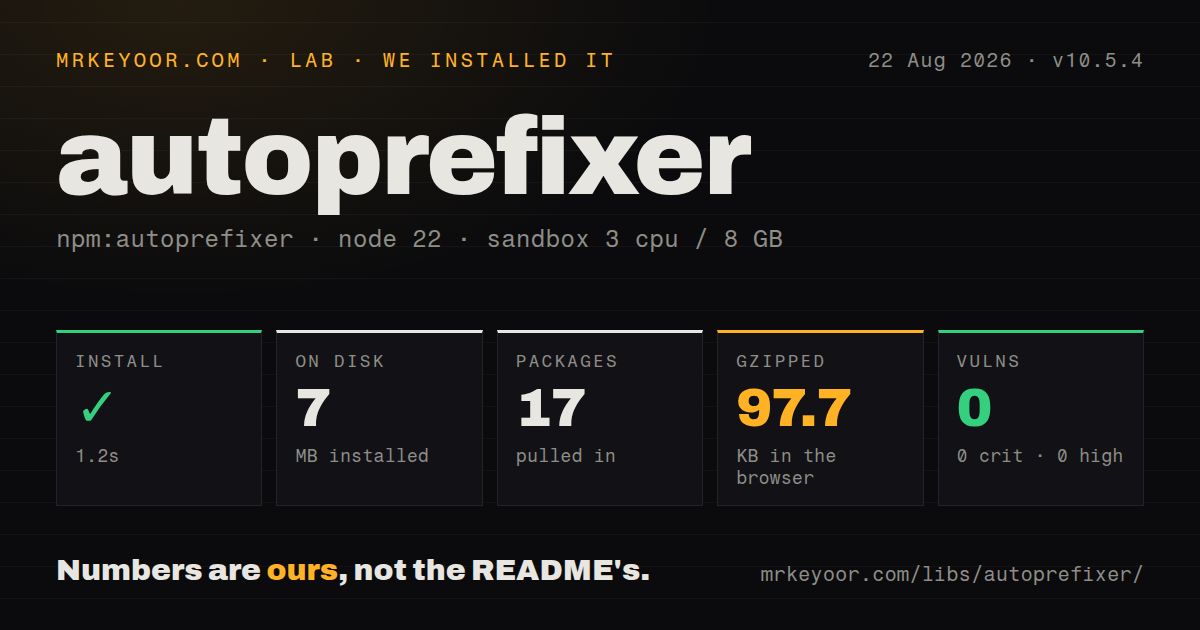
| Install | ✓ · 1.2s | 17 packages on disk · 7 MB |
| Import | ✓ | ESM import works · require() works · CommonJS package |
| Browser | 97.7 KB | gzipped (323.4 KB minified), bundled with esbuild |
| Types | ✓ | TypeScript types bundled |
| Known vulns | 0 | 0 critical · 0 high · 0 moderate · 0 low (npm audit) |
Answers from our run
Does autoprefixer install cleanly?
Yes. In a fresh container with an empty cache, npm install autoprefixer finished in 1 seconds, leaving 17 packages and 7 MB on disk. npm audit reported no known vulnerabilities.
How much does autoprefixer add to a browser bundle?
97.7 KB gzipped (323.4 KB minified) when the whole package is bundled for the browser with esbuild. Importing only part of it is usually smaller.
Does autoprefixer work with both ESM and CommonJS?
Yes. Both import 'autoprefixer' and require('autoprefixer') worked in Node 22 in our run. The package is published as CommonJS.
Does autoprefixer include TypeScript types?
Yes, type declarations ship inside the package, so no @types install is needed.
autoprefixer or lightningcss: which should you use?
Pick lightningcss when one compiler should lower newer CSS, add prefixes, and minify the result. Autoprefixer 10.5.4 installed in 1.2 seconds with 17 packages, used 7 MB, and returned 0 audit findings in our sandbox; it is an easy build dependency when Browserslist still selects prefixed CSS.
When should you not use autoprefixer?
Lightning CSS already prefixes the same output; running two prefixing passes adds another data source and makes generated CSS harder to attribute.
Discussed on
Use it if
- Your PostCSS pipeline should derive vendor prefixes from one shared Browserslist policy instead of handwritten compatibility rules.
- Supported Safari, Firefox, or Samsung Internet versions still need prefixes for CSS used by the project.
- The stylesheet contains stale vendor declarations that should disappear as the browser target list moves forward.
- Babel, Stylelint, and CSS processing need to read the same browser targets from package.json or .browserslistrc.
- Lightning CSS already prefixes the same output; running two prefixing passes adds another data source and makes generated CSS harder to attribute.
- You need a polyfill for unsupported CSS behavior. The Autoprefixer README says the plugin only adds prefixes.
- IE 10 or 11 must receive a faithful modern Grid layout. Grid translation is disabled by default and cannot reproduce auto-fit, auto-fill, arbitrary spans, or every autoplacement case.
- Your only source declarations use old -webkit-only syntax. Autoprefixer requires the unprefixed property before it can create other variants.
- The package would ship to the browser. Our full import produced 323.4 KB minified and 97.7 KB gzipped for work that belongs in CI or a local build.
Setup reality
We installed Autoprefixer 10.5.4 in a clean Node 22 container in 1.2 seconds. The install left 17 packages and 7 MB on disk; npm audit found 0 known vulnerabilities. Autoprefixer declares 5 direct dependencies plus 1 peer dependency, PostCSS, and the package itself is 452 KB unpacked. It includes TypeScript declarations. CommonJS require and ESM import both worked even though the package is CommonJS and has no exports map.
Add PostCSS explicitly, then place Autoprefixer after plugins that emit new declarations and before CSS minification. It needs no account or credential. Browser policy is the configuration that matters: put it in a Browserslist file or package.json so every compatible tool reads the same query. A plugin-level override is available for a deliberately separate legacy build.
Prefix decisions depend on caniuse-lite recorded in the lockfile. Refresh that data with update-browserslist-db when the tooling reports it as stale, and review the resulting lockfile diff. npx autoprefixer --info prints the browsers and prefixes selected by the installed data and current query.
Our esbuild check turned a full package import into 323.4 KB minified and 97.7 KB gzipped. Keep the plugin on the build side. IE Grid output also needs a deliberate grid option, environment variable, or CSS control comment; the README requires testing because its autoplacement conversion has documented gaps.
Patterns
Add it to PostCSS configure-postcss
// postcss.config.cjs
module.exports = {
  plugins: [require('autoprefixer')()]
};
Autoprefixer 10 uses the PostCSS 8 plugin API. Run it after plugins that create declarations and before minification.
Declare shared browser targets set-browser-targets
// package.json
{
  "browserslist": [
    "defaults",
    "not IE 11"
  ]
}
Autoprefixer reads Browserslist. A package-level query is also visible to Babel and other consumers.
Print the selected support table inspect-prefixes
npx autoprefixer --infoThe report uses the installed caniuse-lite data and active Browserslist environment, so it shows what this build will emit.
Update caniuse-lite in the lockfile refresh-browser-data
npx update-browserslist-db@latestThe browser database is pinned through the lockfile. Inspect and commit that dependency change like any other update.
Transform a CSS string process-css
const postcss = require('postcss');
const autoprefixer = require('autoprefixer');

const result = await postcss([autoprefixer()]).process(css, {
  from: 'src/site.css',
  to: 'dist/site.css'
});
console.log(result.css);
Supplying from and to paths gives PostCSS useful source locations and source-map context.
Surface parser warnings report-warnings
const result = await postcss([autoprefixer()]).process(css, { from: undefined });
for (const warning of result.warnings()) {
  console.warn(warning.toString());
}
A custom script must consume result.warnings(); otherwise notices about syntax the plugin cannot safely rewrite stay hidden.
Keep existing vendor declarations preserve-old-prefixes
autoprefixer({ remove: false })remove defaults to true. Disable it only when handwritten prefixes serve devices outside the declared browser targets.
Remove obsolete prefixes without adding new ones cleanup-only
autoprefixer({ add: false })This mode still uses the Browserslist query to decide which existing declarations are obsolete.
Generate partial IE Grid CSS enable-ie-grid
autoprefixer({ grid: 'autoplace' })Autoplacement support is partial. The README excludes auto-fit, auto-fill, several span cases, and generated pseudo-elements from safe conversion.
Opt in one CSS block enable-grid-for-block
/* autoprefixer grid: autoplace */
.cards {
  display: grid;
  grid-template-columns: 1fr 1fr;
}
The control comment limits the risky IE Grid conversion to CSS that you can test in the target browser.
Leave one declaration untouched ignore-next-declaration
.icon {
  /* autoprefixer: ignore next */
  appearance: none;
  user-select: none;
}
`ignore next` affects one declaration. `autoprefixer: off` applies to the whole block regardless of where the comment appears.
Override browsers for a separate artifact build-legacy-target
autoprefixer({
  overrideBrowserslist: ['ie 11', 'last 2 Safari versions']
})
A local override no longer matches shared Browserslist consumers, so reserve it for an intentionally separate build output.
Alternatives
| Package | Registry | Pick it when |
|---|---|---|
| lightningcss | npm | Pick it when one compiler should lower newer CSS, add prefixes, and minify the result. |
| postcss-preset-env | npm | Pick it when a PostCSS preset should transform selected future CSS features as well as run Autoprefixer. |
| stylis | npm | Pick it for prefixing inside a CSS-in-JS runtime built around Stylis middleware. |
More web frontend guides
postcss · react · react-dom · tailwindcss · clsx · htmlparser2 · the whole shelf →
How this guide is made: grounded in the library's documentation, release notes, changelog, and issue history, on a fixed rubric — not a hands-on install of every release. The 50 most-downloaded entries are additionally install-verified in clean containers. Corrections: contact the desk.