WordPress 7.1 is a complete publishing system
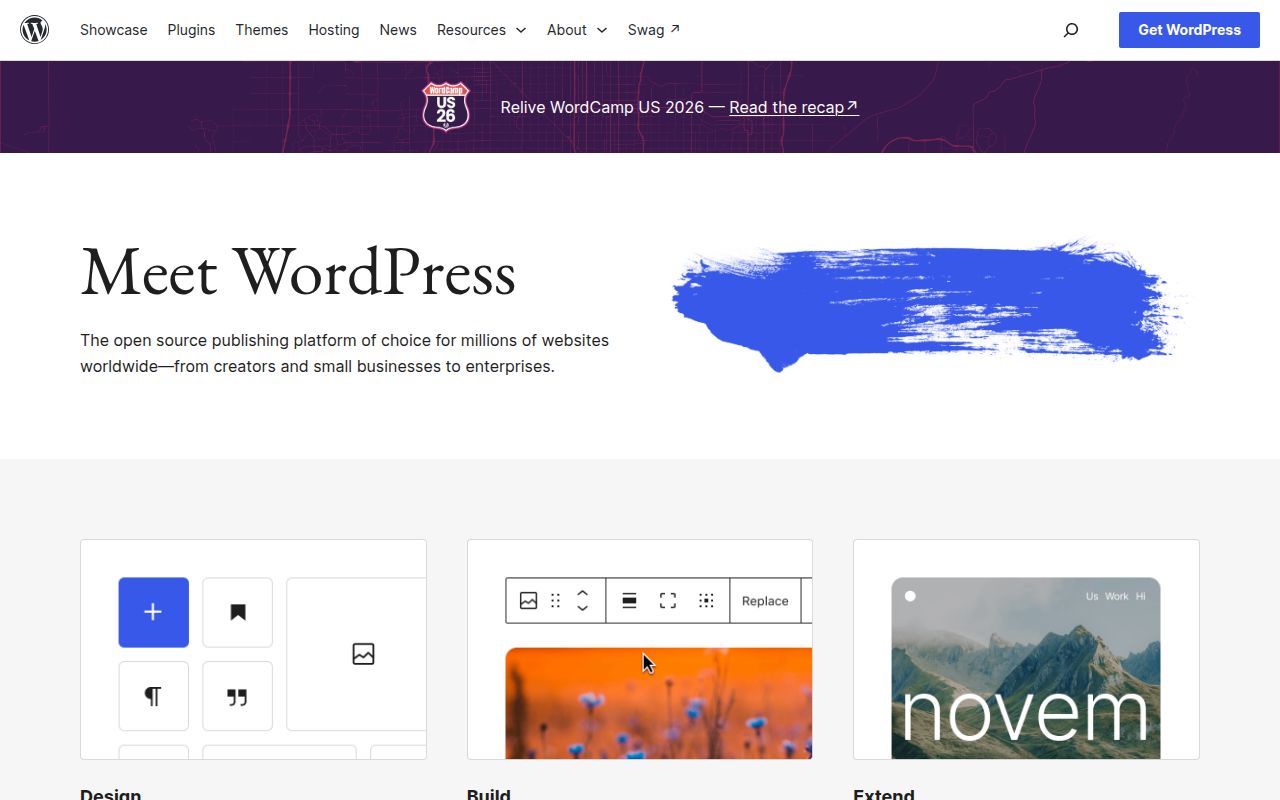
WordPress 7.1 gives editors a browser interface for pages, posts, media, menus, users, and site appearance. The August 19, 2026 release added responsive styling controls, a redesigned media editor, Notes with mentions and inline feedback, improved image processing, plus Playlist and Tabs blocks. Those features suit a content team that wants writers and designers working inside the site instead of sending every change through a developer.
Themes control presentation, while plugins extend behavior through WordPress APIs. That division lets an agency assemble a site without writing every administrative screen, but it also spreads ownership across separately updated code. The repository README explicitly warns developers not to modify core and points them to the plugin API. Custom work belongs in a theme, plugin, or external integration so a core update can replace application files safely.
The five-minute installer starts after the server exists
The README's famous 5-minute install begins with WordPress files already uploaded and a reachable database ready for configuration. Minimum requirements are PHP 7.4+ and MySQL 5.5.5+. The project recommends PHP 8.3+, MySQL 8.0+ or MariaDB 10.11+, the Apache rewrite module, and HTTPS. A managed host may provide all of that; a self-hoster has to provision and monitor it.
The browser installer gathers database connection details, writes or guides creation of wp-config.php, creates tables, and establishes the first administrator. No commercial account is required. File permissions, TLS, database backups, outbound email, caching, and web-server policy still belong to the operator or hosting company. The setup form is short because infrastructure work happens before it appears and operational work continues afterward.
What happened when we ran it
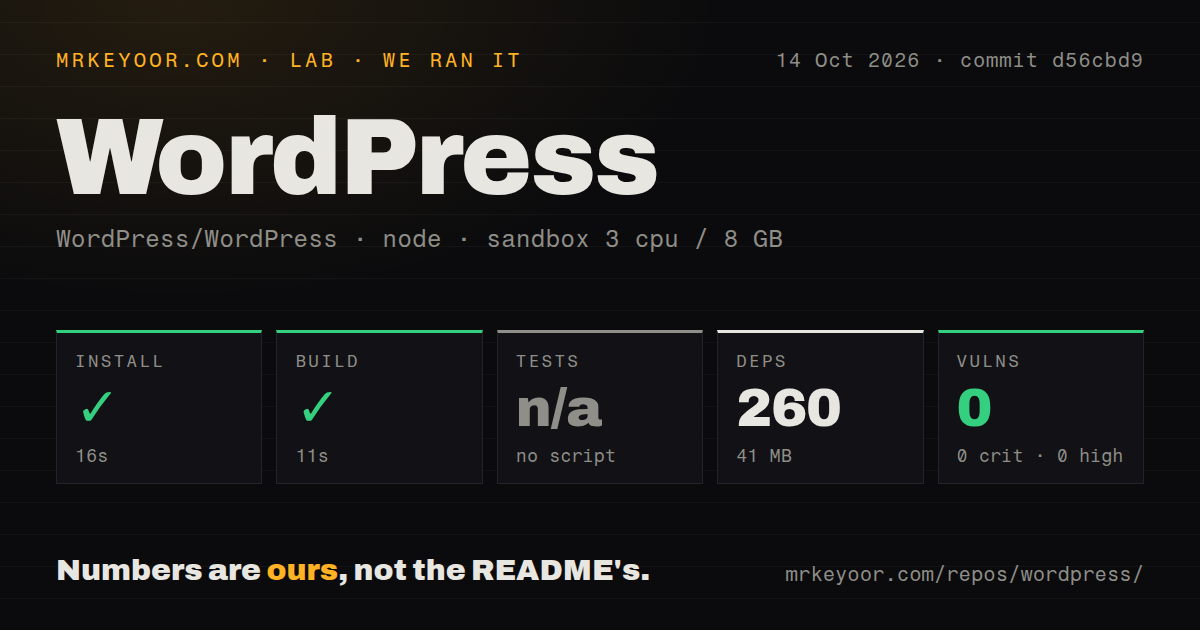
Our sandbox cloned commit 4beb830, an 87.1 MB checkout with 4,634 files and about 919,788 lines of source. The detected Node project lived under wp-content/themes/twentynineteen/. Npm installed 260 packages there in 9 seconds, occupying 41 MB, and the theme build succeeded in 8 seconds. We used a fresh unprivileged Debian container with 3 CPUs, 8 GB of RAM, Node.js 22, and no secrets.
The theme exposed no test script or target, so tests were skipped and there is no test count to report. Npm audit found 0 known vulnerabilities: 0 critical, 0 high, 0 moderate, and 0 low. Our repository scan found 0 CI workflow files, no Dockerfile, and no tests directory. Those results describe the Node package the harness detected, not the PHP application as a whole.
We did not start a web server, PHP runtime, or MySQL instance, and the browser installer never ran. The 8-second build proves that one bundled theme compiled at commit 4beb830. It does not verify database migrations, the administrator, publishing, uploads, REST endpoints, or plugin behavior. A production evaluation needs a separate PHP and database deployment with the exact extensions and theme set intended for launch.
This GitHub repository is a mirror, not the review queue
The repository description says WordPress/WordPress is mirrored from Subversion and asks contributors not to send pull requests. GitHub issues are disabled, and the API returned no issue list; its metadata still reported 3 combined issues and pull requests. Core development uses Trac, while WordPress/wordpress-develop mirrors the development tree and accepts pull requests linked to existing Trac tickets. A developer who ignores that split will look for review in the wrong place.
The distribution mirror was pushed on September 8, 2026, the same day Core Trac recorded ticket updates and changesets. The wordpress-develop mirror also showed active pull requests that day. GitHub's Releases endpoint returned no latest release for this repository, but the official version API and repository tag list both identified WordPress 7.1 as current. The missing GitHub release object therefore says nothing about maintenance.
Updates and backups remain part of every installation
WordPress offers an automatic updater in the dashboard and documents a manual path that replaces old core files before running an upgrade page. The README tells users to back up modified files first. Version 7.0.4, released August 12, 2026, was a security update with an immediate-update recommendation, illustrating why patching cannot wait for a redesign cycle. Themes and plugins need their own compatibility checks around those core changes.
A small brochure site can make this operating cost feel disproportionate, particularly if its content rarely changes. Grav removes the database, while a generated static site can remove the live administration layer entirely. WordPress makes more sense when editors use its dashboard often, permissions matter, and extensions replace enough bespoke application work to pay for regular updates and backups.
21,397 stars are less useful than the same-day Trac activity
GitHub reported 21,397 stars and a last push on September 8, 2026. More tellingly, Trac entries that day covered work for WordPress 7.2, administration icons, media behavior, and documentation rules. The project is active, though its workflow predates the GitHub-centered habits many developers expect. Release tags also show maintained older branches alongside 7.1, which matters to operators planning staged upgrades.
WordPress remains the practical default for organizations that primarily publish and need a familiar administrative product. It is a weaker fit for a small static site, a database-free deployment, or a team seeking a conventional GitHub contribution loop. Our theme-only result should make buyers ask for a host-level trial, not treat 8 passing build seconds as proof that the whole CMS is ready.