mrkeyoor.com_
Sun 16 Aug 16:51 UTC
Dev Toolsevaluationupdated 16 Aug 2026

wgcf

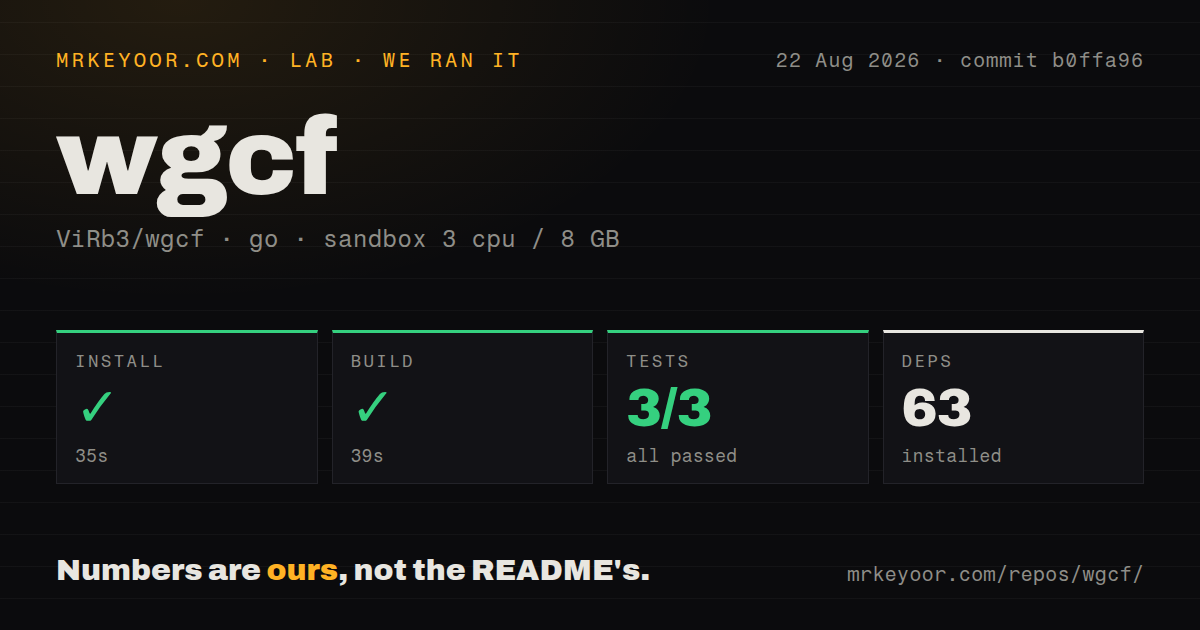
wgcf is an unofficial command-line client that registers a Cloudflare WARP account and turns it into a standard WireGuard configuration. It solves a narrow but useful problem: using WARP with ordinary WireGuard tools instead of depending on Cloudflare's official application.

Verdict

wgcf remains the cleanest small tool for turning WARP enrollment into a portable WireGuard profile, and its recent fixes show that it is still maintained. It is best treated as a sharp utility, not a supported VPN product: Cloudflare can change the service underneath it, and successful handshakes do not remove routing surprises. Use it on headless systems when you are willing to test the resulting tunnel and keep the official client as the lower-risk choice for ordinary desktops.

Setup4/5Two commands create a profile, but WireGuard setup remains
Docs3/5Good core walkthrough, limited troubleshooting and internals
Community4/5Large user base, current reports, and recent maintainer fixes
Maturity4/5Six years old and stable in scope, but tied to an unofficial API

Who it’s for

Linux and server operators who want a normal WireGuard profile for Cloudflare WARP.
Router, container, and headless-system users who cannot run the official desktop or mobile client.
WARP+ subscribers who understand the five-device limit and can follow the project's account-binding workaround.
Network tinkerers comfortable diagnosing routes, MTU, DNS, and service-side changes.

Who it’s NOT for

Anyone who needs vendor support or a guaranteed stable interface: the README calls wgcf unofficial, and releases have had to react to Cloudflare-side behavior.
Users who want a complete VPN application with a connect button, kill switch, and route management: wgcf generates a profile, then sends you to WireGuard's own setup instructions.
Networks that require dependable dual-stack service from newly registered accounts: issue #601 reports that new profiles are IPv4-only while older profiles still carry IPv6.
WARP+ subscribers unwilling to create a fresh account before binding a key: the README says previously connected accounts can remain on warp=on because of a Cloudflare-side bug.
Operators who cannot troubleshoot a tunnel that handshakes but fails real traffic: issue #619 documents that exact unresolved Linux failure for non-Cloudflare HTTPS sites.

Setup reality

The wgcf part is only two short commands after downloading a precompiled binary: register an account, then generate a WireGuard profile. Actually using the result requires a WireGuard client, administrator access, and correct routing and DNS on the target system. WARP+ adds license-key handling, a five-device limit, and an awkward fresh-account sequence documented in the README. Because wgcf talks to an unofficial Cloudflare interface, a successful profile generation is not proof that all traffic, IPv6, or subscription status will work on a particular network.

A profile generator, not another VPN client

wgcf has stayed useful because it does one job that Cloudflare's normal WARP applications do not advertise: it creates a standard WireGuard configuration. The command-line program registers a WARP device, saves the account details in wgcf-account.toml, and generates wgcf-profile.conf. From there, wg-quick, a router, a container, or any compatible WireGuard implementation can operate the tunnel.

That distinction is the whole buying decision. wgcf does not provide a graphical connect button, a kill switch, operating-system integration, or a background connection manager. It handles Cloudflare registration and profile creation, then gets out of the way. For a headless Linux box or router, that is a feature. For a laptop user who just wants private browsing, the official application is easier and carries vendor support.

The project is explicit that it is unofficial and unaffiliated with Cloudflare. That disclaimer is not decorative. wgcf depends on a service and enrollment behavior controlled by another company, so a change outside this repository can break registration, addressing, or WARP+ status even when wgcf's code has not changed.

Setup is short, but the network work is yours

The documented happy path is excellent. Download a precompiled binary, run wgcf register, then run wgcf generate. The generated profile uses an MTU of 1280, matching the official Android client for compatibility. The README links to discussion about raising that value when performance is poor. wgcf status checks the account, and wgcf trace reports whether connected traffic is seen as WARP or WARP+.

The commands are simple enough for a competent operator to audit. The account file and profile contain credentials, however, so they belong in a restricted directory and should never be pasted into an issue. The README does not spend much time on file permissions, systemd services, DNS behavior, route exclusions, or firewall rules. It links to WireGuard's quick start because those are WireGuard operation concerns rather than profile-generation concerns. Buyers still own them.

This matters when a tunnel appears healthy but applications fail. An open August 2026 report from a Linux user describes successful handshakes, DNS, ping, and some Cloudflare-hosted HTTPS, while Google and GitHub time out. The reporter tried multiple endpoints, clients, MTU values, congestion controls, and IPv4-only requests without resolving it. One report does not prove a universal wgcf defect, but it shows why wg show and a handshake are not sufficient acceptance tests. Check several real destinations, DNS, large transfers, and reconnect behavior on the intended network.

WARP+ and IPv6 bring service-side caveats

wgcf can bind a generated account to an existing WARP+ subscription bought through the official 1.1.1.1 application. The README warns that only direct app subscriptions are supported and that Cloudflare limits an account to five linked devices. Those are reasonable constraints. The awkward part is a documented Cloudflare-side bug: if the generated account has already connected to WARP, binding the correct license can still leave the trace result at warp=on.

The prescribed sequence is to create a fresh account and immediately update it with the license key before running anything else. Curiously, the README shows wgcf register twice as part of making that fresh account. Even if the workaround succeeds, it is not a polished subscription flow. Anyone deploying many nodes should also plan how devices are removed and how account files are protected.

IPv6 is another reason to test rather than assume. Issue #601 reports that newly registered profiles receive IPv4-only configuration while older profiles still work with both address families on the same client and network. The reporter attributes this cautiously to likely Cloudflare-side provisioning or API behavior. Until that is resolved or documented differently, dual-stack operators should regard new-account IPv6 as unavailable, not as a box that wgcf can reliably tick.

Maintenance is active, but upstream changes set the pace

The latest release, version 2.2.32, arrived on July 23, 2026. It restored an older TLS fingerprint after version 2.2.31 began receiving HTTP 429 responses when users created several profiles in succession. The related issue gathered detailed reports and was closed by that release. That is healthy maintenance: a service compatibility regression was identified, discussed, fixed, and shipped.

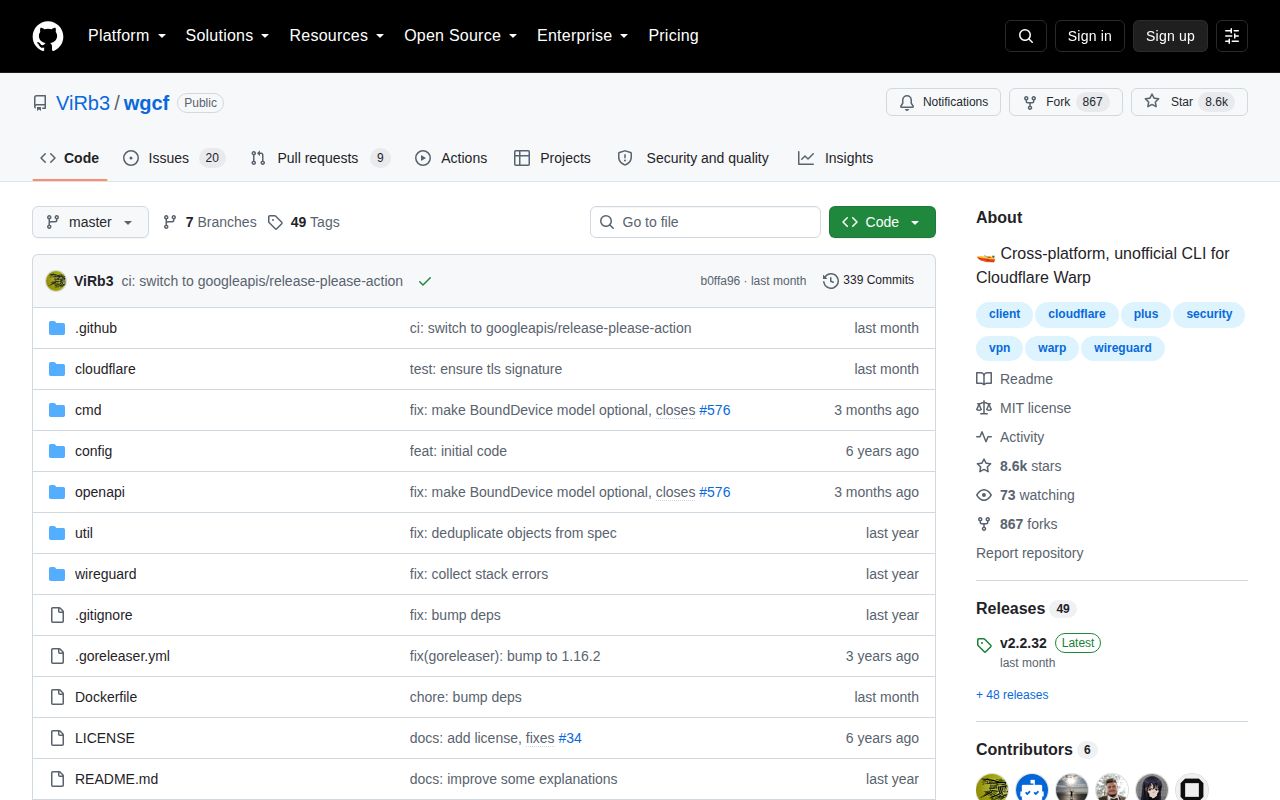
The repository was pushed again on July 30, and functional issue activity continued through August 15. GitHub listed 25 open issues and pull requests together, including dependency updates and an optional keepalive change, so the count should not be read as 25 known user-facing bugs. There is also a lot of automated dependency traffic in the recent history. The more meaningful signals are the July compatibility release and current reports about real tunnels.

wgcf also has six years of history, an MIT license, prebuilt releases, and a focused codebase written in Go. Its scope has not sprawled into a full network manager. The API client is generated from an OpenAPI specification stored in the repository, which gives contributors a visible contract to update instead of scattering request shapes through the code.

Who should actually choose it

Choose wgcf when the output you need is specifically a WARP-backed WireGuard profile. It is a good fit for servers, routers, containers, and advanced clients where Cloudflare's own application is unavailable or undesirable. The small interface and portable output are more valuable there than a rich user interface.

Do not choose it merely because it looks like a lighter official WARP client. You are accepting an unsupported integration, manual tunnel operation, and the possibility that Cloudflare changes enrollment behavior. Keep generated secrets safe, test IPv4 and every required destination, and verify warp=on or warp=plus with the trace command. With those expectations, wgcf is a mature and efficient utility. Without them, the official client is the more dependable answer.

Alternatives

ProjectWhat it isPick it when
Cloudflare WARP clientCloudflare's supported application manages registration, connection state, and platform integration.pick this instead when official support and a managed client matter more than exporting a plain WireGuard profile.
wireguard-toolsThe standard command-line tools for creating and operating WireGuard tunnels directly.pick this instead when you control the VPN server or already have a provider-issued configuration and do not need WARP registration.
warp-dockerA container-focused way to run Cloudflare WARP and expose its network to other services.pick this instead when the real goal is routing Docker workloads through WARP without managing a host WireGuard profile yourself.

What people are saying

  1. [github-trending] ViRb3/wgcf

Sources

  1. wgcf repository and README
  2. wgcf v2.2.32 release
  3. Linux HTTPS timeout issue #619
  4. New registration IPv6 issue #601
  5. WARP+ account binding issue #85
  6. Registration rate-limit regression issue #613