Superset earns its weight when many people need one BI workspace
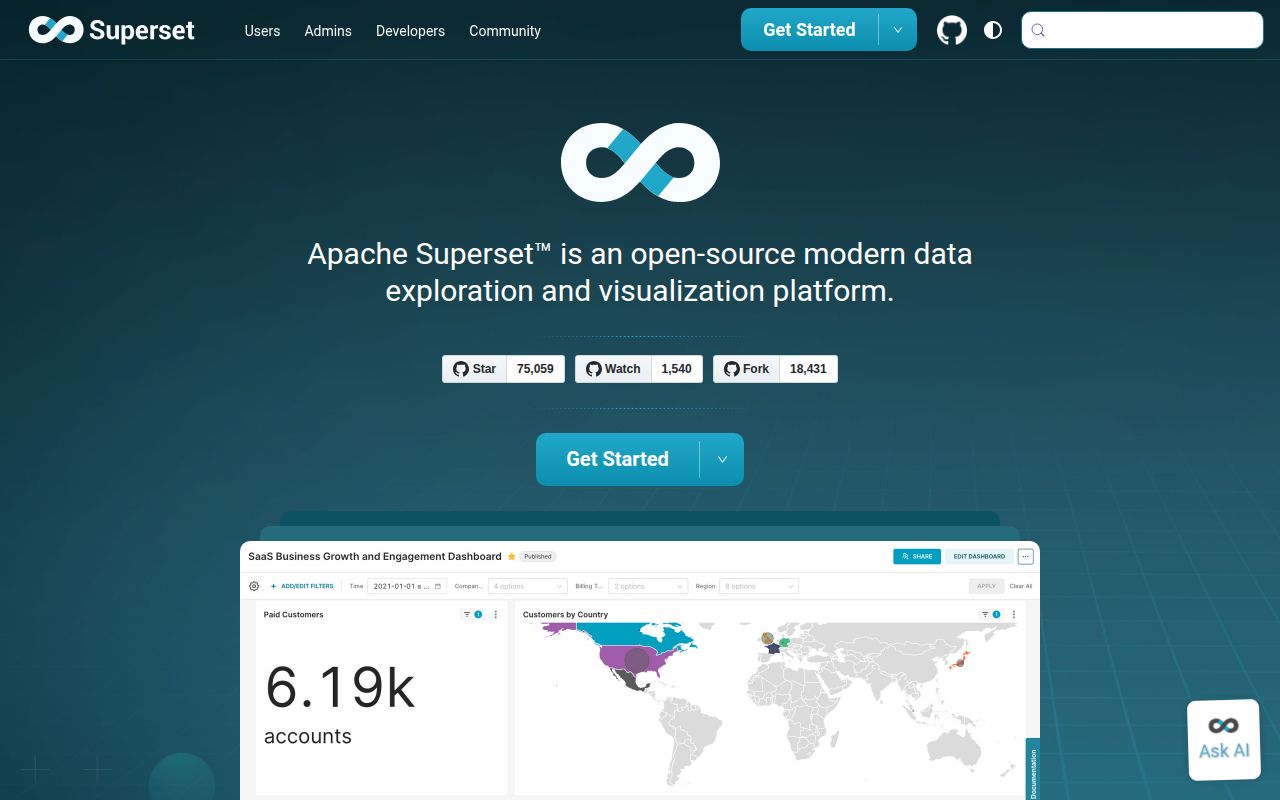
Superset 6.1.0 puts a visual chart builder, SQL Lab, shared dashboards, datasets, permissions, and an API in one browser application. It can query a SQL-speaking datastore when a Python DB-API driver and SQLAlchemy dialect exist. That combination suits an organization where some analysts build charts by pointing and clicking while others need to inspect or write the underlying query. Superset also stores shared definitions, so the result is a managed analytics workspace rather than a loose folder of charts.
That range comes in a large checkout. Our clone of commit cdafffe held 11,181 files, roughly 1,674,128 lines of source, and 272.5 MB before installation. The repository contains the Python service, React frontend, database migrations, chart code, deployment files, and 50 CI workflow files. A team changing the product is maintaining a substantial web application. Even a narrow customization can cross backend permissions, frontend behavior, metadata migrations, and the query path to a warehouse.
Production Superset needs services beyond the web application
Our 480 MB install covered the application dependencies, while the official production architecture also starts with a metadata database. A cache plus worker and scheduler processes become necessary for features such as asynchronous queries, alerts, reports, and dashboard thumbnails. PostgreSQL and MySQL are the tested production metadata stores. The quick paths can use SQLite or a PostgreSQL volume inside Compose, but the project does not recommend either default for production. Charts, dashboards, users, and logs live in that metadata store, so backups are part of the product.
The successful install added 163 Python packages before any warehouse-specific driver or browser needed for reports. A PyPI installation creates the application itself, while the architecture guide says operators must configure cache, worker, and scheduler components on their own. You also need a unique SUPERSET_SECRET_KEY, database credentials, migrations, users, and roles. Superset can centralize analytics, but it does not reduce the surrounding service ownership to a single command.
What happened when we ran it
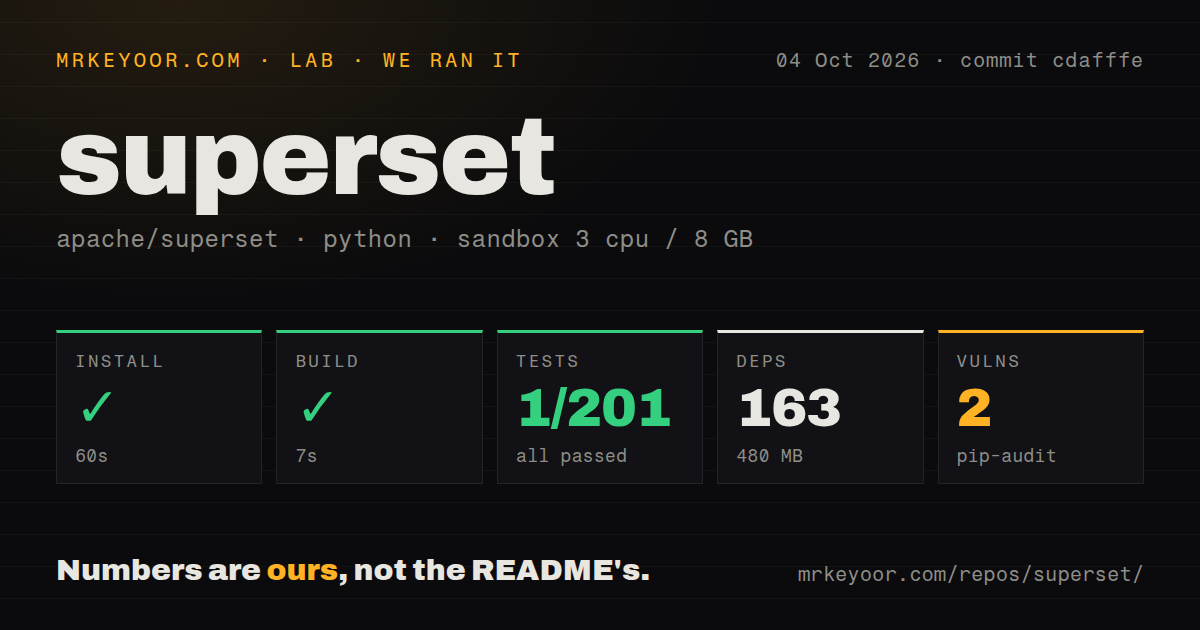
Our sandbox installed commit cdafffe in 60 seconds and built it in 7 seconds. The run used a fresh unprivileged Debian container with 3 CPUs, 8 GB of RAM, Python 3.12, and no secrets. Installation brought in 163 packages and used 480 MB on disk. Pip-audit reported 2 known vulnerabilities. The supplied result did not name the affected packages or severities, so the count cannot establish whether either issue reaches a deployed request path.
The test command failed with exit code 1 after 64 seconds. Pytest reported 1 passed, 0 failed, 23 skipped, and 200 collection/setup errors out of 201 before it stopped. The final error showed SQLite querying css_templates for the template named Flat, then returning no such table: css_templates. The log proves that the expected table was absent in this run. It does not show why the database reached that state, so assigning the failure to migrations, fixtures, or the container would be guesswork.
Docker Compose is a trial path, not the production answer
The 272.5 MB checkout includes Compose files for development, lightweight development, locally built images, and tagged images. Superset's guide says Compose runs on one host, cannot provide high availability, has no official Windows support, and is not recommended for production use. Its default PostgreSQL volume is not a backup. Those warnings matter because the quick start otherwise looks close to a complete deployment.
The repository also includes a Dockerfile, a tests directory, and 50 CI workflow files. Production still needs deliberate choices outside those signals. The security guide calls for HTTPS at a reverse proxy, a protected secret, limited database users, stricter session handling, and an external identity provider. Talisman is enabled by default, and production startup warns when it cannot find a content security policy. The stock development configuration is still not the finish line.
MCP gives AI clients the same need for narrow permissions
Superset 6.1.0 includes an MCP server that runs as a separate process beside the main application. Approved clients can list dashboards, query datasets, execute SQL, and create charts. The production authentication path validates tokens and maps them to Superset users, which lets existing role checks carry into tool calls. Development mode impersonates one configured user. That shortcut belongs on a local machine, since every connected client would otherwise act with the same account's access.
This is more operational surface inside a codebase that already measured 1,674,128 source lines in our checkout. The MCP documentation gives warehouse calls bounded worker pools and separate limits for metadata-only tools. It also warns that a timed-out driver without cancellation support may continue running after the client receives an error. Before enabling write or SQL tools, create a dedicated role, restrict the warehouse credential, set query limits, and record the requests. The assistant should inherit less access than the analyst supervising it.
An October 7 push and 396 open PRs show an active project
GitHub showed 75,058 stars, 140 open issues, and 396 open pull requests on October 7, 2026. The repository was pushed that day, and issue 45017 plus several pull requests had been updated within hours. Release 6.1.0 was published on May 13. The recent push and live issue traffic carry more weight than that release date alone, though a queue of 536 combined issues and PRs also tells you how much change maintainers are sorting through.
A 7-second build made the first source check quick, while 200 setup errors kept our run from validating the application suite. That split is the decision in miniature. Superset is a serious choice for a team that needs shared SQL analysis and can staff the application around it. If nobody owns metadata backups, permission tests, workers, upgrades, and warehouse credentials, the impressive chart catalog will become the least important part of the deployment.