Version 9.4.1 is a seven-service reverse proxy stack
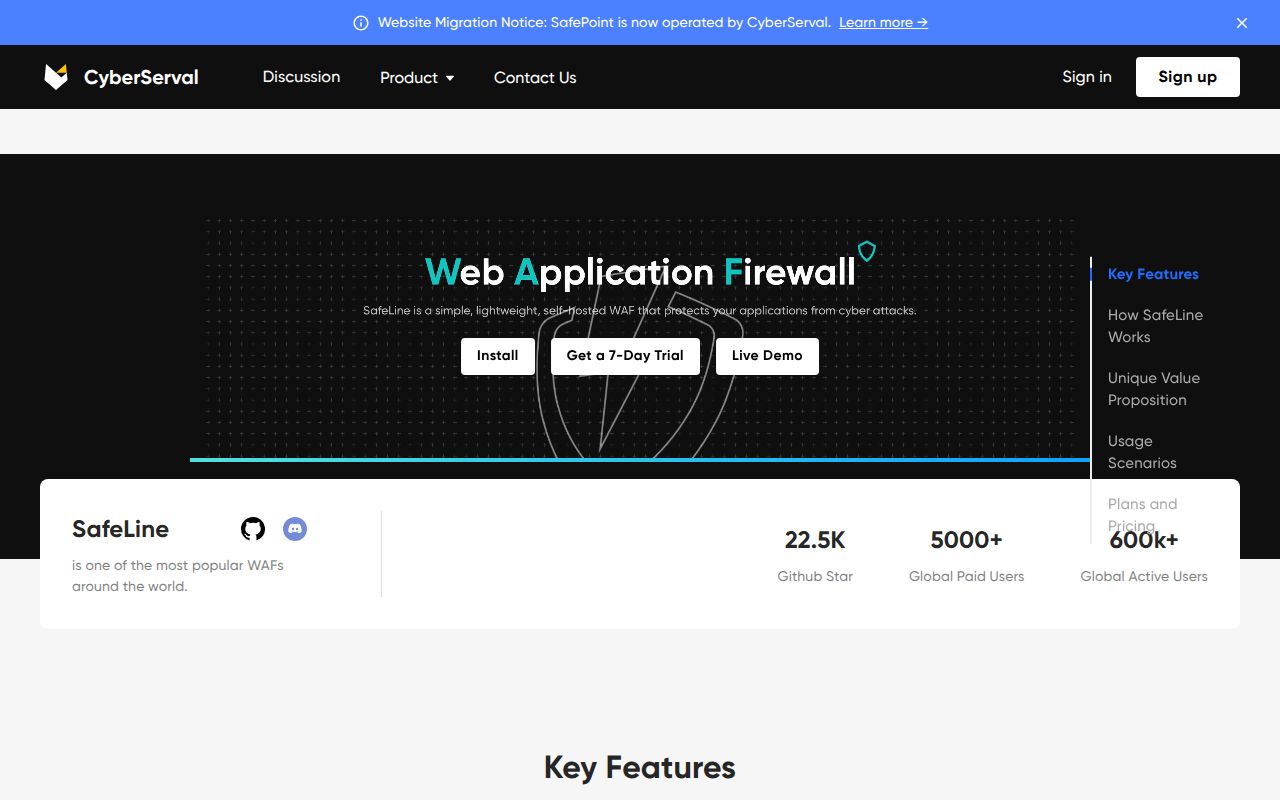
SafeLine 9.4.1 is a self-hosted web application firewall built around an HTTP and HTTPS reverse proxy. Its console configures attack blocking, IP rules, rate limits, bot challenges, password challenges, and dynamic HTML or JavaScript protection. The repository also includes connectors for Ingress NGINX, Kong Gateway, and an MCP server. GPL-3.0 licensing makes the Community Edition source usable under copyleft terms.
The supplied Compose file defines 7 services: PostgreSQL, management, detection, Tengine, Luigi, FVM, and a challenge service. Persistent volumes hold database state, configuration, and logs. Tengine uses the host network, while the management console defaults to port 9443. This is an appliance with several moving parts, even though the official automatic installer reduces the initial work to one root command.
Ports 80 and 443 must move behind SafeLine
The application guide asks for a domain, a SafeLine listen port such as 80 or 443, and the original application's upstream address. The operator then points that domain's DNS record at the SafeLine server. That routing change is the product's security boundary: requests that reach the origin by another path do not pass through its filtering or access rules.
Release v9.4.1 defaults SSL compliance to TLS 1.2 and TLS 1.3, and it lets each application set a health-check interval from 10 to 3,600 seconds. Older clients that still need TLS 1.0 or 1.1 require an explicit change after upgrading. Before a cutover, test certificates, forwarding headers, client IP handling, request size, WebSockets, health checks, and a bypass path for recovery.
What happened when we ran it
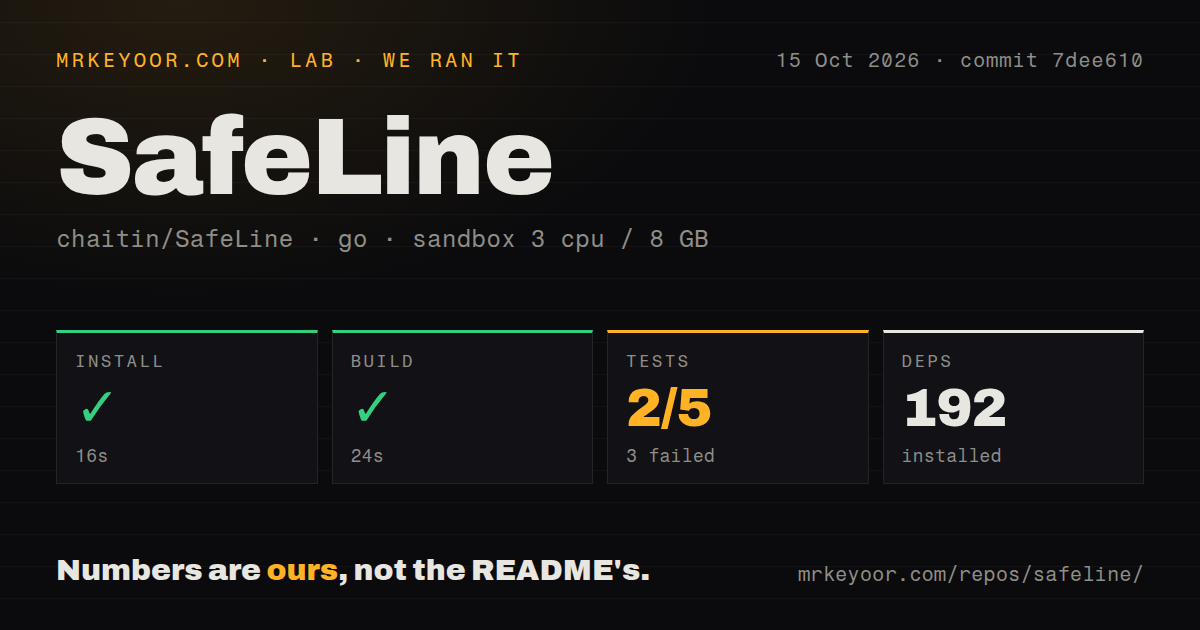
Our sandbox installed 192 packages in 24 seconds, then completed the Go build in 35 seconds. The checkout was 87.5 MB and contained 34,182 files with about 16,256 lines counted as source. Those figures describe commit 1496593 in an unprivileged container with 3 CPUs, 8 GB of RAM, and no secrets.
Tests ended with exit code 1 after 16 seconds. The run recorded 2 passing and 3 failing outcomes out of 5. Its log tail says the github.com/chaitin/blazehttp/gui package failed to build, while github.com/chaitin/blazehttp/http passed in 0.003 seconds. The tail does not include the compiler message, so it cannot support a claim about the cause.
Our scan found 1 CI workflow, a Dockerfile, and no dedicated tests directory. A missing tests directory does not mean the repository has no Go tests, as the command produced 5 outcomes. The useful finding is narrower: installation and compilation completed, while the available test step did not pass in the stated Debian environment.
The 35-second build covered BlazeHTTP, not all seven services
At commit 1496593, SafeLine pins chaitin/blazehttp at submodule commit afc88a9. BlazeHTTP is a separate WAF evaluation client with command-line and graphical interfaces; its main README is Chinese and links to an English edition. The lab harness found the runnable Go project under ./blazehttp/, so the 35-second success belongs to that component.
The Compose deployment pulls 7 service images and does not build those services from the BlazeHTTP result. Our run did not start the SafeLine WAF, route a website through it, download its service images, or repeat the README's attack-detection comparison. Buyers should read the passing build as evidence that one included tool compiled, then test the assembled firewall against their own ordinary traffic and attack corpus.
ARM requires Pro, while x86 needs SSSE3
The English installation guide requires Linux, Docker 20.10.14 or newer, and Docker Compose 2.0.0 or newer. It lists a minimum of 1 CPU core, 1 GB of memory, 5 GB of disk, and an SSSE3-capable processor. Both x86_64 and arm64 appear in the architecture table, but the same guide says Personal Edition does not support ARM and an ARM server needs Pro.
SafeLine's MCP server adds Go 1.25.14 or Docker, a configuration file, one downstream token file per instance, and an optional client bearer token. It exposes only the read-only get_attack_events tool. SafeLine does not provide a dedicated read-only credential for the required management API, so the bridge holds an administrator API token and restricts it in its own process. Remote clients also need TLS in front of the plain HTTP listener.
The September 3 release has 68 open issues
GitHub showed 22,545 stars and 68 open issues, with no open pull requests in the fetched list. The last push and v9.4.1 release both landed on September 3, 2026, and issue discussion continued through September 8. That combination indicates active maintenance and a large user queue. The issue count describes reports and requests, not 68 confirmed defects.
One current defect is specific enough to affect a purchase decision. Issue 1318 reproduces a malformed post-login redirect and duplicated sl_portal_jwt with Unified Authentication and Authentik on v9.4.1. A SafeLine collaborator confirmed the reproduction and said it was entered into internal tracking on September 7. Teams using that OIDC path should wait for a fix or prove their exact login flow before cutover.
The 35-second build supports a staged trial
A 35-second component build and frequent v9.4.1 updates make SafeLine reasonable to evaluate, while the failed 5-outcome test step prevents an unconditional recommendation. Put it in front of a staging domain first, replay normal traffic, inspect blocks, test fail-open or bypass procedures, and rehearse an upgrade. A WAF can stop attacks and customers with equal efficiency when its routing or rules are wrong.
Three alternatives cover different operating models. ModSecurity fits teams that already own Apache, IIS, or Nginx and want low-level rule control. Coraza fits a Go service that should embed the firewall. BunkerWeb is the closer packaged choice for operators who want an Nginx-centered security platform across Docker or Kubernetes. SafeLine wins when its console and integrated controls save more work than its 7-service footprint adds.