Rayhunter records suspicious cellular events on dedicated hardware
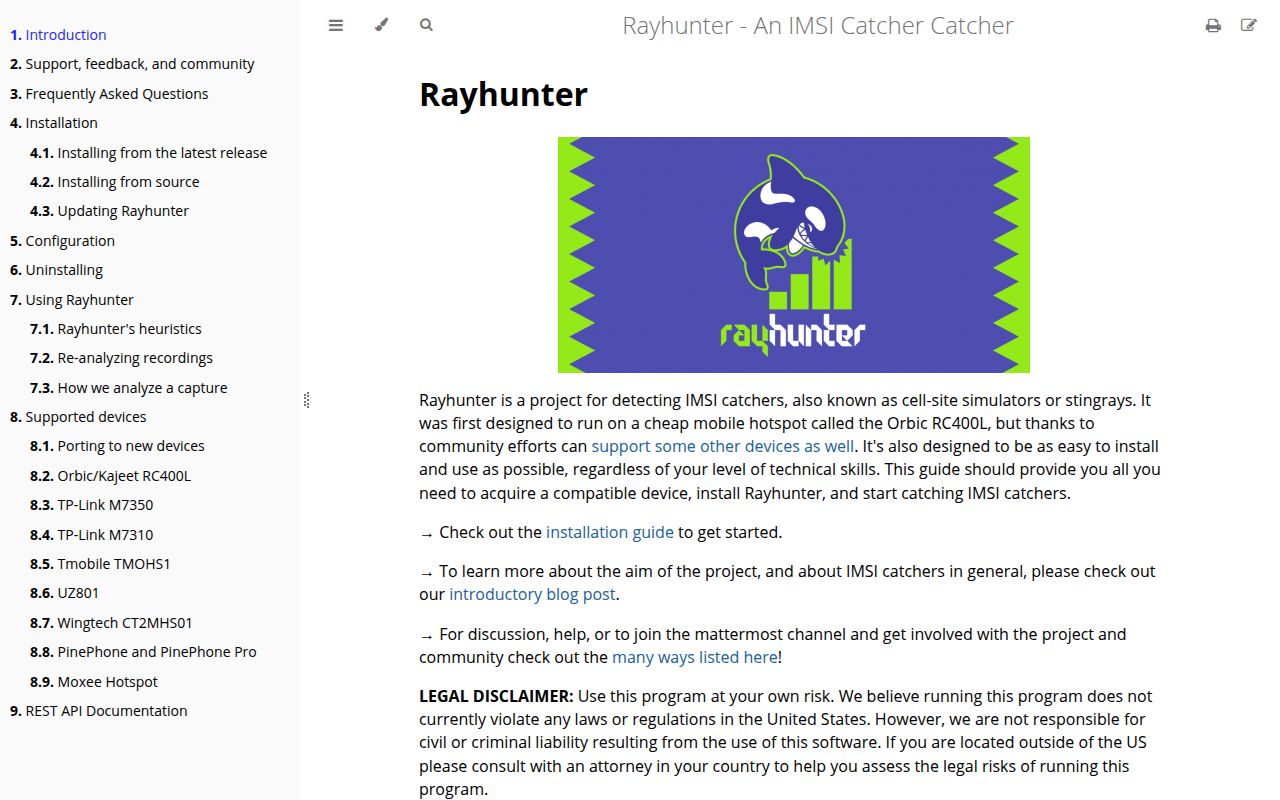
Rayhunter runs on selected mobile hotspots and phones, reads diagnostic traffic from a Qualcomm modem, and applies analyzers to events that may indicate a cell-site simulator. A local dashboard shows status and warnings, while captures can be exported for deeper inspection. This is a field instrument built around cellular signaling, not a scanner that identifies a nearby box by name or guarantees that a network is safe.
Hardware choice comes first. The documentation recommends the Orbic RC400L in the Americas and the TP-Link M7350 across Africa, Europe, and the Middle East. Six other devices are listed as functional, including two more TP-Link or hotspot models, the PinePhone family, and the FY UZ801. Frequency support varies by region, so buying any cheap Qualcomm hotspot before reading its device page can leave you with the wrong radio bands or installer path.
The heuristics report behavior, not an attacker identity
The IMSI-request analyzer looks for a sequence in which a phone connects to a new tower, receives an identity request, does not authenticate, and is then disconnected. The docs explain that identity requests can also occur during normal attachment, roaming, a SIM change, a core-network restart, or after a long disconnection. One known false-positive setting is an aircraft approaching landing after being out of coverage.
Other analyzers look for redirection toward 2G, suspicious LTE system information, null ciphers, and incomplete system-information chains. The incomplete-chain warning becomes more meaningful when another heuristic also fires. Diagnostic notices are explicitly lower-value than medium or high warnings. That layered design is sensible, but it asks the operator to understand what happened around an alert instead of treating one red line as proof of surveillance.
What happened when we ran it
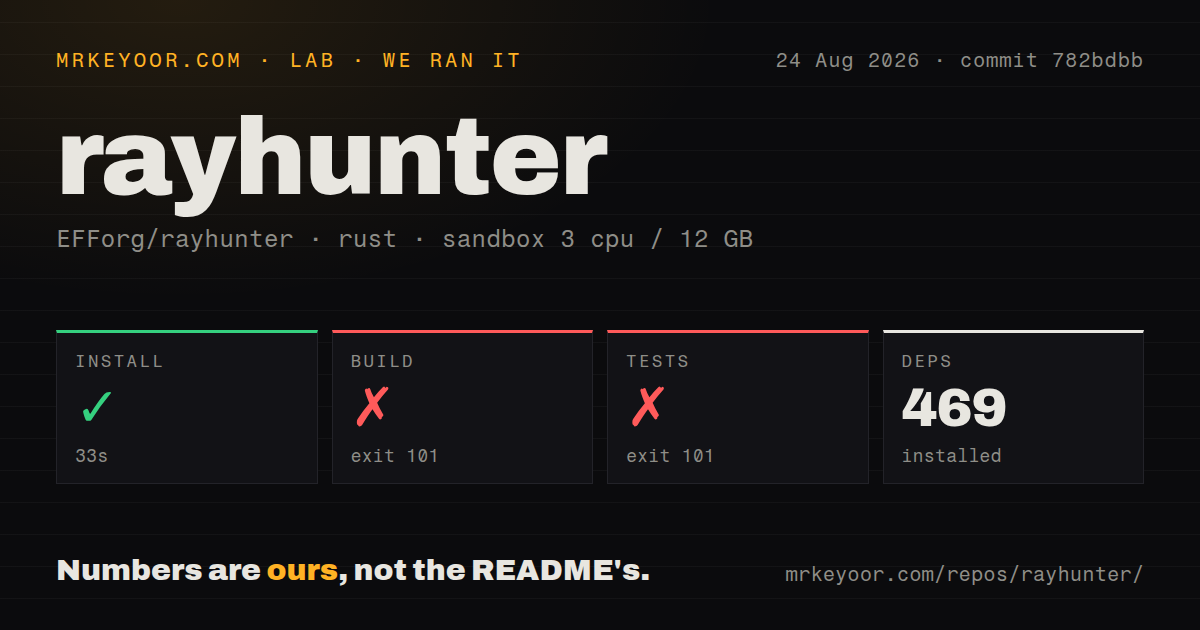
Our sandbox installed 469 Rust packages in 33 seconds on 3 CPUs with 12 GB of RAM. commit 782bdbb contained 266 files, about 20,872 source lines, and occupied 6.7 MB. It had 2 CI workflow files, no Dockerfile, and no separate tests directory. Installation of the Rust dependency set completed without a reported error.
The build ended with exit code 101 after 147 seconds. Rust could not read 4 generated files expected under daemon/web/build, including index.html.gz and favicon.png, while compiling rayhunter-daemon. The log also warned that firmware binaries for rootshell, rayhunter-daemon, wpa_supplicant, wpa_cli, and iw were absent from their expected output locations.
Tests ended with exit code 101 after 16 seconds because compilation again could not embed the missing web files. The supplied log did not contain a test pass or failure count. Rayhunter's source guide describes the web UI as SvelteKit code bundled into the Rust daemon and recommends ./scripts/build-dev.sh for the whole build. Our results show that the checked-out Rust workspace alone was not self-contained in the fresh container.
Release installation avoids the source toolchain
EFF recommends downloading a platform-specific v0.12.0 release archive and running its installer. Builds are provided for Linux on x64, ARM64, and 32-bit ARM, both Intel and Apple Silicon macOS, and 64-bit Windows. The computer connects to the hotspot over Wi-Fi or USB, then the installer uses a device-specific command. TP-Link installation also requires a FAT-formatted SD card for recordings.
Source development is a different job. It needs Rust, Node.js and npm, C compiler tools, a web build, the daemon, an installer, and firmware artifacts for the target. Debug mode can run the daemon on a PC while skipping modem diagnostics, display, battery, keys, and Wi-Fi client behavior. That mode exposes the frontend and read-only APIs, but recording endpoints cannot prove the hardware path without a device.
Captures can reveal identity and location
Rayhunter needs a SIM, though the FAQ says the SIM does not require an active service plan unless the hotspot or notifications need connectivity. When a warning appears, EFF invites users to share an exported ZIP through Signal for research. The same FAQ warns that a capture may contain the subscriber IMSI and unique tower identifiers that could reveal where the device was at the capture time.
Handle those files as sensitive location records. Decide who can download them, where they are stored, and what must be removed before sharing. The FAQ cannot provide one universal response to a suspected simulator because a journalist, protest observer, and lab researcher face different threats. Its practical suggestion ranges from leaving the area to turning phones off, depending on the user's circumstances.
Device quirks can look like a software outage
Some supported hotspots shut down their Wi-Fi access point after about 10 minutes without a connected client, even while Rayhunter keeps recording. The docs explain how to change standby settings. USB installation on an Orbic can disable tethering until a device setting is restored. VPNs, WSL networking, faulty cables, macOS accessory permissions, and hotspot firmware create additional failure modes around the installer or dashboard.
Issue 1105 reports that installation may fail on a TP-Link M7350 v10, while issue 1033 describes Wi-Fi client mode making the web server inaccessible. These reports are tied to specific device paths, which is more useful than a general stability complaint. Confirm the exact hardware revision, region, and connection method before taking a unit into the field.
August 2026 work improved signals and packaging
GitHub recorded 5,687 stars, 94 combined issues and pull requests, and a last push on August 24, 2026. Release v0.12.0 arrived on August 3. It added compressed diagnostic-log support, serving-cell and neighbor-cell measurements, timing-advance data, JSON output for the checker, a roaming false-positive fix, and release-workflow changes. Current issue discussion continued later in August.
Rayhunter is one of the few projects that packages cellular research into a device a non-specialist can carry. The release installer and candid heuristic documentation make it usable beyond a radio lab. Its value depends on disciplined interpretation: choose supported hardware, test with the noisy test analyzer, protect captures, and keep the device's limits in view when a warning appears.