Hey is built for one repeatable HTTP question
Hey earns its place when the question is narrow: what happens if this machine sends the same request to this URL many times? The CLI accepts a target, request count or duration, concurrency, method, headers, body, timeout, proxy, and basic authentication. It then prints totals, requests per second, latency distribution, timing breakdowns, and status-code counts. There is little ceremony between installing it and putting pressure on an endpoint.
The defaults make that intent plain. With no tuning, Hey sends 200 requests through 50 concurrent workers. Duration mode replaces the request count, while -q limits queries per second for each worker rather than for the whole run. HTTP/2 is available behind a flag. These controls are enough for a before-and-after check of an API handler, proxy rule, cache change, or local service.
A 17-file checkout keeps the tool easy to inspect
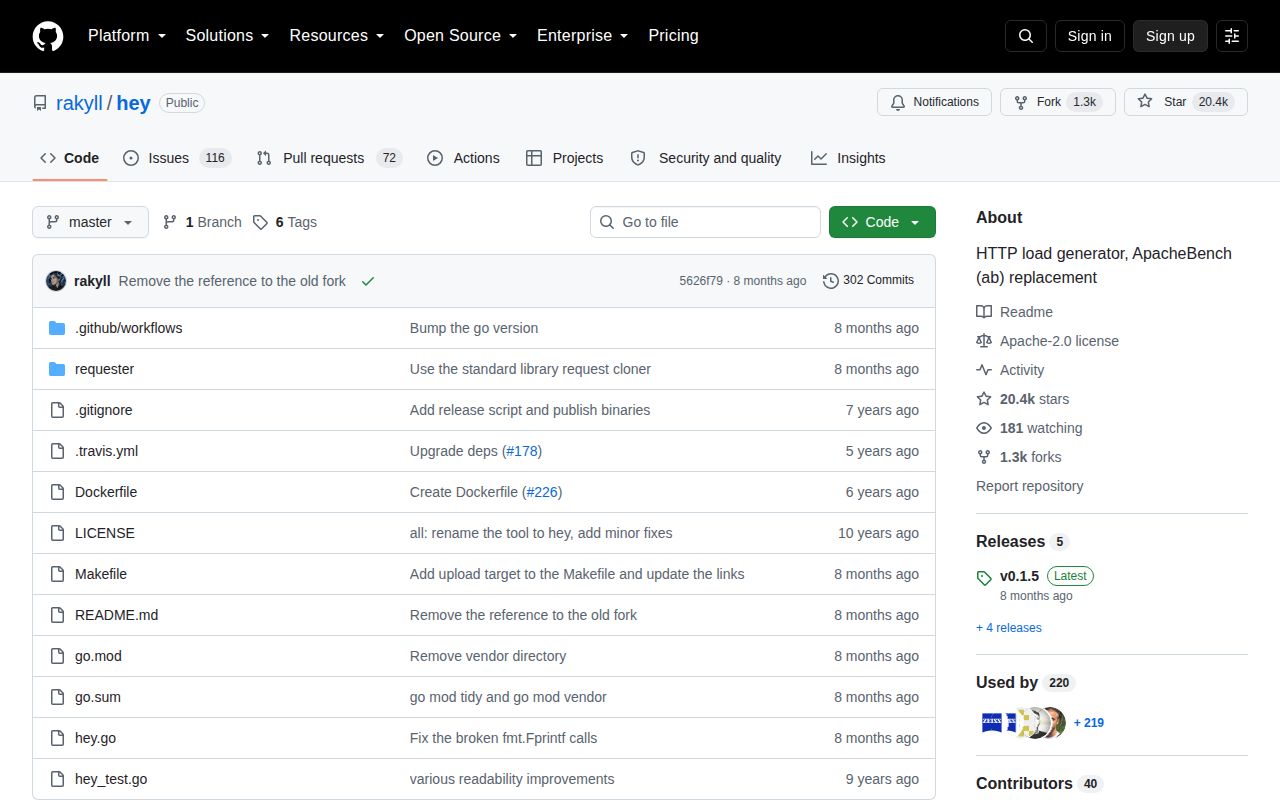
commit 5626f79 contained 17 files, about 1,293 lines of source, and used 0.1 MB in our checkout. That compact scope is useful in a load generator because there are fewer hidden layers between the flags you set and the requests leaving the process. The repository also includes one CI workflow and a Dockerfile, even though its tests sit beside the Go code rather than in a separate tests directory.
Distribution is less even than the source. The README links prebuilt amd64 binaries for Linux, macOS, and Windows, and gives Homebrew users a one-line installation. It does not list an official ARM64 binary. Open issue 202 asks for one and says building from source was the workaround. On modern ARM laptops or small ARM servers, that turns a binary download into a Go build.
What happened when we ran it
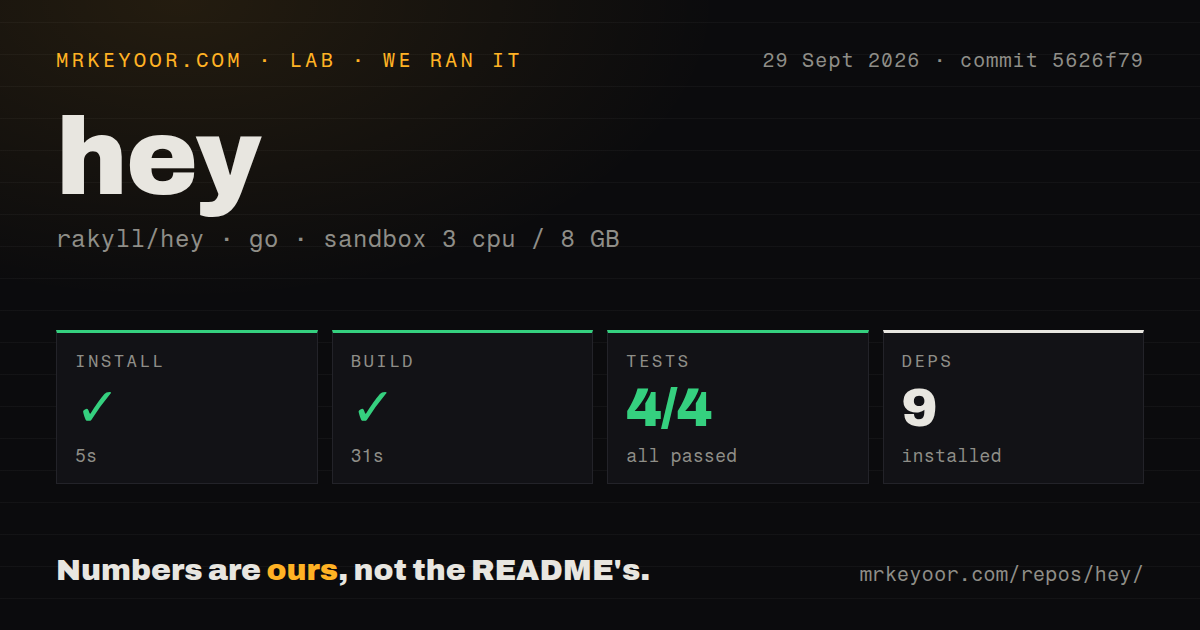
Our sandbox installed Hey at commit 5626f79 in 5 seconds and added 9 packages. The build completed in 31 seconds. go test then finished in 12 seconds with 4 passed and 0 failed. We used an unprivileged Debian container with 3 CPUs, 8 GB of RAM, and no secrets. Nothing in that run required a database, account, or external service.
Those results establish that the code installs, builds, and clears its small test suite in the stated environment. They do not establish a requests-per-second number for Hey or for any target. We did not run a benchmark workload, and quoting throughput without the target, network path, connection settings, response size, and machine would be misleading. Our run measured setup health, not server capacity.
Fixed requests are the boundary, not a minor omission
Hey can repeat headers and send a body from the command line or a file, but each worker is still executing the request shape you supplied. Open issue 192 asks for several URLs and randomized query parameters. Issue 329 asks for a different idempotency header on each request. Both are common needs once a test moves beyond warming a cache or hammering one deterministic handler.
That limitation changes what you can learn. A fixed URL may keep returning the same cached object, while real users spread reads across records and submit distinct writes. If tokens expire, carts accumulate state, or one response supplies data for the next request, Hey cannot express the journey. Locust or k6 is a better fit there because the workload itself becomes code. Hey remains the quicker instrument when variation would only add noise.
Local output needs local discipline
A single Hey process measures from one generator. The -cpus option changes how many local CPU cores it uses, but the README describes no clustered controller or worker fleet. That makes results sensitive to the load machine, its network, open-file limits, DNS behavior, connection reuse, compression, and whether keep-alive is disabled. Repeatable comparisons require the same generator and the same flags.
The report is dense enough to be useful, yet the README does not explain every field. Open issue 310 asks what the summary, histogram, percentile distribution, and connection timing lines mean. An experienced performance engineer will recognize them. A team new to load testing may read average latency as the answer and miss tail latency, non-200 responses, or generator saturation. Write down the command and inspect the whole report.
January's release did not close the feature backlog
GitHub showed 20,402 stars and 188 combined issues and pull requests when checked on September 29, 2026. Release v0.1.5 and the last repository push both landed on January 10, 2026. More recent activity includes open pull requests for a timing-field correction and a shared-client data race, plus active requests for per-request variation and insecure HTTPS support. That is maintenance activity, though not a fast release cadence.
Hey should stay in the toolbox for one-off endpoint pressure and controlled regression checks. Its 5-second install and 4 passing tests make trying it cheaper than debating it. Keep the conclusion as small as the tool: a clean Hey result says something about that request, from that machine, under those flags. It does not certify a user journey or the capacity of a distributed production system.