Four processes turn one Mac into an iPhone farm
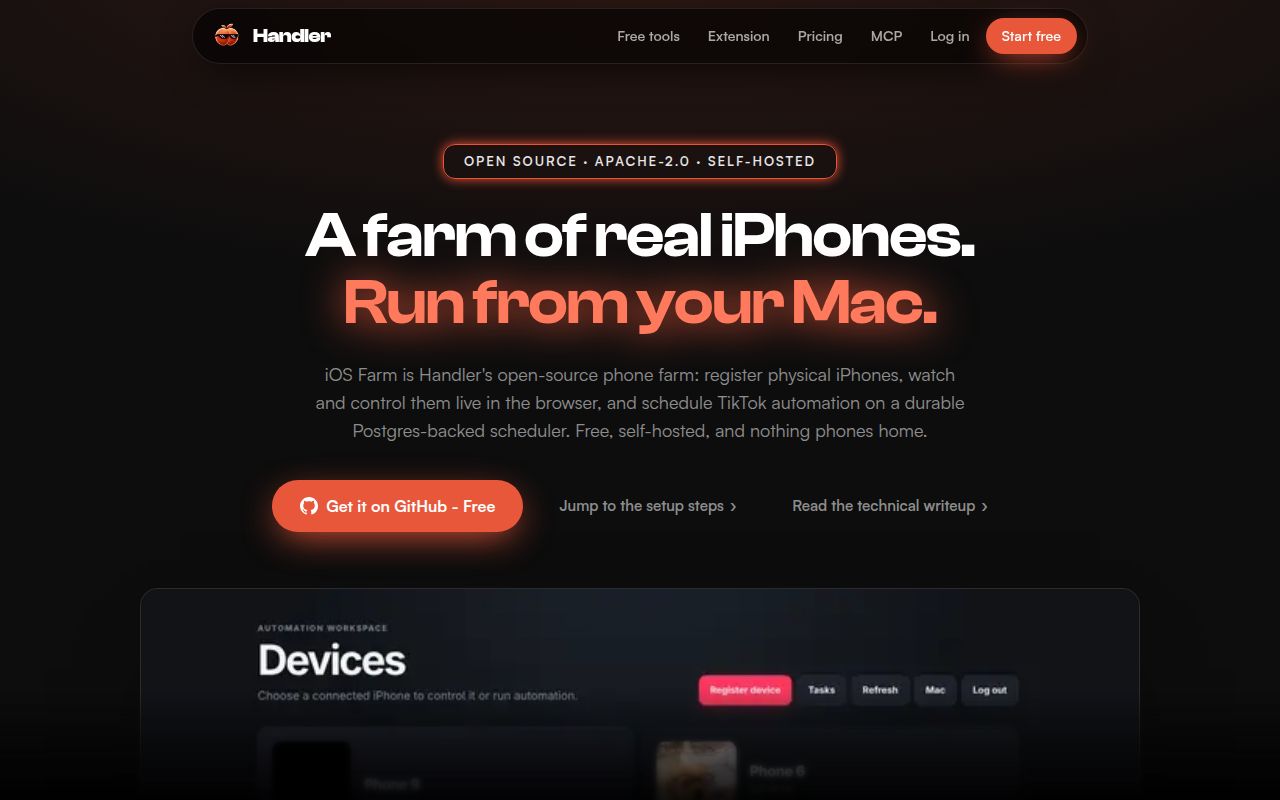
Phone Farm iOS runs 4 cooperating processes: a Fastify web server, a scheduler worker, a WebDriverAgent supervisor, and Appium. The browser dashboard shows each phone, proxies its MJPEG screen, forwards taps and swipes, stores schedules in PostgreSQL, and records execution logs. A bundled plugin can doomscroll or post in TikTok. The appeal is the shared control plane around real devices, rather than any new way of driving iOS itself.
commit 3e936ba was a 1 MB checkout with 104 files and about 9,284 lines of source. That is compact for a system covering registration, remote control, scheduling, uploaded assets, plugins, and app-specific automation. The small repository does not make the operating model small: each active phone still depends on Apple signing, USB connectivity, WDA, Appium, assigned local ports, and a host that stays logged in.
Node 22 is only the first requirement
The documented floor is Node 22, but the real boundary is Apple hardware and tooling. Setup requires macOS with full Xcode, PostgreSQL, a physical iPhone in Developer Mode, and an Apple Developer team that can sign WebDriverAgent. The guide says the login keychain must be unlocked when WDA is prepared, which makes a bare SSH session a poor first setup environment. A paid developer team is also needed for more than one device without weekly expiry.
Each registered phone gets WDA and MJPEG forwarding on ports beginning at 8100 and 9100. The host also runs Appium on port 4725 and the dashboard on port 3000 by default. Device registration checks Xcode selection, USB visibility, signing identity, developer support, and WDA reachability before saving the phone. Those checks are useful, but they happen after npm dependencies, the database, Xcode, pairing, and signing are already in place.
What happened when we ran it
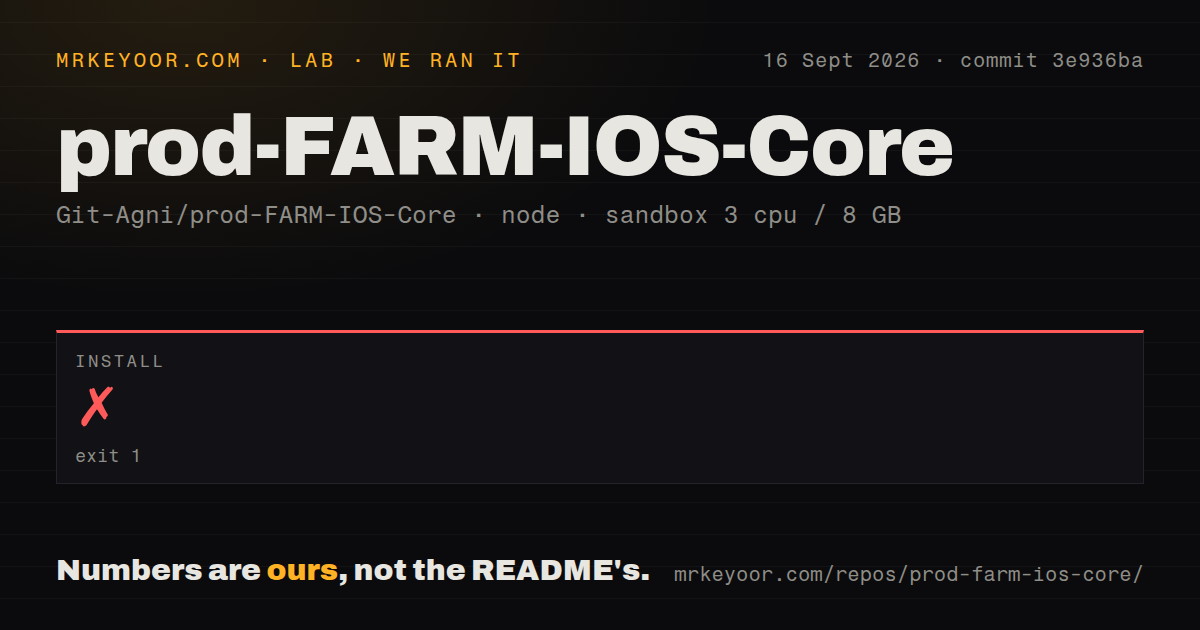
Our sandbox install failed after 39 seconds with exit code 1. We cloned commit 3e936ba into an unprivileged container with 3 CPUs, 8 GB of RAM, Node 22.23.2, and no secrets. The repository contained 104 files, about 9,284 source lines, and occupied 1 MB before installation. Because installation did not finish, our run produced no build or test result.
The last log lines show Node trying to load node-native-ocr through node-gyp-build, followed by ERR_DLOPEN_FAILED. They do not identify a missing library, an unsupported processor, or another specific cause. The defensible finding is that npm install did not complete in our fresh Debian environment. The repository had a tests directory and a Compose file for PostgreSQL, but no Dockerfile and 0 CI workflow files in the measured checkout.
Appium 3.7.0 conflicts with the pinned XCUITest driver
The current package.json declares Appium 3.7.0 and installs XCUITest driver 7.26.3. Open pull request #6 says that driver requires Appium 2 and changes the dependency to 2.19.0. A broader pull request describing the same fresh-clone failure was closed without merging on September 23. This conflict is independent of our OCR failure because our run stopped earlier, during the initial dependency install.
Issue #4 records a second, narrower failure on an iPhone XS: registration, video, TikTok launch, and a standalone touch worked, but the farm's verification flow lost WDA on port 8101 during its touch step. No maintainer reply or fix is recorded there. One report cannot establish fleet-wide behavior, yet it is a good acceptance test: keep a device connected through registration, remote video, touch, and one scheduled task before adding more phones.
Loopback binding blocks an unauthenticated remote dashboard
The default web host is 127.0.0.1, where authentication is optional. If an operator binds outside loopback without supplying an AuthProvider, startup deliberately fails. That is the right default for a dashboard holding device controls, uploaded media, logs, and registration routes. The project also keeps device passcodes in a git-ignored file written with mode 0600 and omits them from device API responses.
Plugins deserve the same review as server code. The plugin guide says they are not sandboxed and receive the service account's filesystem, network, process, database-facing context, and device access. Web and worker must run identical plugin versions or the dashboard can accept schedules the worker cannot execute. Persisted tasks include a plugin ID, task type, and integer version, which prevents an old schedule from silently adopting a changed contract.
No tagged release exists after the September 7 push
GitHub showed 1,556 stars, 2 open issues and pull requests combined, and no latest release. The repository was created on August 27, 2026, and its last source push was September 7. Issue activity continued later in September, including the open Appium fix, but issue discussion is not the same as a shipped revision. The project is active enough to inspect and still too young to treat its current setup contract as settled.
A sensible trial starts with 1 spare iPhone on a dedicated Mac. First make npm install finish on that host, then resolve the Appium and XCUITest versions, sign WDA, and keep the dashboard on loopback until an auth provider is installed. Add a second phone only after video, touch, a scheduled TikTok job, stop behavior, and execution logs all work on the first.