Decide whether the workspace is your obstacle
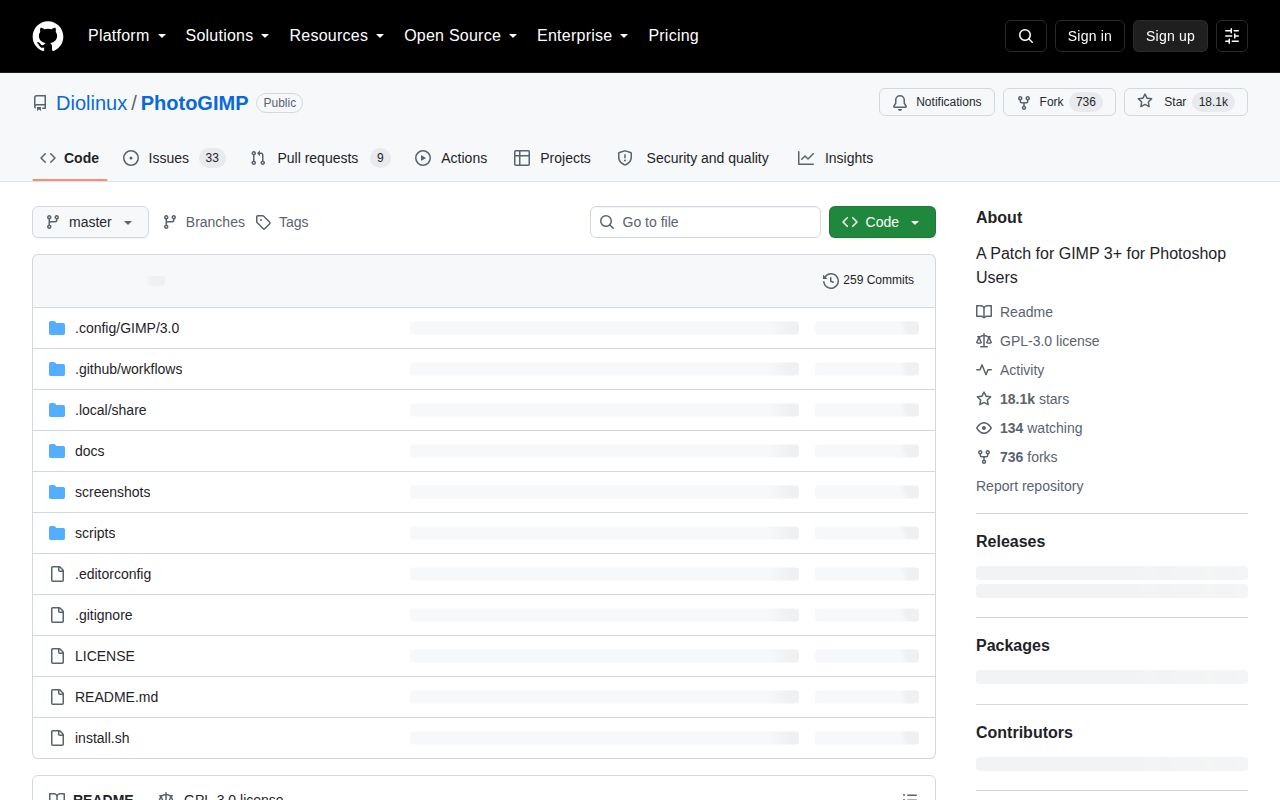
PhotoGIMP changes GIMP's configuration rather than installing a separate image editor. Its README describes Photoshop-style shortcuts, reordered tools, panel placement, preferences and visual assets. That makes it worth considering when familiar controls would ease a move to GIMP. It does not establish that GIMP can reproduce every Photoshop workflow.
The PhotoGIMP 3.1 release notes describe improved shortcuts and tool organization, bracket-key brush sizing and automatic alpha channels for imported images. Those are upstream release claims, not features we exercised in our sandbox.
What our run actually established
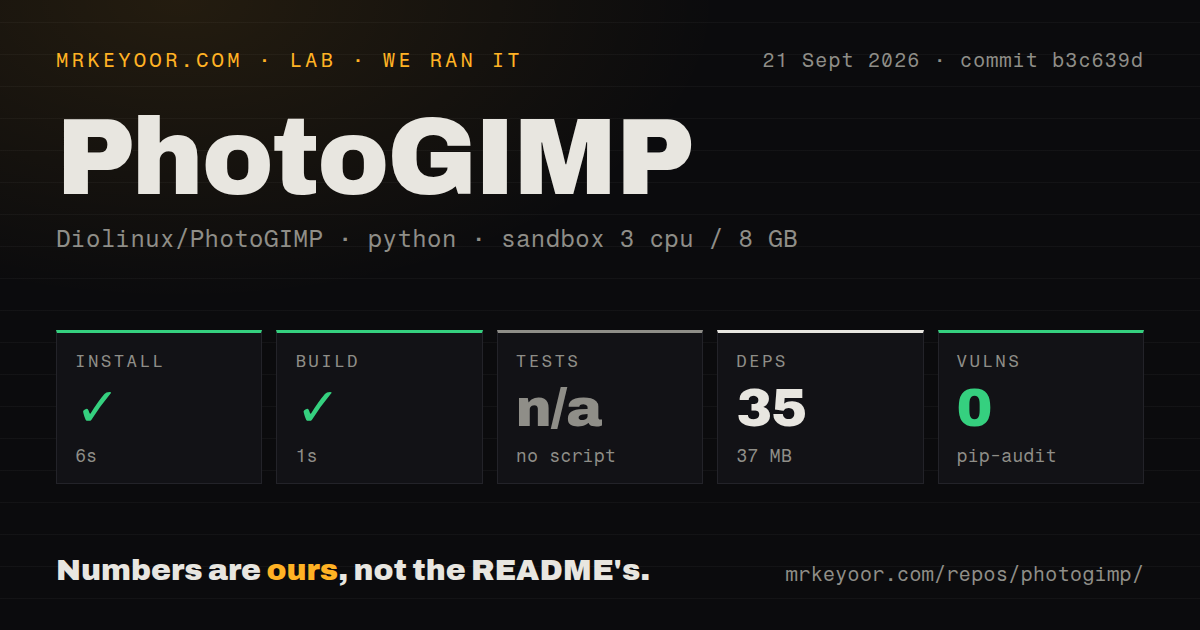
Our run on September 21, 2026, recorded commit b3c639d in our sandbox. The stored harness values report a successful install step of 6 seconds and a successful build step of 1 second, with 35 packages and a 37 MB dependency footprint. The recorded total duration is 10 seconds.
Our harness records command outcomes through success flags, exit codes, elapsed times, timeout flags and log tails. Both recorded steps returned exit code 0 without timing out. The install tail identifies a Python environment; the build tail contains no output. That evidence supports the recorded command outcomes, but does not identify a completed graphical PhotoGIMP installation.
Tests were skipped because the harness recorded "no script". We have no desktop verification of profile copying, GIMP startup, shortcut behavior, panel placement or launcher behavior on any operating system. Skipped tests are not failed tests, and there is no passing-test count to report.
Pip-audit recorded 0 advisories. Scan coverage is unknown because the attached record contains packages: 0 and no scannedPackages field. This result is not a security assessment of PhotoGIMP or GIMP.
The MrKeyoor testing methodology explains how command outcomes differ from workload verification. That page supplies provenance context; it does not establish which current procedures applied to this September run. No new execution accompanies this correction.
Installation instructions have changed since our checkout
The README at the measured commit told Linux users to extract the archive into their home folder. The current README explicitly says extraction alone does not install PhotoGIMP. It describes an included installer that detects native and Flatpak GIMP installations, backs up settings and copies configuration to the appropriate location. For native installations, it says the custom launcher and icons are not applied.
Windows and macOS instructions now tell readers to copy the contents of the extracted configuration folder into the folder matching their installed GIMP version. Follow the instructions for the files you download rather than treating our older checkout as a current installation guide.
Back up your settings before replacing them. Close GIMP before copying files because it can overwrite incoming settings on exit. If the result is unsuitable, restore the backup. The README also documents regenerating default settings, which will not recover your previous custom layout.
GIMP 3.2 needs a check beyond the destination folder
In issue 248, a reporter says PhotoGIMP 3.1 contains three entries that GIMP 3.2 ignores after vector-related names changed to path-related names. The report concerns configuration contents even when the files are installed in the correct directory.
The reporter reproduced warnings on Arch Linux with GIMP 3.2.4. The affected entries concern the Paths shortcut unbind, Paths dock and tool configuration. The report also identifies a related tool-options filename. Renaming the three entries removed the reported warnings on that installation.
The shortcut consequence needs care: the reporter confirmed that GIMP ignored the intended unbind for the b key, but did not determine which tool ultimately received the keystroke. We did not reproduce the report. The current README's statement that the same files work across GIMP 3.x does not resolve this specific compatibility report.
Before relying on PhotoGIMP with GIMP 3.2, check the current resolution of issue 248 and verify the shortcuts and docks you use. Our run provides no basis for promising that GIMP 3.0 is free of desktop problems either.
Choose alternatives by the work you need to do
Keeping GIMP's existing configuration is the direct alternative if you only need a few different shortcuts. PhotoGIMP's README says you can change individual bindings through GIMP's Keyboard Shortcuts dialog. GIMP remains the required editor underneath PhotoGIMP, so this is a configuration choice rather than a replacement application.
Krita is a free and open source digital painting application. Its primary README identifies artists, illustrators and painters as its audience. Consider it when painting is the main task; it is a separate application, not a PhotoGIMP patch.
darktable is an open source photography workflow application and non-destructive raw developer. Its primary README describes managing digital negatives in a database and developing and exporting raw images. It can complement a GIMP editing workflow when raw development is the missing step; it does not replace PhotoGIMP's shortcut configuration.
How to read the ratings
The ratings are editorial judgments, not benchmark results. The scale is 1 for substantial documented obstacles, 2 for major limitations, 3 for usable with material caveats, 4 for strong supporting evidence with remaining limits, and 5 for comprehensive evidence within the assessed scope. Setup considers the documented installation burden; documentation considers installation, recovery and troubleshooting coverage; community considers visible contribution and support routes; maturity considers release evidence and reported compatibility problems. None measures adoption or guarantees compatibility.