One URL becomes a source-linked architecture map
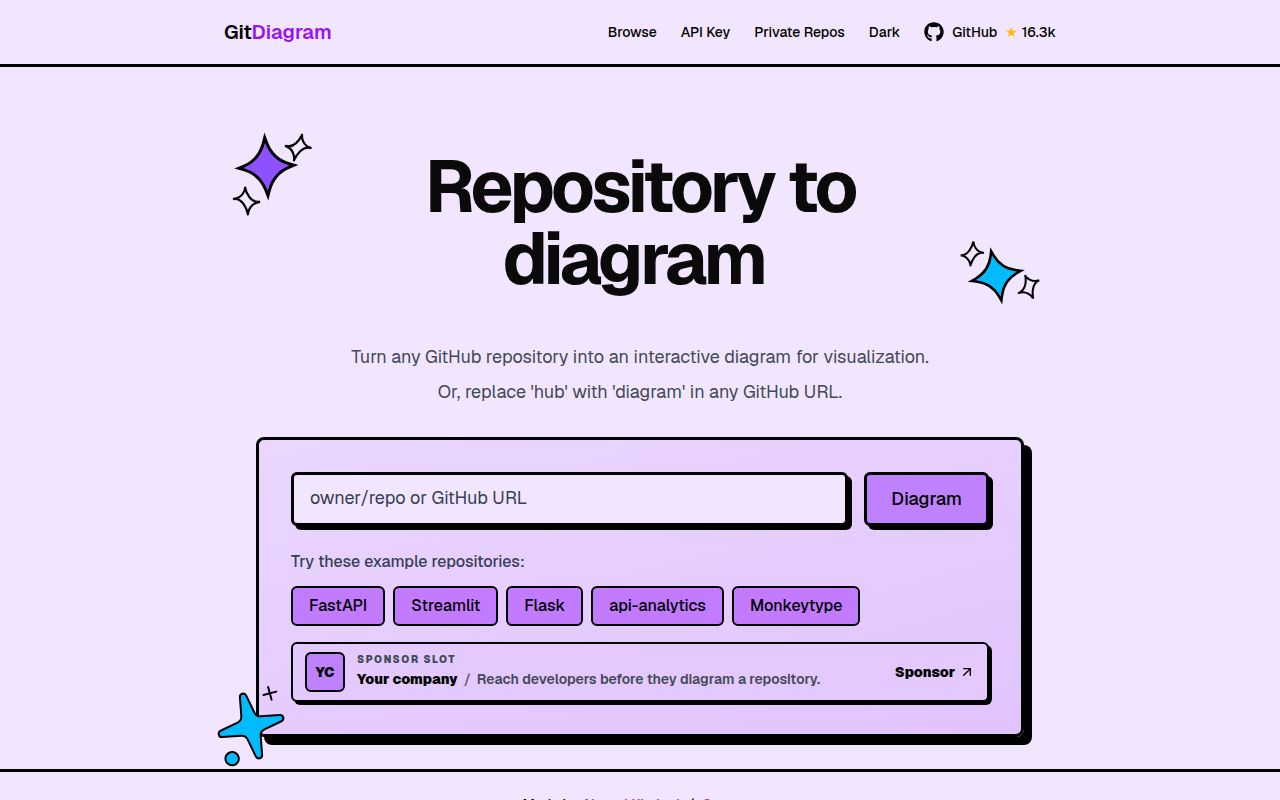
GitDiagram turns a GitHub repository into a Mermaid graph whose nodes link back to real files or directories. Its input is broader than a folder tree: the service reads the default branch, recursive tree, README, and bounded code excerpts, then asks an AI model to describe the system. That makes the result useful during the first hour with a codebase, when you need names and boundaries before you can judge implementation details. Public and private repositories use the same basic flow.
The product saves more than drawing time. A generated map can stream into the browser, reopen from stored state, expose its Mermaid source, and export as PNG. GitDiagram validates identifiers, connectivity, graph limits, and repository paths before compiling the model output. Links must point back to GitHub, and both Mermaid source and rendered SVG pass through sanitizing steps. Those checks reduce fabricated paths and unsafe markup, two practical failure modes for generated diagrams.
GPT-5.6 supplies the interpretation, while code supplies the links
The default managed pipeline uses one GPT-5.6 Luna request at medium reasoning for an overview and graph. GitDiagram selects source excerpts rather than shipping an unlimited repository dump, preserves import bindings for sampled calls, and rejects truncated trees or oversized inputs before model work. Explicit overrides, user keys, and OpenRouter keep a separate two-stage route. Either way, the architecture judgment comes from a language model. The source links are checked; the meaning of the boxes still deserves human review.
That distinction decides whether GitDiagram will help you. It is good at suggesting where to start reading and at turning a sprawling checkout into a discussion artifact. It cannot prove that an edge represents every dynamic call, deployment dependency, generated file, or configuration-dependent path. A maintainer can compare the graph with code and correct the Mermaid. A compliance review or incident investigation needs direct evidence from the repository and runtime after the picture has pointed investigators toward likely areas.
What happened when we ran it
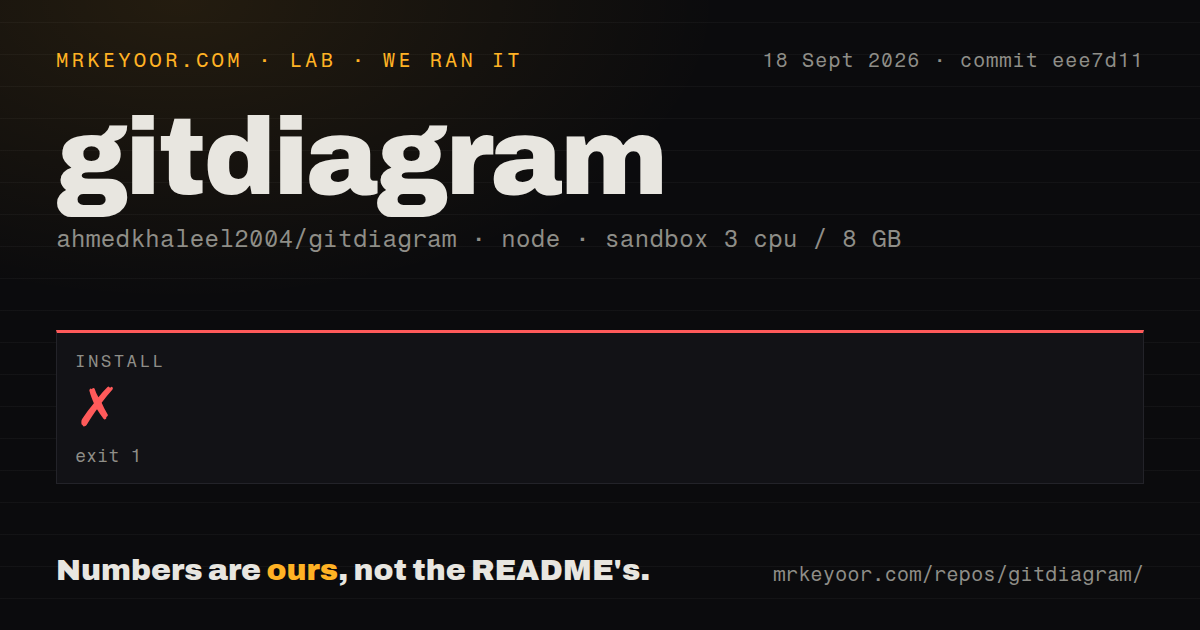
Our sandbox install failed after 2 seconds with exit code 1. npm printed EOVERRIDE and said the override for dompurify@^3.4.15 conflicted with the direct dependency. We stopped there, so there is no build time or test result to report for commit eee7d11. The checkout itself contained 270 files, about 35,106 lines of source, and occupied 1.6 MB before dependencies. It also had 1 CI workflow and a Dockerfile, but no tests directory.
The repository documents Bun rather than npm for its supported install path. Its development guide calls for Node.js 20.9.0 or newer and Bun 1.3.x, with bun ci for a frozen lockfile installation. That context matters because our npm error does not show that bun install would fail. It does show that a generic Node installation path did not work in our fresh Debian container, and the log names the exact dependency conflict rather than a missing system package.
Local setup needs 2 storage buckets, Redis, and an AI account
The four-line quick start reaches bun run dev, but a useful instance needs infrastructure first. GitDiagram requires Cloudflare R2 account credentials, separate public and private buckets, a cache-key secret, and Upstash Redis credentials. You must also choose OpenAI or OpenRouter and supply its API key. A GitHub personal access token or GitHub App is optional, though the documentation recommends authentication for higher GitHub API limits. PostHog analytics can be left unconfigured.
Those services are part of the application design. R2 keeps successful diagrams, with a separate namespace for private artifacts. Upstash holds complimentary quota, cancellation tokens, locks, and short-lived failure state. Concurrent writes use a newest-session-wins rule. Running the website on a laptop is possible, but it is not the same category of task as installing a local graphing binary. You are recreating the service's state model and paying for model requests.
A 300-second server budget shapes production deployment
Vercel is the only live runtime described in the README. The Next.js 16 application serves the UI and generation routes together, and long jobs receive a 300-second function budget with an earlier application deadline for persistence and quota reconciliation. The code includes upstream deadlines, retries, heartbeats, cancellation, and structured logs. These are reassuring production details, though they also explain why replacing the hosted service involves more than deploying a static Next.js page.
A non-root Docker image and railway.json provide a cold recovery route. The failover guide says there is no standing Railway service, connected source, domain, or traffic. Recovery means creating a service, supplying the same environment variables, checking health and a small generation, then making a routing decision. If your organization already uses Vercel, R2, and Upstash, that design is coherent. An all-local or air-gapped environment will require significant changes.
The project is active, but release boundaries are absent
GitHub recorded 16,284 stars, 40 open issues and pull requests, and a last push on September 18, 2026. The updated queue included current dependency work, while older open reports covered subjects such as low-resolution PNG export with zoom enabled. Active code and issue traffic make GitDiagram look maintained. The combined count is not a bug count, because GitHub includes pull requests in open_issues_count.
The latest-release API returned 404, so there is no GitHub release to pin or use as a changelog boundary. The package manifest still says version 0.1.0 and marks the package private. For the hosted site, the deployment commit may be the practical release. Self-hosters should pin a reviewed commit, run the documented lint, typecheck, test, and build gate with Bun, then record their own upgrade notes. Our 2-second npm failure is enough reason to verify that path before allocating the surrounding services.