Frigate records 24/7 and spends detection work on motion
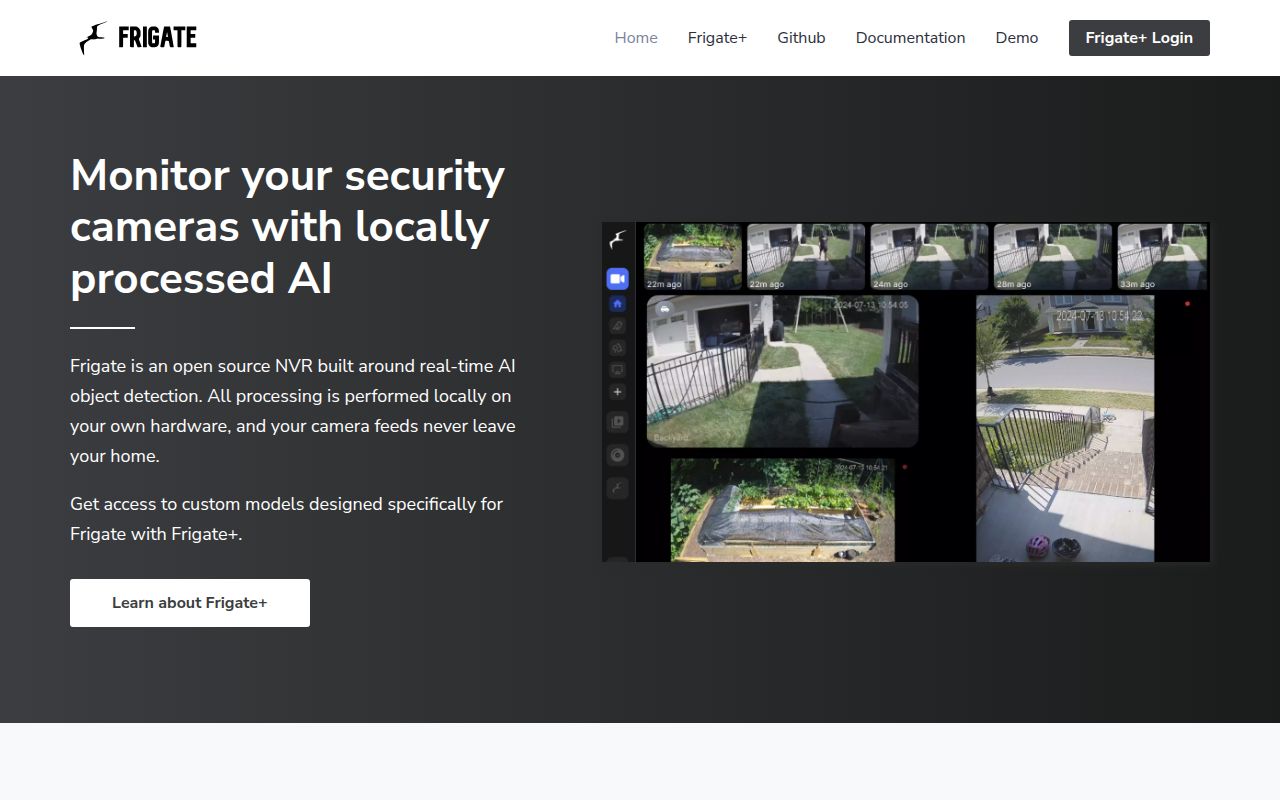
Frigate combines a network video recorder with local object detection for IP cameras. It can record continuously, retain footage according to detected objects, restream feeds over RTSP, and show low-latency live video through WebRTC or MSE. Motion detection decides where object detection should run, which keeps the expensive inference work focused on changing parts of a frame. Home Assistant is the natural companion, but MQTT also lets other systems consume events without adopting the Home Assistant interface.
The service has 4 documented ports with very different trust assumptions. Port 8971 carries the authenticated UI and API, while port 5000 exposes an unauthenticated internal interface for integrations. RTSP restreaming uses 8554, and WebRTC camera connections use 8555. That split is practical inside a controlled Docker network. It is dangerous if a broad port mapping or firewall rule makes the internal interface public. A reverse proxy belongs in front of 8971, not the unauthenticated port.
A 128 MB shared-memory setting is only a starting point
Docker Compose is the recommended installation path, and the guide says bare-metal Debian gives hardware devices the lowest-overhead route into the container. Frigate writes its configuration and SQLite database under /config, recordings and exports under /media/frigate, temporary recording segments under /tmp/cache, and decoded frames in /dev/shm. The documented 128 MB shared-memory default suits 2 cameras detecting at 720p. More cameras or larger frames require a calculation rather than copying the sample unchanged.
Home Assistant adds another moving part. MQTT is optional for a standalone Frigate server, but the official integration requires Frigate and Home Assistant to connect to the same broker. The integration can use port 5000 on a private Docker network or authenticated port 8971 across machines. Default TLS uses a self-signed certificate, which Home Assistant will reject unless you disable TLS on a trusted network or provide a valid certificate. These are ordinary self-hosting tasks, yet none disappears after the container starts.
What happened when we ran it
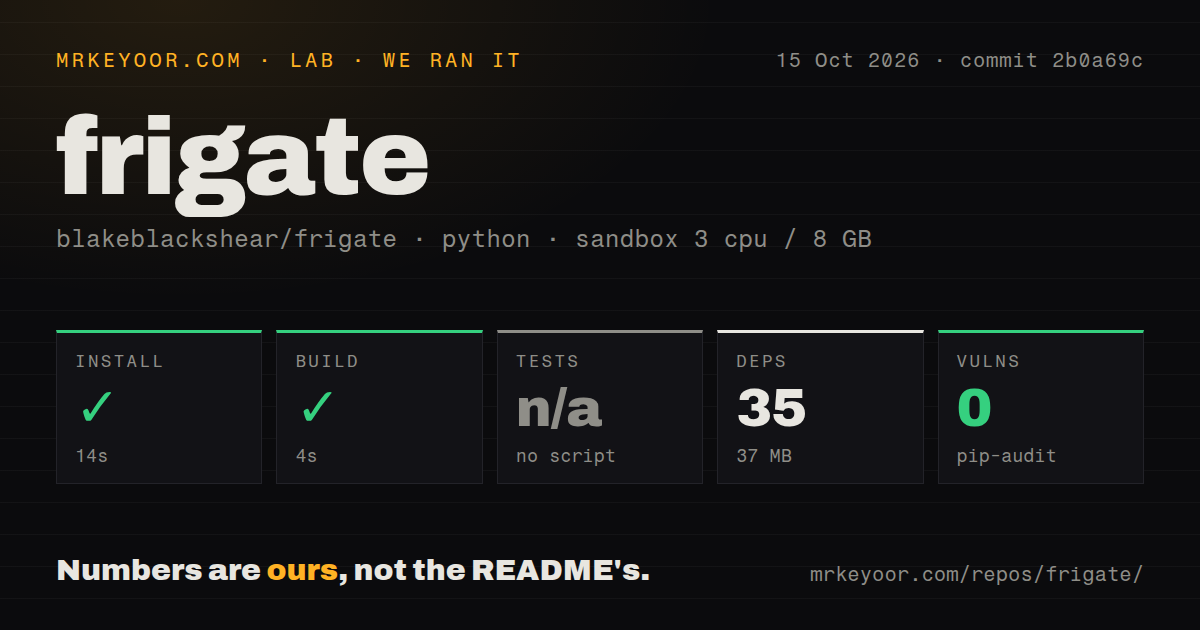
Our sandbox installed Frigate's Python environment in 30 seconds, adding 35 packages and consuming 37 MB on disk. The build completed successfully in another 11 seconds. We cloned commit 287fc42 into a fresh unprivileged Debian container with 3 CPUs and 8 GB of RAM, so these results describe repository setup under that constraint. They do not measure camera decoding, detector speed, recording throughput, or the size of a production container image.
There was no test script or target for the lab to invoke, so tests were skipped rather than passed. The checkout also had no tests directory and no Dockerfile, though it did contain a Compose file and 5 CI workflow files. Pip-audit reported 0 known vulnerabilities in the 35 installed Python packages. The repository itself contained 3,012 files, about 242,867 source lines, and occupied 63.3 MB before that environment was installed.
A 5 fps detection stream is enough for most ordinary scenes
Frigate works best when a camera supplies separate streams for different jobs. The detection feed can use a lower resolution and the default 5 fps, while the recording feed preserves the resolution you want to keep. The camera guide says higher detection frame rates increase CPU or GPU load directly and rarely improve tracking once an object remains visible for several seconds. Matching the aspect ratio of detection and recording streams also avoids awkward live-view and playback composition.
Camera choice can matter more than a YAML tweak. The docs prefer H.264 video with AAC audio for the broadest compatibility and discourage Wi-Fi cameras because unreliable streams can lose video data. H.265 saves bandwidth but has narrower browser and profile support. An accelerator is strongly recommended for detection, with documented paths for Intel OpenVINO, Nvidia GPUs, Hailo, Coral, Apple Silicon through a host proxy, and several other devices. Each path carries its own image, driver, or device-mapping decisions.
Version 0.17.2 fixed 6 advisories and named 3 still pending
The June 28, 2026 release is unusually direct about security. Its notes list 6 addressed advisories involving WebSockets, camera authorization, credential leakage, file reads, and go2rtc command handling. The same notes identify 3 advisories for future versions, including viewer access to sensitive logs, go2rtc information, and recordings from unauthorized cameras. That is a serious warning for internet-facing or role-separated installations. Check the exact release you deploy instead of assuming a newer source push has reached a stable image.
Development activity is plainly current. GitHub recorded the last push on September 4, 2026, and showed 35,638 stars plus 158 combined open issues and pull requests when fetched. A separate search counted 74 open issues and 84 open pull requests. Recently updated requests cover authentication redirects, long-lived tokens, adaptive-bandwidth playback, and accessibility for colorblind users. The queue is active rather than abandoned, but several requested behaviors matter to people running Frigate beyond a single trusted household.
The 11-second build does not make deployment an 11-second job
Frigate is a strong choice when local video, useful detections, and Home Assistant automation belong in one system. Our 11-second build and clean package audit make the source checkout easy to inspect, while the missing test target limits what that run proves. Budget the real effort for stable RTSP feeds, disk retention, shared memory, accelerator access, MQTT, and strict port exposure. If those controls sound like welcome ownership rather than chores, Frigate earns a serious trial on one camera before a full migration.