Two routes wrap one upstream anti-fraud assistant
Fanzha AI Proxy exposes model-listing and chat-completion routes shaped for OpenAI clients. A request creates a conversation against the Chinese National Anti-Fraud AI backend, forwards the latest user message, and converts the upstream event stream into OpenAI-style chunks. Both streaming and collected responses are supported. The narrow scope is the point: a client such as NextChat or Codex CLI can talk to this particular assistant without knowing its mobile-app protocol.
Compatibility stops well short of the full OpenAI platform. The README documents /v1/models and /v1/chat/completions, plus unprefixed aliases. There are no embeddings, image, audio, file, batch, or Responses endpoints. The proxy also reduces a conversation to the most recent user message before sending it upstream, so a client may display a multi-turn chat while the backend receives only one extracted prompt per request.
The 49 MB install is easier than obtaining the token
Our installation used 49 MB after adding 50 packages, which is modest for a Python API service. The operational hurdle sits outside pip: every useful chat needs an access token from the official Android application. The README's preferred extraction path enables USB debugging, uses root to copy the app's private SQLite database, pulls that file with ADB, and queries it with sqlite3. Two packet-inspection methods are also described.
The service accepts a token from each request or falls back to a process-level token. An optional refresh token can renew the stored credential. Those values grant access to an account-backed government service, so they deserve the same treatment as any other production secret. Binding to the default 127.0.0.1:8088 limits exposure. Changing the host to a public interface without another authentication layer would let callers reach the proxy and could put the configured credential at risk.
What happened when we ran it
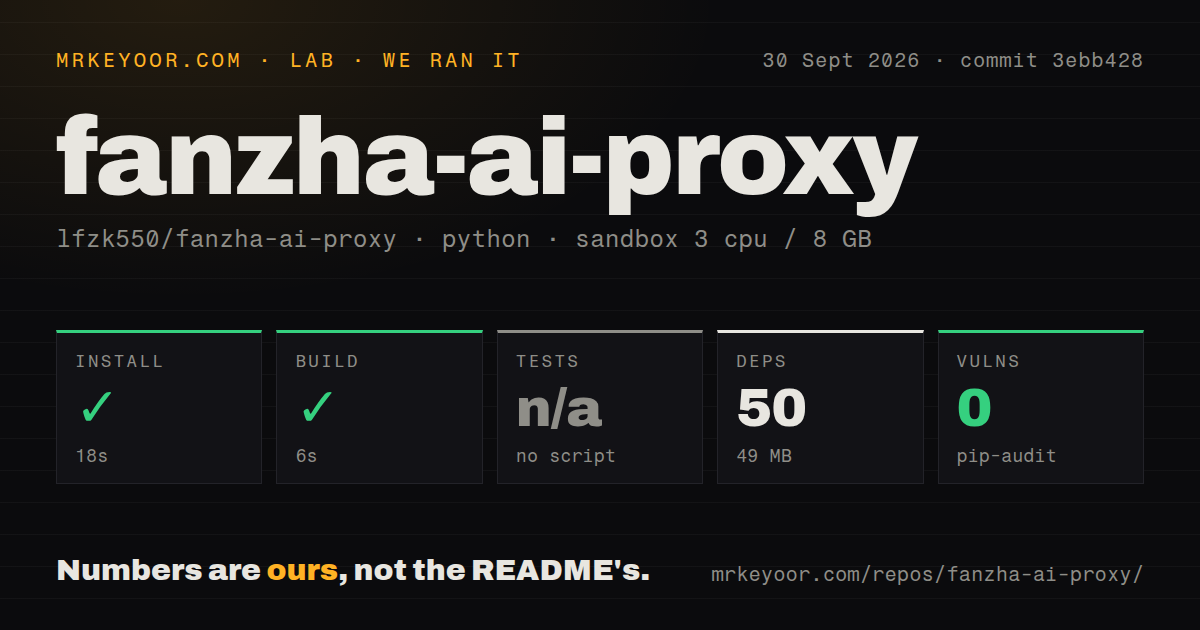
Our fresh Debian sandbox installed commit 3ebb428 in 18 seconds. The environment had 3 CPUs, 8 GB of RAM, Python 3.12, no secrets, and no elevated privileges. Installation succeeded with 50 packages and a 49 MB disk footprint. The build step also succeeded, taking 6 seconds. Pip-audit reported 0 known vulnerabilities in the installed dependency set.
The repository had 6 files, about 264 lines of source, and a checkout size reported as 0 MB by the lab. No test script or test target existed, so we skipped tests rather than inventing a command. Our scan also found 0 CI workflow files, no Dockerfile, and no tests directory. These results say the code installs and builds. They do not show that a real token works, that the upstream answers correctly, or that streaming survives a long session.
Copying .env does not configure version 1.1.0
The README tells the user to copy .env.example to .env, but main.py never calls a dotenv loader. Version 1.1.0 reads FANZHA_ACCESS_TOKEN, FANZHA_REFRESH_TOKEN, HOST, PORT, and DEFAULT_MODEL straight from the process environment. Following the copy step alone therefore leaves the token empty. Export the variables in the shell or configure them in the service manager that starts Python.
There is a second piece of configuration debris: config.example.json contains host, port, model, and token keys, but the 264-line program never reads that file. Neither mismatch is difficult to work around. Together, they show that setup instructions have not been checked against the exact startup path. The clone command also names a different GitHub owner from the repository being reviewed, another small sign that you should verify every copied command.
Zero tests and zero releases make upstream drift your problem
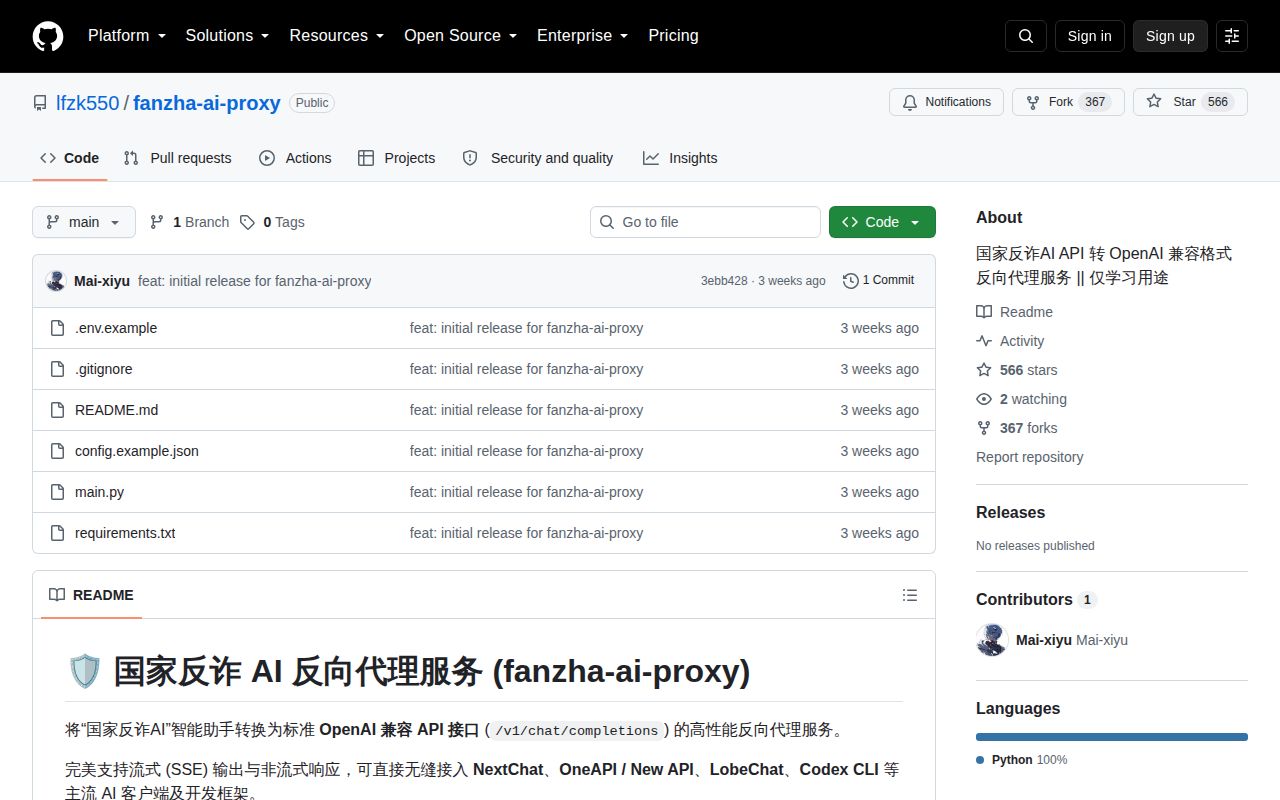
GitHub showed 566 stars and 0 open issues or pull requests on October 1, 2026. The last push was September 7, 2026, the same date attached to this very young repository's public history. There is no latest release, and GitHub detects no license. That combination is enough for a personal experiment, but it gives a company no versioned upgrade point or stated permission terms to build policy around.
The missing tests matter because this proxy translates somebody else's private protocol. Session creation, token renewal, event fields, and endpoint paths can change without an OpenAI client changing at all. A health route only confirms that the local process is alive. Before depending on it, add a mocked upstream suite for both response modes and a secret-safe integration check using an authorized account. Otherwise, a valid HTTP 200 can hide a fallback Chinese greeting rather than a real upstream answer.
Six files belong on a trusted box, away from shared traffic
The project's own README limits its 6 files to technical exchange, academic research, and personal learning, and says it is unaffiliated with the official application. That boundary matches what the code can support today. One Python file is easy to read and alter. A 6-second build also makes local experimentation cheap. None of that supplies service terms, access rights, monitoring, or a maintenance contract for the upstream.
For a Chinese-speaking developer with an authorized token, Fanzha AI Proxy is a direct way to test the assistant from an OpenAI-shaped client. For a team choosing shared AI infrastructure, LiteLLM, Portkey, or New API starts from a broader gateway problem and avoids binding the whole service to one unofficial app integration. This connector suits one specific experiment; a shared service needs a general gateway that can survive an upstream change.