Crush puts editing, shell tools, and model chat in one terminal
Crush opens as a full-screen terminal application, keeps separate sessions per project, and lets you change models without throwing away the conversation. It can edit files, run shell commands, consult language servers, and call MCP tools. That combination is the reason to choose it: you get one working surface for code and model interaction instead of a chat window beside your editor.
The client supports macOS, Linux, Windows, Android, FreeBSD, OpenBSD, and NetBSD. Installation choices include Homebrew, npm, Winget, Scoop, Nix, distribution packages, release binaries, and go install. Version v0.97.1 was released on September 29, 2026, with signed checksums and binaries. This is mature packaging for a project whose current checkout contains 1,214 files.
Crush supports hosted and local models, with separate credentials
The quickest documented start uses Charm Hyper, a subscription service with a free tier. Crush also connects to Anthropic, OpenAI, Gemini, OpenRouter, Amazon Bedrock, Azure OpenAI, Vertex AI, and other services through provider-specific credentials. Local models work through Ollama, LM Studio, llama.cpp, or another compatible endpoint. You can define an OpenAI-compatible or Anthropic-compatible provider when the built-in list does not fit.
That freedom does not make inference free or private by itself. Your model provider receives the requests you send according to its own terms. Bedrock can need several AWS variables, while Vertex AI needs a project and location. None of those provider paths was covered by our 446-package source install. Crush also checks the Catwalk provider catalog for updates unless you disable that behavior. Decide where code may travel before pasting the first credential.
What happened when we ran it
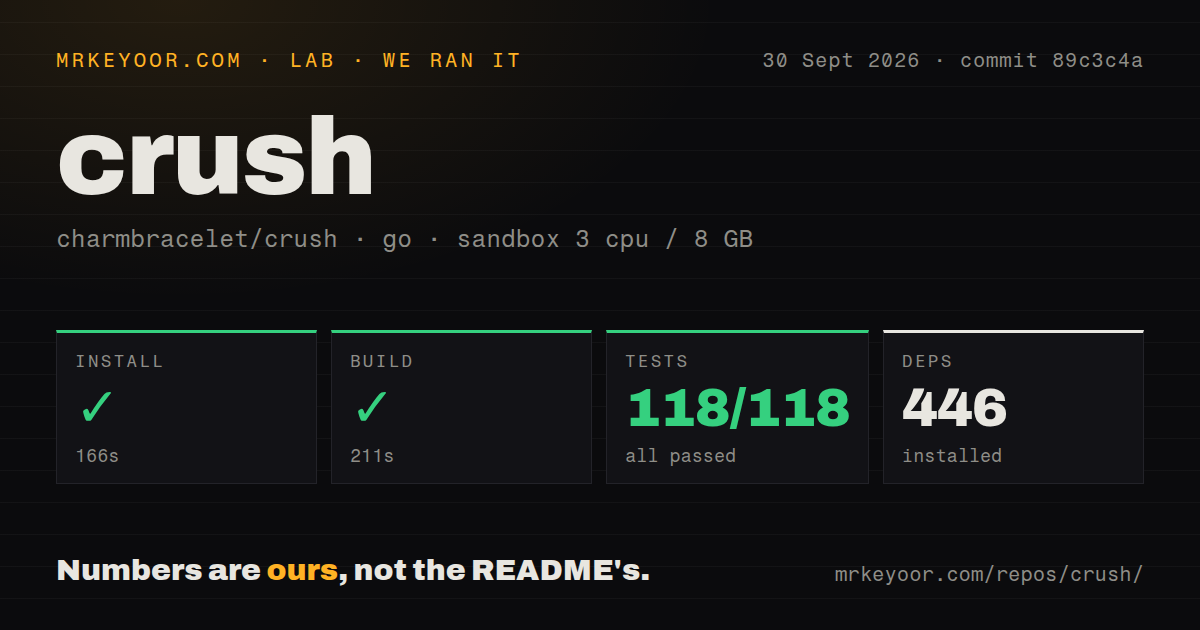
Our sandbox installed commit 89c3c4a in 166 seconds and pulled 446 packages. The build completed in 211 seconds. Go's test command then passed all 118 tests in 250 seconds, with 0 failures. The container had 3 CPUs, 8 GB of RAM, Debian with Go 1.24, no secrets, and no elevated privileges.
Those results cover repository mechanics, not agent quality. We did not send source code to a model, compare generated patches, measure token use, or test the many provider routes. The checkout was 9.4 MB and held about 167,608 lines of source. Ten CI workflow files were present, but the repository had no Dockerfile and no top-level tests directory.
Two project config formats can execute shell commands at load time
Crush now uses crushrc, a Bash-like configuration file that works across supported systems. The README calls both crushrc and the older JSON format trusted code. Shell expansion such as $(command) can run while configuration loads. A cloned repository can include local config with higher priority than your global file, so opening an unfamiliar project deserves the same caution as running one of its scripts.
Permissions are more considered than the playful interface suggests. Tool calls ask before execution by default. You can allow selected tools, deny others, or hide specific MCP tools. The --yolo option removes every prompt. Leave it off until a project's 2 executable config formats, skills, and connected services have been checked. An attractive terminal does not shrink the authority granted to an agent.
MCP supports 3 transports alongside language servers and skills
MCP connections may use stdio, HTTP, or server-sent events, with headers, environment variables, disabled-tool lists, timeouts, and OAuth where supported. Language servers add code context. Agent Skills can come from global folders or project directories, including .agents/skills, .crush/skills, and .claude/skills. Each extension increases what Crush can see or do, which is useful only when its permissions match the job.
Crush also records pseudonymous usage metadata tied to a device-specific hash, though its documentation says prompts and responses are excluded. CRUSH_DISABLE_METRICS=1 or DO_NOT_TRACK=1 disables that reporting. Provider auto-updates have separate controls. Teams with egress rules should set both policies centrally rather than expect every developer to remember 2 environment switches.
The FSL license limits competing commercial services
The repository labels the code FSL-1.1-MIT. Internal use, noncommercial education, research, and professional services for a compliant licensee are named permitted purposes. A commercial product or service that substitutes for Crush or a related Charm product is excluded. Each version converts to MIT on the second anniversary of its availability, so the legal position changes release by release.
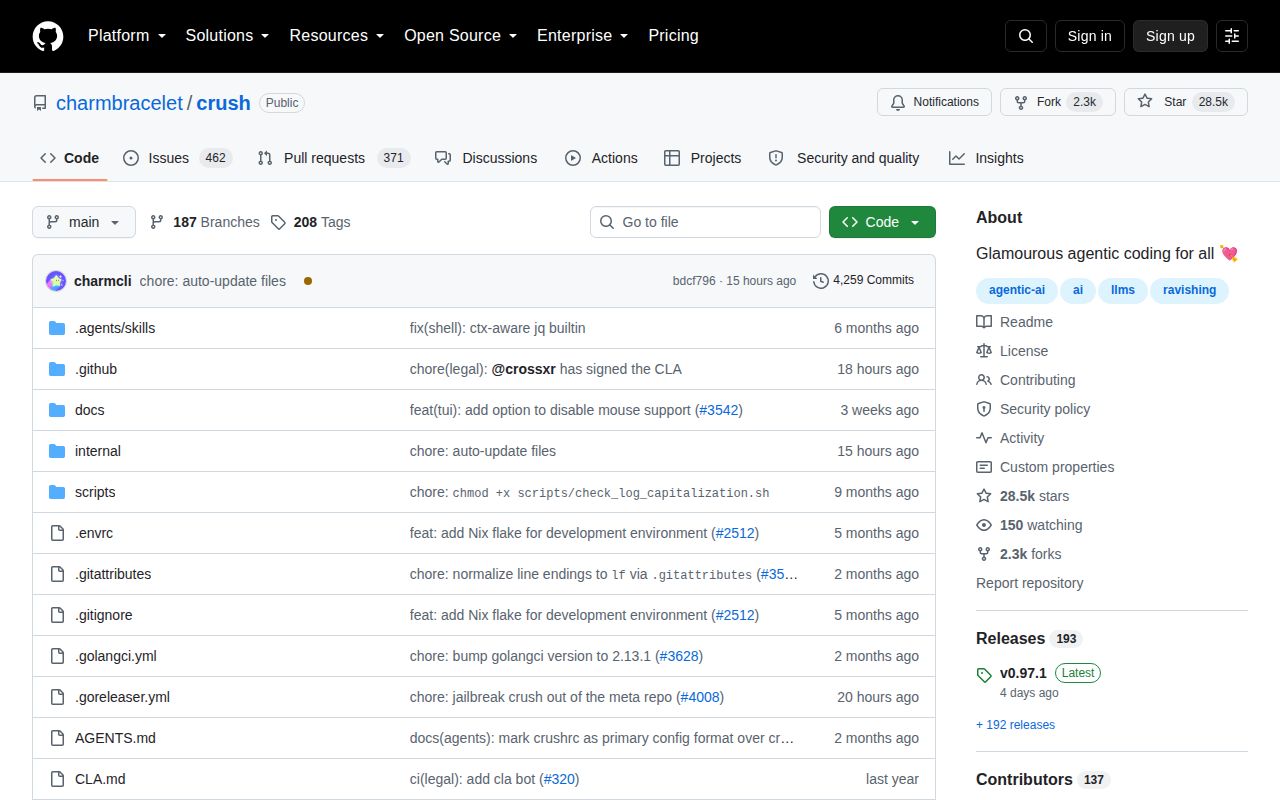
Development activity is substantial: GitHub showed 28,460 stars, 833 combined open issues and pull requests, and a last push on October 2, 2026. One open issue against v0.97.1 describes terminal mouse selection missing the character under the cursor. That is a small defect beside a fully passing 118-test run, but the large queue means buyers should check their own terminal and provider path before standardizing on Crush.