userpath review
userpath permanently adds directories to a user's PATH through a Python API or the `userpath` CLI. On Unix it detects or accepts a shell and appends shell-specific configuration; on Windows it updates the user's Environment registry value and broadcasts a settings-change message. Separate checks report whether a location is active in the current process, configured for a new shell, or waiting for a restart. Version 1.9.2 is a Windows import-error fix and remains the current release from February 2024. The library can append or prepend, but it has no removal operation.
userpath 1.9.2 installed in 0.2 seconds and used 1 MB on our box, but every successful write changes user-owned configuration and the package has no removal API. It fits narrow installer flows with explicit shell targets and a separate uninstall plan; use pipx when the real task is Python app installation.
We installed it
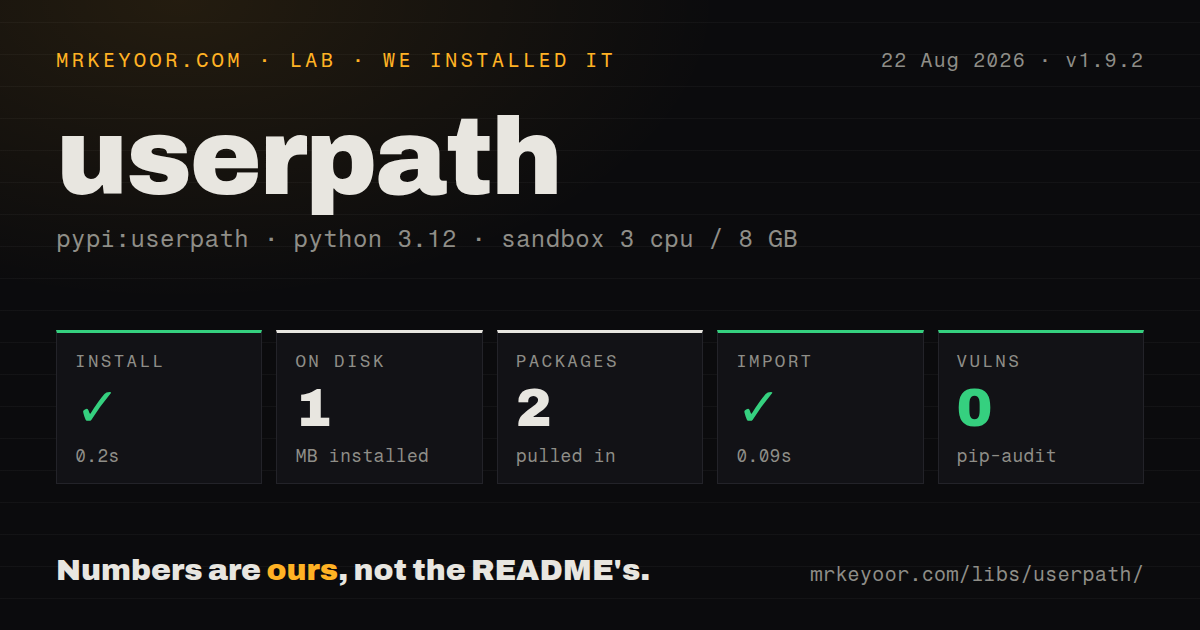
| Install | ✓ · 0.2s | 2 packages on disk · 1 MB |
| Import | ✓ | import userpath in 0.09s · pure Python · requires Python >=3.7 |
| Known vulns | 0 | (pip-audit) |
Answers from our run
Does userpath install cleanly?
Yes. In a fresh container with an empty cache, pip install userpath finished in 0.2s, leaving 2 packages and 1 MB on disk. pip-audit reported no known vulnerabilities.
What does userpath need to run?
Python >=3.7, and nothing compiled: it is pure Python. In our run import userpath succeeded in 0.09s.
userpath or pipx: which should you use?
pipx: Use it when the actual job is installing and removing Python command-line applications for a user. userpath 1.9.2 installed in 0.2 seconds and used 1 MB on our box, but every successful write changes user-owned configuration and the package has no removal API.
When should you not use userpath?
Your installer must undo every change. userpath exposes append, prepend, and verification, with no CLI or API command that removes an entry.
Use it if
- A Python application installer places an executable outside the existing PATH and must guide the user across Windows, macOS, and Linux.
- The installer can name its target shells explicitly and owns tests for the affected startup-file combinations.
- You need to distinguish an active PATH entry from one that will appear only after a shell restart.
- Idempotent append or prepend behavior is enough because uninstallation is handled elsewhere.
- Your installer must undo every change. userpath exposes append, prepend, and verification, with no CLI or API command that removes an entry.
- Writing user-owned shell startup files is outside the product's permissions. Unix operation may append to several shell-specific files.
- Shell detection is unreliable in your launch path. Package managers, wrapper scripts, CI, and unusual shells can hide the actual interactive shell, so the fallback may update the wrong set.
- The running process needs the new binary immediately. userpath changes future user environments and does not rewrite `os.environ` for the current process.
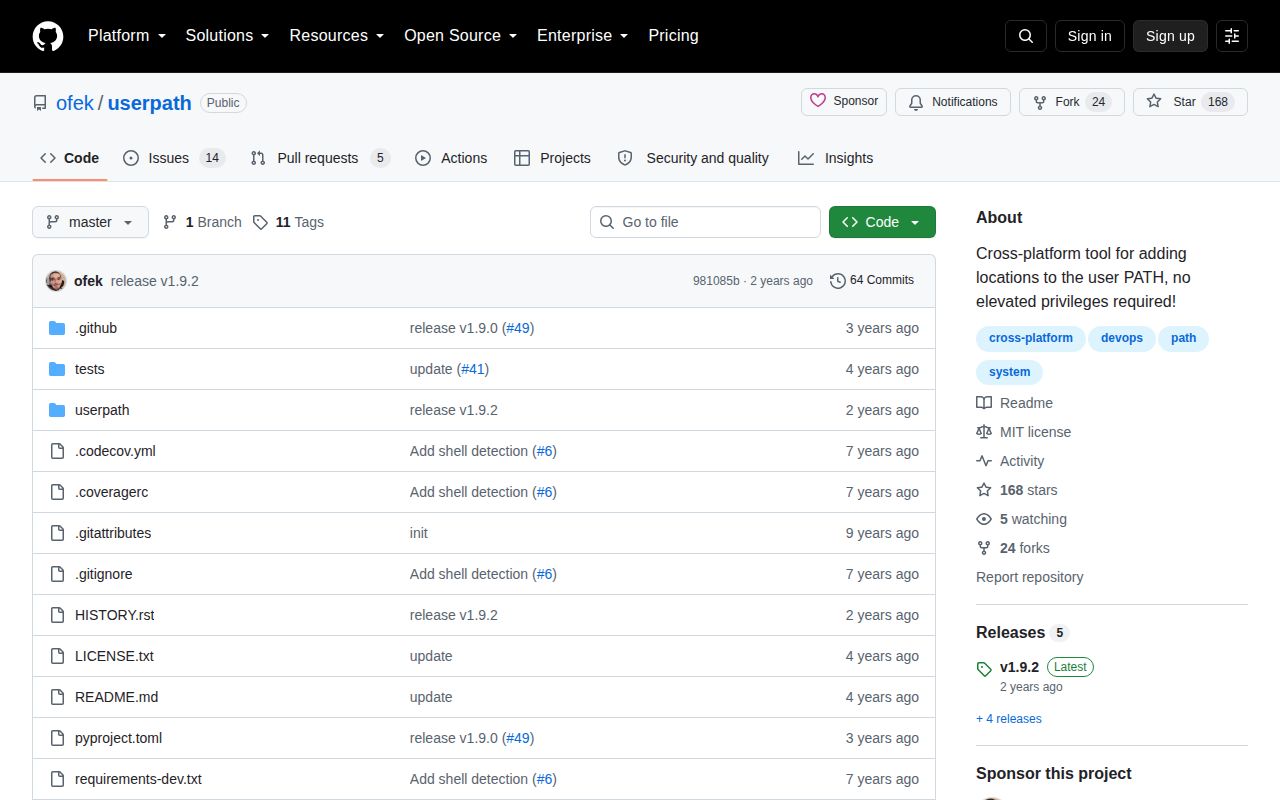
- Typed Python and active shell support are requirements. Version 1.9.2 ships no `py.typed`, and the repository has seen no push since June 2024.
Setup reality
Our fresh Python 3.12 Bookworm install of userpath 1.9.2 finished in 0.2 seconds. It left 2 packages using 1 MB, and import userpath worked in 0.09 seconds. We measured 1 direct dependency, a pure-Python package requiring Python 3.7 or newer, an MIT license, and 0 known pip-audit vulnerabilities. The distribution does not ship py.typed, so strict typed code needs local declarations or a checked wrapper.
The difficult part begins when an installer calls append() or prepend(). On Unix, shell detection can inspect the parent process and environment, then choose startup files for supported sh, bash, zsh, fish, or xonsh behavior. A package manager or wrapper can obscure the user's real shell. Pass the shells sequence when the installer knows its targets, and use all_shells=True only when writing several configurations is intentional.
in_current_path() reads the PATH inherited by this Python process. in_new_path() starts a shell and observes what a new session would produce, so slow or interactive startup files can slow verification. need_shell_restart() identifies the useful middle state: configuration is written but the current process has not inherited it. Even after a successful append, a subprocess launched from the same Python process may still fail to find the new executable unless you adjust its environment separately.
On Windows, version 1.9.2 includes a fix for an import error. The library writes the user Environment PATH as a registry value and sends the system settings-change notification; shell-selection arguments do not control that global user setting. On every platform, label changes with app_name, set check=True when failure must raise, and design uninstallation before writing because the package cannot remove the line or registry entry it added.
Patterns
Append a user binary directory add-to-path
import userpath

userpath.append('/home/user/.local/bin')
The current Python process keeps its existing PATH. A new shell can see the configured directory after startup.
Place an application directory first prepend-for-priority
userpath.prepend('/opt/mytool/bin')Prepending can shadow a system command with the same name. Make that priority change explicit in installer messaging.
Separate active, pending, and absent states check-before-writing
location = '/home/user/.local/bin'

if userpath.in_current_path(location):
    print('already active')
elif userpath.in_new_path(location):
    print('configured; restart the shell')
else:
    userpath.append(location)
`in_current_path` reads this process, while `in_new_path` starts a shell and reads the environment it produces.
Report when activation needs a restart prompt-shell-restart
userpath.append(location, app_name='mytool')

if userpath.need_shell_restart(location):
    print('Restart your shell, or run: exec $SHELL')
A successful configuration write does not update `os.environ`; version 1.9.2 reports that pending state separately.
Raise when PATH verification fails fail-loudly
try:
    userpath.append(location, check=True)
except Exception as exc:
    print(f'could not update PATH: {exc}')
    raise SystemExit(1)
Without `check=True`, callers receive a boolean and can accidentally ignore `False`. Installer code should turn failure into a visible result.
Name the shells an installer supports target-specific-shells
userpath.append(location, shells=['zsh', 'fish'])The Python keyword is plural. Explicit targets avoid parent-process detection when a package manager or wrapper launched the installer.
Write every built-in shell configuration update-every-shell
userpath.append(location, all_shells=True)This can touch sh, bash, zsh, fish, and xonsh configuration. Windows ignores shell selection because its user PATH is global.
Add several directories in one call add-multiple-directories
import os

locations = os.pathsep.join(['/opt/mytool/bin', '/opt/mytool/libexec'])
userpath.append(locations)
The function splits `locations` on the platform path separator. With checking enabled, each resulting entry is verified.
Identify the installer in generated comments label-the-change
userpath.append('/opt/mytool/bin', app_name='mytool')`app_name` labels the Unix configuration addition. The default label is `userpath`, which does not identify the product that requested it.
Modify and verify PATH from the CLI use-cli
userpath append ~/.local/bin
userpath prepend /opt/mytool/bin --shell zsh --shell fish
userpath verify ~/.local/bin
Append and prepend can return exit code 2 when the location already exists unless `--force` is used; installer scripts should distinguish that state from write failure.
Select another account's home directory target-explicit-home
userpath.append(
    '/opt/mytool/bin',
    shells=['bash'],
    home='/home/deploy',
)
The `home` argument changes file targets, not operating-system ownership. Privileged installers must still leave user-readable and user-owned configuration.
Record enough state for uninstallation plan-for-removal
state_file.write_text(json.dumps({
    'location': location,
    'shells': ['bash'],
    'app_name': 'mytool',
}))
userpath.append(location, shells=['bash'], app_name='mytool')
Version 1.9.2 has no remove function or command. Your uninstaller must locate and reverse the exact configuration change itself.
Alternatives
| Package | Registry | Pick it when |
|---|---|---|
| pipx | PyPI | Use it when the actual job is installing and removing Python command-line applications for a user. |
| platformdirs | PyPI | Use it to locate per-user data or binary directories while leaving PATH modification to the installer. |
| shellingham | PyPI | Use it when shell detection is needed but your application will own every configuration edit and rollback. |
More utils guides
lru-cache · type-fest · ajv · zod · p-limit · find-up · the whole shelf →
How this guide is made: grounded in the library's documentation, release notes, changelog, and issue history, on a fixed rubric — not a hands-on install of every release. The 50 most-downloaded entries are additionally install-verified in clean containers. Corrections: contact the desk.